
 v11.6.0
flutter_quill
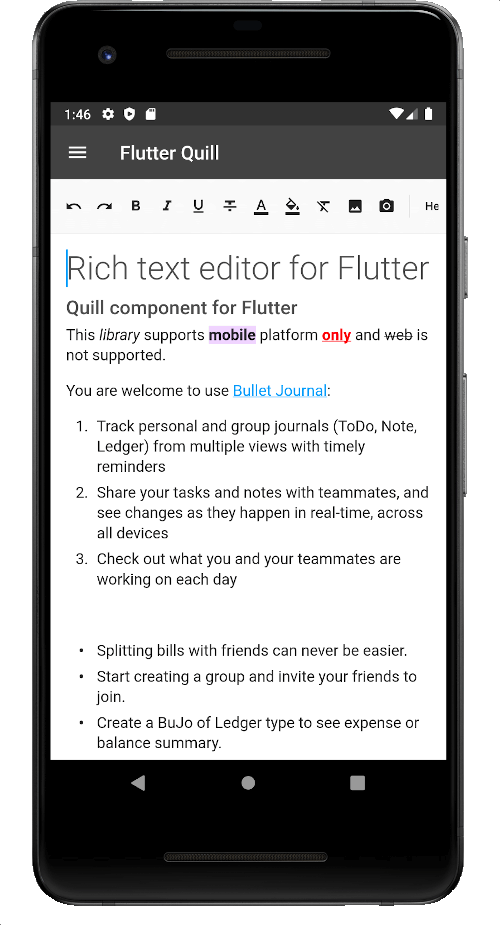
Android, iOS, 웹 및 데스크톱 플랫폼을 위한 풍부한 텍스트 편집기입니다. Flutter용 WYSIWYG 에디터이자 Quill 컴포넌트입니다.
2.2천좋아요 25만30일 다운로드150Pub 점수
AndroidiOSmacOSWindowsLinux
Virlow Flutter 레코더는 기록된 오디오를 전사할 수 있는 오픈소스 플러터 애플리케이션입니다. 또한 전사에 대한 요약(TL;DR)과 단축 노트도 포함되어 있으며, 전사를 편집하고 필요한 추가 메모를 추가할 수 있는 리치 텍스트 에디터도 제공합니다.
 v11.6.0
Android, iOS, 웹 및 데스크톱 플랫폼을 위한 풍부한 텍스트 편집기입니다. Flutter용 WYSIWYG 에디터이자 Quill 컴포넌트입니다.
 v3.0.0
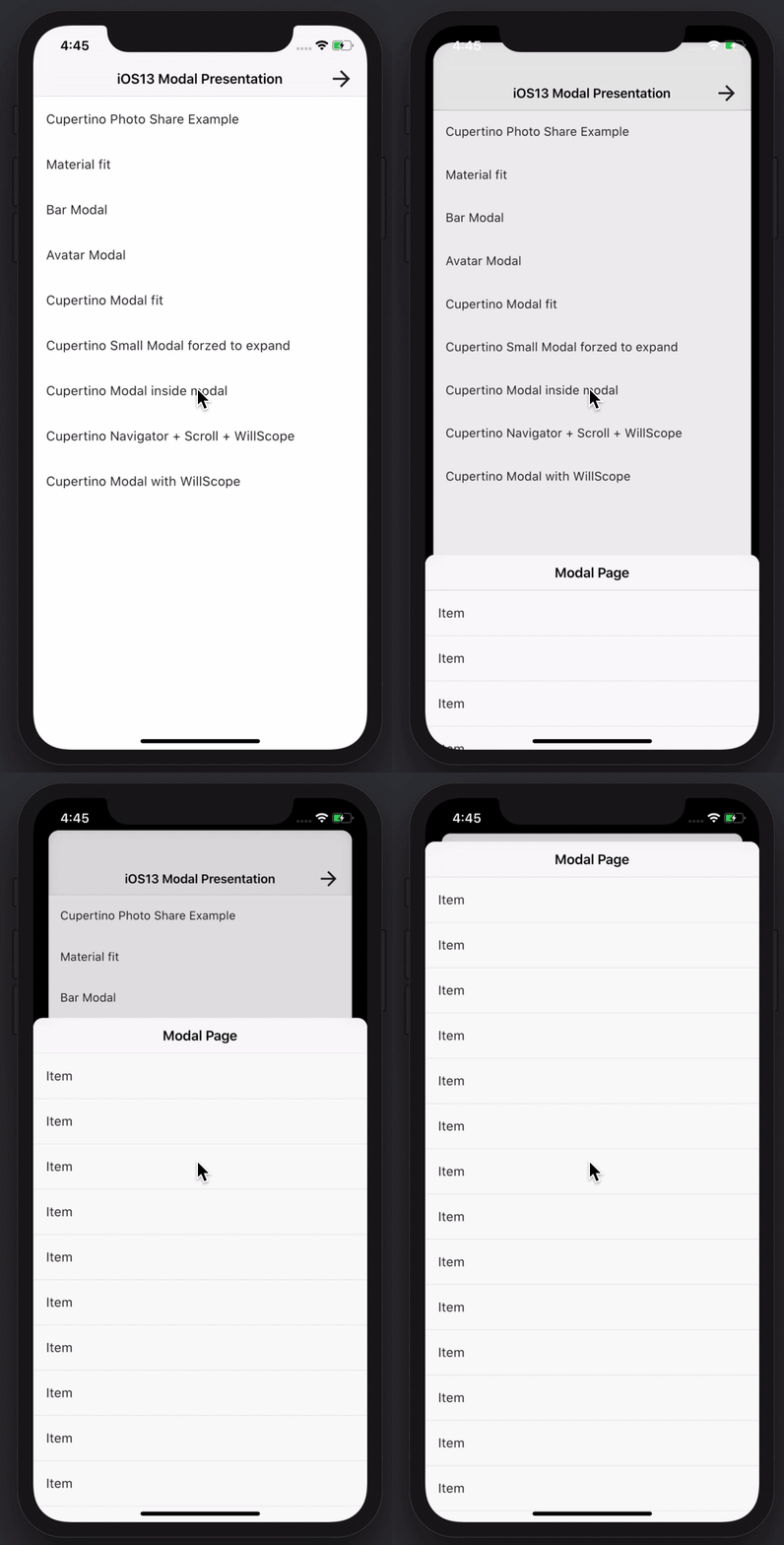
멋지고 강력한 모달 바텀 시트를 만들 수 있습니다. Material, Cupertino iOS 13 또는 자신만의 스타일을 만들 수 있습니다
GraphQL 및 REST 작업을 지원하는 Amplify Flutter API 카테고리 플러그인입니다.
AWS Cognito 공급자를 사용하는 Amplify Flutter Auth 카테고리 플러그인.
Amplify Auth 카테고리용 사전 구축된 로그인 및 가입 경험
AWS Amplify 라이브러리용 최상위 수준의 Flutter 패키지입니다.
 v9.30.0
오디오 재생 및 녹음용 완전한 API입니다. Tau 가족의 일원입니다. 오디오 플레이어, 오디오 레코더. 우크라이나를 위해 기도하세요.
 v6.0.0
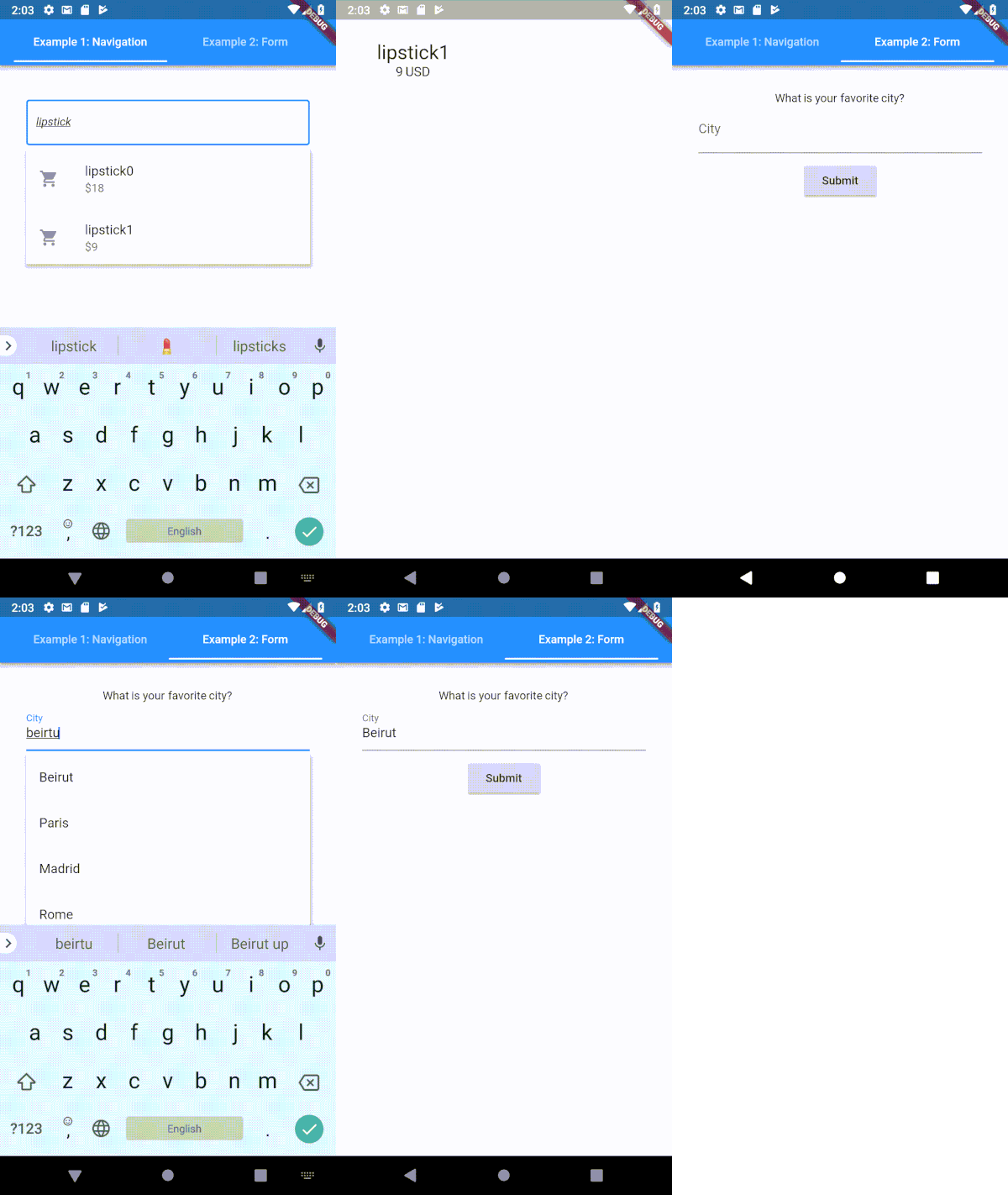
Flutter용으로 매우 사용자 정의 가능한 타입헤이 (자동 완성) 텍스트 입력 필드
웹, 플러터, dartvm용 socket.io-client의 다트랭 포트
 v6.0.0
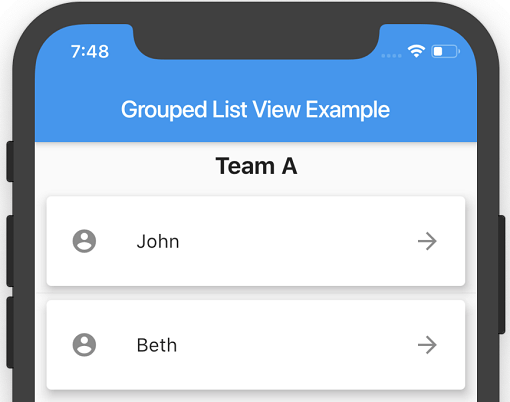
리스트 항목을 섹션으로 그룹화할 수 있는 Flutter ListView입니다.
 v6.0.0
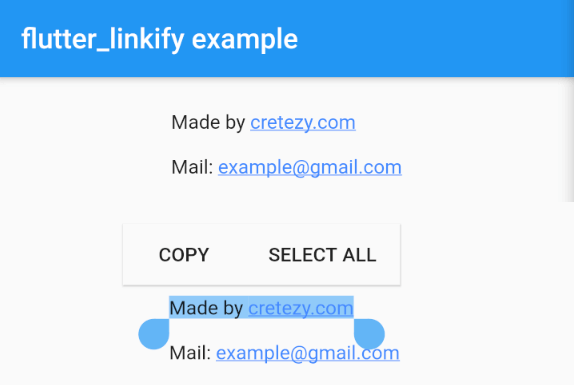
플러터용 텍스트 내의 URL 및 이메일을 클릭 가능한 인라인 링크로 변환합니다.
 v3.4.0
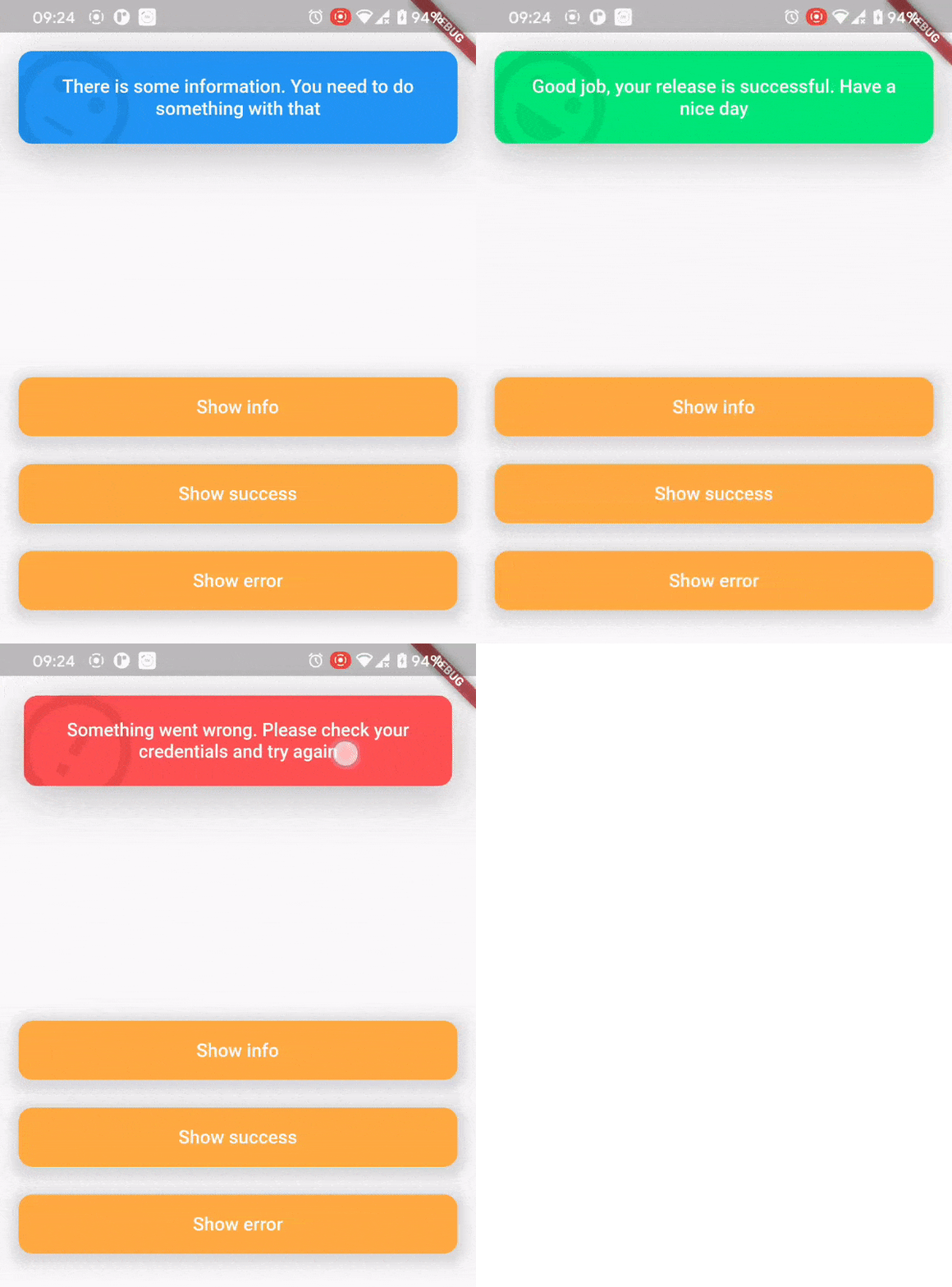
상단 스낵바 패키지는 사용자에게 일어난 일을 편리하고 쉽게 알리기 위해 만들어졌습니다.
^0.1.6+1{"sdk":"flutter"}^1.0.4^5.0.2^2.0.0^5.0.3^2.0.0^9.2.13^4.0.0^5.1.1^2.2.1^1.1.0^0.13.4^0.17.0^0.9.21^2.0.1^9.2.0^2.0.0-beta.4-nullsafety.0^1.1.1^6.1.2^3.0.6^0.27.3{"git":{"url":"https://github.com/virlow-voice/flutter-sound-stream"}}^0.6.0^0.6.0^0.2.0^0.6.0^2.1.0{"sdk":"flutter"}^2.0.1아래는 영문 원문 스냅샷입니다. 최신 내용은 GitHub에서 확인하세요.
Version 2.2.0-beta
The Virlow Flutter Recorder is an open-source Flutter application that can transcribe recorded audio, plus it includes TL;DR and Short Hand Notes for your transcription. It also consists of a rich text editor that allows you to edit the transcription plus add any additional notes you require.
https://raw.githubusercontent.com/virlow-voice/virlow-flutter-recorder/HEAD/virlow.gif
The Virlow Flutter Recorder leverages the Virlow Speech-to-Text API for transcription as well as TL;DR and Short Hand Notes. The Virlow API can automatically convert audio/video files and live audio streams to text with Virlow’s Speech-to-Text APIs. Powered by cutting edge AI models.
Find instructions for setting up your development machine with the Flutter framework on Flutter’s Get started page. The specific steps vary by platform
This project uses the Virlow Speech-to-Text API. You will need to register and generate an API key to use this within your own project.
To run your project, you’ll need to use one of the following options:
Clone this repository.
Update the assets/cfg/app_settings.json with your Virlow API key.
Run flutter pub get.
In VS Code select a platform — for example, the Pixel mobile emulator — and wait while the emulator launches.
Once the emulator is ready, build and run by pressing F5, by selecting Debug ▸ Start Debugging from the menu or by clicking the triangular Play icon in the top right.