
flutter_firebase_ai_logic_ai_agents
Flutter AI Agents는 Firebase AI 로직을 갖춘 Flutter 앱 프로젝트입니다.

- 스타
- 2
- 포크
- 1
- 최근 푸시(UTC)
- 2025. 9. 2.
- 프로젝트 상태
- 활성
원본 README
아래는 영문 원문 스냅샷입니다. 최신 내용은 GitHub에서 확인하세요.
Flutter AI Agents
Flutter AI Agents is a project which Flutter app with Firebase Ai Logic.
It uses Gemini Ai Api and Vertex Ai Api.
As a POC that Mobile Apps can use Ai Agents directly in app.
Screenshots

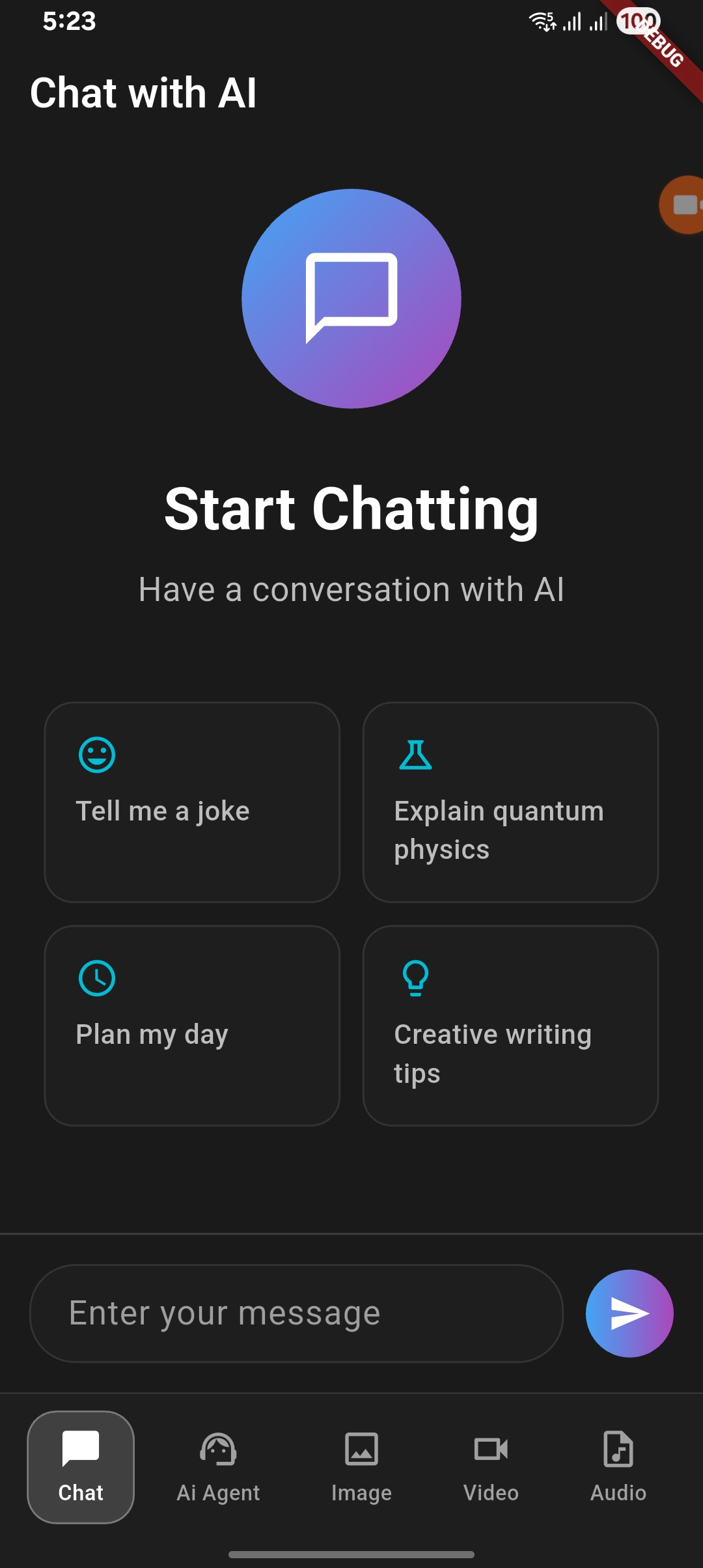
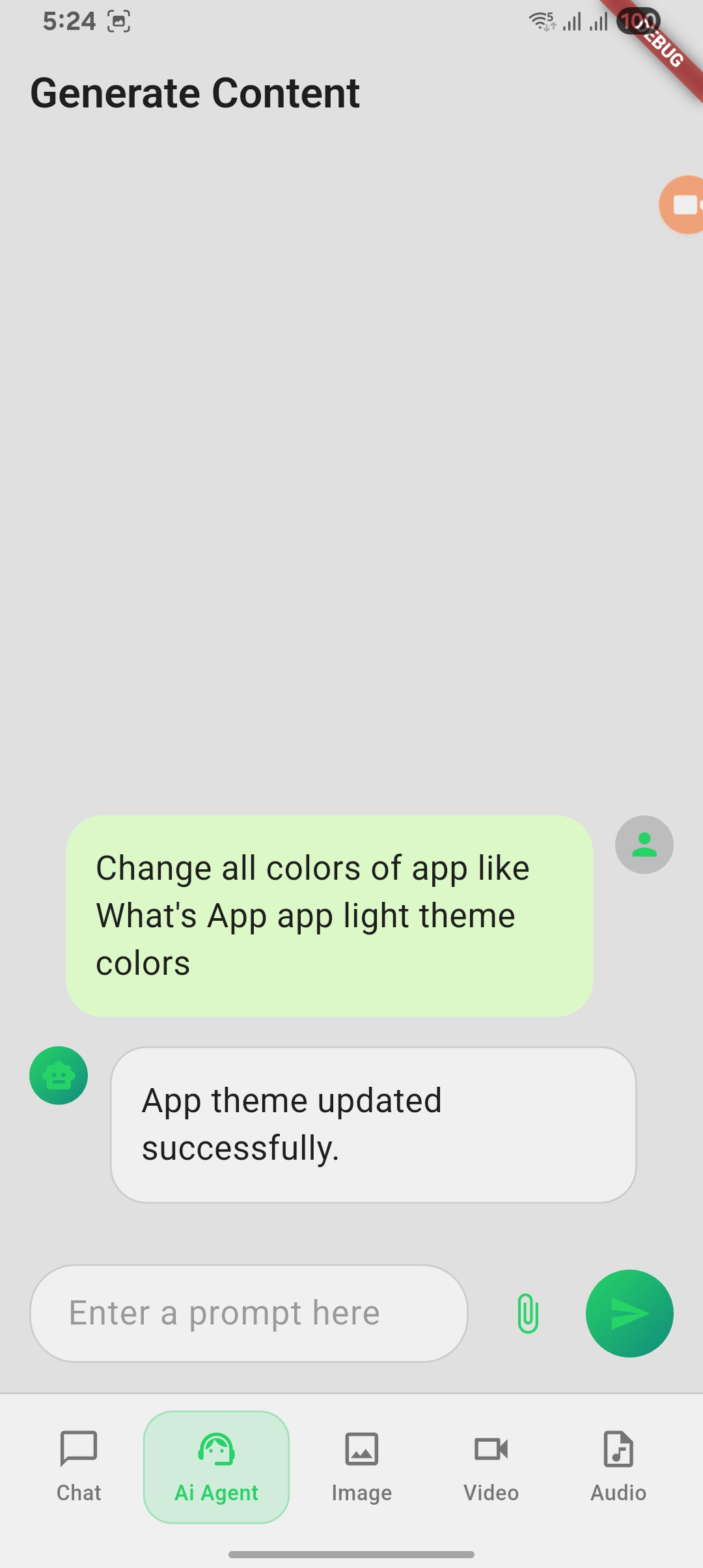
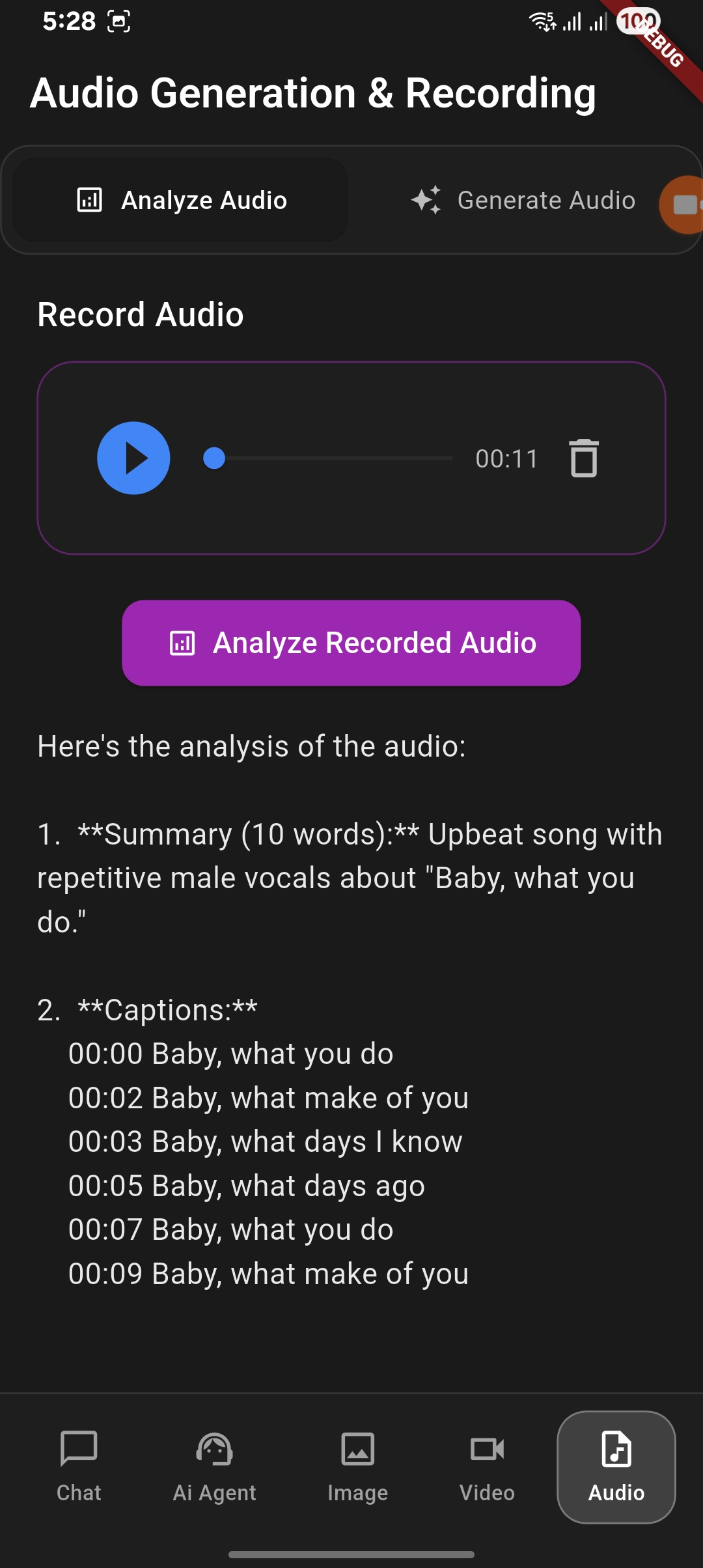
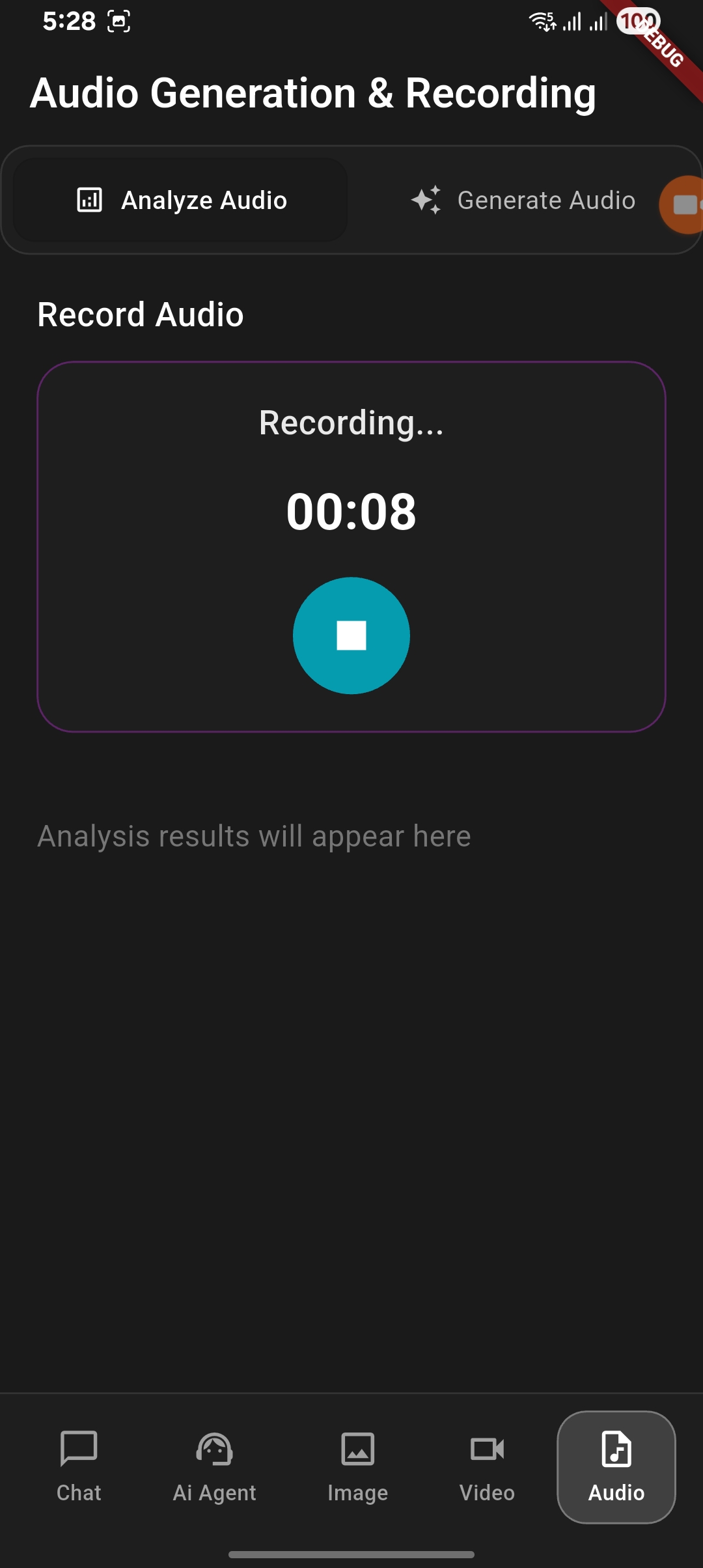
Features in project
1. Normal chat with Gemini Ai and Vertex Ai
2. Chat Agent
- Text Content Generation
- Ai Agents - Grounding (Coming soon...)
- Ai Agents - Document Generation
- Ai Agents - Document Analyze
3. Image Generation and Analyze
- Image Generation with user prompt
- Image Analysis with give image
4. Video Generation and Analyze
- Video Generation with user prompt
- Video Analysis with give video (Coming soon...)
5. Audio Generation and Analyze
- Audio Generation with user prompt (Coming soon...)
- Audio Analysis with recorded audio
How to setup and run the project
- Clone the repository
- Run
flutter pub getto install dependencies - Create
.envfile in the root directory:ANDROID_API_KEY= ANDROID_APP_ID= MESSAGING_SENDER_ID=your_firebase_messaging_sender_id PROJECT_ID= - Create new project in Firebase Console
- Add Package name
com.example.flutter_app_vertex_ai_agentandSHA1in Firebase project settings - Add required keys in
.env - Run the app using
flutter run
Reach me:


GitHub 작성자
shivam srivastava ↗
언어DartC++CMakeSwiftRubyCHTMLKotlinObjective-C
분류
사용 중인 의존성
의존성 목록 15 개
- flutter
{"sdk":"flutter"} - cupertino_icons
^1.0.2 - image_picker
^1.0.7 - firebase_ai
^3.2.0 - firebase_core
^4.1.0 - path_provider
^2.1.5 - flutter_dotenv
^5.2.1 - video_player
^2.10.0 - audioplayers
^6.5.0 - record
^6.0.0 - permission_handler
^11.3.1 - file_saver
^0.3.1 - file_picker
^10.3.2 - flutter_test개발 의존성
{"sdk":"flutter"} - flutter_lints개발 의존성
^5.0.0
프로젝트에 맞는 저장소를 선택하려면?
사용 목적에 따라 검색하고 개발 활동을 비교한 뒤 원본 저장소에서 요구 사항을 확인하세요.
- 이름, 작성자 또는 설명으로 검색하고 기술 주제로 범위를 좁힙니다.
- 스타, 포크, 최근 푸시를 함께 비교하세요. 스타는 관심의 지표이며 품질을 보장하지 않습니다.
- 사용하기 전에 GitHub에서 README, 라이선스, Issues를 확인하세요.
출처 및 관리
“A repository is the most basic element of GitHub.”
GitHub Docs — About repositories ↗