 v4.0.0
shimmer
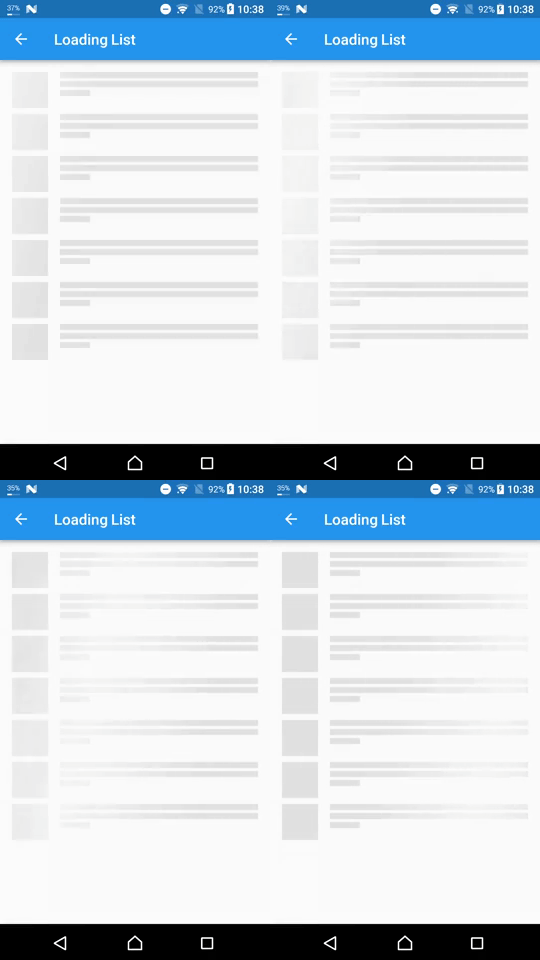
Um pacote fornece uma maneira fácil de adicionar efeito de brilho em projeto Flutter
5,5 milCurtidas 1,8 miDownloads em 30 dias160Pontos Pub
AndroidiOSWebmacOSWindowsLinux
Aplicativo de clima criado usando Flutter e Dart

Texto original em inglês. Visite o GitHub para a versão atual.
A simple weather App created using Flutter and Dart and using API from OpenWeatherMap
New Design Inspired by Rina Damayanti on Dribbble.
[!IMPORTANT] This project uses version 2.5 of the OpenWeatherMap API
API used in this project:
Sometimes after getting your OpenWeatherMap API key it won't work right away
To test if your API key is working or not copy and paste the following link to your browser
https://api.openweathermap.org/data/2.5/weather?lat=53.4794892&lon=-2.2451148&units=metric&appid=YOUR_API_KEY
Then replaceYOUR_API_KEYwith your own API key from OpenWeatherMap
git clone https://github.com/ArizArmeidi/FlutterWeather.git
flutter pub get
String apiKey = 'Paste Your API Key Here';
Distributed under the MIT License. See LICENSE for more information.
Um pacote fornece uma maneira fácil de adicionar efeito de brilho em projeto Flutter
Plugin de geolocalização para Flutter. Este plugin fornece uma API multiplataforma (iOS, Android) para funções genéricas de localização (GPS, etc.).
Pacote poderoso para criar animações personalizadas bonitas em pouco tempo.
Supercharged traz todos os recursos de conforto das linguagens como Kotlin para todos os desenvolvedores Flutter.
Um pacote Flutter para selecionar um país de uma lista de países.
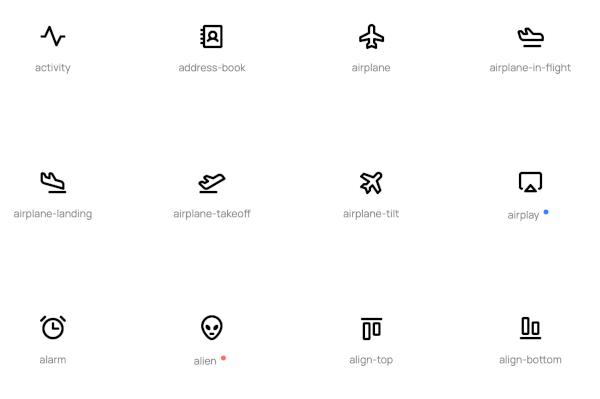
Implementação dos Phosphoricons para Flutter. 772 ícones e contando. Fino, Leve, Regular, Negrito, Preenchido.
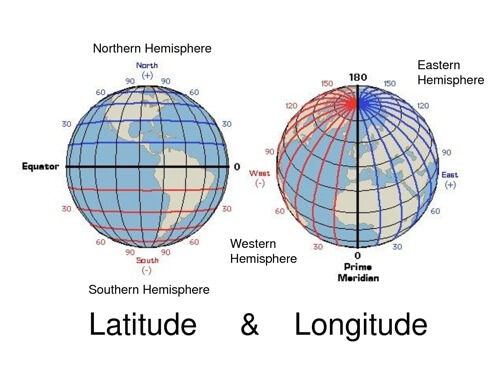
Biblioteca leve para cálculos comuns de latitude e longitude
Uma implementação do Flutter de uma barra de pesquisa flutuante expansível e animada, também conhecida como pesquisa persistente.
Lista de dependências 15 itens
{"sdk":"flutter"}^2.0.20^1.0.0^6.1.0^9.0.2^1.1.0^0.18.0^0.8.1^0.5.0^2.0.1^6.0.5^3.0.0^5.0.0+3^2.1.1{"sdk":"flutter"}Filtre pelo caso de uso, compare a atividade e confira o projeto original antes de adotá-lo.
“A repository is the most basic element of GitHub.”
GitHub Docs — About repositories ↗