
v9.2.1
bloc
Uma biblioteca de gerenciamento de estado previsível que ajuda a implementar o padrão de design BLoC (Componente de Lógica de Negócio).
3,2 milCurtidas 2,1 miDownloads em 30 dias160Pontos Pub
AndroidiOSWebmacOSWindowsLinux
Um aplicativo de rastreamento de tempo que respeita sua privacidade e faz o trabalho sem ser extravagante.

Uma biblioteca de gerenciamento de estado previsível que ajuda a implementar o padrão de design BLoC (Componente de Lógica de Negócio).
Widgets do Flutter que facilitam a implementação do padrão de design BLoC (Componente de Lógica de Negócio). Projetados para serem usados com o pacote de gerenciamento de estado bloc.
 v1.2.0
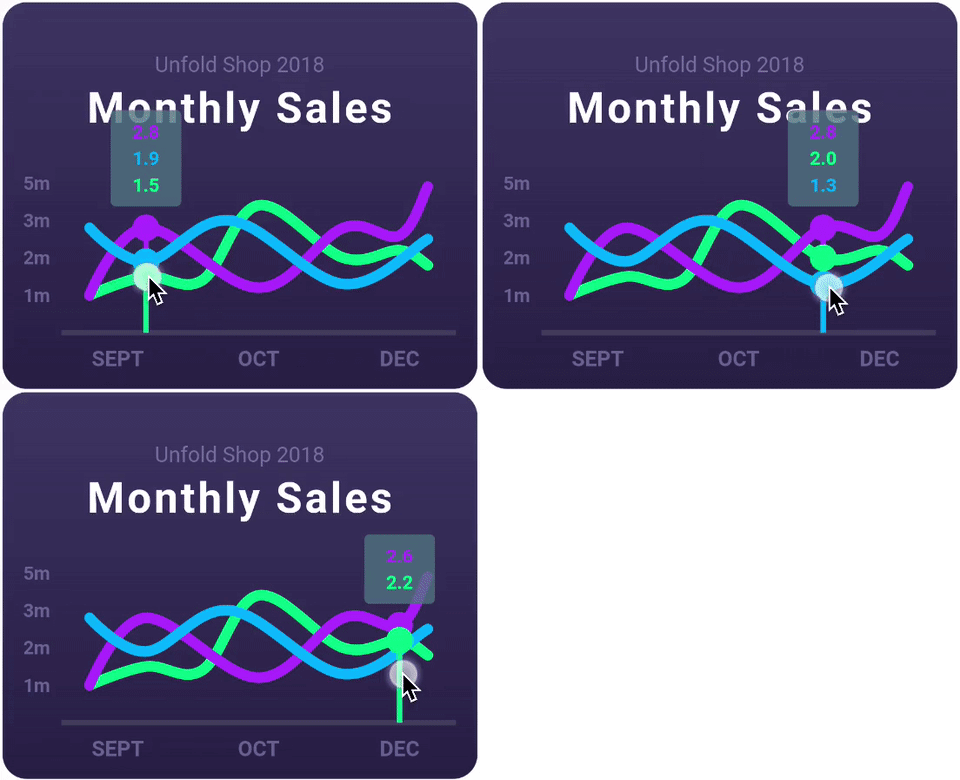
Uma biblioteca de gráficos Flutter altamente personalizável que suporta Gráfico de Linha, Gráfico de Barras, Gráfico de Pizza, Gráfico de Dispersão e Gráfico de Radar.
Uma abstração para permitir o trabalho com arquivos em múltiplas plataformas.
Um pacote Dart para ler informações de configuração de diretório XDG no Linux.
Implementação baseada em FFI do sqflite, para desktop e testes unitários.
 v4.0.3
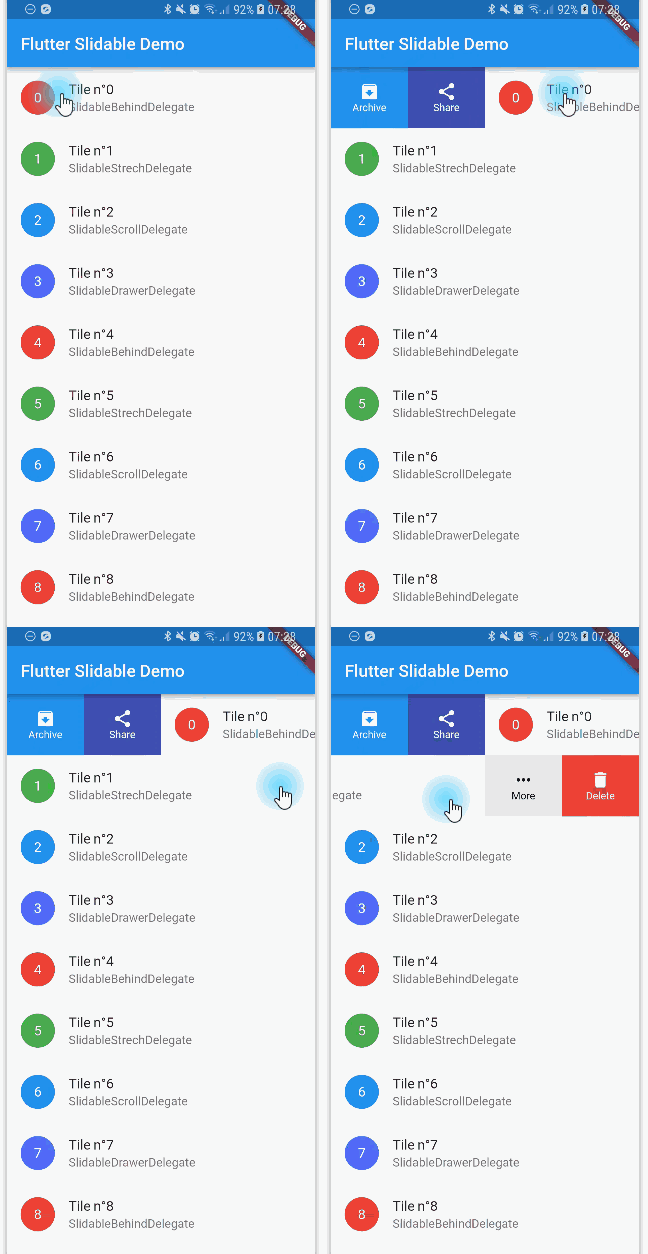
Uma implementação do Flutter de item de lista deslizável com ações de deslize direcionais que podem ser fechadas.
 v3.13.1
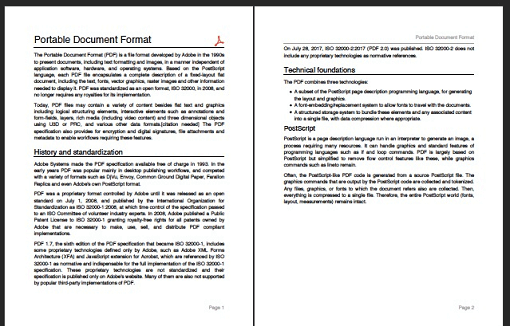
Um produtor de PDF para Dart. Pode criar arquivos PDF para web ou Flutter.
 v6.0.0
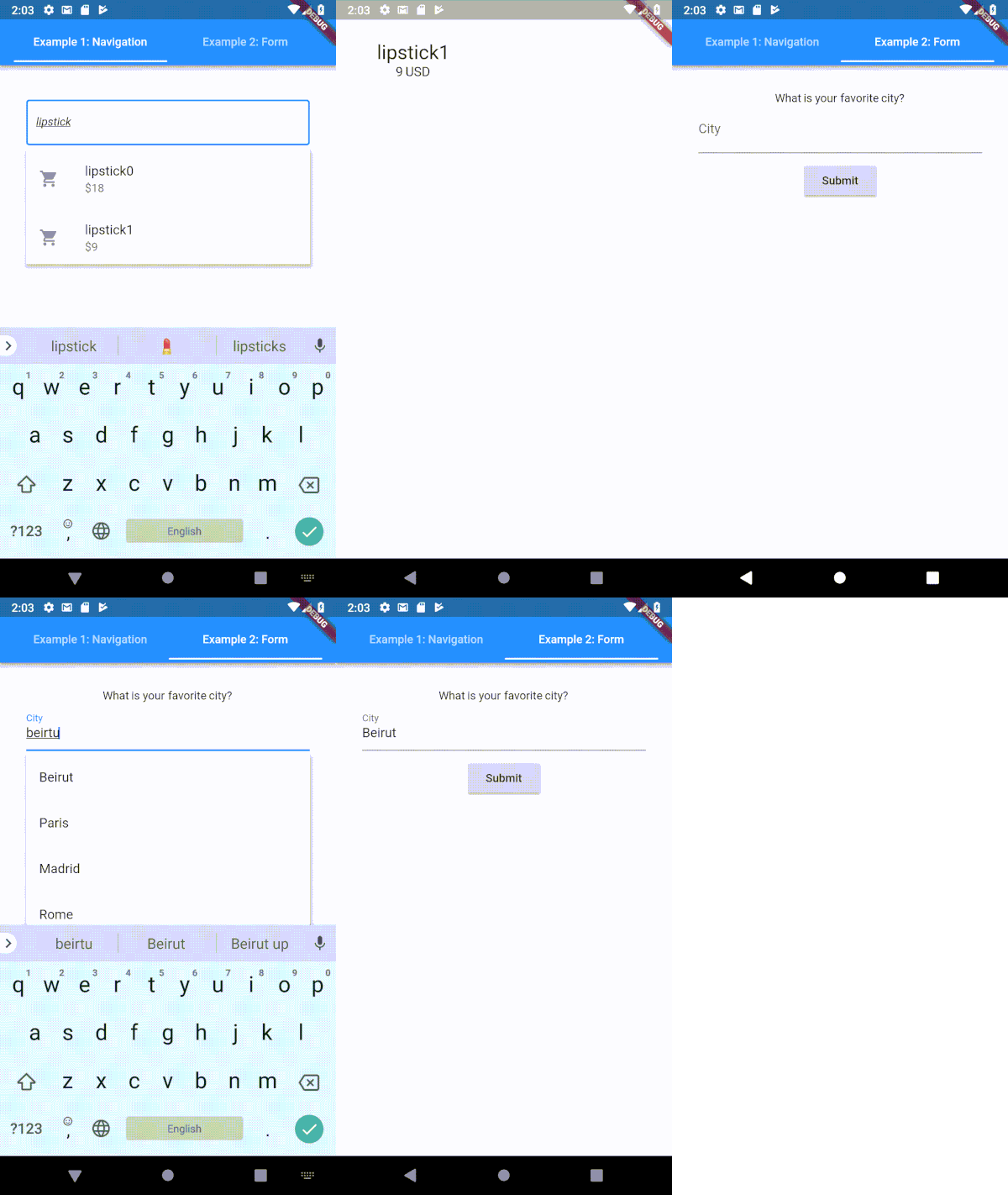
Um campo de entrada de texto tipoahead (autocompletar) altamente personalizável para Flutter
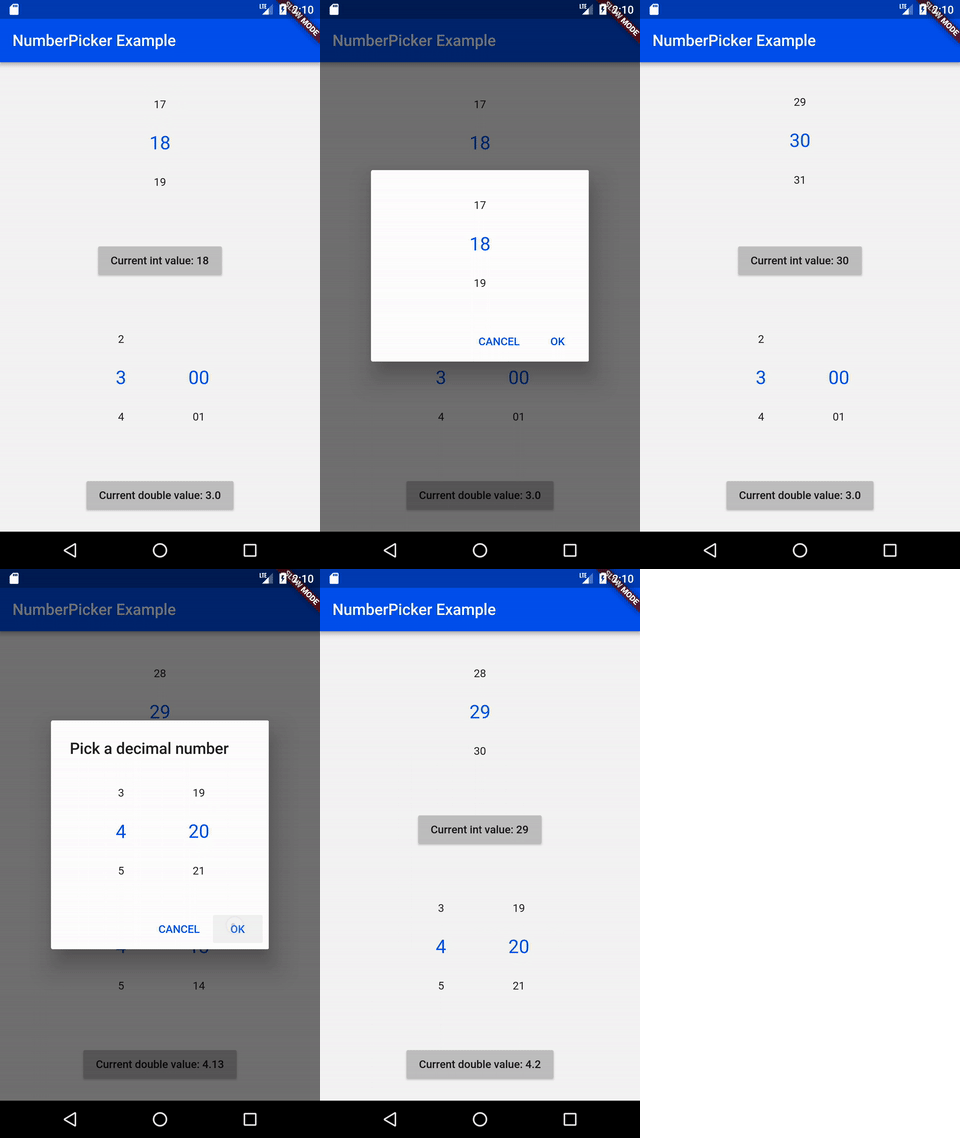 v2.1.2
NumberPicker é um widget que permite ao usuário escolher números rolando os giros.
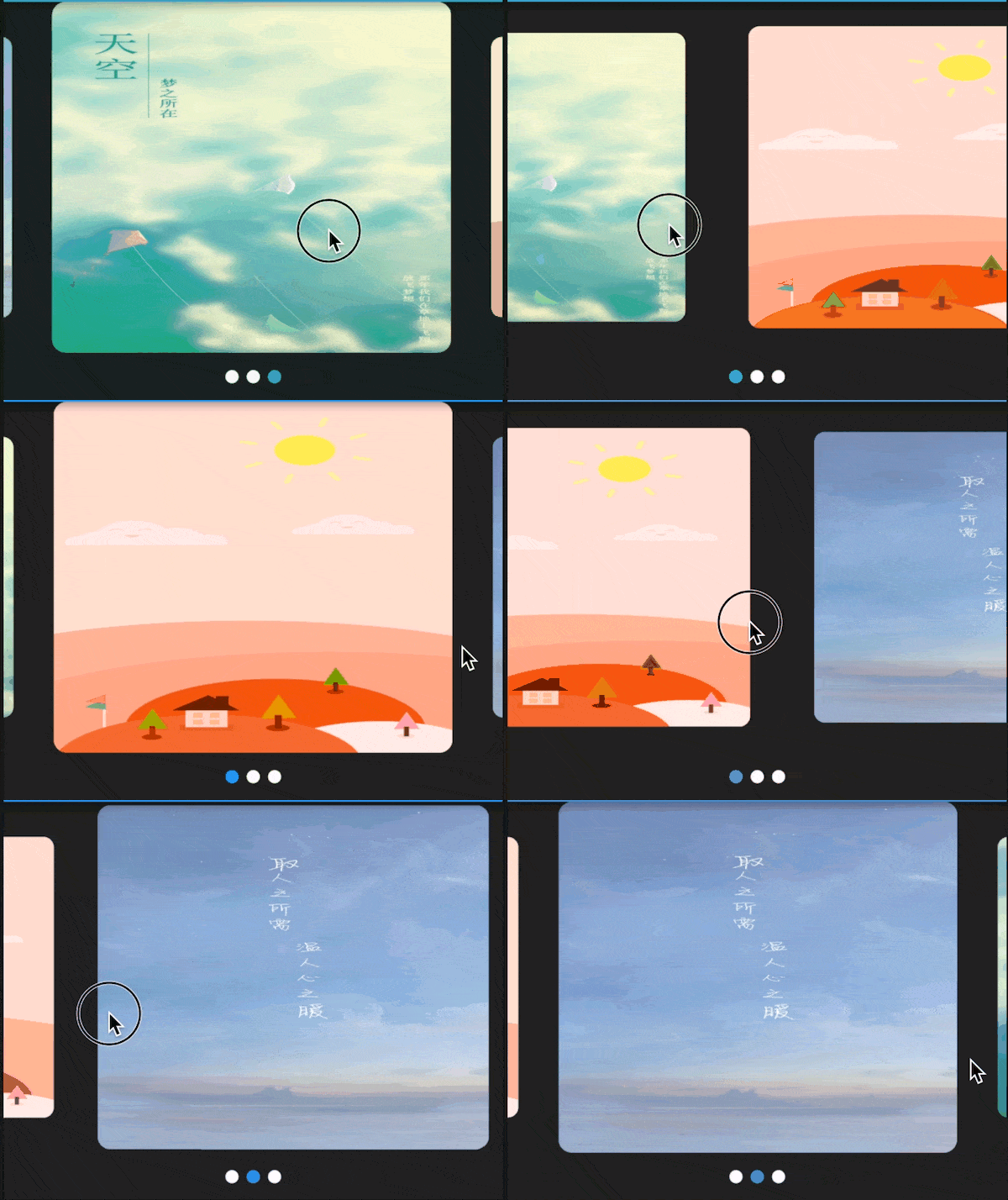 v3.0.1
Swiper/carrossel para o Flutter, com múltiplos layouts e loop infinito. Compatível com Android e iOS.
Uma biblioteca CSV de alta qualidade. Codifique e decodifique strings CSV, com suporte a fluxos (uma linha por evento), detecção automática e compatibilidade com Excel. A string deve ser valores separados por vírgula (configurável).
{"sdk":"flutter"}{"sdk":"flutter"}—^8.1.1^8.1.0^2.0.5^1.8.2^1.17.2^2.0.2^0.18.0^10.6.0^1.0.6-nullsafety^3.0.1^2.1.3^6.2.1^2.0.9^1.1.0+2^2.1.0^5.1.1^2.1.1^7.2.1^0.3.3^2.2.2^0.65.0^3.0.1^4.8.0^1.3.0^2.1.1^6.1.1^15.1.0^0.6.18^5.0.1^1.0.3^2.0.1^11.0.0^1.6.8^3.10.6^2.0.3^0.13.1{"sdk":"flutter"}^1.24.1{"sdk":"flutter"}{"sdk":"flutter"}Texto original em inglês. Visite o GitHub para a versão atual.
I'd rather not do time-tracking at all, but since its a necessity for my work, it's either use an app or keep track of things manually (which I'm terrible at). There are many time tracking apps on the app stores (and I have tried several of them), but each of them has at least one pain point that eventually drives me off—some cost more money than I think they should, others have (what I consider) poorly designed interfaces, some are way too complicated, some don't export data easily, most require an internet connection, I have privacy concerns with a large number of them, etc, etc.
Time tracking in and of itself is rather straightforward (hence all the apps on the app stores), so I figured “why not use this as an opportunity to practice mobile development and learn some new things?”. This app is the result of that question—its a tool that I use every day for work, but also a sample project to work off of and share with others.
.csv file, filtered by timespans and projectsMore screenshots (including dark-mode and localization demonstrations) are available in the screenshots/ folder.
I'm happy to take bug reports and pull requests if you want to help improve Time Cop, but I fundamentally want to keep this app relatively small and simple. If that's not for you, there's plenty of other options out there.
The app is created pretty much entirely in Dart using Flutter, and I tried to make heavy use of the Bloc pattern.
Here are a few resources to get you started if this is your first Flutter project:
For help getting started with Flutter, view its online documentation, which offers tutorials, samples, guidance on mobile development, and a full API reference.
After installing and setting up Flutter (ideally its latest stable version) and downloading the Time Cop code, you should be able to simply build and run this Flutter project, at least for mobile platforms. For more information, see the CONTRIBUTING.md file.
You can help translate Time Cop on Weblate. If you notice any incorrect strings, feel free to correct them. Similarly, if you want to add a language, please do!
Translations are handled using Project Fluent. Currently all translations except English, Italian, Czech, Norwegian, and Indonesian were auto-translated by Google Translate using my Translate Tool.
A list of “user stories” (and I use that term very loosely) guiding the development of this app is available in design/user-stories.md; any unchecked boxes are outstanding items on the todo list!