
 v35.1.42
syncfusion_flutter_pdfviewer
A biblioteca Flutter PDF Viewer é usada para exibir um documento PDF de forma contínua e eficiente.
1,2 milCurtidas 243 milDownloads em 30 dias140Pontos Pub
AndroidiOSWebmacOSWindowsLinux
SavePass é um aplicativo de código aberto que permite armazenar senhas e anotações com segurança.
 v35.1.42
A biblioteca Flutter PDF Viewer é usada para exibir um documento PDF de forma contínua e eficiente.
Estrutura de projeto inteligente com injeção de dependência e gerenciamento de rota
Integração do Flutter com o Supabase. Este pacote torna simples para desenvolvedores criar produtos seguros e escaláveis.
Uma integração que adiciona suporte para gravação de logs do pacote logging.
Converte widgets já construídos em carregadores de esqueleto sem esforço adicional.
Uma representação unificada de formulário em Dart que visa simplificar a representação e validação de formulários de forma genérica.
Animções bonitas inspiradas no Animate.css, fornecendo animações baseadas em widgets personalizáveis sem dependências externas.
Uma biblioteca Dart que implementa algoritmos e primitivas criptográficas, modelada na biblioteca BouncyCastle.
 v8.2.0
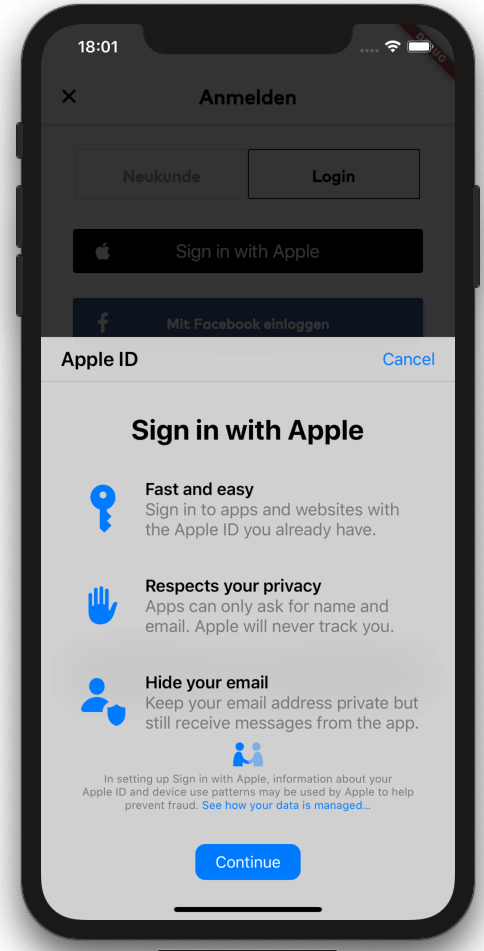
Ponte Flutter para iniciar o login com Apple (no iOS, macOS e Android). Inclui suporte para entradas de chaveiro, bem como login com ID da Apple.
Lê explicitamente variáveis de ambiente em um arquivo Dart a partir de um arquivo .env para maior segurança e tempos de inicialização mais rápidos.
Gerador para o pacote Envied. Veja https://pub.dev/packages/envied.
Algoritmos criptográficos para criptografia, assinaturas digitais, acordos de chave, autenticação e hashing. AES, Chacha20, ED25519 e mais. Multiplataforma (móvel, desktop, JS, WASM).
Lista de dependências 42 itens
^3.3.4{"git":{"url":"https://github.com/judatop/atomic_design_system","ref":"master"}}^3.4.1^5.0.0^3.0.6^2.7.0^1.0.6^0.10.1^11.0.0^5.0.3^0.5.4+1^2.0.5{"sdk":"flutter"}^8.1.6^0.14.1{"sdk":"flutter"}^6.3.2^9.2.2^2.0.14^0.7.0^6.2.2^1.1.2any^2.0.1^2.3.0^1.3.0^3.1.2^8.1.1^11.3.1^3.6.2^8.14.1^8.14.1^7.0.12.0.0^2.8.0^28.2.7^6.3.1^4.5.1^2.4.13^0.5.4+1^3.0.0{"sdk":"flutter"}Texto original em inglês. Visite o GitHub para a versão atual.
Image
Image
SavePass project is a password manager developed in Flutter. It's goal is to provide a secure and easy-to-use solution for storing and managing passwords. The app will allow users to create an account, log in, and store their passwords in a secure way. The project is open source and can be used as a starting point for building your own password manager app, just make sure to follow best practices for security and privacy and mention the original project.
If you find issues/improvements with this app, feel free to submit a PR or create a new issue. We want to keep this app with the best practices.
This projects depends on a few external services to work properly, so you'll need to set up a few things before running the app.
We are using Supabase as our database, API, storage and authentication manager. Create an account on https://supabase.com/ and create a new project, then, find and copy the values: SUPABASE_URL and SUPABASE_ANON_KEY.
Supabase Storage is used to store files/images related with the app. You'll need to set up your storage and create a new bucket and folder, copy the values: SUPABASE_BUCKET and SUPABASE_BUCKET_AVATARS_FOLDER.
One of the authentication methods we are using is Google. You'll need to create a new project on Google Cloud Platform and create a new OAuth client ID for web, Android and iOS. Then, copy the values: GOOGLE_WEB_CLIENT_ID and GOOGLE_IOS_CLIENT_ID. After that, you'll need to enable the Google Auth method on Supabase and fill the respective values.
Other authentication method we are using is Github. You'll need to create a new OAuth App on Github and get the Client ID and Client secret. Put these values on the Github configuration on Supabase. Set up the URL Configuration (deep link) on Supabase and assign the value for SUPABASE_REDIRECT_URL.
The database set up is up to you and your needs. You can create the tables and columns manually or use the Supabase SQL editor. The logic or the design for the database/api on this project is confidential for mantain the security of the app.
Flutter Secure Storage is used to store data in secure storage, Keychain for iOS and EncryptedSharedPreferences for Android, in order to use this plugin you need to define some keys with a random value:
Get a local copy of the project by running the following command:
git clone https://github.com/judatop/savepass.git
Use the following command to create your own .env file:
cp .env.sample .env
Fill your env file with the values you got from the previous steps.
Then, you can generate the offuscated values from the .env file using the following command:
dart run build_runner build -d
Install the dependencies with the following command:
flutter pub get
Run the app with the following command:
flutter run
This project is under the MIT License. See the LICENSE file.