Orientação gerada a partir de informações públicas. Apenas para referência.
Animate_do é um pacote Flutter que oferece animações visualmente atraentes baseadas em widgets inspiradas no Animate.css. Permite aos desenvolvedores aplicar facilmente animações suaves e personalizáveis aos elementos da interface sem depender de dependências externas. Com uma API simples e suporte em todas as principais plataformas — incluindo Android, iOS, Web, macOS, Windows e Linux — ele melhora a experiência do usuário por meio de transições dinâmicas. O pacote se integra perfeitamente aos aplicativos Flutter, oferecendo uma solução leve para adicionar efeitos de movimento envolventes aos widgets.
Casos de uso
Adicionando animações de entrada a elementos da interface
Criando feedback de botão interativo
Melhorando telas de inicialização com efeitos dinâmicos
Animando listas ou cartões durante o rolagem
Melhorando experiências de onboarding
Principais recursos
Inspirado pelo Animate.css
Sem dependências externas
Totalmente baseado em widget
Duração e atraso de animação personalizáveis
Suporta todas as plataformas do Flutter
API fácil de usar
Indicado para
Iniciantes do Flutter procurando animações simples
Desenvolvedores de interfaces de usuário interativas
Aplicativos que exigem fluxos de onboarding envolventes
Projetos focados no acabamento visual
Equipes que desejam soluções leves de animação
Considerações
Pode afetar o desempenho se usado em excesso
Limitado a tipos de animação pré-definidos
Não adequado para animações personalizadas complexas
Requer ajuste cuidadoso para uma experiência do usuário ideal
Melhor usado com moderação para evitar distrações
README original
Snapshot do README original do repositório-fonte vinculado. Consulte o repositório para o conteúdo mais recente.
animate_do
A Flutter animation package inspired by Animate.css, built with zero external dependencies.
Getting Started
Every animation widget ships with sensible defaults and is fully customizable. Drop it around any widget and you're done.
Properties
Property
Type
Description
key
Key
Optional widget key reference
child
Widget
Required widget to animate
duration
Duration
Duration of the animation
delay
Duration
Delay before the animation starts
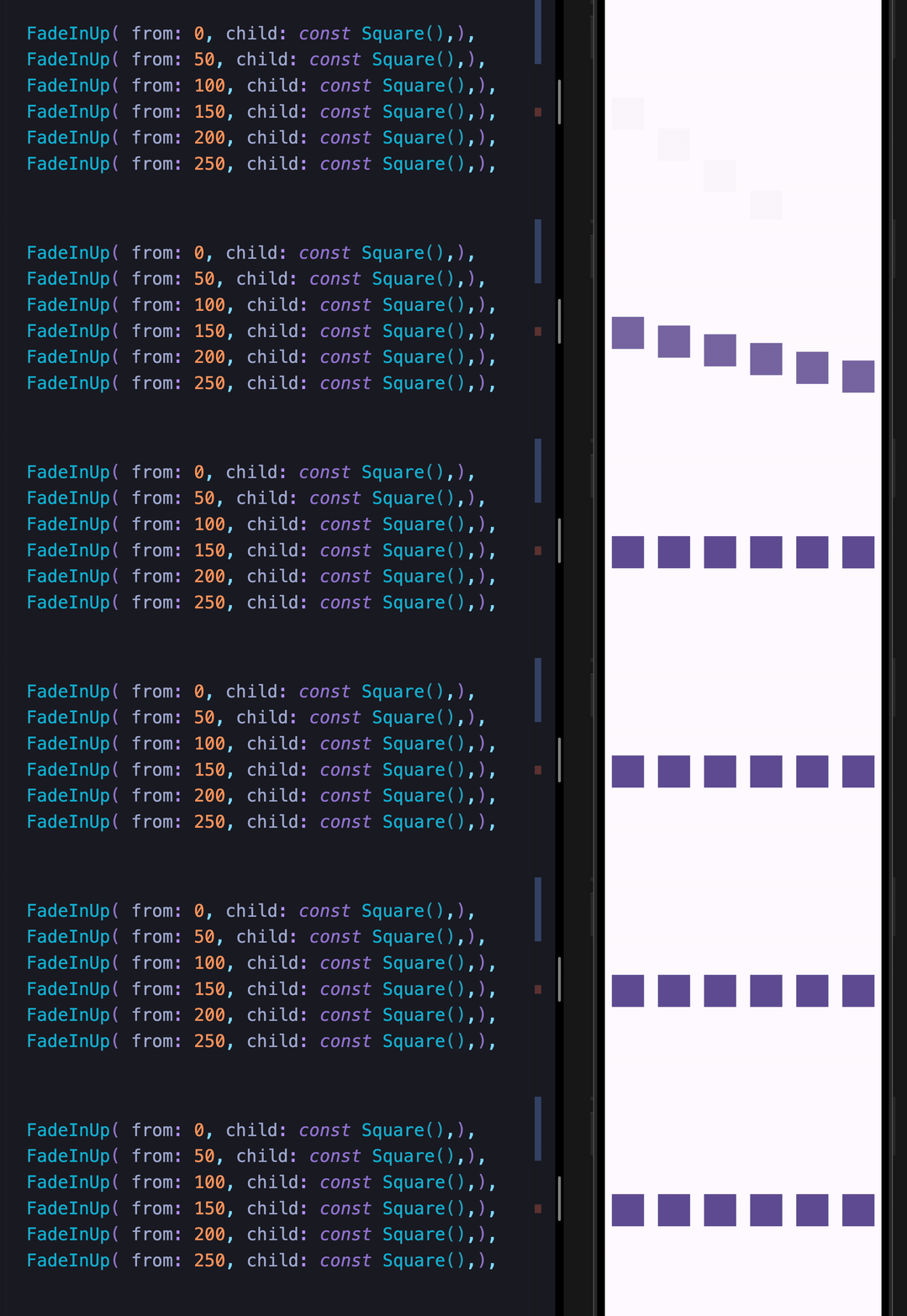
from
double
Initial or final value for more pronounced slide/fade effects
animate
bool
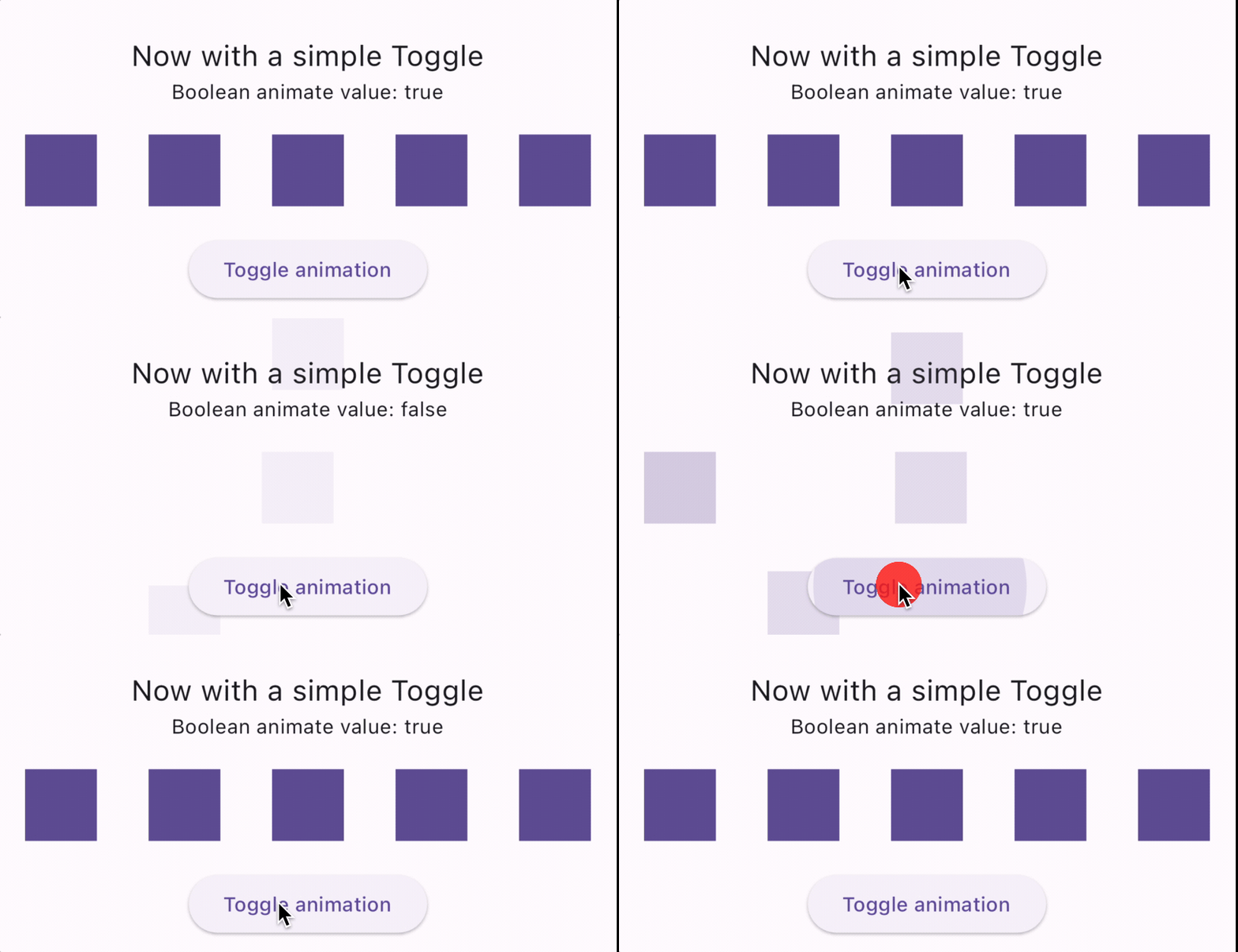
Toggle false → true to trigger; works with setState, Bloc, Provider, Redux, etc.
infinite
bool
Loops the animation indefinitely
spins
double
Number of rotations — applies to Spin, Roulette, SpinPerfect
manualTrigger
bool
Disables auto-play; requires the controller callback to drive the animation
controller
Function
Exposes the AnimationController for advanced control
onFinish
Function
Callback fired when the animation completes; receives an AnimateDoDirection (forward / backward)
curve
Curve
Custom easing curve
Available Animations
Fade In
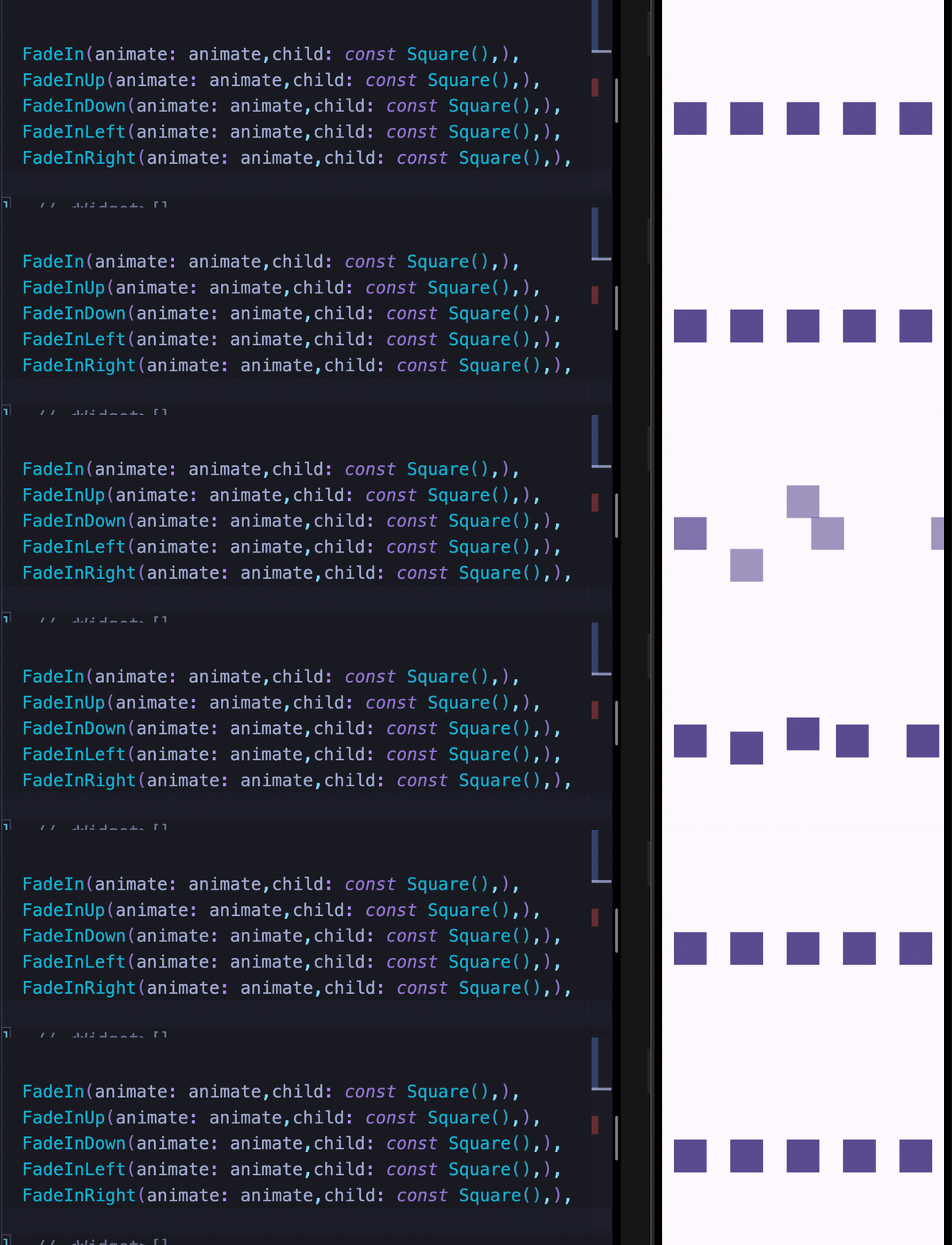
FadeIn
FadeInDown
FadeInDownBig
FadeInUp
FadeInUpBig
FadeInLeft
FadeInLeftBig
FadeInRight
FadeInRightBig
Fade Out
FadeOut
FadeOutDown
FadeOutDownBig
FadeOutUp
FadeOutUpBig
FadeOutLeft
FadeOutLeftBig
FadeOutRight
FadeOutRightBig
Bounce In
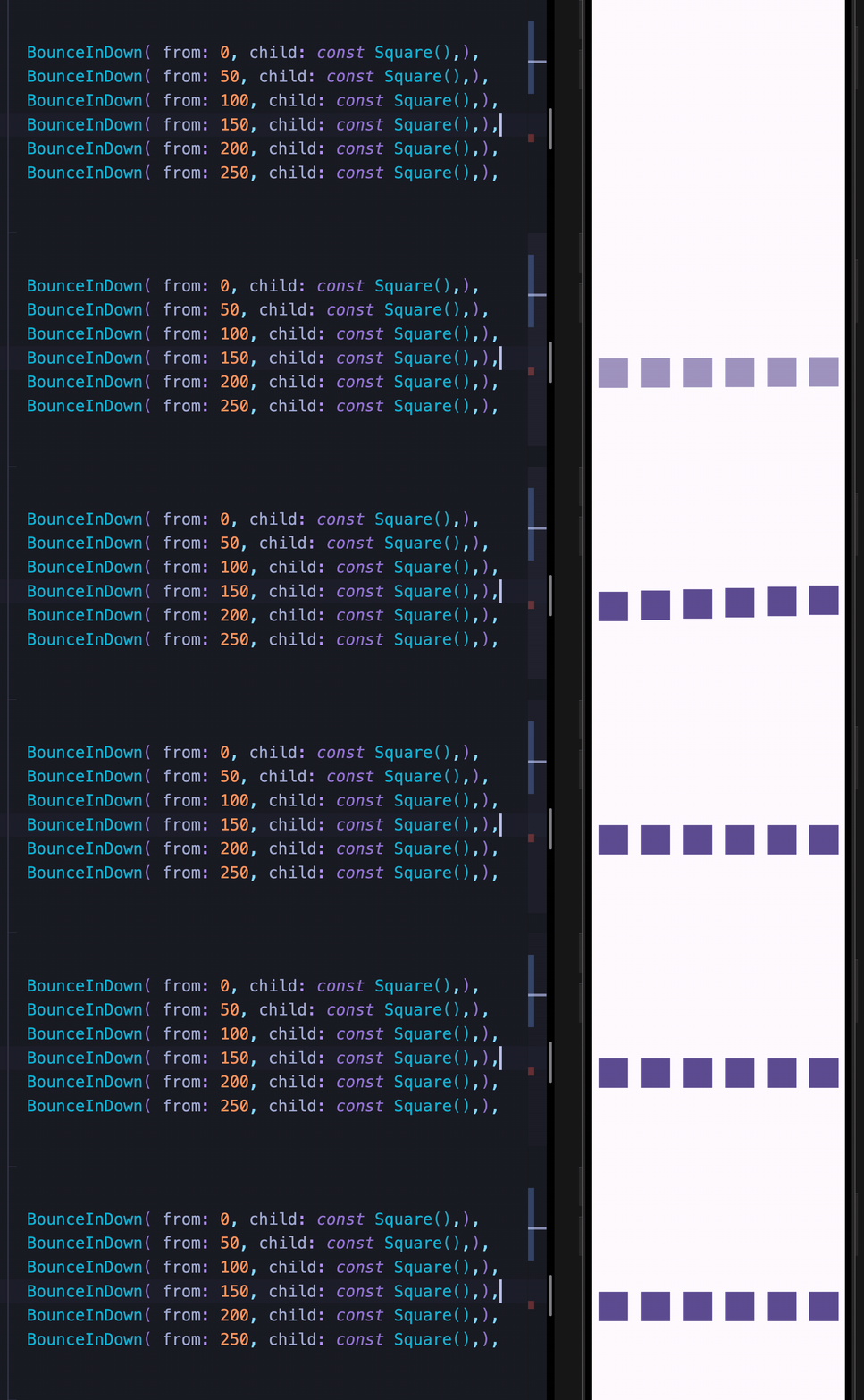
BounceInDown
BounceInUp
BounceInLeft
BounceInRight
Elastic In
ElasticIn
ElasticInDown
ElasticInUp
ElasticInLeft
ElasticInRight
Slide In
SlideInDown
SlideInUp
SlideInLeft
SlideInRight
Back In / Back Out
BackInDown
BackInUp
BackInLeft
BackInRight
BackOutDown
BackOutUp
BackOutLeft
BackOutRight
Flip In
FlipInX
FlipInY
Zoom
ZoomIn
ZoomOut
Attention Seekers
All attention seekers support the infinite property to loop indefinitely.
Bounce
Dance
Flash
Pulse
Flip
Roulette
ShakeX
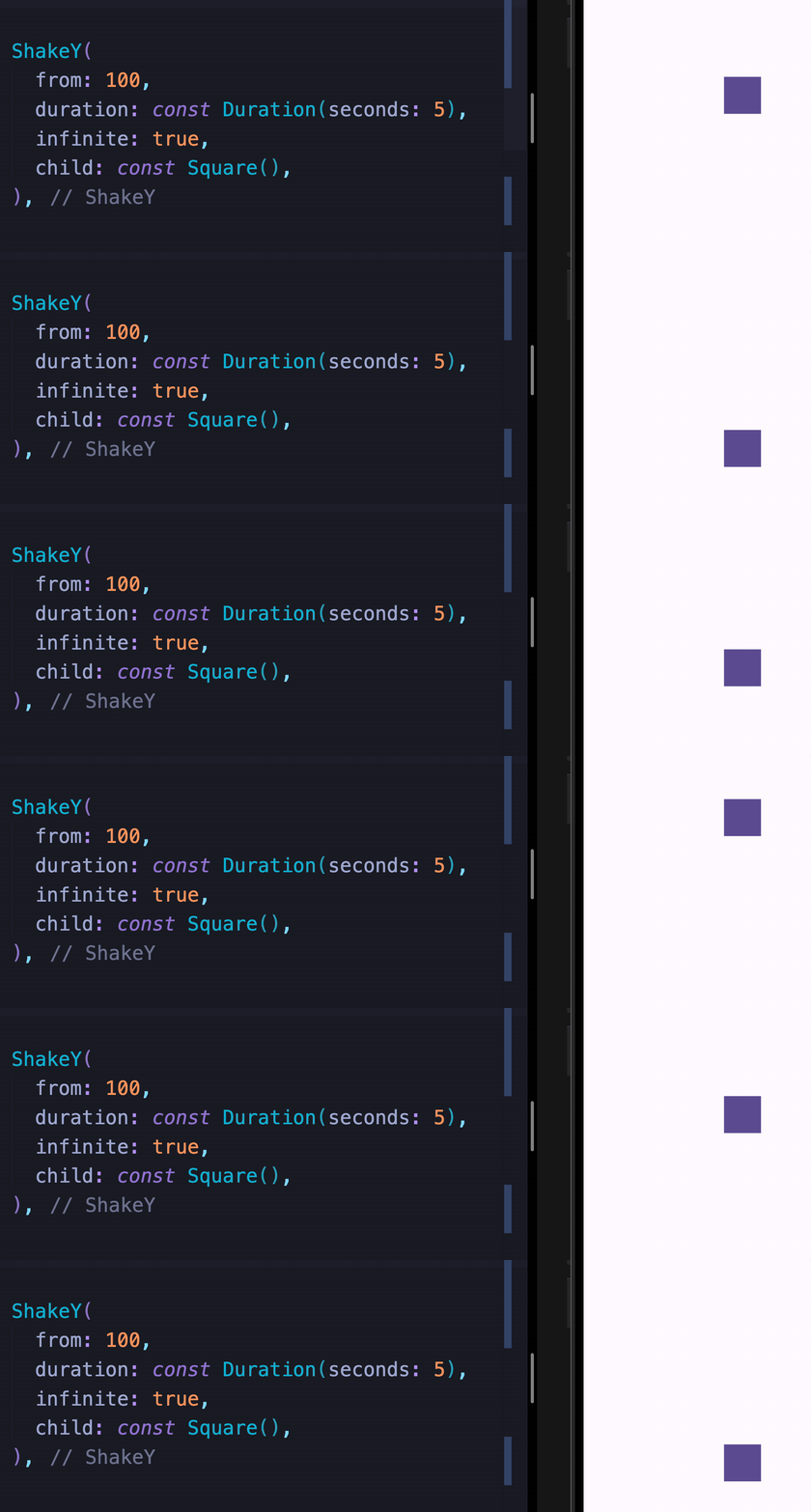
ShakeY
Spin
SpinPerfect
Swing
HeartBeat
Wobble
Jello
Tada
RubberBand
Custom Animations
These widgets let you move widgets around the screen and chain them with any other animation.
MoveTo
MoveToArc
Two Syntaxes
Both syntaxes are fully supported. Use whichever feels more natural to you.