 v3.0.0
modal_bottom_sheet
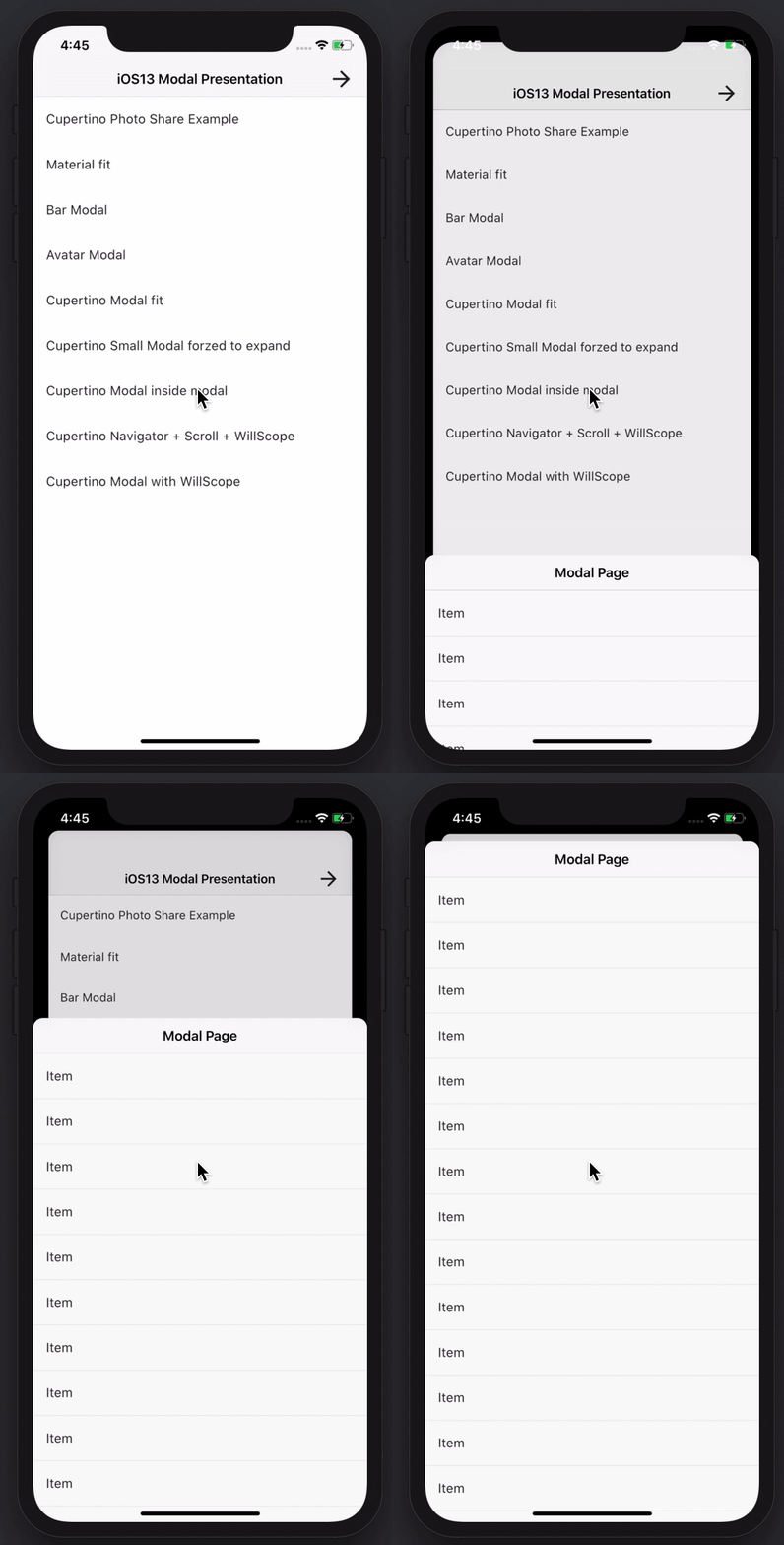
Crie folhetos inferiores modais incríveis e poderosos. Material, Cupertino iOS 13 ou crie seu próprio estilo
3,6 milCurtidas 306 milDownloads em 30 dias150Pontos Pub
AndroidiOSWebmacOSWindowsLinux
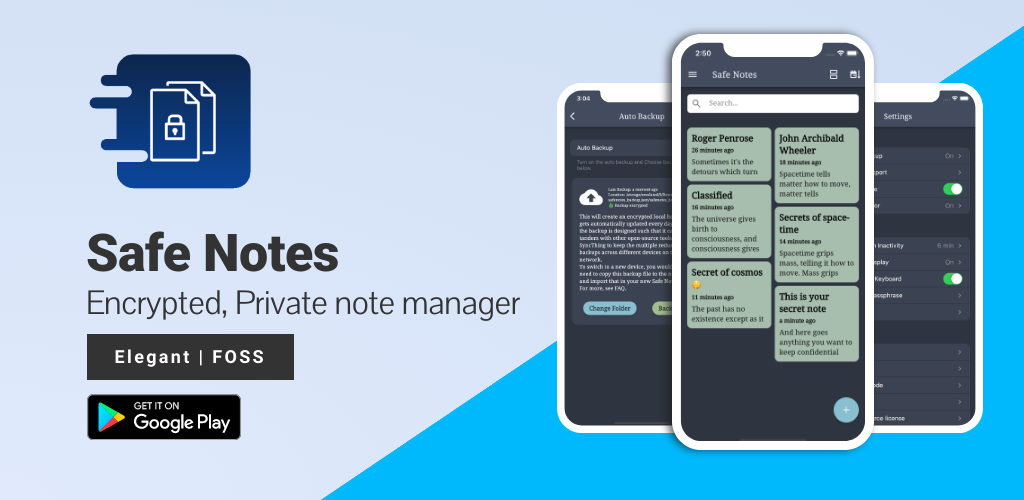
Safe Notes é um projeto de segurança voltado para fornecer um gerenciador de notas criptografadas e privadas que funciona localmente e protege as notas contra diversos atores de ameaça.

Texto original em inglês. Visite o GitHub para a versão atual.








Screenshots • Description • Features • Installation and updates • Contribution • Privacy Policy • License
Website • Reporting a Bug • FAQ • Press
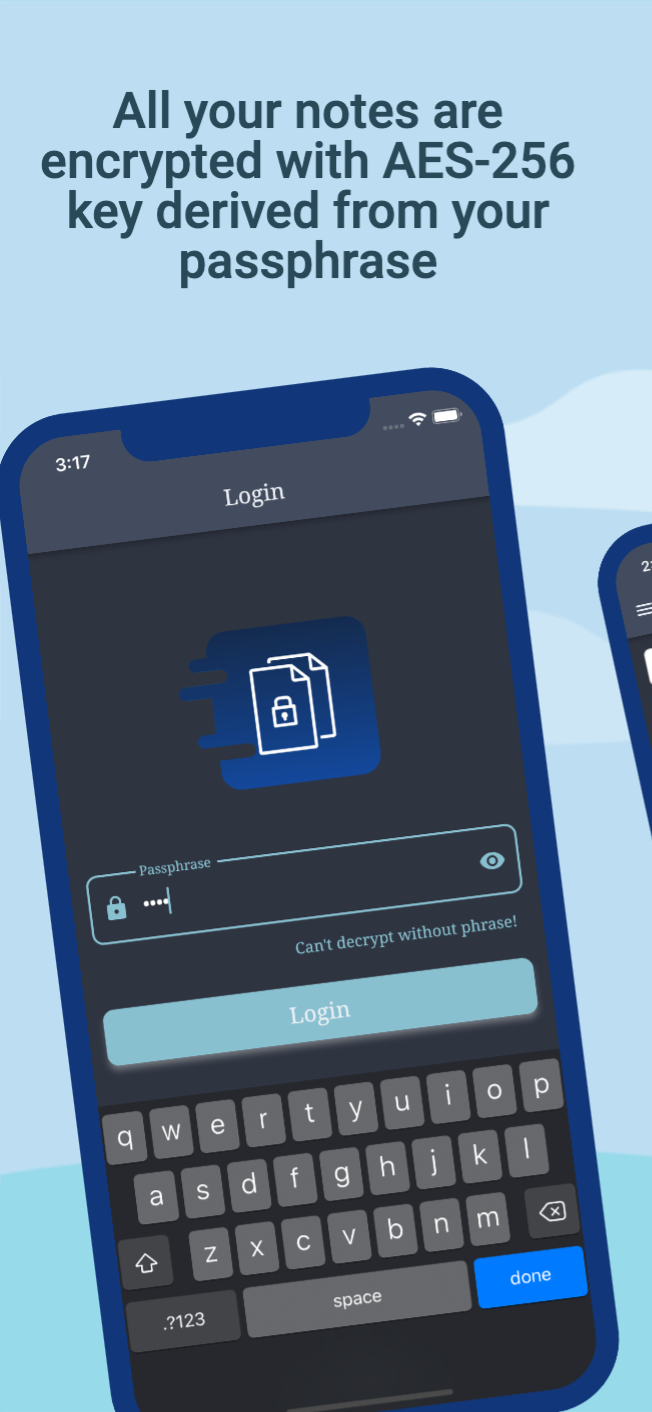
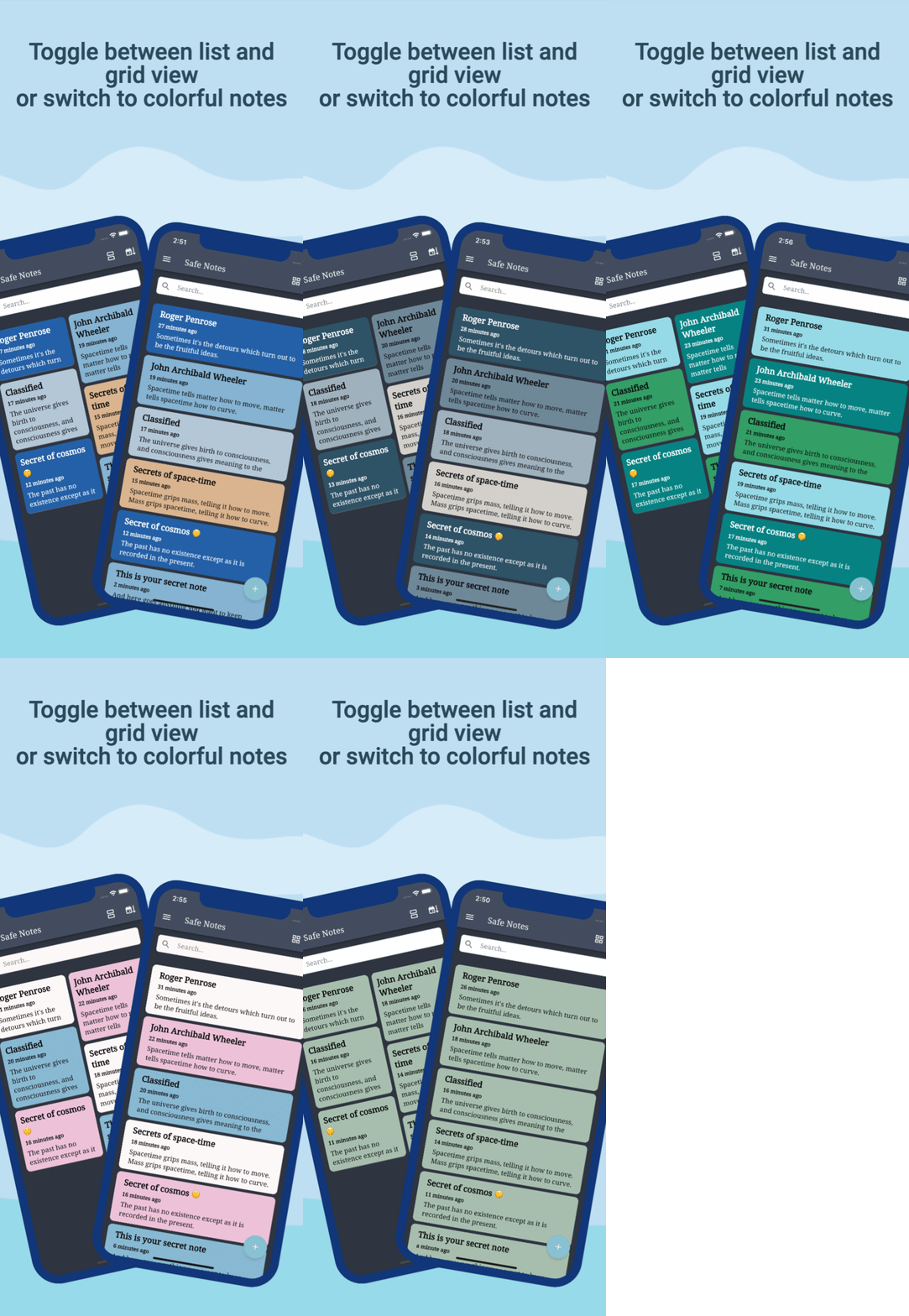
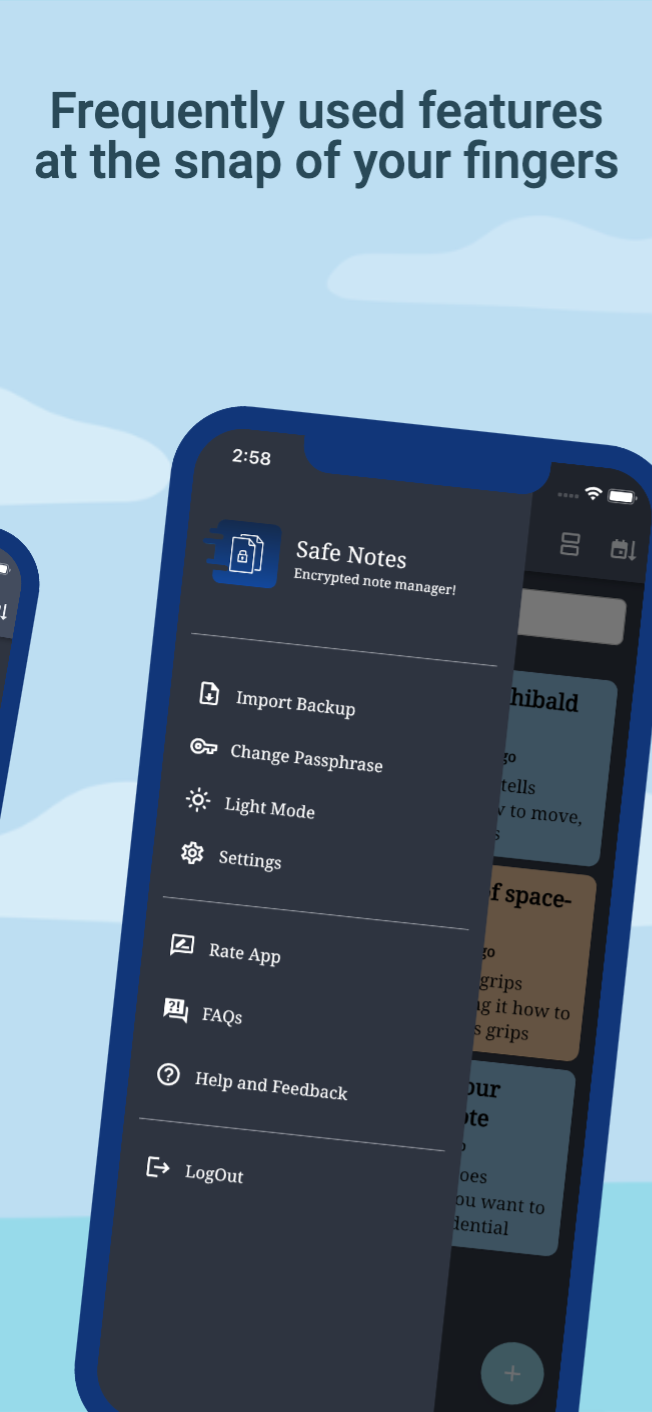
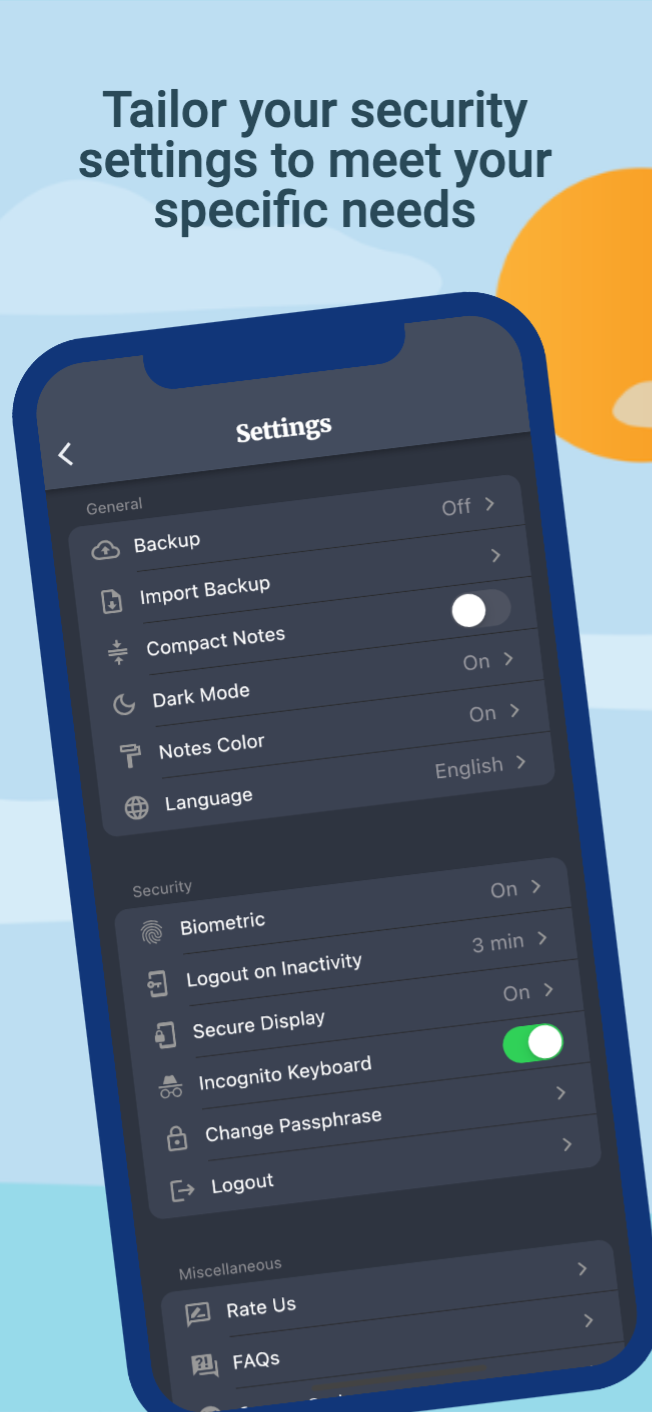
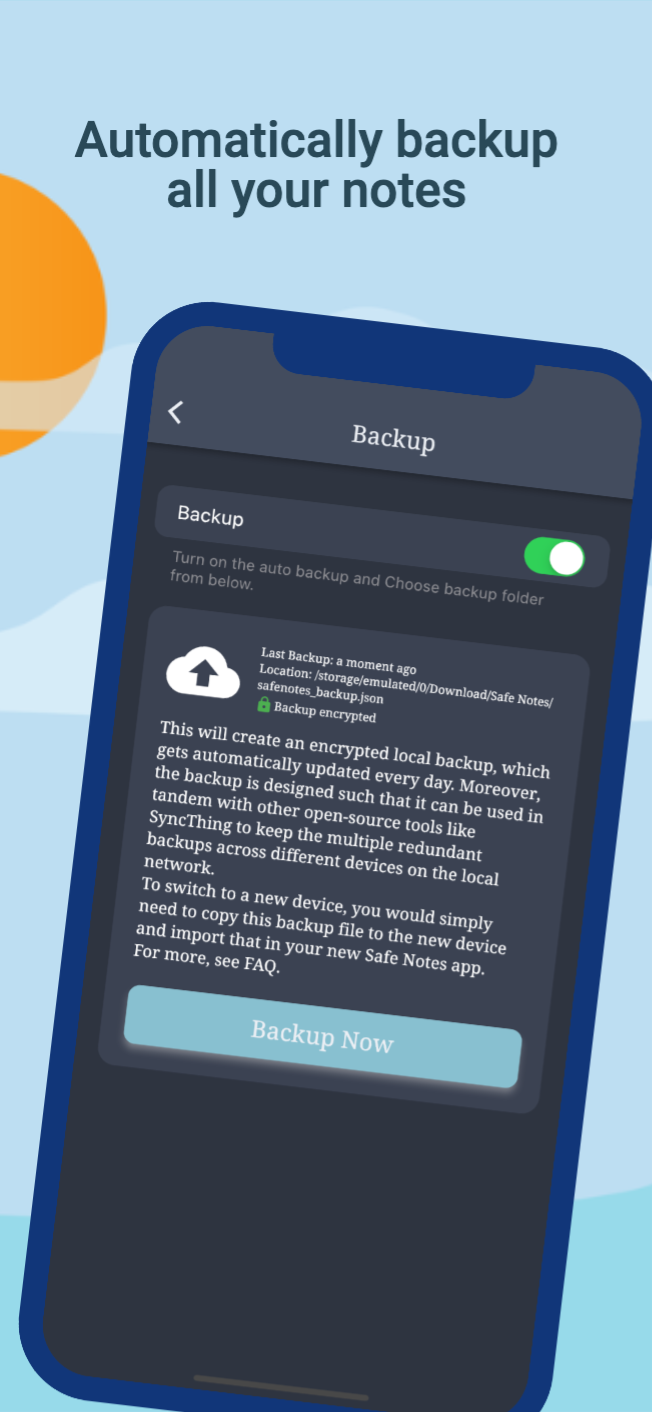
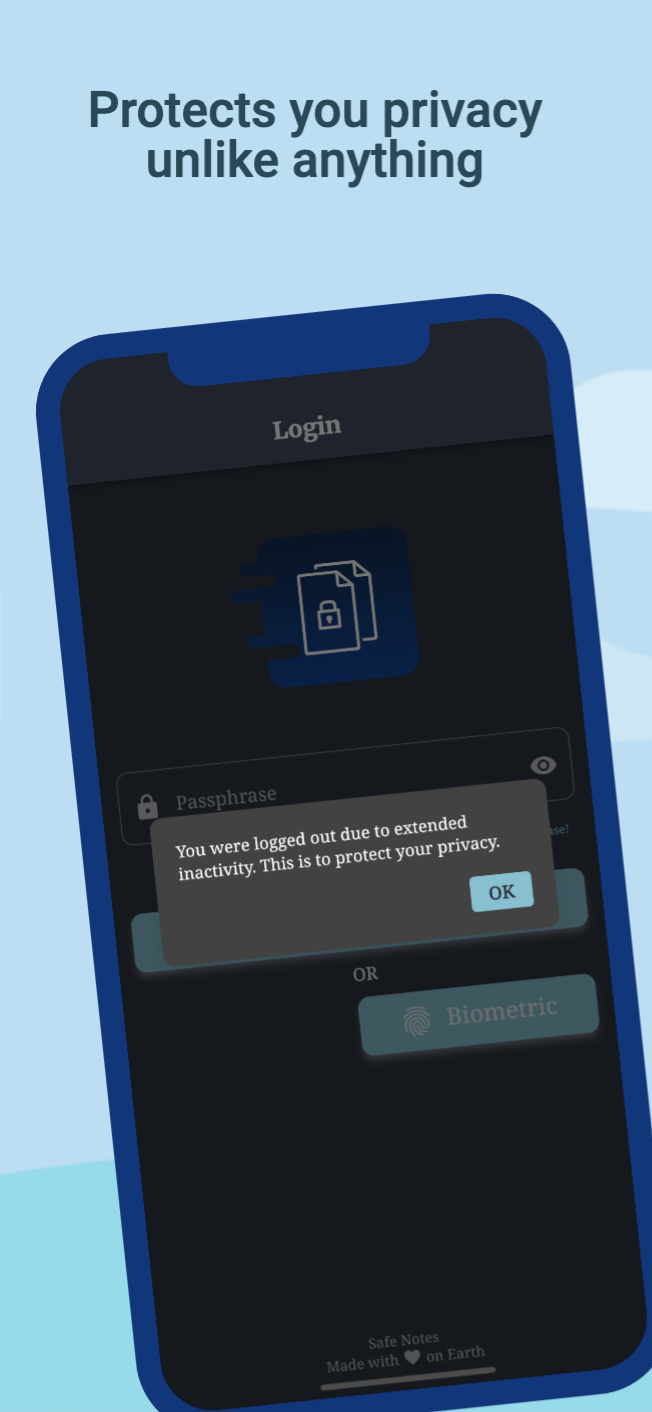
Safe Notes is a privacy-focused note manager which provides an inbuild encrypted storage. It imploys rigorously tested AES-256 encryption standard to store user notes. All the notes are stored locally on the user's device. Contrary to the ongoing frenzy of "move everything to cloud" we believe in "localization of user data" giving you the control of your data and not some third-party cloud service provider. We know you gotta change your device once in a while that's why Safe Notes also provides a secure migration facility, which allows you to export and import your notes without having to compromise the sanctity of your data. Word of advice, keep your passphrase long and secret. May encryption protect us all!
[!IMPORTANT] With great security comes the great responsibility of remembering the passphrase!
[!WARNING] Some security features cannot be guaranteed to work if you are using a rooted device.
You can install Safe Notes using one of the following methods:
We recommend method 1 or 2 for most users. Building a debug APK using method 4 excludes a key entirely. Signing keys help ensure that a user isn't tricked into installing a malicious update to an app.
Whether you have ideas, design changes, code cleaning, or real heavy code changes, help is always welcome.
The more is done the better it gets!
If you'd like to get involved, check our contribution notes.
Help translate Safe Notes on Hosted Weblate

The Safe Notes project aims to provide a encrypted, private, anonymous experience for local note storage. The app doesn't send any outbound requests neither does it receives any inbound requests. Hence, it doesn't collect any data whatsoever. You can find the document here.

Safe Notes is Free Software: You can use, study share and improve it at your will. Specifically GNU General Public License as published by the Free Software Foundation, either version 3 of the License, or (at your option) any later version.
| Weblate is helping with continuous localization as part of their ongoing support for libre software projects. |
|---|
Crie folhetos inferiores modais incríveis e poderosos. Material, Cupertino iOS 13 ou crie seu próprio estilo
Internationalize e localize facilmente e rapidamente seus aplicativos Flutter, este pacote simplifica o processo de internacionalização.
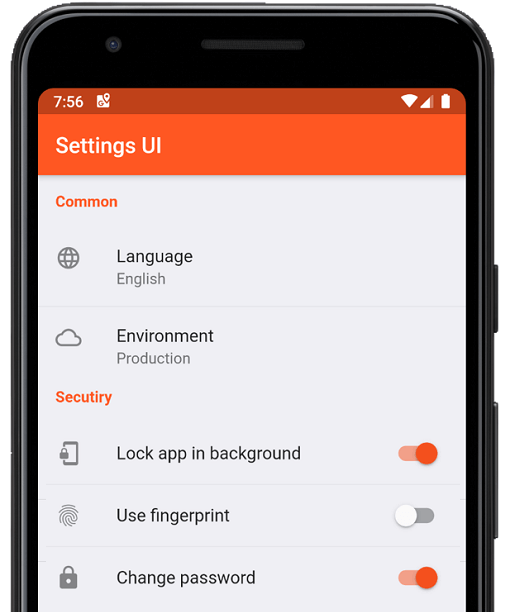
Crie configurações nativas para o aplicativo Flutter em minutos. Use interfaces únicas para construir
Uma biblioteca útil para criar timestamps difusos. (por exemplo: "há 15 minutos")
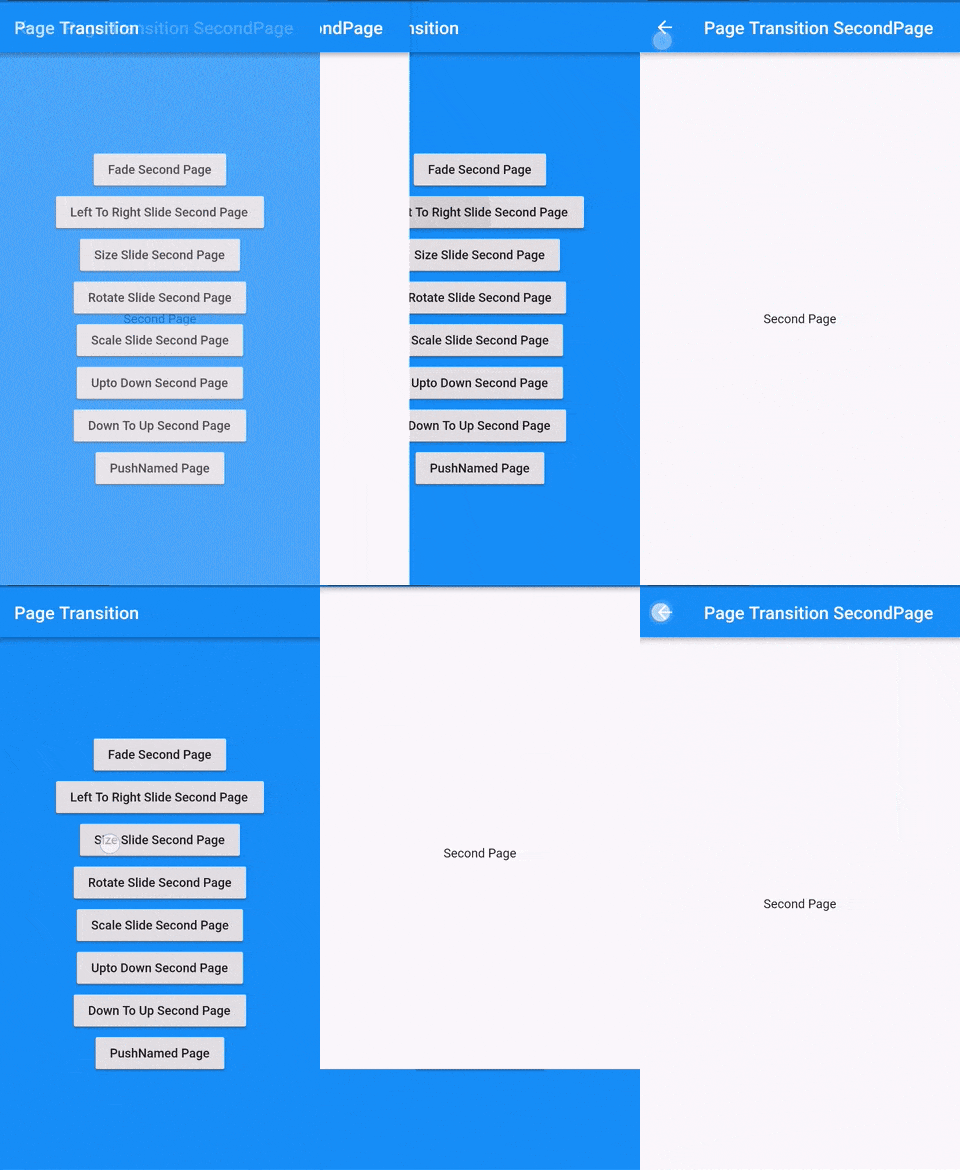
Pacote de transição de página Flutter que é a transição para a segunda página
Execute código após o primeiro layout do seu widget ter sido realizado, ou seja, após o primeiro quadro ter sido exibido.
Um conjunto de APIs de alto nível sobre o PointyCastle para criptografia bidirecional.
Organize automaticamente seus imports do Dart
Ajuda você a alterar ou renomear o BundleId e o nome do aplicativo do seu projeto Flutter para plataformas iOS, Android, MacOS e Linux
Ícones do Material Design projetados pela comunidade para o Flutter
Verifica dependências ausentes, subpromovidas, sobrepromovidas e não utilizadas.
Redirecione o usuário para a página de autenticação se o aplicativo não receber nenhuma interação do usuário ou estiver em segundo plano por um período de tempo "x".
Lista de dependências 37 itens
{"sdk":"flutter"}^1.2.0^3.0.0^3.0.3^1.0.6^10.0.1^3.0.1^5.0.0^8.0.0+1^9.0.0^0.7.0^0.18.1^2.1.2^2.1.1^2.1.0^7.0.7296^2.1.0^3.0.0^2.0.9^1.9.0^2.0.2^11.3.0^6.0.3^3.0.2^2.0.2^2.0.6^2.1.0+1^3.3.0^2.0.0^6.1.5{"git":{"url":"https://github.com/keshav-space/safenotes-nord-theme.git","ref":"main"}}{"sdk":"flutter"}^0.13.1^2.2.11^4.6.0^3.0.0^3.0.2Filtre pelo caso de uso, compare a atividade e confira o projeto original antes de adotá-lo.
“A repository is the most basic element of GitHub.”
GitHub Docs — About repositories ↗