
v1.19.0
meta
Anotações usadas para expressar intenções do desenvolvedor que não podem ser deduzidas por análise estática do código-fonte.
479Curtidas 15,3 miDownloads em 30 dias150Pontos Pub
AndroidiOSWebmacOSWindowsLinux
Aplicativo móvel do Lichess

Anotações usadas para expressar intenções do desenvolvedor que não podem ser deduzidas por análise estática do código-fonte.
Plugin Flutter para o Firebase Core, permitindo a conexão com múltiplos aplicativos do Firebase.
Plugin Flutter para o Firebase Crashlytics. Ele relata erros não tratados para o console do Firebase.
Plugin Flutter para o Firebase Cloud Messaging, uma solução de mensageria multiplataforma que permite entregar mensagens com confiabilidade no Android e no iOS.
 v1.2.0
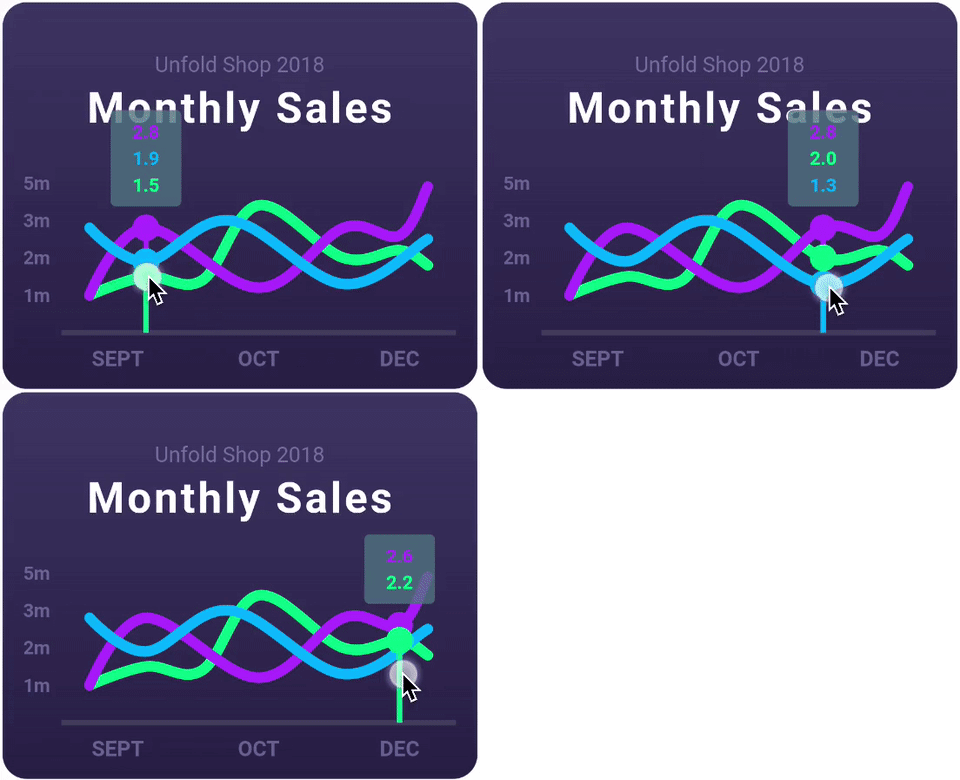
Uma biblioteca de gráficos Flutter altamente personalizável que suporta Gráfico de Linha, Gráfico de Barras, Gráfico de Pizza, Gráfico de Dispersão e Gráfico de Radar.
Um framework de cache reativo e vinculação de dados. Riverpod torna o trabalho com código assíncrono uma brisa.
 v2.0.0
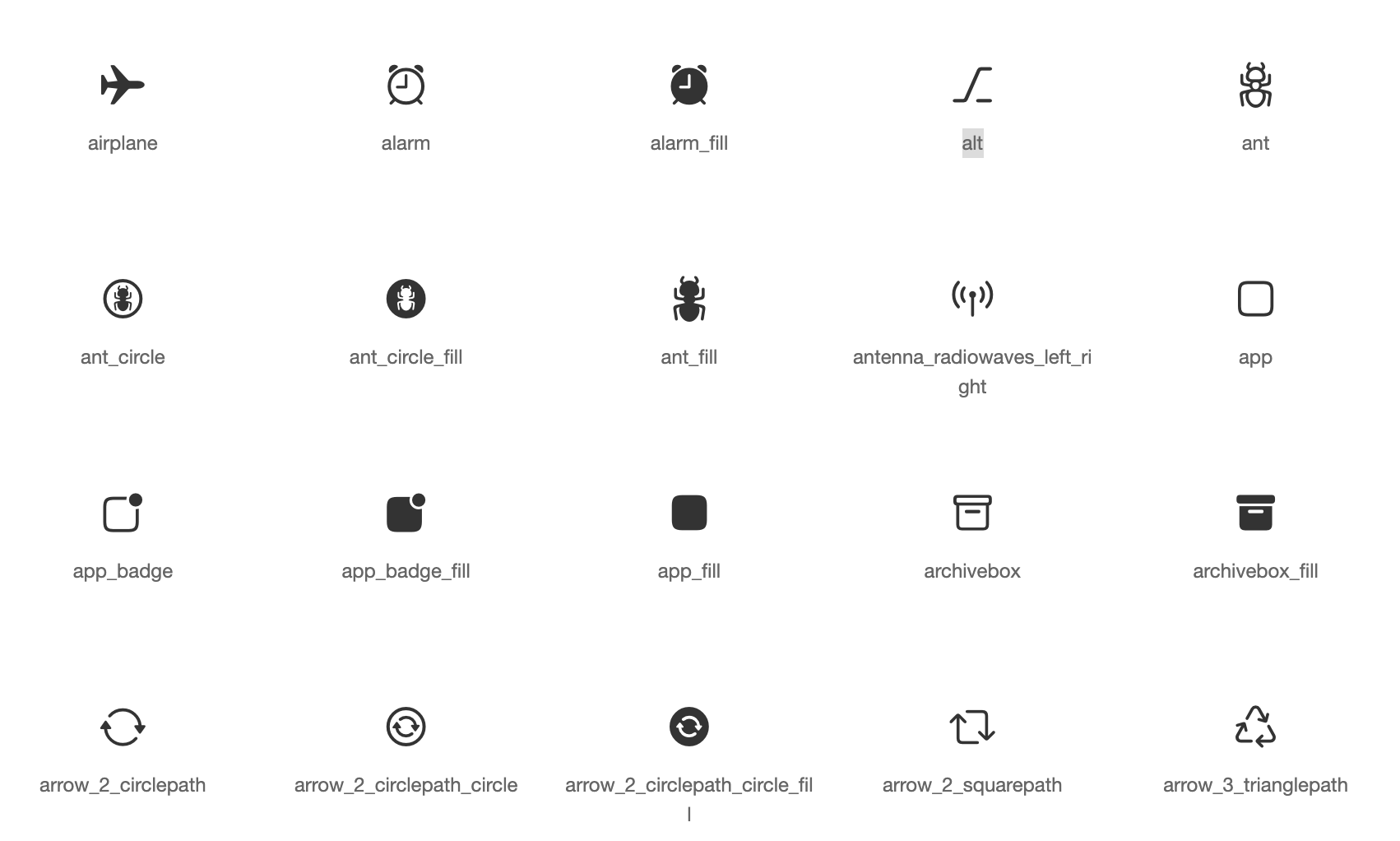
Recursos de ícones padrão para widgets Cupertino com base em ícones com estilo da Apple
Plugin Flutter para selecionar imagens da biblioteca de imagens do Android e iOS, e tirar novas fotos com a câmera.
 v1.1.1
Plugin Flutter para criar atalhos na tela inicial, também conhecidos como Ações Rápidas no iOS e Atalhos de Aplicativos no Android.
 v5.2.2
Uma coleção de indicadores de carregamento animados com o flutter. Muito inspirado pelo SpinKit do @tobiasahlin.
Plugin Flutter para SQLite, um mecanismo de banco de dados SQL embutido, de alta confiabilidade e autocontido.
Implementação baseada em FFI do sqflite, para desktop e testes unitários.
^7.2.1^9.0.0^2.13.1^3.0.0^10.2.0^1.1.2^1.19.1^7.3.1^1.9.0^3.0.7^3.0.2^1.0.9^1.0.0^0.13.1^1.1.0^13.2.0^1.9.0^11.2.0^13.1.0^4.13.0^5.2.7^16.5.0^1.2.0{"sdk":"flutter"}^12.0.2^0.7.0^2.0.8^22.3.0{"sdk":"flutter"}^1.0.12^2.4.8^3.4.2^11.0.0^4.0.3^5.2.2^3.1.0^0.9.3^1.6.0^1.2.3^0.20.3^4.12.0^3.0.0{"git":{"url":"https://github.com/lichess-org/dart-lc0.git","ref":"04284fa88176930a0e2ffd475979fa289710169e"}}^1.3.0^0.13.0^4.2960.0^1.0.1^1.19.0{"git":{"url":"https://github.com/lichess-org/dart-multistockfish.git","ref":"896c3884921ae1d775fcd3088ddcd1559fb87308","path":"pkgs/multistockfish"}}^10.2.1^1.9.1^2.1.6^0.4.0^2.2.0^4.1.0^1.1.0^0.2.0^13.3.0^2.5.5^0.5.0^0.2.0^2.4.3^2.4.2+1^2.1.1^6.3.2^0.4.0+2^1.7.0^3.0.3^2.15.1^1.3.3{"sdk":"flutter"}^4.0.1^6.14.1^2.14.0^1.0.5^2.1.4^1.6.0Texto original em inglês. Visite o GitHub para a versão atual.
Second iteration of the Lichess mobile app.
Contributions to this project are welcome!
If you want to contribute, please read the contributing guide.
If you are new to this project, you can read the documentation to get started. The CLAUDE.md is also a good resource to understand the codebase.
tl;dr: Install Flutter, clone the repo, run in order:
flutter pub getdart run build_runner watchflutter analyze --watchand you're ready to code!
See the dev environment docs for detailed instructions.
To run the app, you can use the following command:
# if not already done, run the code generation
dart run build_runner build

# run the app on all available devices
flutter run -d all
To run the tests, you can use the following command:
# if not already done, run the code generation
dart run build_runner build

flutter test
Do not edit the files in translation/ folder (except translation/source/mobile.xml), nor the app_en.arb file: these files are generated.
For more information, see Internationalisation.
Only for members of lichess team.