
 v11.6.0
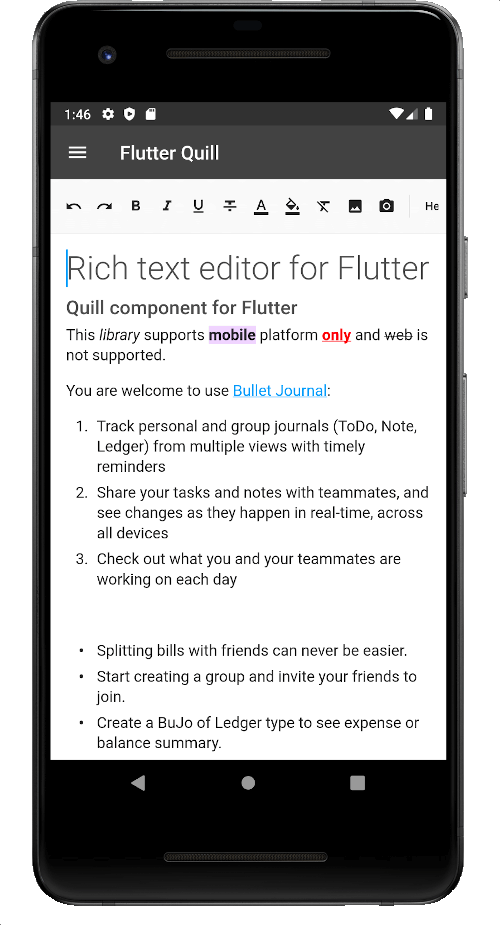
flutter_quill
Um editor de texto rico construído para plataformas Android, iOS, Web e desktop. É um editor WYSIWYG e um componente Quill para Flutter.
2,2 milCurtidas 320 milDownloads em 30 dias150Pontos Pub
AndroidiOSmacOSWindowsLinux
O aplicativo para a Université Claude Bernard
 v11.6.0
Um editor de texto rico construído para plataformas Android, iOS, Web e desktop. É um editor WYSIWYG e um componente Quill para Flutter.
 v3.0.0
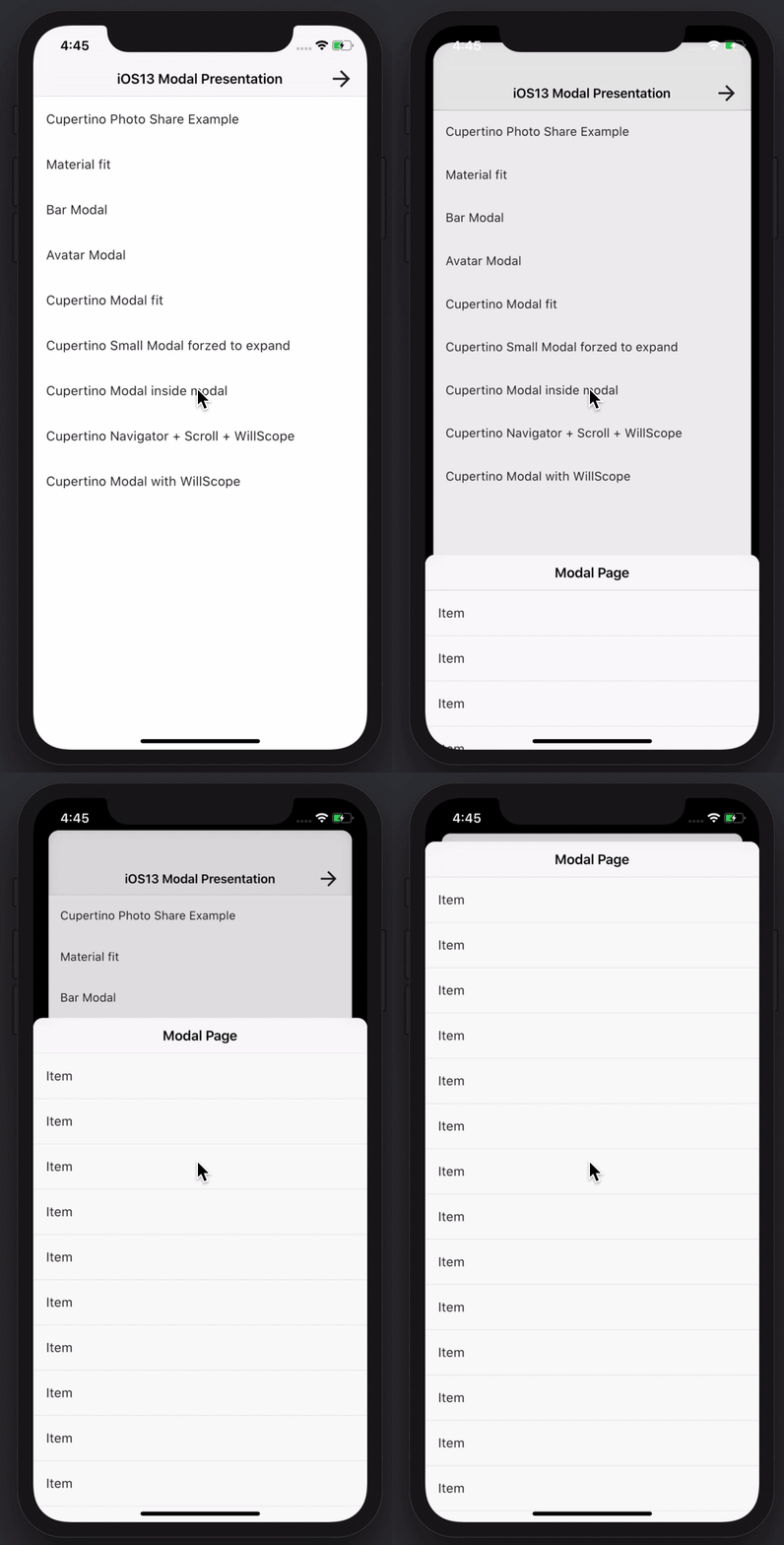
Crie folhetos inferiores modais incríveis e poderosos. Material, Cupertino iOS 13 ou crie seu próprio estilo
Banco de dados documental baseado em arquivo persistente embutido NoSQL para Dart VM e Flutter com suporte a criptografia.
 v0.4.2
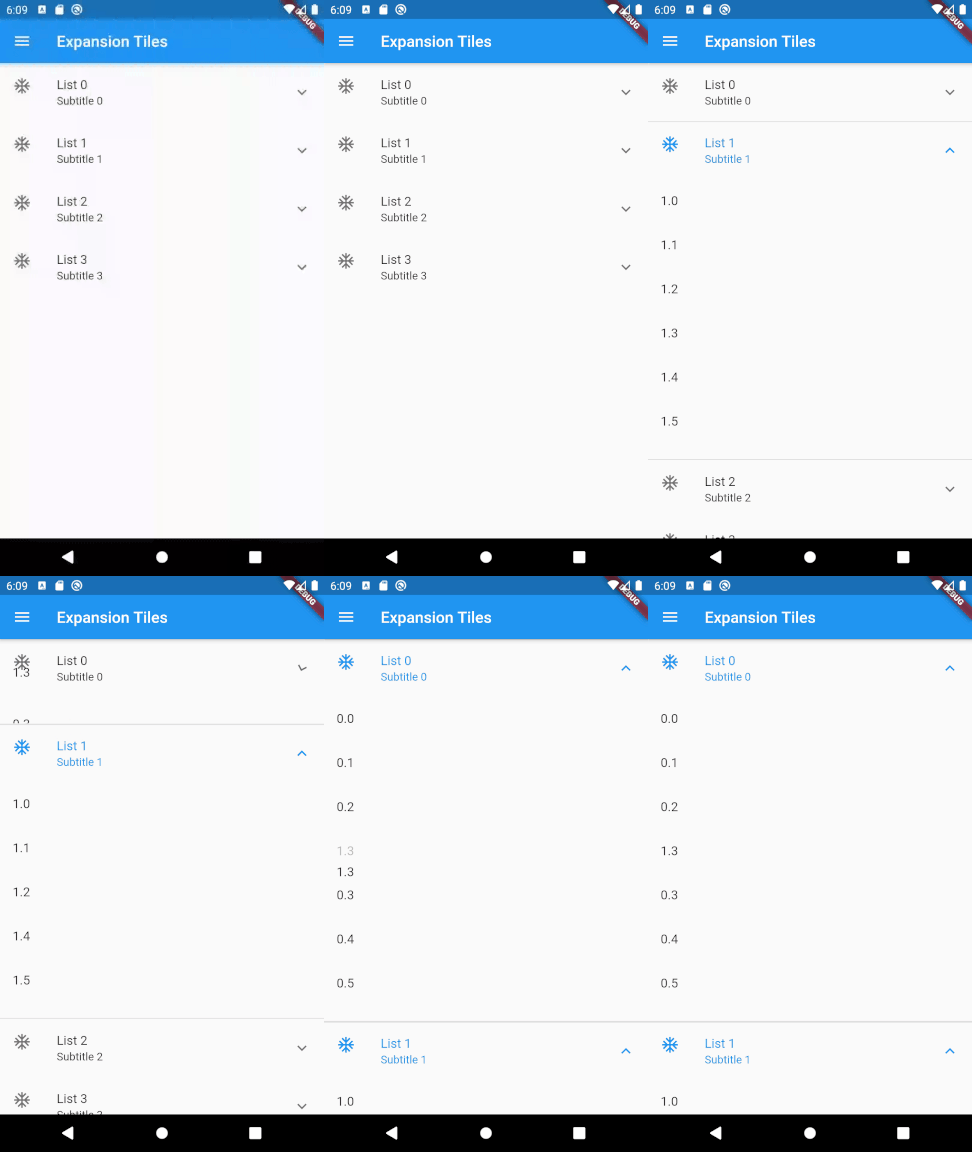
Um pacote Flutter para permitir a reorganização por arrastar e soltar de listas de dois níveis.
Pacote de Captura de Tela do Flutter (em tempo de execução). Capture qualquer Widget como uma imagem.
Melhorada serialização JSON e classes de dados com suporte completo para genéricos, herança, personalização e muito mais.
Armazenamento Seguro: Armazenamento de dados criptografados, opcionalmente protegido por bloqueio biométrico, com suporte para iOS, Android e MacOS. Suporte parcial para Linux, Windows e web (localStorage).
Uma implementação de cliente HTTP independente do armazenamento em cache do banco de dados com hive_ce.
 v3.3.1
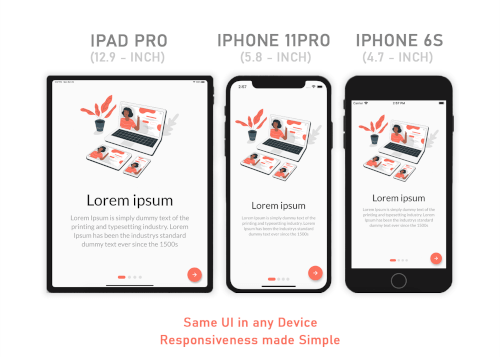
Responsive Sizer ajuda a implementar um layout responsivo fornecendo widgets auxiliares e extensões.
IMAP, POP3 e SMTP para desenvolvedores de e-mail. Escolha entre uma API de baixo nível e uma de alto nível para envio de mensagens. Analise e gere mensagens MIME. Descubra configurações de e-mail.
 v10.3.0
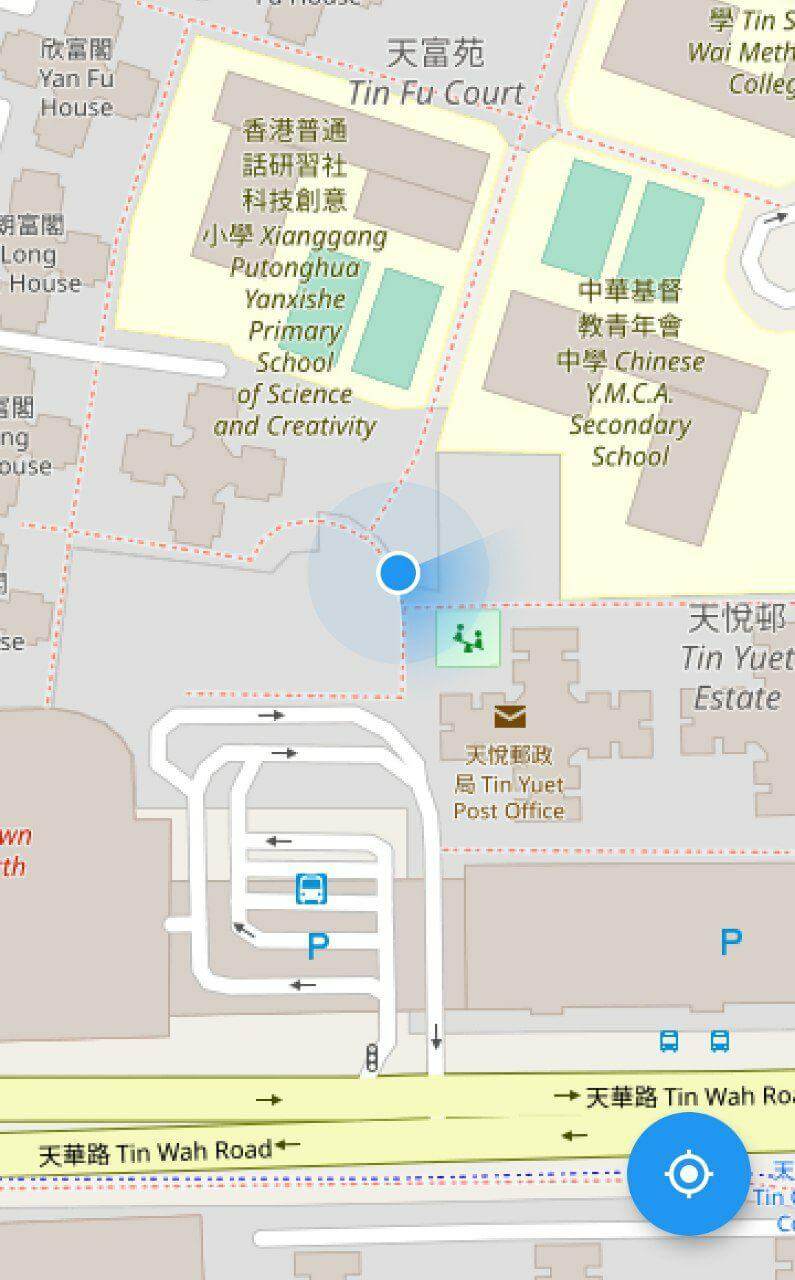
Um plug-in de mapa do Flutter para exibir a localização atual do dispositivo.
 v8.1.2
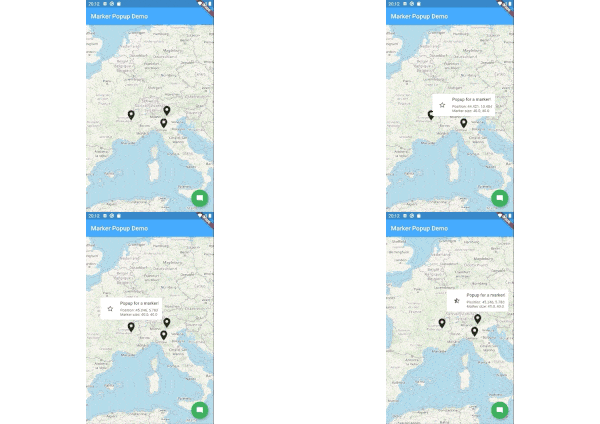
Pop-ups de marcadores para flutter_map.
Lista de dependências 1 itens
^6.3.2Texto original em inglês. Visite o GitHub para a versão atual.
Releases Playstore License Discord
Features | Download | Contribute | Build | License
Banner
Onyx is an unofficial, open-source application that lets you access all Université Claude Bernard Lyon 1 services from your phone.
Calendar Screenshot Email Screenshot Grades Screenshot Map Screenshot Izly Screenshot
An application for students, by students. Feel free to contribute to this project by opening issues or pull requests. We really appreciate any help. You can also chat with us on Discord.
https://contrib.rocks/image?repo=onyx-lyon1/onyx
Thanks to weblate for the translation platform !
To build the app, follow these steps:
Install Flutter from flutter.dev.
You will need those libraries:
On Debian/Ubuntu like distros, they can be installed with this single command :
sudo apt install pkg-config libgtk-3-dev libglib2.0-dev libsecret-1-dev zenity
You will need a recent version of Android Sdk.
You can then run flutter doctor to check if it's detected by flutter.
Please make sure you are on the main branch before proceeding with the build process.
Navigate to the apps/onyx directory and execute the following command based on your
target platform:
flutter build apk --profile --no-tree-shake-icons (the --profile flag build the app without the signing key but with
full optimizations)
apps/onyx/build/app/outputs/flutter-apk/app-release.apk.flutter build linux --no-tree-shake-icons
apps/onyx/build/linux/x64/release/bundle/Onyx.flutter build appbundle --profile --no-tree-shake-icons (the --profile flag build the app without the signing
key but with full optimizations)
apps/onyx/build/app/outputs/bundle/release/app-release.aab.To set up your development environment:
packages/ directory.dart pub global activate melos.melos bs or melos bootstrap to link the local libraries in the app and retrieve all dependencies.apps/onyx directory and run flutter clean to ensure a clean environment.flutter run to start the app.melos generate to generate automatically generated files (usually not needed unless you
modify them).melos test to run unit tests for all the libraries.melos analyze to perform static analysis on the libraries and the Onyx app.melos clean.git update-index --assume-unchanged apps/onyx/assets/key.txt
and git update-index --assume-unchanged apps/onyx/assets/iv.txt to ignore
changes to this file.if you are using the flake, to create an virtual device, run : avdmanager create avd --force --name phone --package 'system-images;android-33;google_apis_playstore;x86_64'
then to run it simply run : emulator -avd phone -skin 720x1280
To run end-to-end tests:
curl -Ls "https://get.maestro.mobile.dev" | bash (Applicable for Mac
OS, Linux, or Windows with WSL)apps/onyx/integration_test directory.
4. After installing the app on an Android device (physical or virtual), run the following command to execute the
tests: maestro test general_test.yaml Maestro will automatically run the tests.Now, you're all set to build and test your Flutter app. 🎉
This work is licensed under the GPL-3.0 License. To view a copy of this license, visit https://www.gnu.org/licenses/
powered by the cat