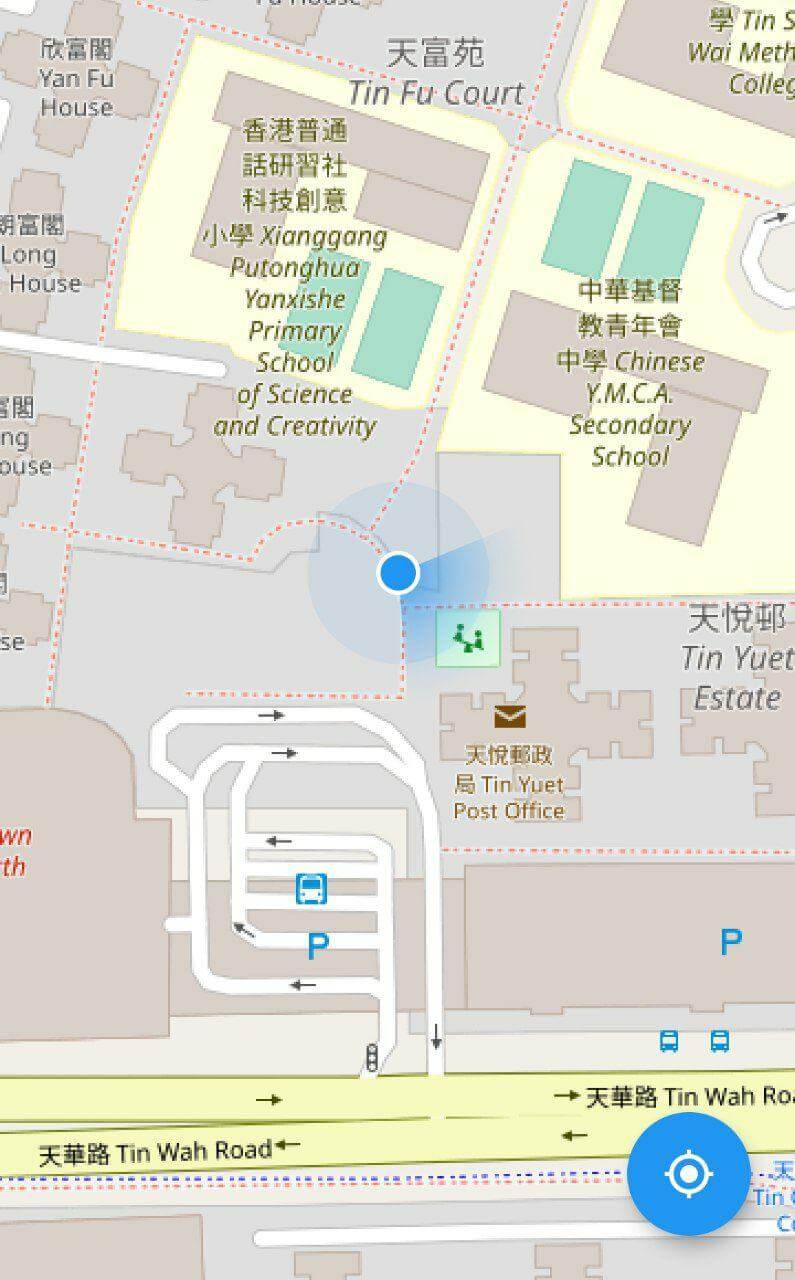
Orientação gerada a partir de informações públicas. Apenas para referência.
Um plugin do Flutter que permite exibir a localização atual do dispositivo em um mapa usando o flutter_map. Oferece uma forma simples de visualizar a posição em tempo real do usuário com um marcador personalizável, melhorando aplicativos baseados em geolocalização. O plugin se integra perfeitamente ao pacote flutter_map e suporta múltiplas plataformas, incluindo Android, iOS, Web, macOS, Windows e Linux. É ideal para aplicativos que exigem conscientização de localização, como ferramentas de navegação, rastreamento de entregas ou serviços de compartilhamento de localização.
Casos de uso
rastreamento de localização em tempo real
Aplicativos de navegação
Entrega e logística
Serviços baseados em localização
Sobreposições de mapa com posição do usuário
Principais recursos
Exibe a localização atual do dispositivo
Marcador de localização personalizável
Integração contínua com flutter_map
Suporta múltiplas plataformas
Atualizações automáticas para mudanças de localização
Indicado para
Desenvolvedores construindo aplicativos com mapas integrados
Aplicativos que precisam de rastreamento em tempo real do GPS
Soluções de geolocalização multiplataforma
painéis com conhecimento de localização
Considerações
Requer permissões de localização
Pode consumir bateria quando ativo
Depende do flutter_map estar instalado
A precisão depende do GPS do dispositivo
Necessita de tratamento adequado de solicitações de permissão
README original
Snapshot do README original do repositório-fonte vinculado. Consulte o repositório para o conteúdo mais recente.
flutter_map_location_marker
flutter_map_location_marker is a flutter_map plugin for
displaying the device's current location on a map. It provides a simple and flexible way to add a
customizable location marker to your map.
Join flutter_map Discord server to talk
about flutter_map_location_marker, get help and help others in the #plugins channel.
Features
Simple: The only thing you need to do is to add a CurrentLocationLayer() to your map
because all parameters have good default values.
Flexible: The default implementation receives the device's position from
the geolocator package and the device's heading from
the flutter_rotation_sensor package, but with
type conversion, streams from other sources are also supported.
Auto-following: The map follows the new location when the location is updated. This feature is
disabled by default.
Auto-rotating: The map can be rotated automatically in navigation mode. This feature is
disabled by default.
Customization: The location marker can be fully customized, including the colors of the
accuracy circle and heading sector.
Usage
Add flutter_map_location_marker to your pubspec.yaml:
dependencies:flutter_map_location_marker:any# or latest version
Add permission by following the instructions from
the geolocator package.
Custom Stream:
Use your own stream, such as position stream from another library or predefined route, as the
source.
No Stream:
Use Flutter setState() to update position and heading.
Navigation Mode:
Rotate the map to keep heading pointing upward.
Default Stream:
Share the default streams between your app and this plugin.
FAQ
Q: How can I get
the positionStream
, headingStream
or their origin streams from a CurrentLocationLayer widget?
A: You should not get these streams from a CurrentLocationLayer widget. Instead, create your own
streams with the same types and also pass them to all widgets that need them. CurrentLocationLayer
doesn't own the streams; it just listens to them. You can use any implementation of position and
heading streams, as long as the stream types are Stream<LocationMarkerPosition?> and
Stream<LocationMarkerHeading?>, respectively. You may
see this example
to know about how to do this.