Texto original em inglês. Visite o GitHub para a versão atual.
Quickgui
An elegant virtual machine manager for the desktop
Made with 💝 for
Introduction
Quickgui is a graphical user interface for the Quickemu virtual machine manager.
Quickgui enables you to create and manage virtual machines from a simple and elegant interface.
Nearly 1000 operating systems supported including Windows, macOS, BSDs, and 100s of Linux distros. All with automated downloads and configuration.
Install
Quickgui depends on Quickemu. Most package managers will automatically install Quickemu when you install Quickgui.
If you don't have Quickemu installed then go and follow the Quickemu installation steps for your operating system:
This requires flutter to be installed as well as xcode development for macos nad cocoapods.
It will install quickgui app in the applications and after running the command below you should be able to search for it through spotlight
git clone https://github.com/quickemu-project/quickgui.git
cd quickgui
flutter pub get
flutter config --enable-macos-desktop
flutter build macos --release
The compiled binary will be in build/linux/x64/release/bundle/quickgui.
You can run it with:
./build/linux/x64/release/bundle/quickgui
Usage
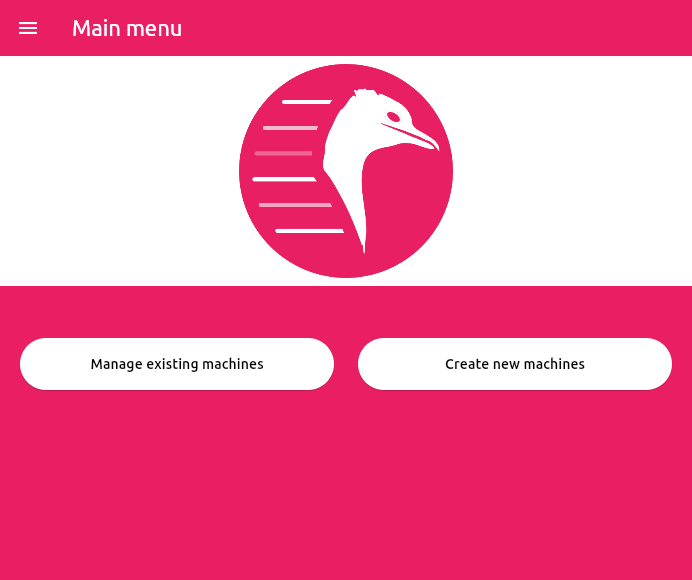
Main Screen
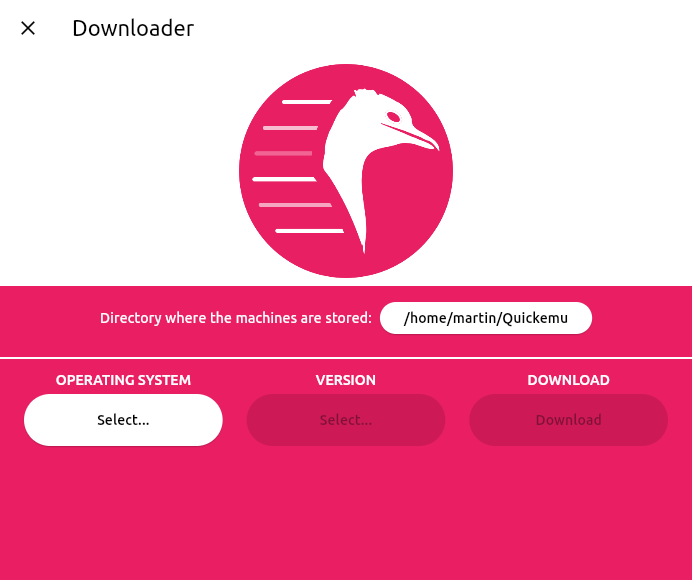
Downloader
From the main screen, click "Create new machines"
Select the Operating System you want to install
Select the Version of the operating system you want to use.
Click the "Download" button.
The ISO will be downloaded
When the download is complete, click the "Dismiss" button.
Downloader
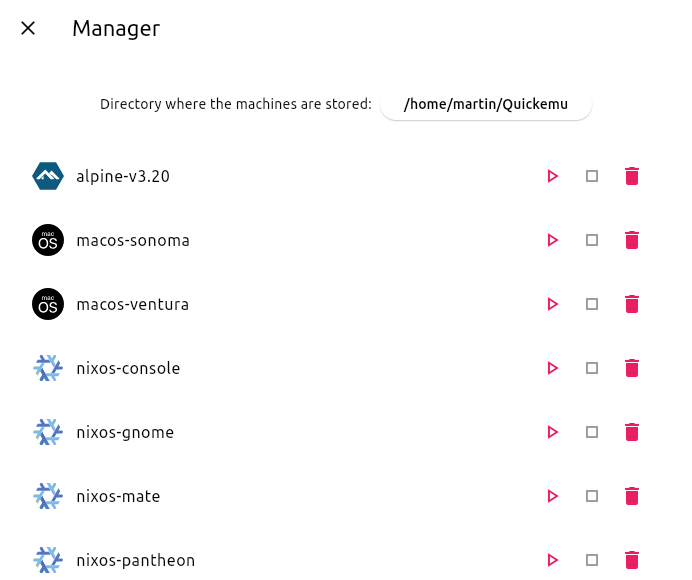
Manager
From the main screen, click "Manage existing machines"
The Manager screen will list available Quickemu VMs in the directory you have chosen to store them.
Start a VM by clicking the "Play" (▶) button.
Kill a running VM by clicking the "Stop" (■) button.
Clicking the "Trash" (🗑) button will prompt you to delete the whole VM or just its disk image.
Manager
When a VM is running, Quickgui will display the host ports that are mapped to the SPICE and SSH ports on the guest. These ports are used to connect to the guest for display and SSH access.
SPICE
If you close the SPICE display and wish to reconnect, you can click the "Connect display with SPICE" button. To open an SSH session, you can click the "Connect with SSH" button.
If the "Connect display with SPICE" button is disabled, the spicy client cannot be found. Ensure it is installed, and in your PATH (it should have been installed with quickemu).
SSH
If the "Connect with SSH" button is disabled, an SSH server cannot be detected on the guest. Most guest operating systems will not install an SSH server by default, so if it was not an option during installation, you will need to install one yourself. It must be listening on port 22 (the default SSH port). Once a server is installed and running, it should be detected automatically.
"Connect with SSH" will open a terminal and attempt to connect to the guest. If the connection is successful, you will be prompted for the password. If the connection is unsuccessful, you might need to remove the host key for the guest from your ~/.ssh/known_hosts file using something like ssh-keygen -R [localhost]:22220.