v1.19.0
meta
Anotações usadas para expressar intenções do desenvolvedor que não podem ser deduzidas por análise estática do código-fonte.
480Curtidas 19,3 miDownloads em 30 dias150Pontos Pub
AndroidiOSWebmacOSWindowsLinux
O aplicativo de código aberto multiplataforma feito para escrita à mão

Texto original em inglês. Visite o GitHub para a versão atual.
 Saber
Saber





English | čeština | Deutsch | 中文 (简体中文, 中国) | 中文 (繁體, 台灣) | العربية | Tiếng Việt
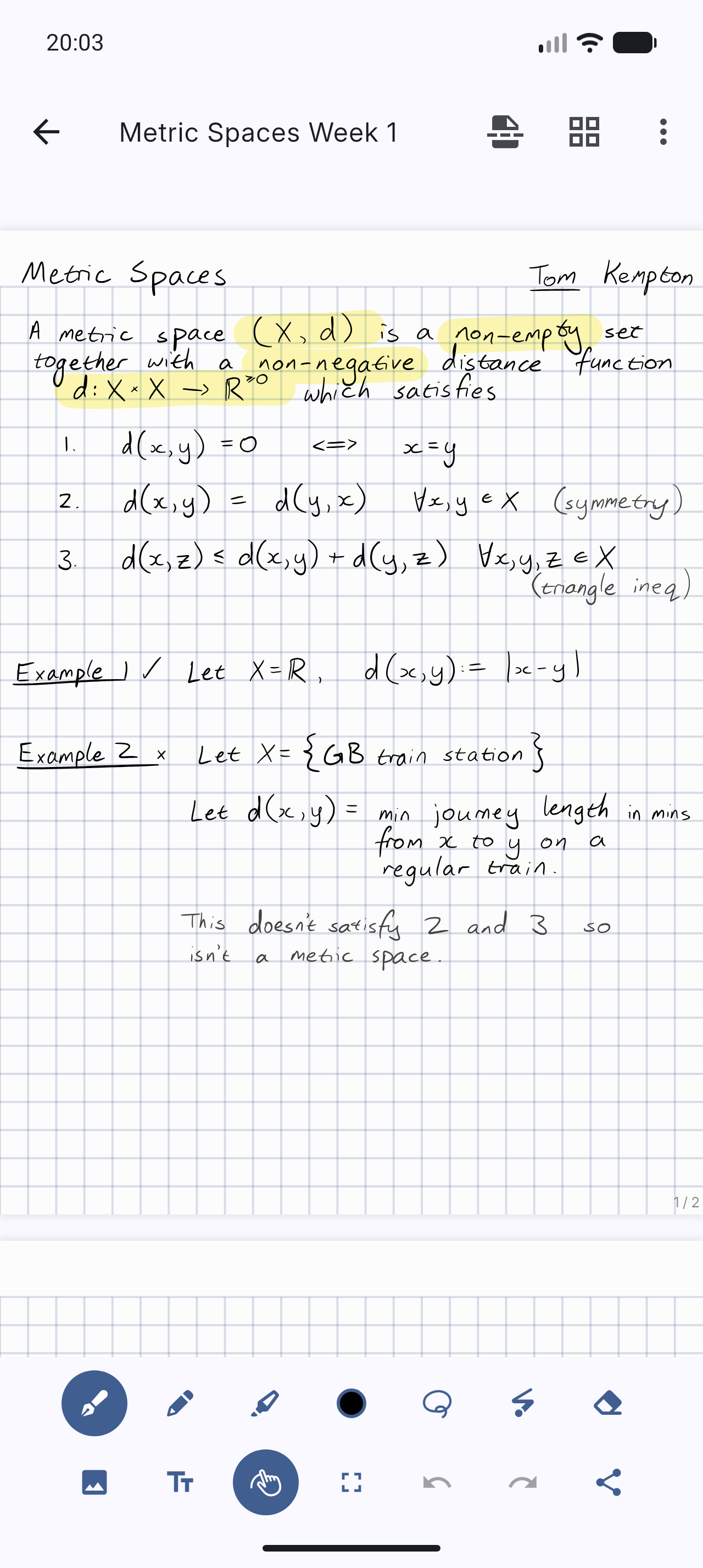
Saber is the notes app built for handwriting.
It's designed to be as simple and intuitive as possible, while still delivering unique features that you'll actually use. Additionally, Saber is available across all your devices, large and small, and syncs between them seamlessly.
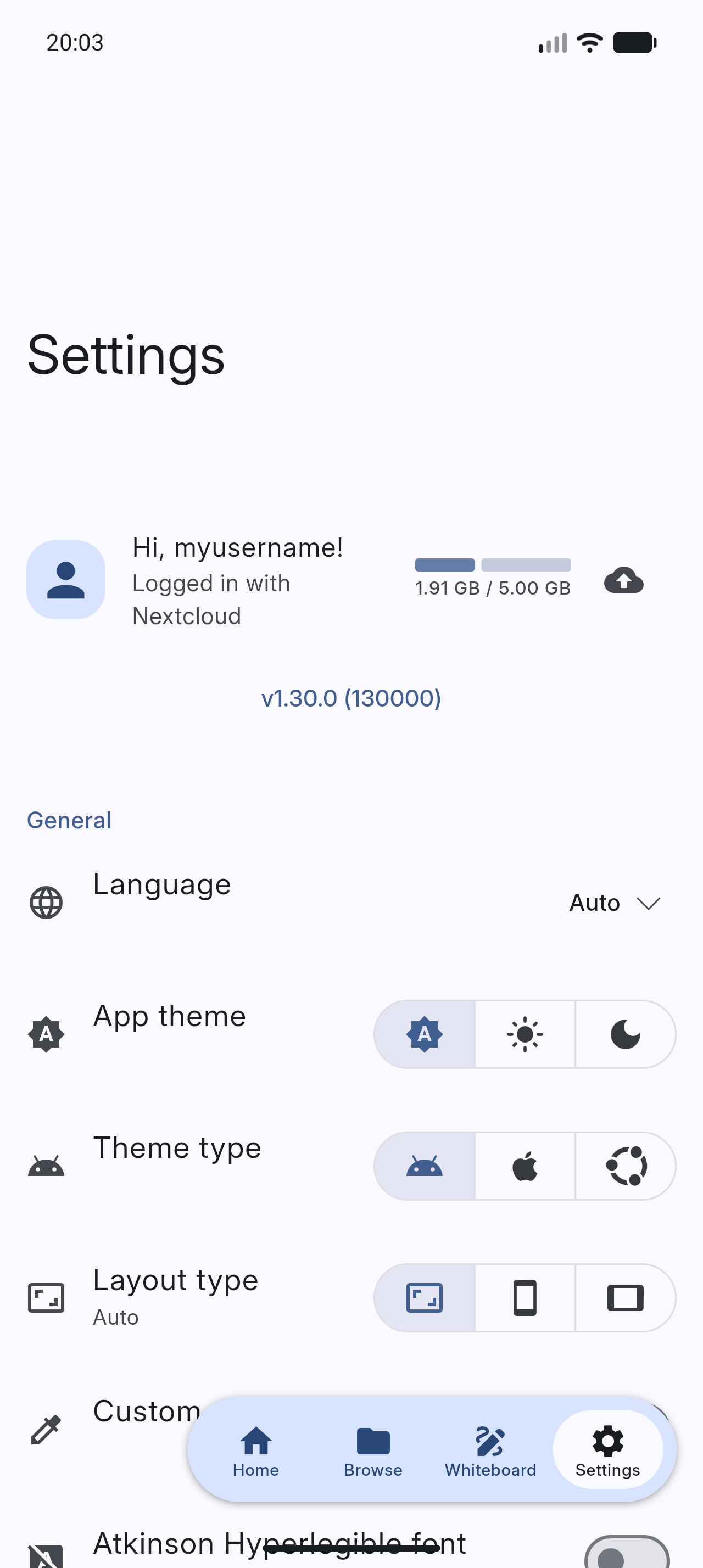
Notably, it can invert your notes when you're in dark mode. This allows you to write with white ink on a black background, which is much easier on the eyes in low-light environments like when the teacher turns off the lights in class. Images and PDFs are also inverted, so you can still use a digital printout or a textbook without the fuss.
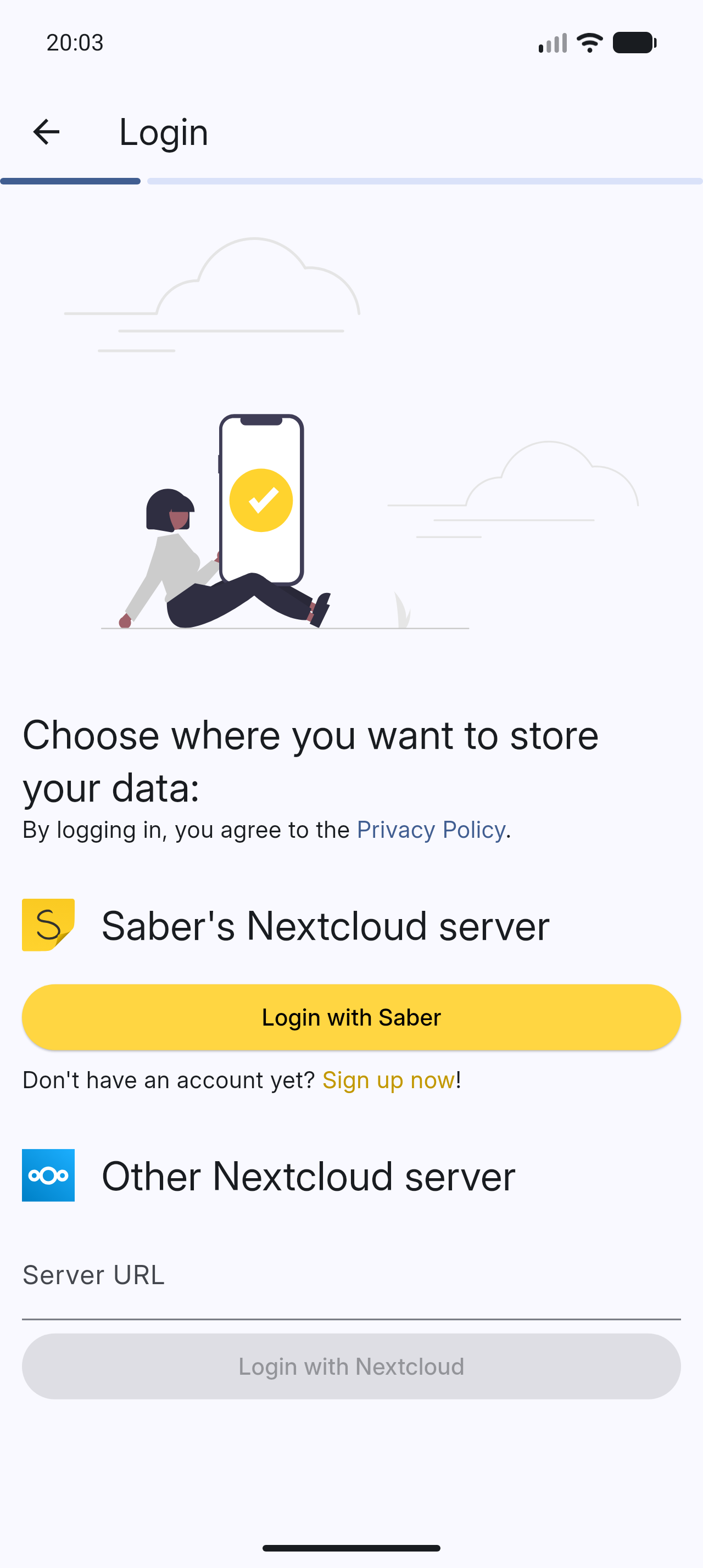
Saber uses a dual-password system to protect your notes from anyone but you, even if they have complete control over the server. You can safely store your notes on the official Saber server, another server, or even host your own!
The app is completely open-source so that anyone can view the source code and see exactly what it's doing and how it handles your data. Many other note-taking apps are closed-source and proprietary, meaning that their inner workings are a mystery to the public.
As someone who studies maths, highlighting multi-line equations was always a hassle with other apps, where the highlighter would change color when it overlapped with itself. Another problem I had was that in some apps, the highlighter would render on top of the text, fading it out and making it hard to read. Saber's highlighter has no such issues. It utilizes canvas compositing to render the highlighter in a way that is consistent with/better than traditional paper, where it handles overlaps and maintains color consistency.
Saber has everything you need to keep your notes organized. Create folders inside folders inside folders to your heart's content with no limit on the number of nested folders. And even though a note may be buried deep within a nested folder, you can still access it easily with your most recent notes always available on the home screen.
Discover a whole new way to capture and organize your thoughts with Saber. Whether you're a student, professional, or creative mind, Saber is your trusted companion for digital handwriting. Download now and let your ideas flow freely!










Please see #1 Saber progress.
Please see Install Saber on the wiki.
Please see Build Saber on the wiki.
All translations are thanks to our community of contributors.
If you'd like to help out translating Saber, head to Weblate!
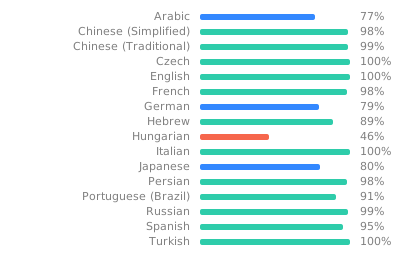
Note: To avoid falling back to English, any gaps in the translations are filled in by machine translation until a human can contribute.
If you like Saber, please consider supporting it by:
Please see Maintainer notes on the wiki.
Anotações usadas para expressar intenções do desenvolvedor que não podem ser deduzidas por análise estática do código-fonte.
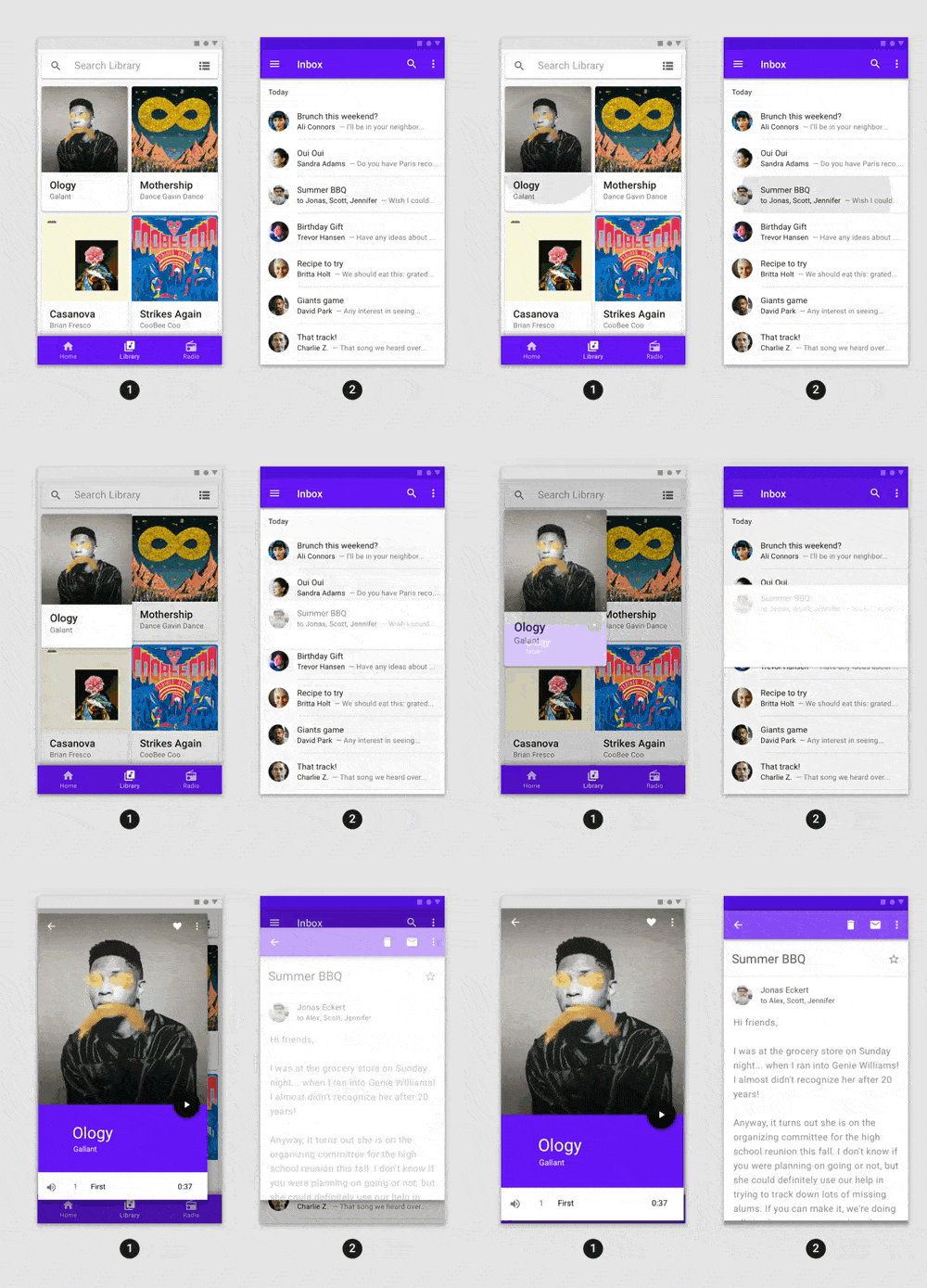
Animações prontas para uso que podem ser facilmente integradas a qualquer aplicativo Flutter.
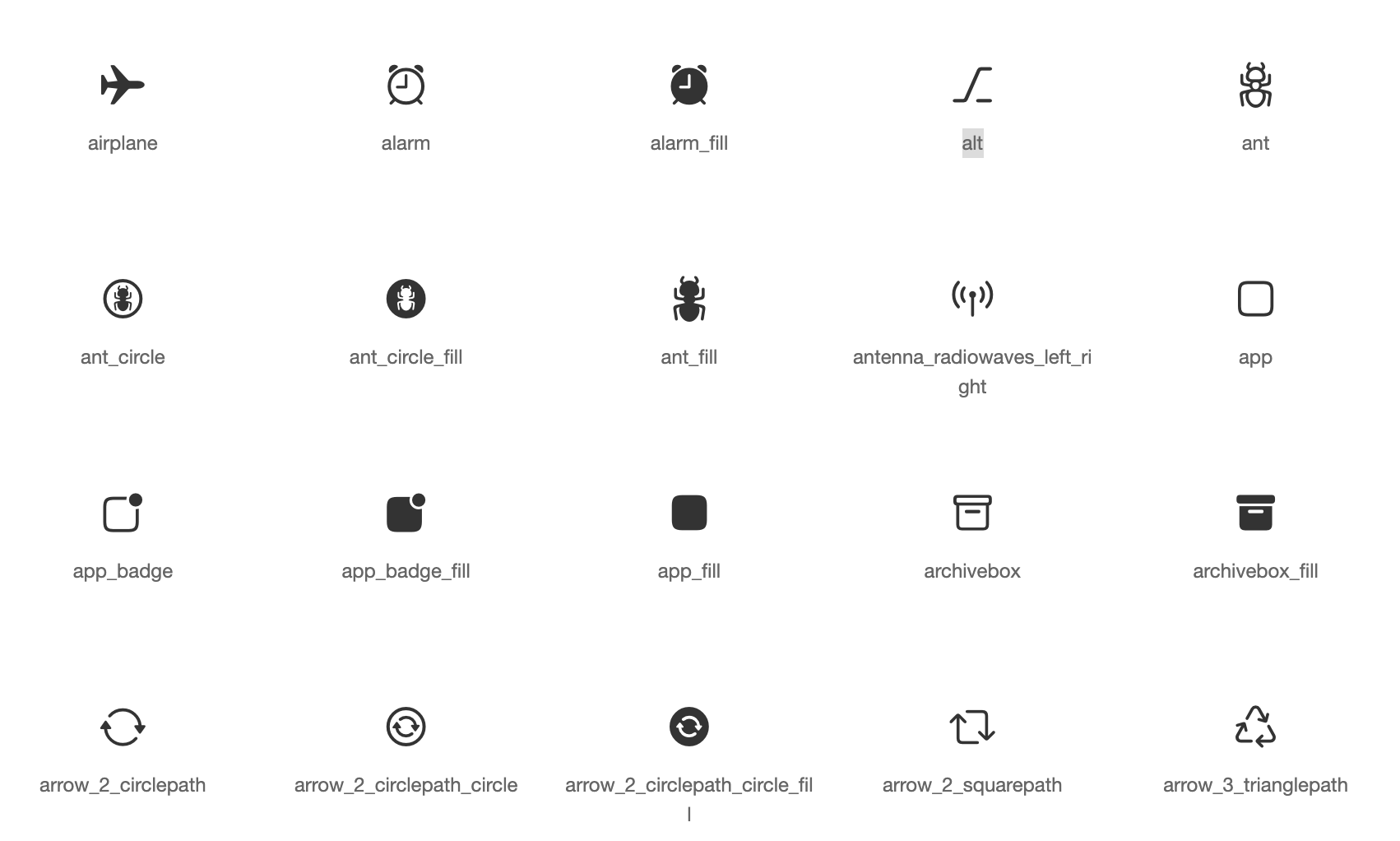
Recursos de ícones padrão para widgets Cupertino com base em ícones com estilo da Apple
Uma biblioteca de renderização e widget SVG para Flutter, que permite pintar e exibir arquivos de gráficos vetoriais escalonáveis 1.1.
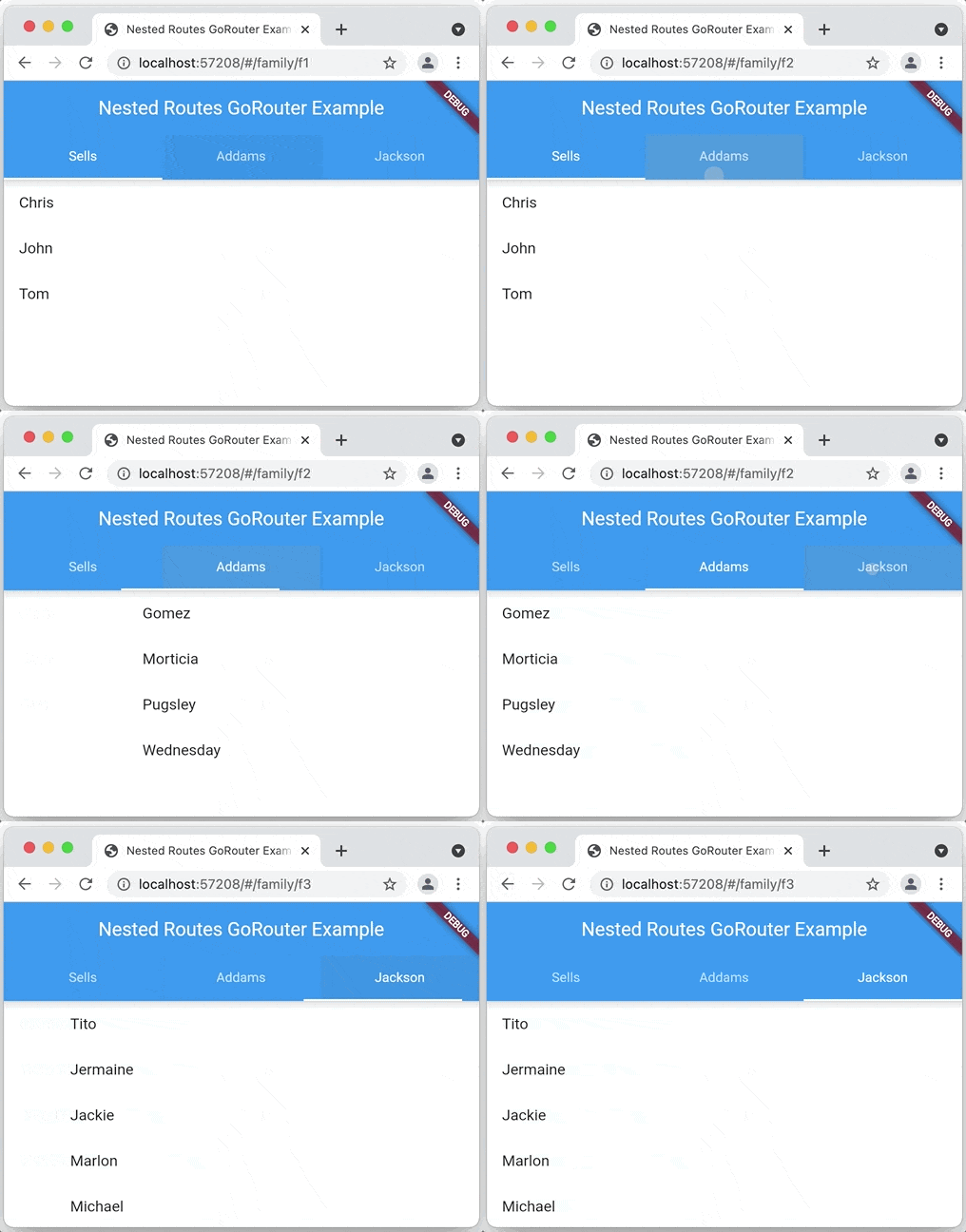
Um roteador declarativo para Flutter baseado no Navigation 2, com suporte a links profundos, rotas baseadas em dados e muito mais
Plugin Flutter para leitura e escrita de pares chave-valor simples. Envolve o NSUserDefaults no iOS e o SharedPreferences no Android.
Uma implementação do React hooks no Flutter. Ele adiciona um novo tipo de widget com reutilização de código aprimorada.
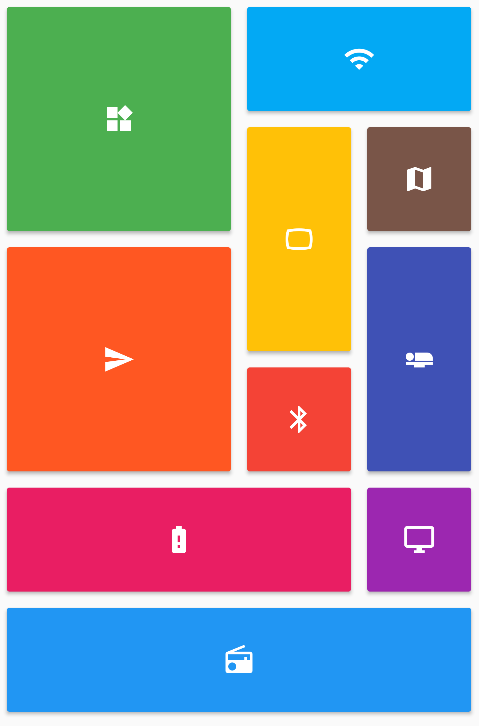
Fornece uma coleção de layouts de grade do Flutter (em cascata, mosaico, quadriculado, entrelaçado, etc.).
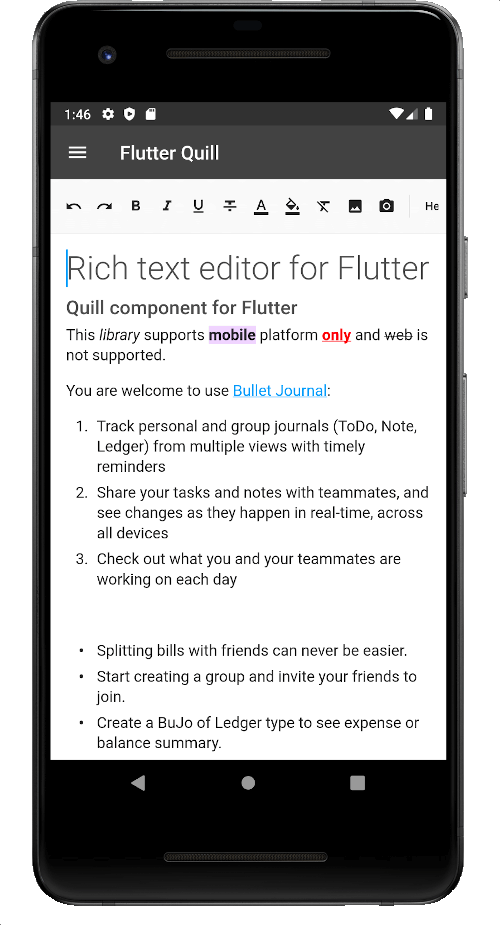
Um editor de texto rico construído para plataformas Android, iOS, Web e desktop. É um editor WYSIWYG e um componente Quill para Flutter.
Plugin de permissão para Flutter. Este plugin fornece uma API multiplataforma (iOS, Android) para solicitar e verificar permissões.
Plugin Flutter que fornece informações detalhadas sobre o dispositivo (marca, modelo, etc.) e a versão do Android ou iOS em que o aplicativo está sendo executado.
Plugin Flutter para compartilhar conteúdo por meio da interface de compartilhamento da plataforma, usando o intenção ACTION_SEND no Android e UIActivityViewController no iOS.
Lista de dependências 81 itens
{"sdk":"flutter"}{"sdk":"flutter"}^1.0.5^4.2758.0{"path":"packages/sbn"}^1.5.4^0.7.0^17.0.0^0.4.0^2.5.1^2.0.11^11.0.0^6.1.8^9.0.0^1.0.0^2.1.2any^3.0.2^5.0.1^1.1.0^1.0.1^3.8.4^13.3.0^13.0.0—^2.0.0+1^4.12.1—^3.4.1^11.0.0^2.0.0+1^0.0.2^13.0.0^5.1.0^2.0.7^11.5.1^0.5.1^7.0.1^0.10.7^4.0.3^2.0.4{"path":"packages/onyxsdk_pen"}^3.0.0^1.0.1^5.13.2^4.0.0^0.10.0-dev.2^0.0.2^5.0.0^7.0.0^1.2.0^1.1.0^13.2.0^10.2.0^1.1.1^1.0.0^3.1.0^1.0.0^1.3.2^2.5.0^5.0.1>=2.4.2 <2.5.0^1.9.1^0.6.0^0.6.0^0.7.0^1.4.0^9.21.0^9.5.0^9.2.6^0.21.3+1^0.2.0^4.8.0^1.5.2{"sdk":"flutter"}{"sdk":"flutter"}^6.0.0^3.0.0^3.1.2^11.1.0^3.1.1Filtre pelo caso de uso, compare a atividade e confira o projeto original antes de adotá-lo.
“A repository is the most basic element of GitHub.”
GitHub Docs — About repositories ↗