
v2.13.0
flutter_rust_bridge
Flutter/Dart <-> Rust 繫結產生器,功能豐富,但無縫且簡單
663喜歡 62.1萬近 30 天下載160Pub 分數
AndroidiOSWebmacOSWindowsLinux
一個使用 Flutter 建構的適用於 iOS 和 Android 的開源粵語詞典

Flutter/Dart <-> Rust 繫結產生器,功能豐富,但無縫且簡單
一個 Flutter 外掛程式,用於使用 Google 的 ML Kit 數位墨水辨識功能,在數百種語言中識別數位表面上的手寫文字,以及對草圖進行分類。
Supabase 的 Flutter 結合。此套件讓開發人員能輕鬆建立安全且可擴展的產品。
 v4.0.1
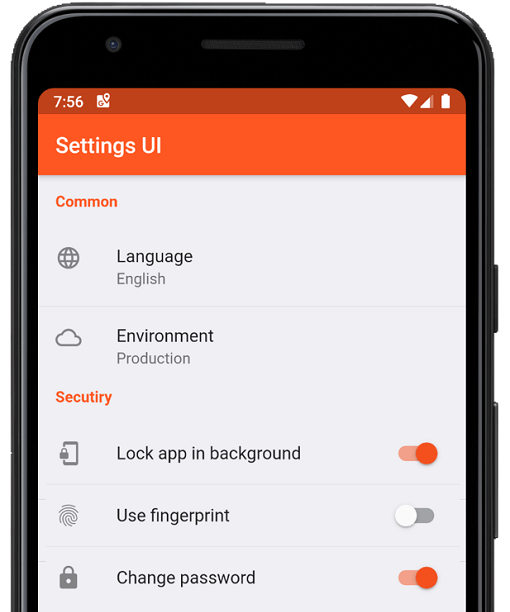
幾分鐘內為 Flutter 應用建立原生設定。使用單一介面進行建構
 v5.0.1
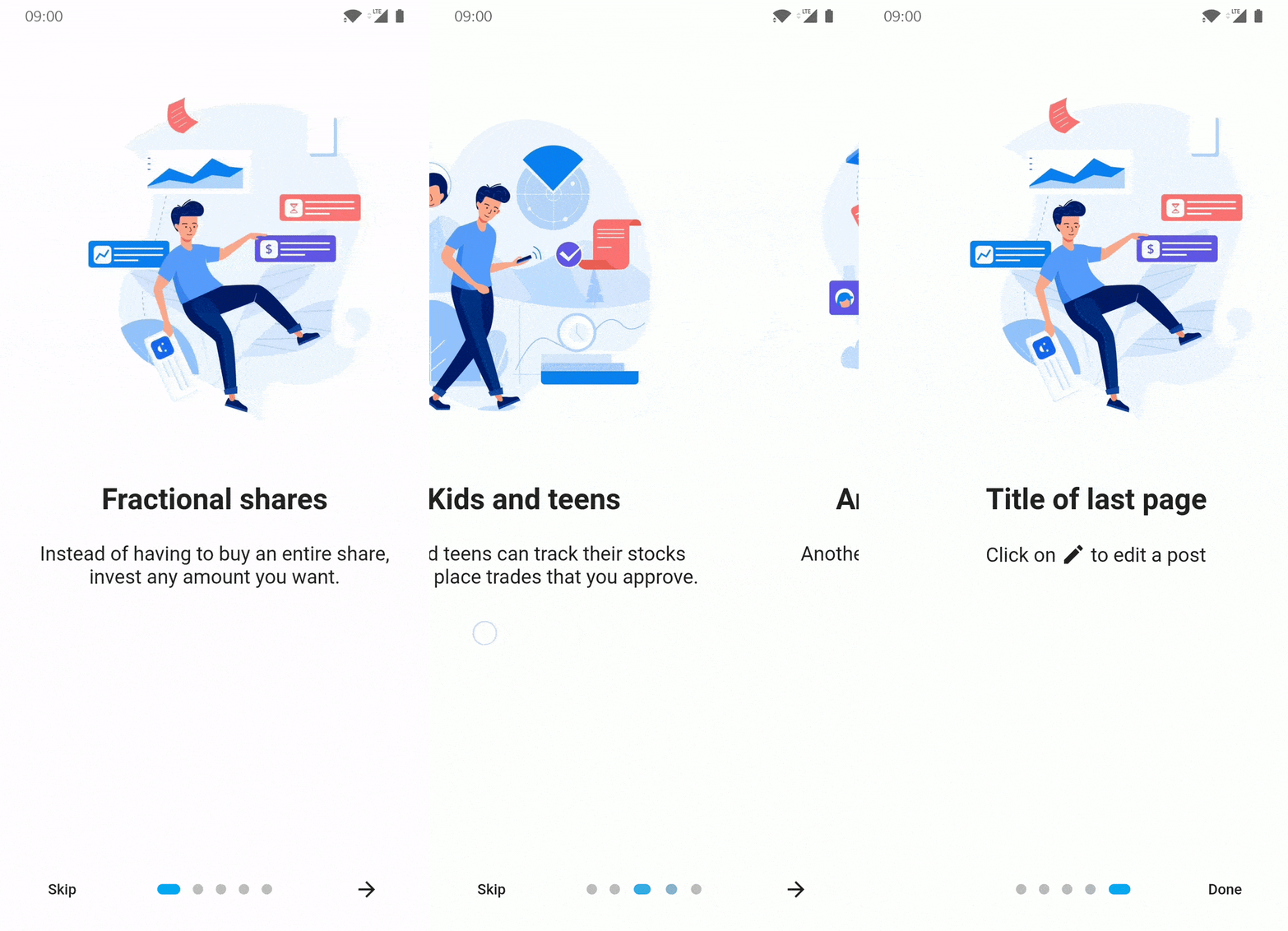
適用於 Flutter 應用的介紹/引導套件,支援部分自訂選項
一個用於觀察 ScrollView 中顯示的子組件相關資料的組件。
 v1.1.4
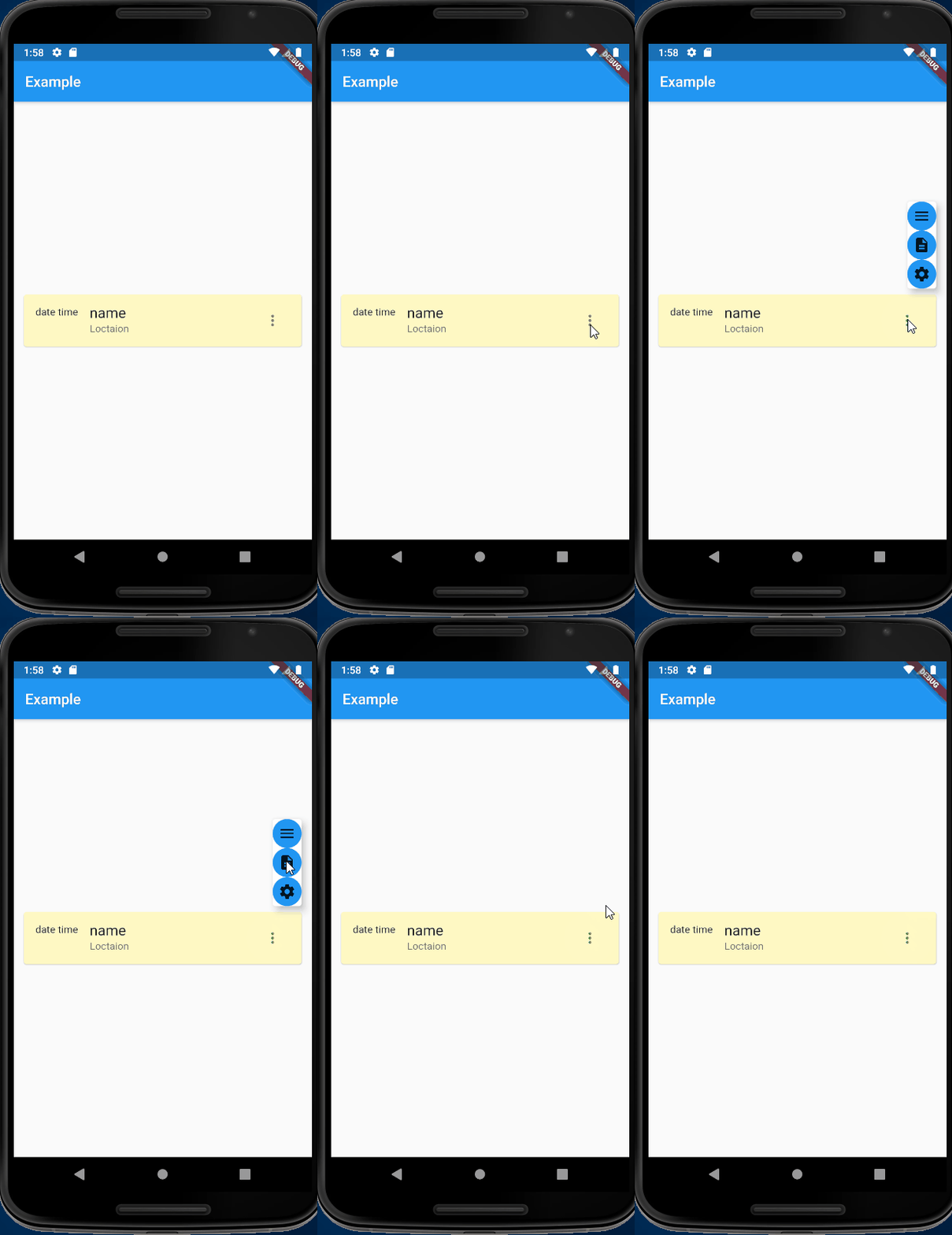
進化的 Overlay/OverlayEntry - 聲明式而非指令式,直覺的上下文,以及簡單的對齊方式
用於在 Android 和 iOS 上發現軟鍵盤可見性狀態的 Flutter 插件。
用於處理外部函數介面(FFI)程式碼的工具。
使用 LibClang 解析 C、Objective-C 和 Swift 檔案的 FFI 繫結產生器。
Amazon Cognito Identity 的 AWS API 客戶端(從 SDK API 規範產生)。
用於 Amazon Simple Queue Service 的 AWS API 客戶端(從 SDK API 規範產生)。
{"sdk":"flutter"}{"sdk":"flutter"}^2.6.0^2.0.0^2.3.6^0.9.37^6.2.6^0.19.0^6.0.5^1.1.4^0.17.1^2.2.0^0.1.19^6.0.0^6.0.0^0.13.0^2.0.2^1.0.5^7.0.1^3.1.12^11.1.0^2.1.0^2.1.0^2.3.3^1.8.3^0.0.2^2.0.0^2.0.0^4.4.0^0.6.0^11.1.1^2.4.1^4.8.1{"path":"rust_builder"}^14.6.0^0.1.6^1.19.0^2.0.9^8.1.1^6.0.3^8.2.0^6.0.3^0.7.1^1.10.0^0.11.0^2.0.1{"sdk":"flutter"}^5.0.0^1.17.10^0.14.1{"git":{"url":"https://github.com/AlienKevin/flutter_launcher_name","ref":"0.11.1"}}^16.0.0^2.4.7—^2.4.5{"sdk":"flutter"}^1.2.2以下為英文專案原文快照,最新內容請造訪 GitHub。
words.hk dictionary for Android and iOS
wordshk app logoDownload on the App Store Get it on Google Play Explore it on AppGallery Get it on F-Droid
Install Flutter by following the official doc: https://docs.flutter.dev/get-started/install
Download and install Android Studio to develop for Android: https://developer.android.com/studio
Start Android Studio, and go through the ‘Android Studio Setup Wizard’. This installs the latest Android SDK, Android SDK Command-line Tools, and Android SDK Build-Tools, which are required by Flutter when developing for Android.
Run flutter doctor to confirm your installation is working. You should see some output like below.
At a minimum you should have [✓] Flutter and [✓] Android toolchain to develop for Android, the other check marks are optional.
[✓] Flutter (Channel stable, 3.19.3, on Ubuntu 20.04.6 LTS 6.2.0-1019-azure, locale C.UTF-8)
[✓] Android toolchain - develop for Android devices (Android SDK version 34.0.0)
[✗] Chrome - develop for the web (Cannot find Chrome executable at google-chrome)
    ...
[✗] Linux toolchain - develop for Linux desktop
    ...
[!] Android Studio (not installed)
[✓] Connected device (1 available)
[✓] Network resources
If you want to build for iOS, you are required to use a Mac. You will need the latest version of Xcode as well.
Run the setup.sh at the root of this project to install the Rust backend.
Run flutter run to run the app, or
flutter build appbundle to create an Android app bundleflutter build apk to build an Android APKflutter build ios to build for iOSNotes:
flutter build appbundle --flavor fossflutter build appbundle --flavor huaweiflutter build appbundle --flavor fullpubspec.yamlexamples/export_sqlite_db/src/main.rs:- api.export_dict_as_sqlite_db(&dict_path, "{old_version}")
+ api.export_dict_as_sqlite_db(&dict_path, "{new_version}")
dict.db.gz:cd export_sqlite_db/
cargo run --release
gzip app_tmp/dict.db
dict.db.gz back to assets/.dict.json by going to examples/export_json_dict and run cargo run --release
b. Copy the generated app_tmp/dict.json to project root
c. Generate TTS by going to tts/, activate conda environment conda activate wordshk, and run python tts.py
d. Upload newly generated audios to Alicloud OSS bucket by running python upload_to_bucket.pyflutter clean
flutter pub get
cd ios/
pod install
cd ..
# Go to Xcode and Product -> Archive
flutter build appbundle --flavor full
Open Adobe Audition, run the "Match Loudness" with these settings:
Export the files with matched loudness With export settings as follows:
Change directory into assets/jyutping_female or assets/jyutping_male.
Run process_audios.sh. This script does three things:
Software: Copyright (C) 2022 Xiang Li, licensed under the MIT license. Dictionary: Copyright (C) 2014-2022 Hong Kong Lexicography Limited.
"words.hk", "wordshk", "粵典" are trade names of Hong Kong Lexicography Limited. Permission by Hong Kong Lexicography Limited must be obtained to promote or distribute materials containing these names. In particular, notwithstanding any permission (if applicable) to redistribute the source code of this project and/or its derivative works by the copyright owner(s), unless you obtain explicit permission from Hong Kong Lexicography Limited, you are required to remove all mentions of "words.hk", "wordshk", "粵典" from your redistributions.
The dictionary contents published by words.hk is copyrighted by Hong Kong Lexicography Limited. You may be eligible to obtain a license from https://words.hk/base/hoifong/