搜尋套件、儲存庫與 APP 分類

draw_on_path 封面
套件詳情v0.0.2

draw_on_path

一個用於沿給定路徑繪製文字或圖案的 Flutter 套件。

AndroidiOSWebmacOSWindowsLinux
近 30 天下載
2040
喜歡數
46
Pub 分數
160

安裝套件

flutter pub add draw_on_path

套件介紹

根據套件公開資料產生的選型評估,僅供參考。

一個 Flutter 套件,可沿指定路徑繪製文字或圖案,提供對版面與對齊的精確控制。非常適合在 UI 設計中創造彎曲或自訂形狀的文字效果。此套件支援多個平台,包括 Android、iOS、Web、macOS、Windows 和 Linux,適用於跨平台應用程式。它與 Flutter 的渲染系統無縫整合,並提供直覺的 API 來定義路徑並在路徑上放置內容。

適用情境

  • 建立彎曲文字版面
  • 設計裝飾性字體
  • 建構基於路徑的自定義動畫
  • 透過藝術文字增強UI元素
  • 在形狀上實現標籤放置
  • 沿非線性路徑可視化資料

主要特色

  • 沿任意自定路徑繪製文字
  • 對模式和字形的支援
  • 跨平台相容性
  • 與 Flutter 小部件的輕鬆整合
  • 靈活的對齊與間距選項
  • 高效能渲染

適合對象

  • UI設計師尋求創意文字效果
  • 開發互動式圖形的開發者
  • 需要動態文字定位的應用程式
  • 教育或可視化工具
  • 藝術或品牌導向的應用程式

使用建議

  • 需要理解 Flutter 中的 Path 類
  • 可能影響複雜路徑的效能
  • 限制為2D渲染
  • 文字清晰度取決於路徑的曲率
  • 未針對大規模文本渲染進行優化

原始 README

以下為關聯原始碼儲存庫的 README 原文快照,最新內容請造訪原始碼儲存庫。

Draw on Path

A Flutter package that is used to draw text or patterm along the given path.

Features

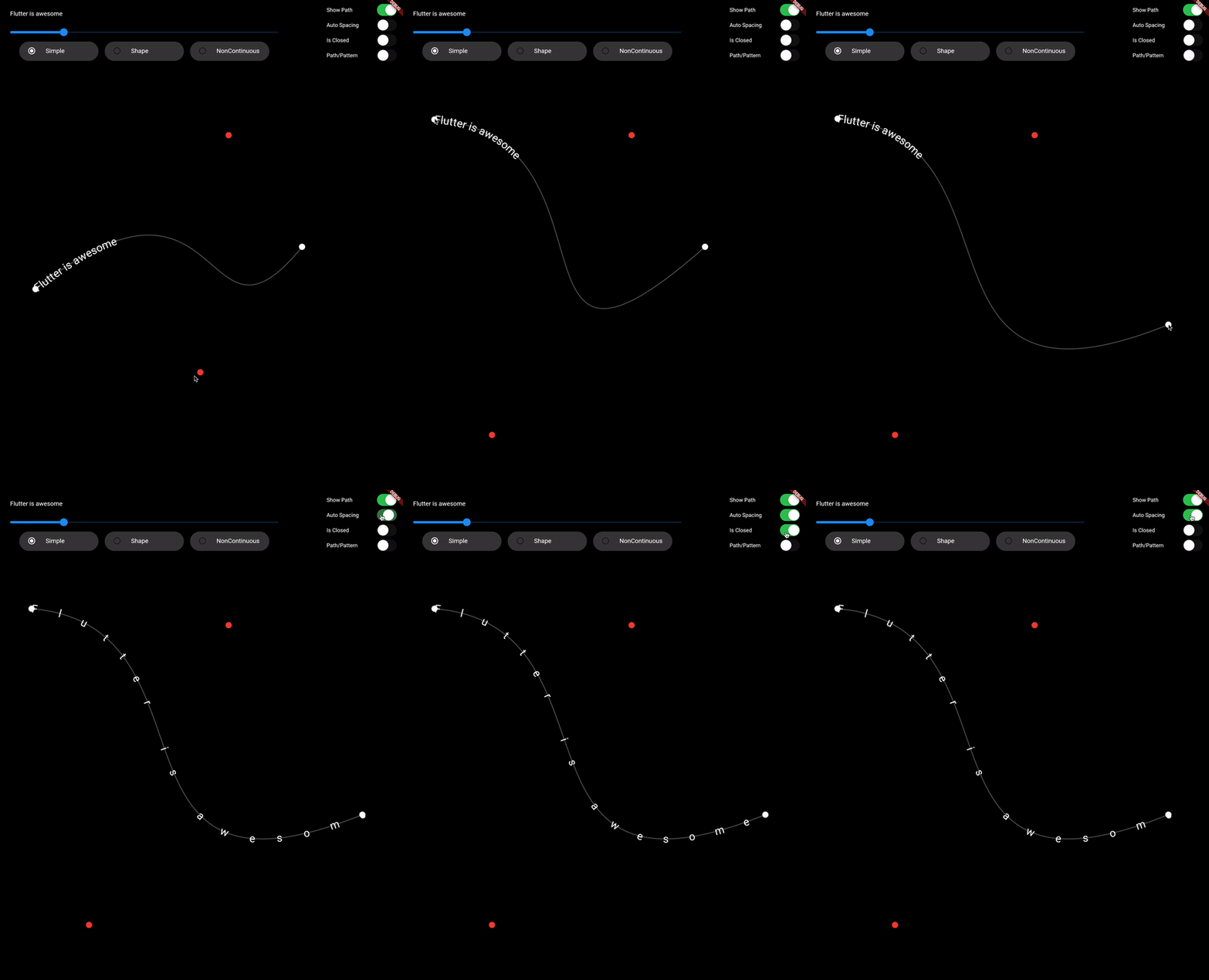
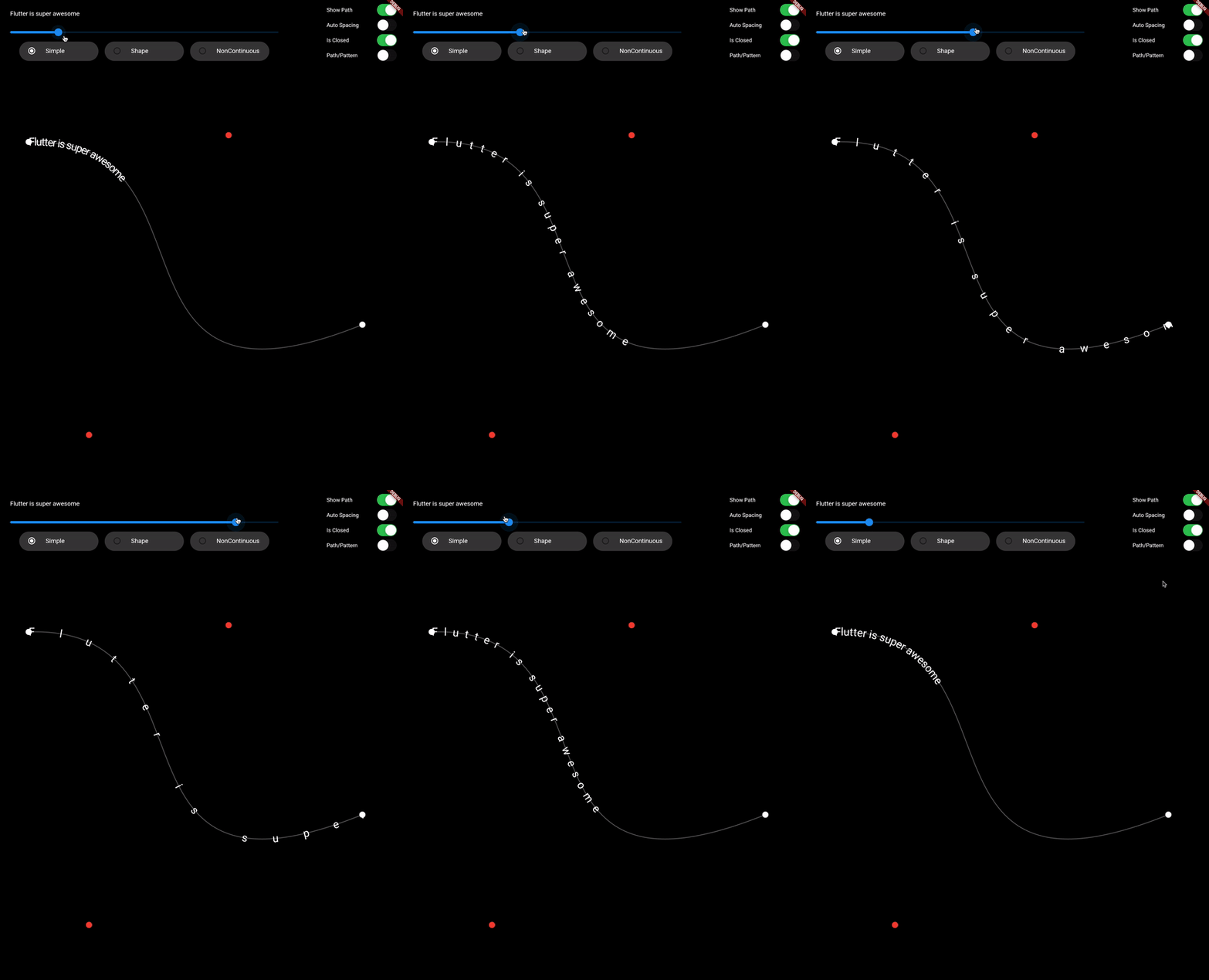
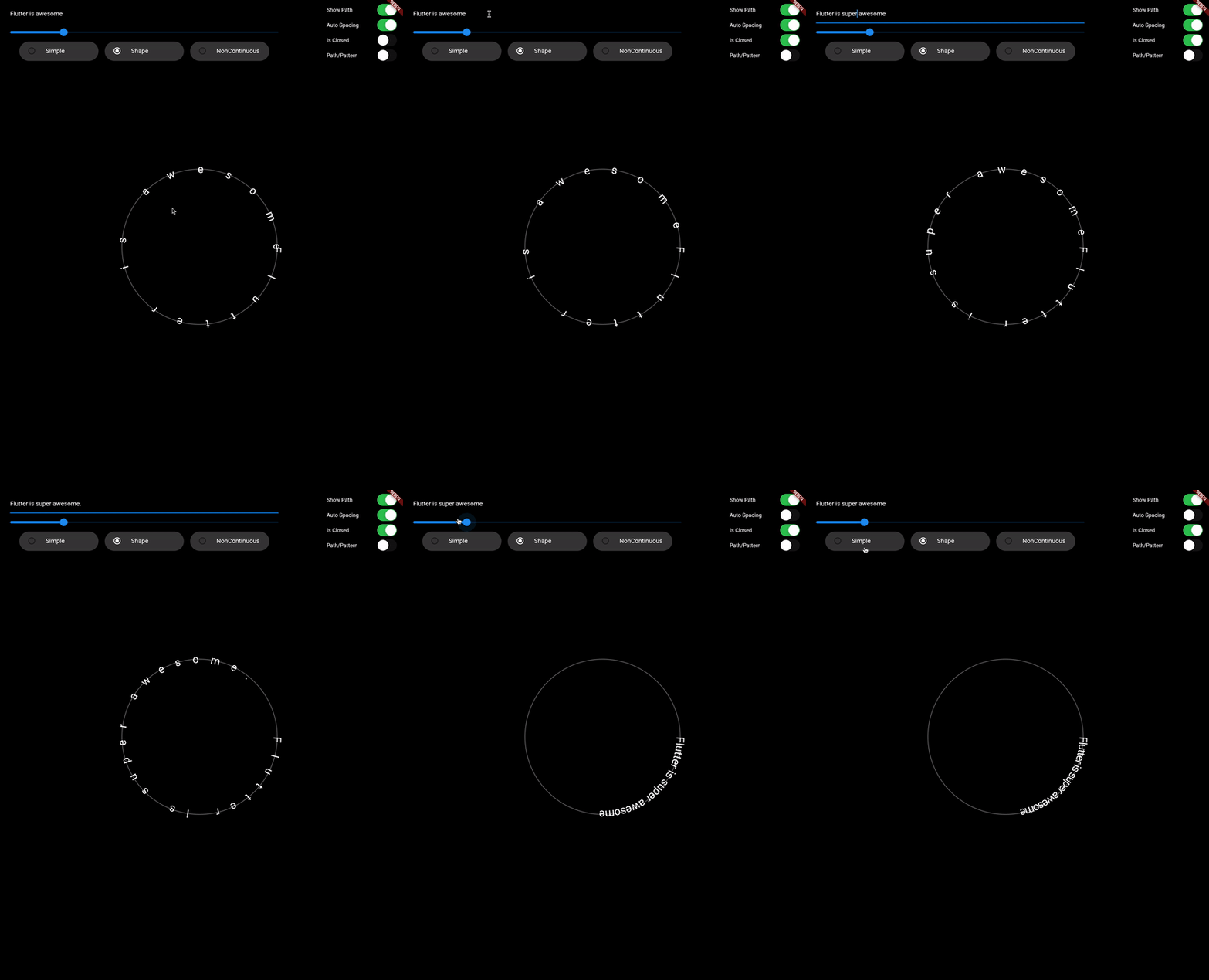
  • Draw text along path
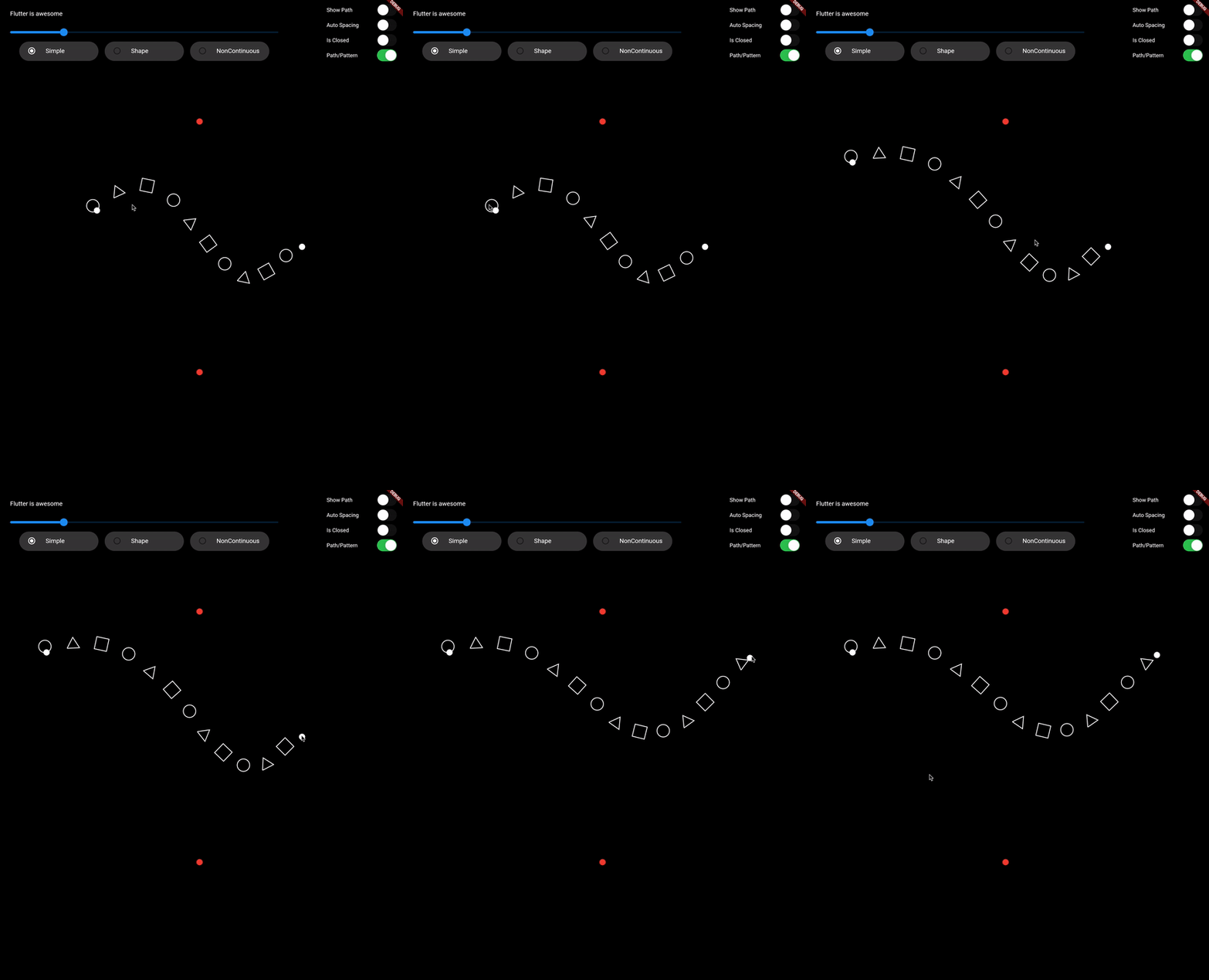
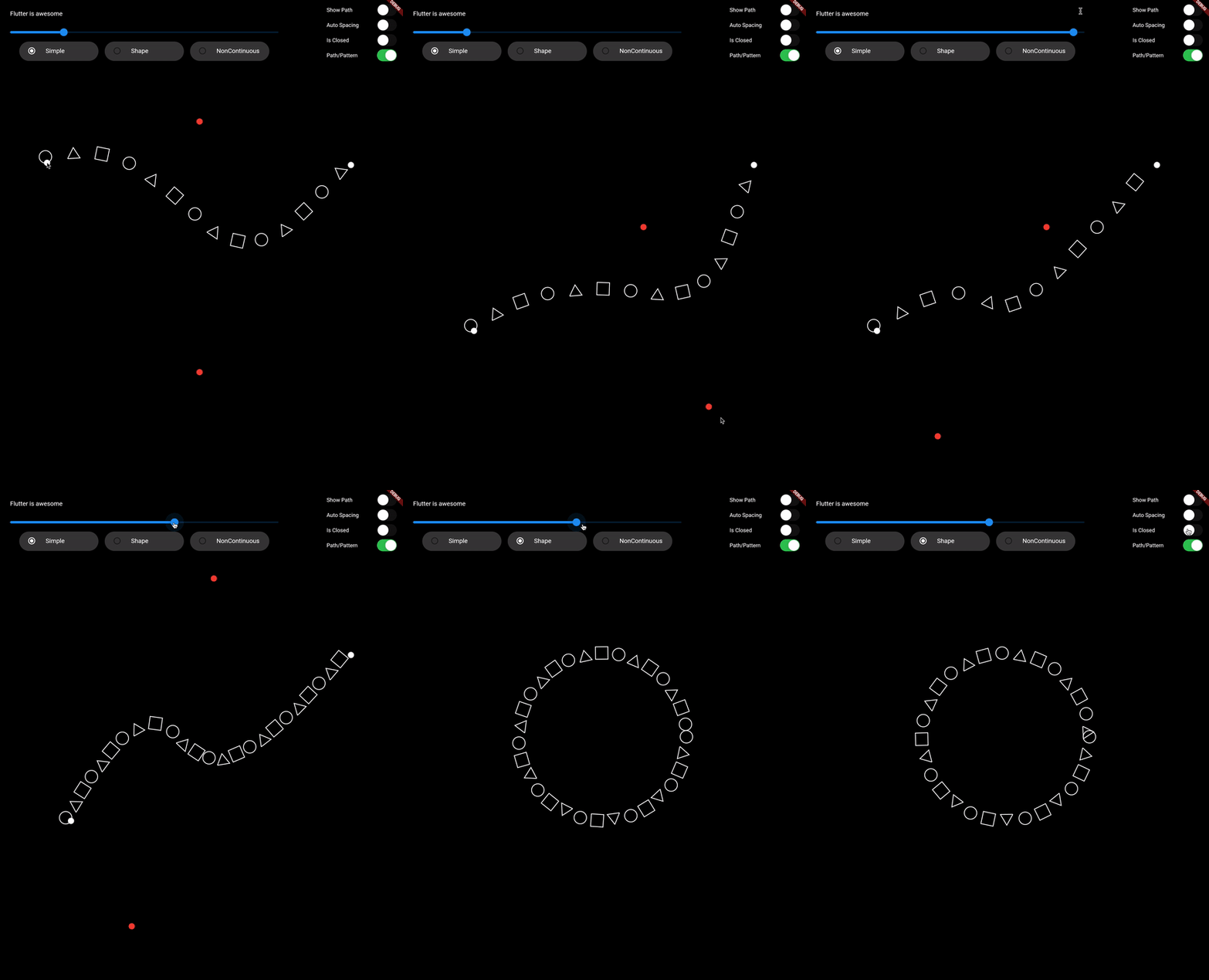
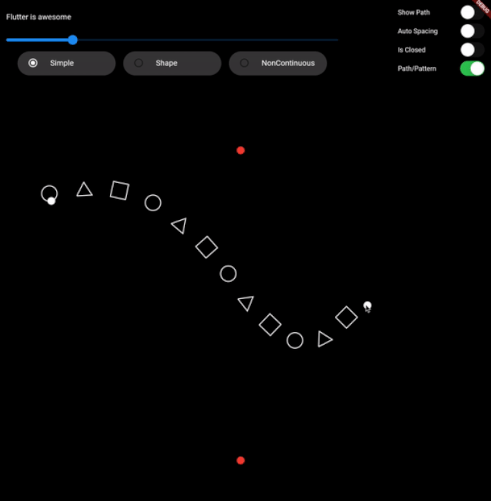
  • Draw pattern along path
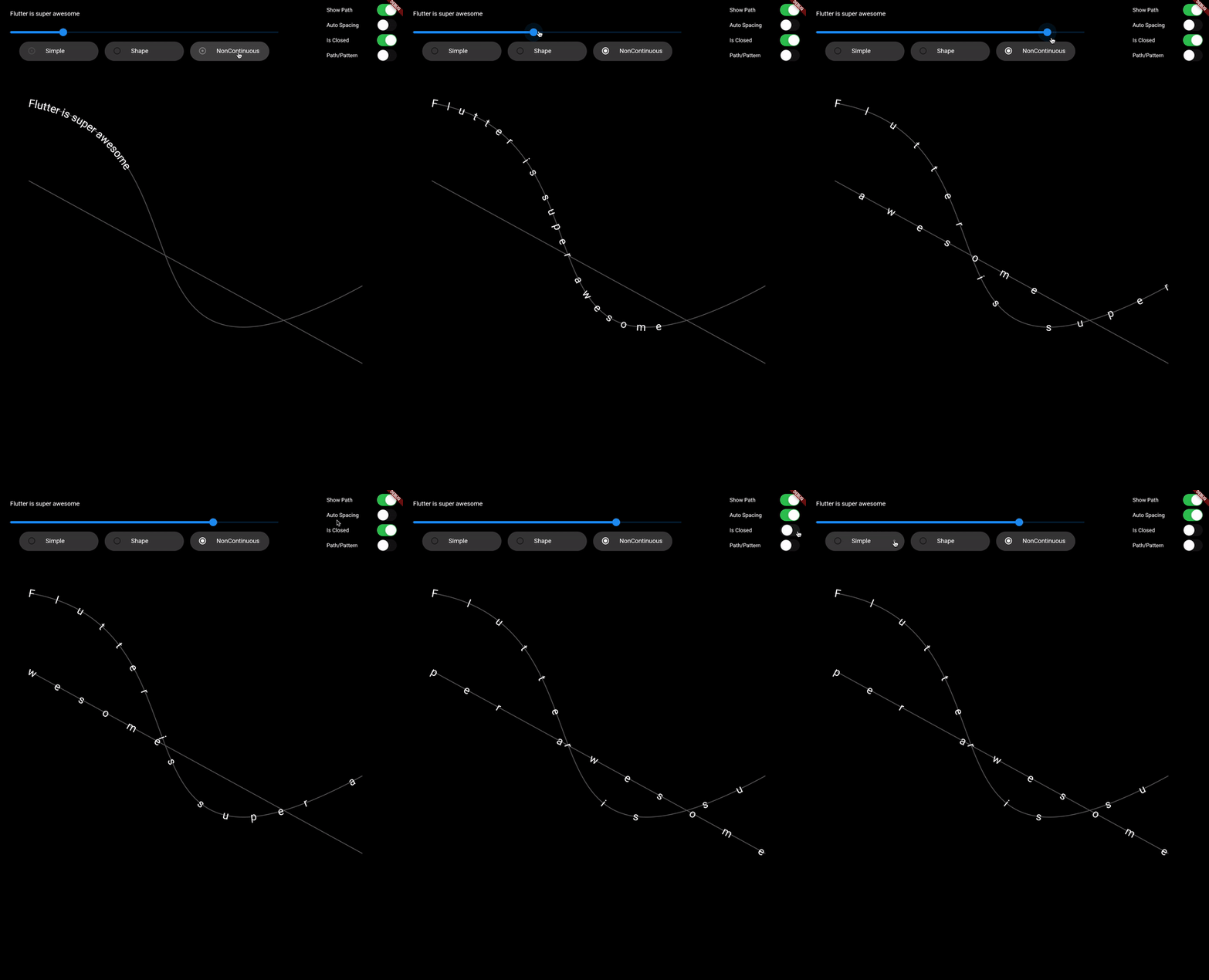
  • Support non-continuous path

Demo Video: https://youtu.be/TZAKSanD73k

Showcase

Usage

  • drawTextOnPath function is used to draw text along path.

    canvas.drawTextOnPath(text, path);
    
  • drawOnPath function is used to draw pattern along path. index can be used to draw different element at different position based on some logic. Use canvas to draw anything at position. The next position is calculated based on spacing provided.

    spacing should be greater than 0. Ideally spacing is the sum of one element width and spacing between two elements (spacing between starting points of two consecutive elements)

    canvas.drawOnPath(
        path,
        (int index, Canvas canvas, Offset position) {
          canvas.drawRect(
            Rect.fromCircle(center: position.translate(0, -16), radius: 16),
            Paint()
              ..color = Colors.white38
              ..strokeWidth = 2.0
              ..style = PaintingStyle.stroke,
          );
        },
        spacing: 70,
      );
    
  • Note: If the text (for given textStyle) is larger than the path, then it will clip extra text.

Contributing

1. Fork it (<https://github.com/himanshugarg08/draw_on_path/fork>)
2. Create your feature branch (`git checkout -b feature/fooBar`)
3. Commit your changes (`git commit -am 'Add some fooBar'`)
4. Push to the branch (`git push origin feature/fooBar`)
5. Create a new Pull Request

所屬分類

原始碼儲存庫

使用此套件的專案