
 v1.0.14
hive_ui
DBMS Hive Ui 是一個套件,提供了一種智慧的方法來操作 Hive 資料庫,可輕鬆檢視、編輯和建立新資料列。
55喜歡 660近 30 天下載140Pub 分數
AndroidiOSmacOSWindowsLinux
DBMS Hive Ui 是一個套件,提供了一種智慧的方法來操作 Hive 資料庫,可輕鬆檢視、編輯和建立新資料列。
以下為英文專案原文快照,最新內容請造訪 GitHub。

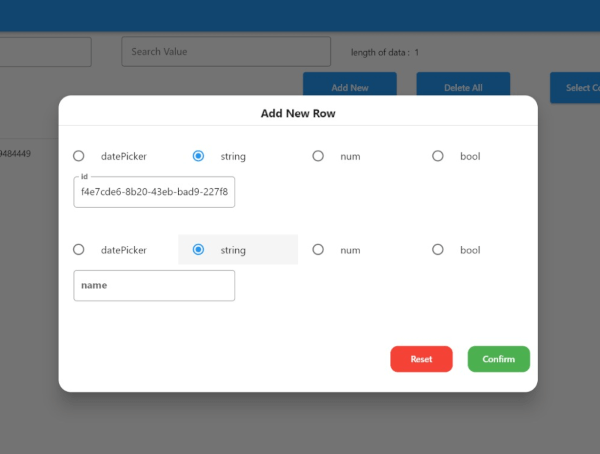
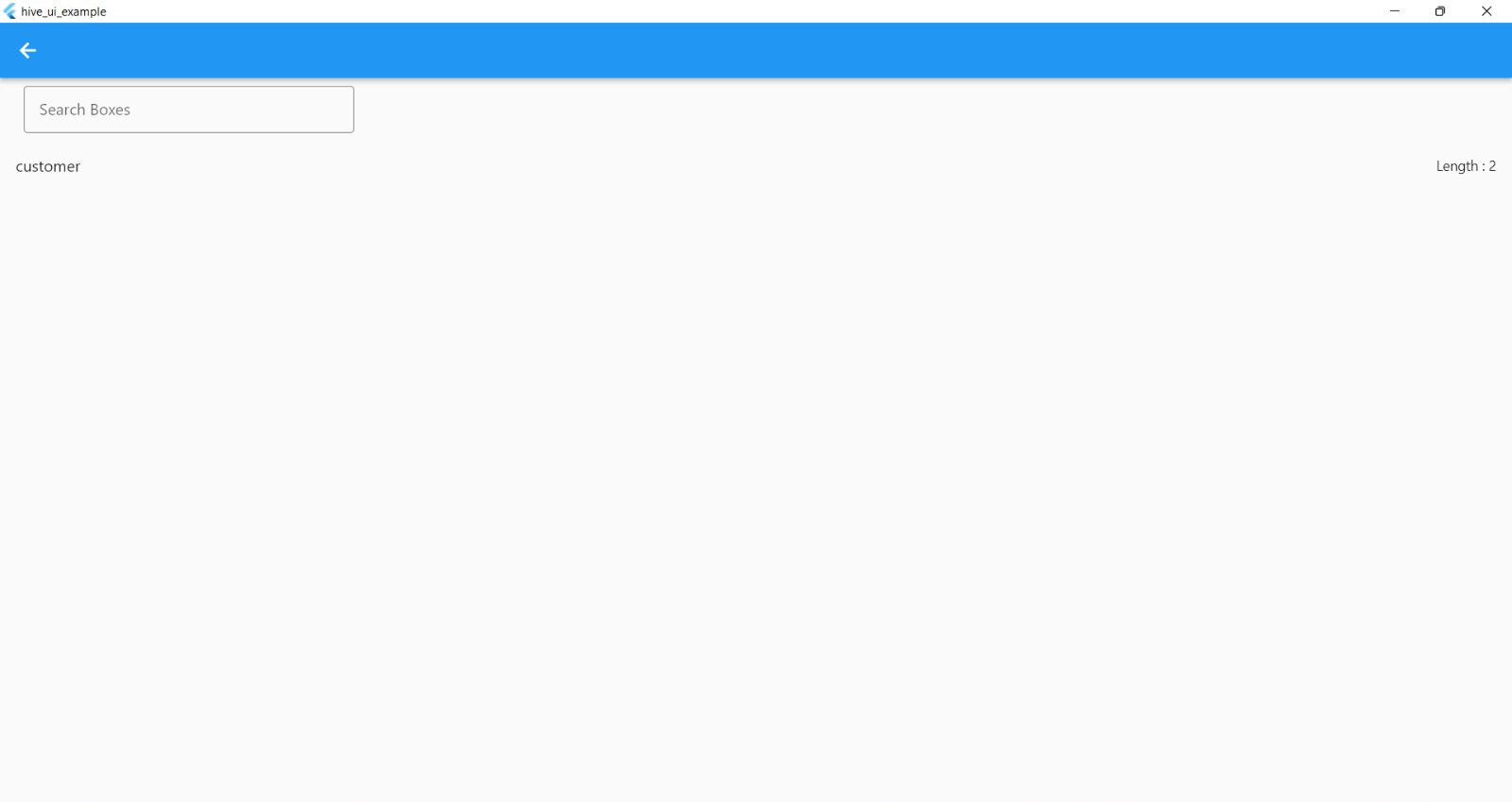
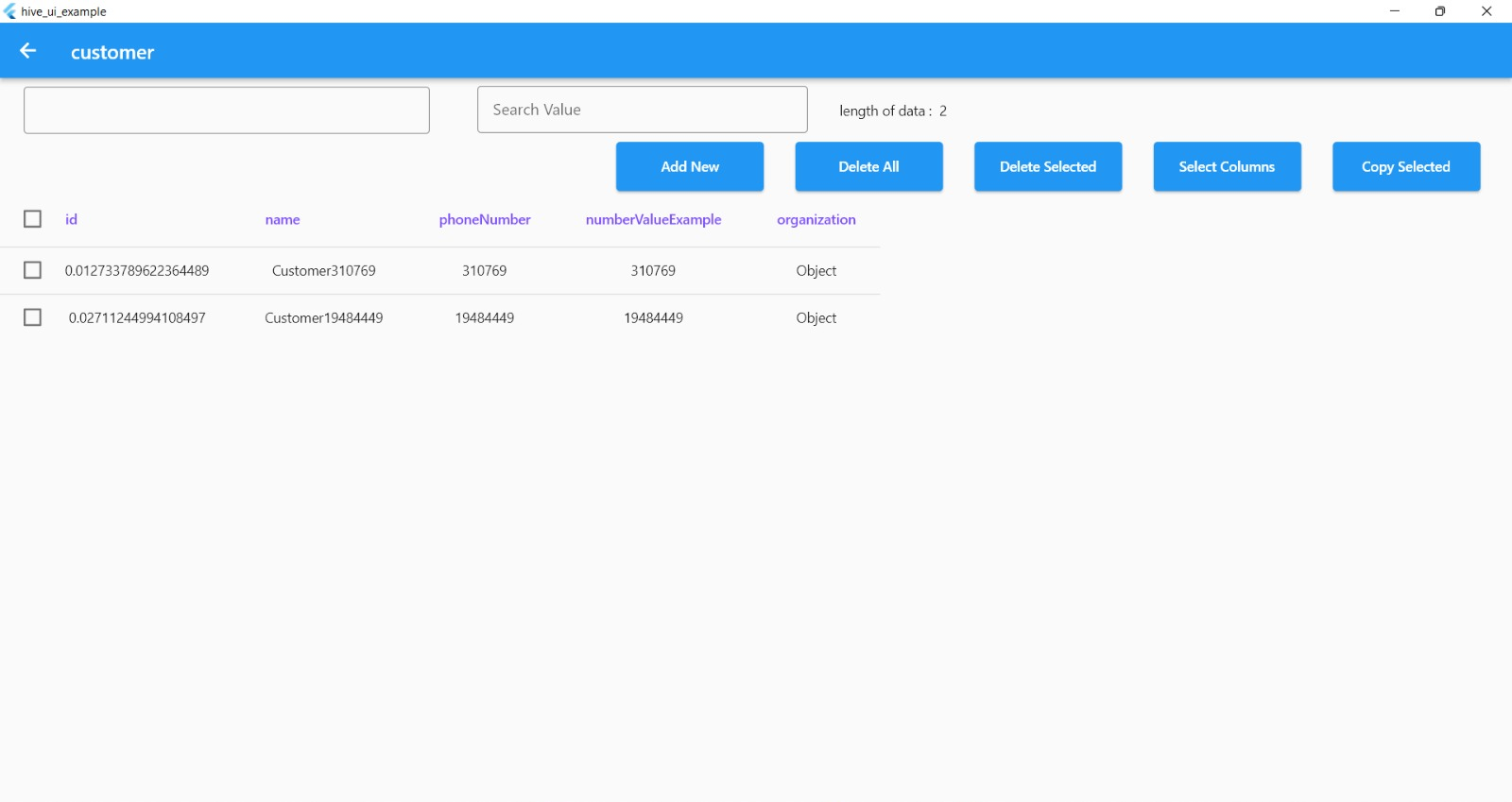
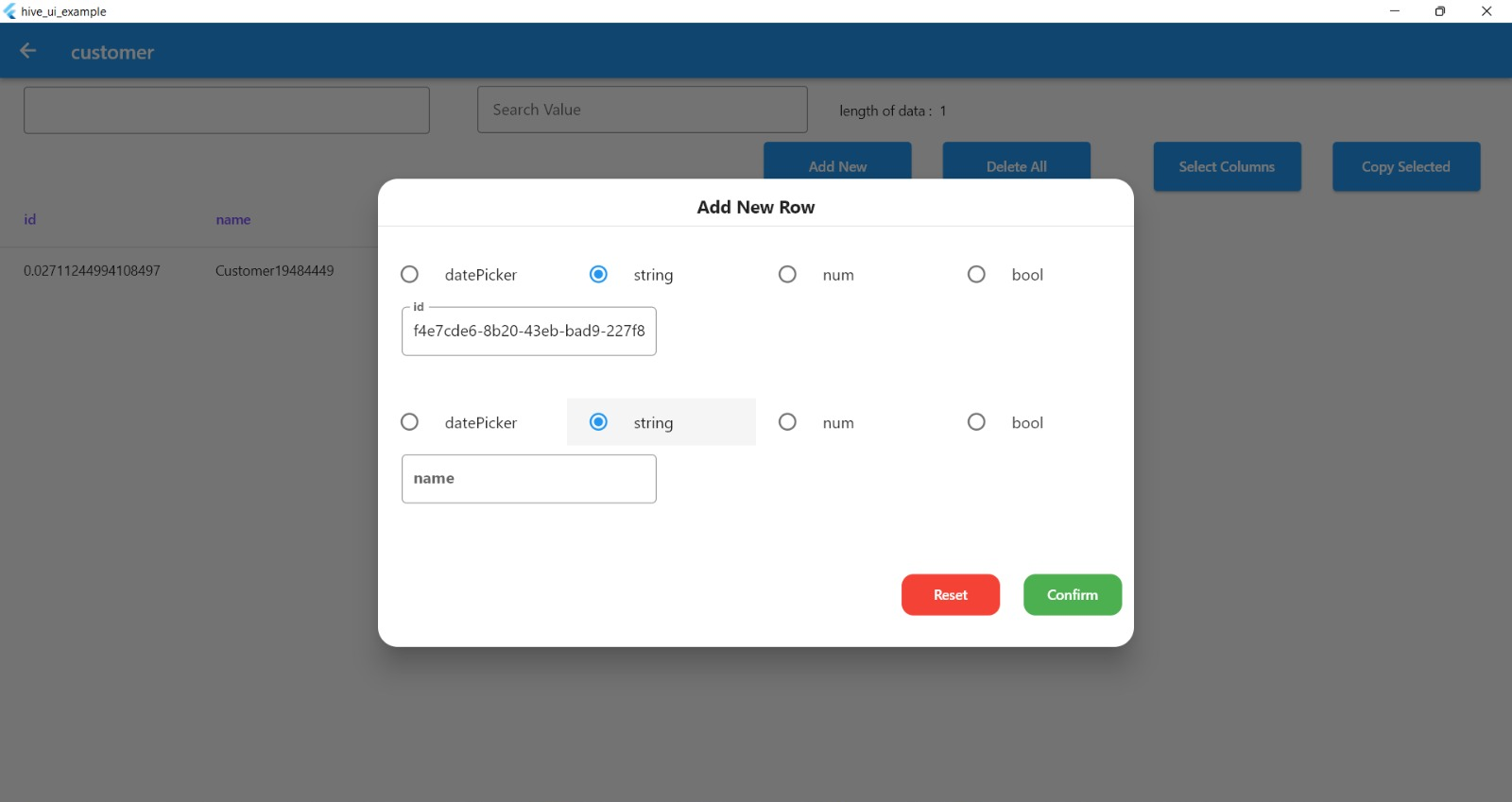
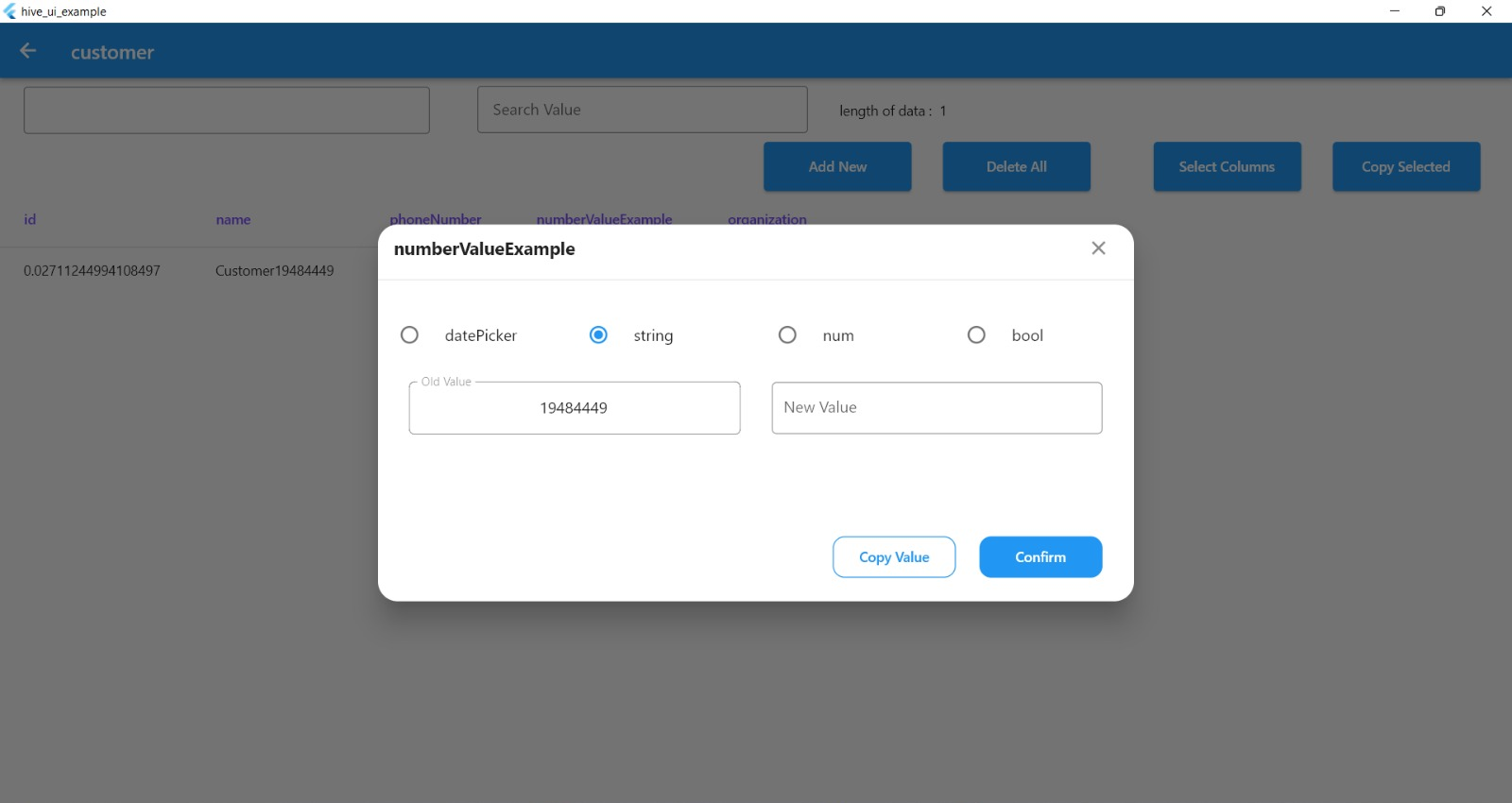
A Flutter package that allows you to easily work with Hive databases. With this package, you can explore all database boxes, edit table rows, add new rows to tables, search boxes by column name and value, delete rows or all data from a box, copy selected values and select specific color for the Hive UI view.
dependencies:
  hive_ui: ^1.0.4
import 'package:hive_ui/hive_ui.dart';
     Navigator.push(
            context,
            MaterialPageRoute(builder: (context) => HiveBoxesView(
                hiveBoxes: Boxes.allBoxes,
                onError: (String errorMessage) =>
                {
                  print(errorMessage)
                })),
          );
class BoxExample extends HiveObject {
  BoxExample({
    this.id,
  });
  BoxExample.fromJson(dynamic json) {
    id = json['id'] ?? '';
  }
  @HiveField(0)
  String? id;
  Map<String, dynamic> toJson() {
    final Map<String, dynamic> map = <String, dynamic>{};
    map['id'] = id;
    }
You can see a full example of how to use the package in the Example example directory.
If you encounter any issues while using the package, please file a bug report in the GitHub issue tracker.
If you would like to contribute to the package, please read the contributing guidelines before submitting a pull request.
| Parameters | Name |
|---|---|
| hiveBoxes | The hiveBoxes parameter is a map of boxes to display. In this example, it is set to Boxes.allBoxes, which likely refers to a static property of a Boxes class that contains all the boxes that need to be displayed. |
| onError | The onError parameter is a callback function that is called when an error occurs. In this example, it is set to a function that shows a toast message with the error message passed as a parameter. |
| dateFormat | The dateFormat parameter is the format of the date and time that is used in the view. In this example, it is set to the format "yyyy-MM-dd". |
| appBarColor | The appBarColor parameter is the color of the app bar. In this example, it is set to a variable called primaryColor. |
| columnTitleTextStyle | he columnTitleTextStyle and rowTitleTextStyle parameters are the text styles of the column and row titles respectively. In this example, they are set to specific styles with fontWeight: FontWeight.w600 and fontSize: 14.sp for columns and fontSize: 12.sp for rows. |
Free Software, Hell Yeah!

依賴清單 10 項
^0.1.3{"sdk":"flutter"}^1.1.0^0.18.0^0.0.3+2^3.0.7{"sdk":"flutter"}^2.0.1^2.3.3^2.0.0先依使用情境篩選,再比較專案活躍情況,最後到原始儲存庫確認使用要求。
“A repository is the most basic element of GitHub.”
GitHub Docs — About repositories ↗