Hive UI

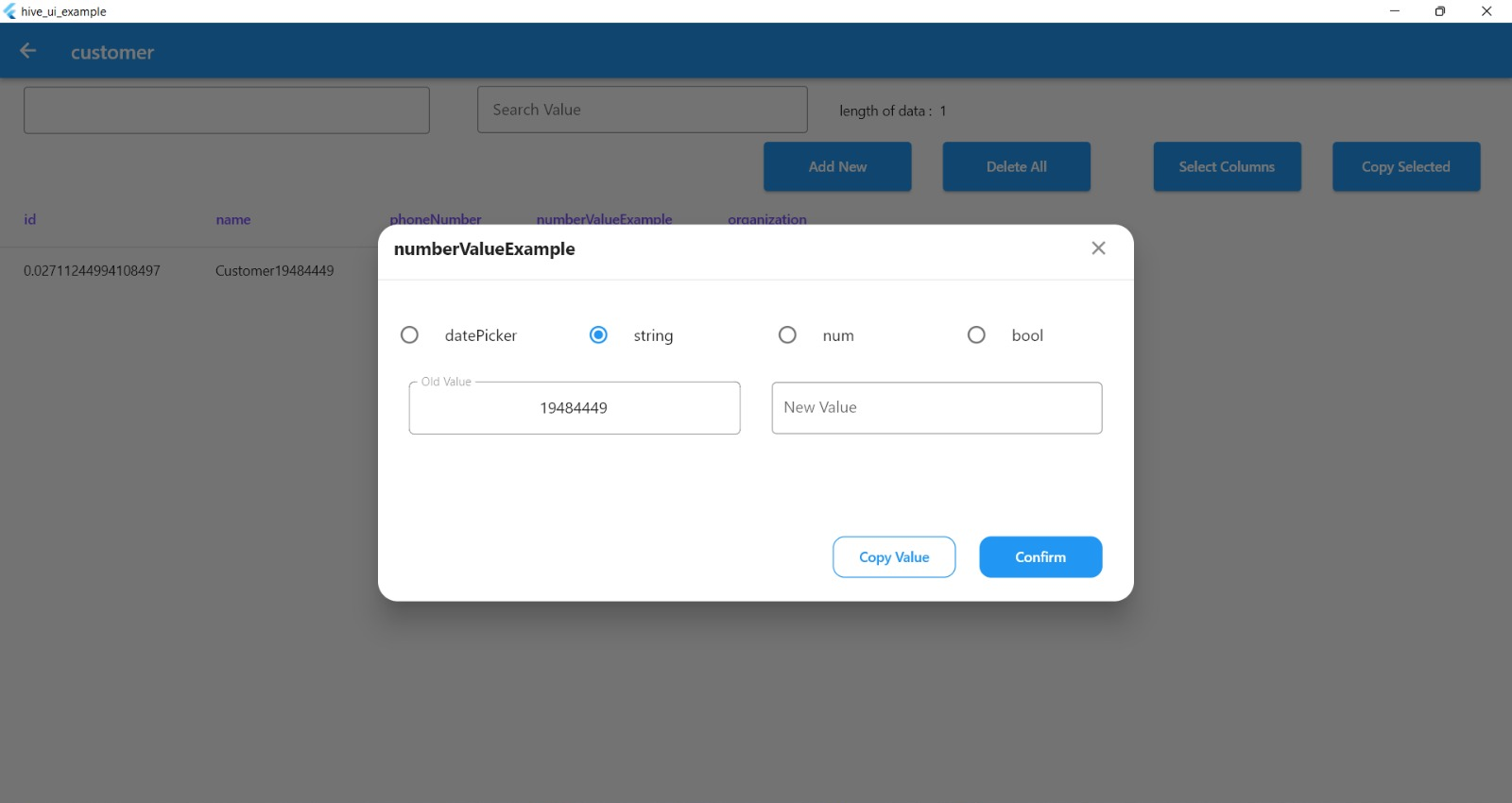
A Flutter package that allows you to easily work with Hive databases. With this package, you can explore all database boxes, edit table rows, add new rows to tables, search boxes by column name and value, delete rows or all data from a box, copy selected values and select specific color for the Hive UI view.
Features
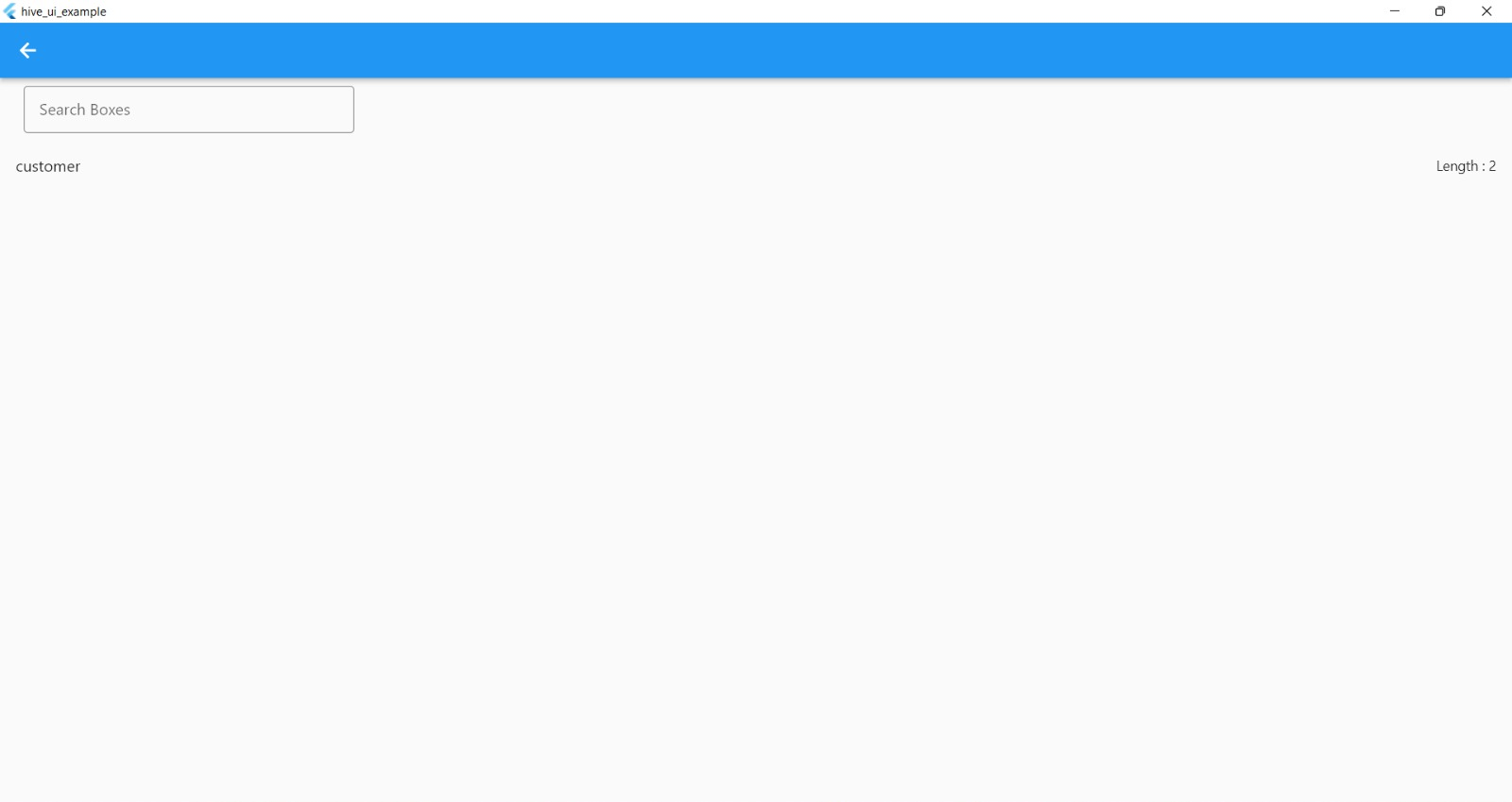
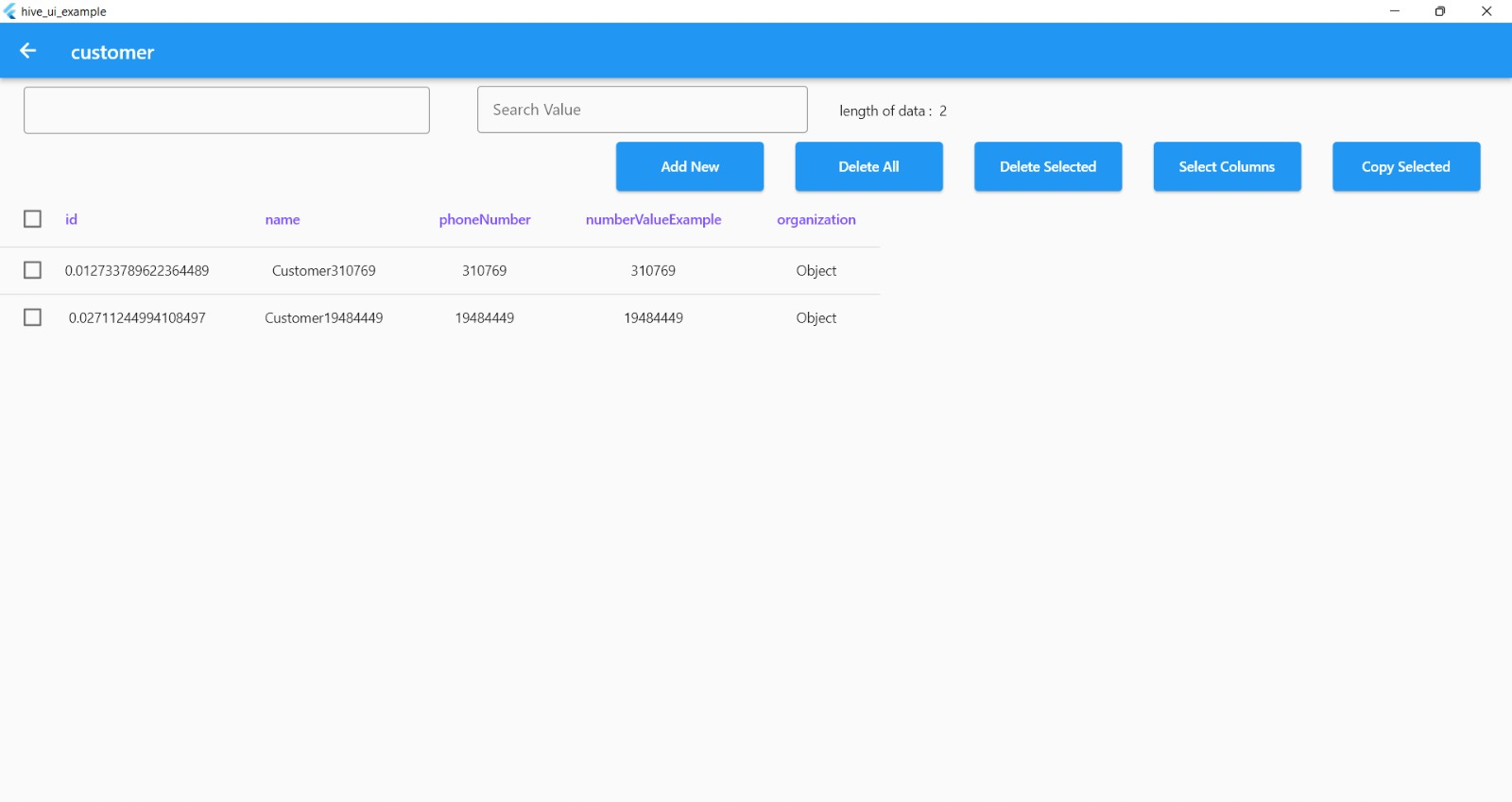
- Explore all database boxes
- Edit any table rows and set new values
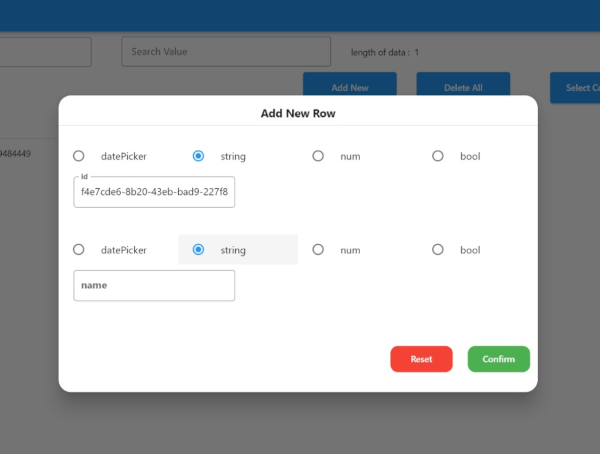
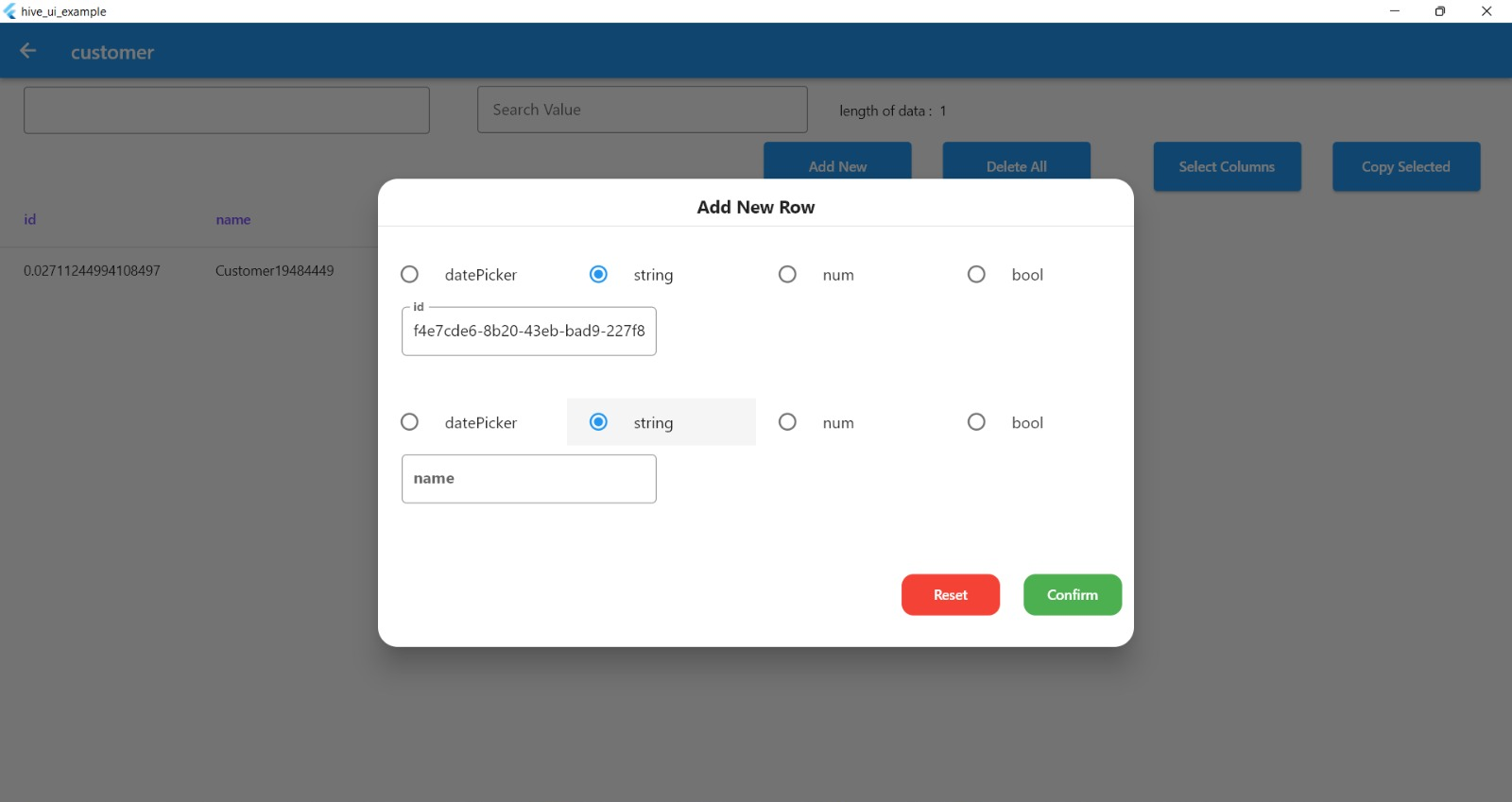
- Add new row to table database
- Search boxes by column name and value
- Delete a single row or all data from a box
- Copy selected values
- Select specific color for the Hive UI view
- Support all platfoem (Android - Web - IOS - Windows - Linux - Mac )
Requirements
- Hive must be installed
- All boxes must be open
- toJson and fromJson methods must be implemented for each box
Usage
- Add the package as a dependency in your 'pubspec.yaml' file:
dependencies:
  hive_ui: ^1.0.4
- Import the package in your dart file where you want to use it by adding the following line at the top of the file:
import 'package:hive_ui/hive_ui.dart';
- To route to the Hive UI view:
     Navigator.push(
            context,
            MaterialPageRoute(builder: (context) => HiveBoxesView(
                hiveBoxes: Boxes.allBoxes,
                onError: (String errorMessage) =>
                {
                  print(errorMessage)
                })),
          );
class BoxExample extends HiveObject {
  BoxExample({
    this.id,
  });
  BoxExample.fromJson(dynamic json) {
    id = json['id'] ?? '';
  }
  @HiveField(0)
  String? id;
  Map<String, dynamic> toJson() {
    final Map<String, dynamic> map = <String, dynamic>{};
    map['id'] = id;
    }
Example
You can see a full example of how to use the package in the Example example directory.
Issues
If you encounter any issues while using the package, please file a bug report in the GitHub issue tracker.
Contributing
If you would like to contribute to the package, please read the contributing guidelines before submitting a pull request.
HiveBoxesView Parameters
| Parameters |
Name |
| hiveBoxes |
The hiveBoxes parameter is a map of boxes to display. In this example, it is set to Boxes.allBoxes, which likely refers to a static property of a Boxes class that contains all the boxes that need to be displayed. |
| onError |
The onError parameter is a callback function that is called when an error occurs. In this example, it is set to a function that shows a toast message with the error message passed as a parameter. |
| dateFormat |
The dateFormat parameter is the format of the date and time that is used in the view. In this example, it is set to the format "yyyy-MM-dd". |
| appBarColor |
The appBarColor parameter is the color of the app bar. In this example, it is set to a variable called primaryColor. |
| columnTitleTextStyle |
he columnTitleTextStyle and rowTitleTextStyle parameters are the text styles of the column and row titles respectively. In this example, they are set to specific styles with fontWeight: FontWeight.w600 and fontSize: 14.sp for columns and fontSize: 12.sp for rows. |
Free Software, Hell Yeah!