
v1.5.0
floor
適用於您 Flutter 應用程式的類型安全、反應式且輕量級的 SQLite 抽象。此庫是執行時依賴項。
1000喜歡 3.3萬近 30 天下載110Pub 分數
平台暫無資料
使用 OSC(開放聲音控制)命令與 Beyond 軟體無縫整合

適用於您 Flutter 應用程式的類型安全、反應式且輕量級的 SQLite 抽象。此庫是執行時依賴項。
 v2.1.0
Flutter 的一個簡單動畫載入按鈕小部件實作
 v3.2.0
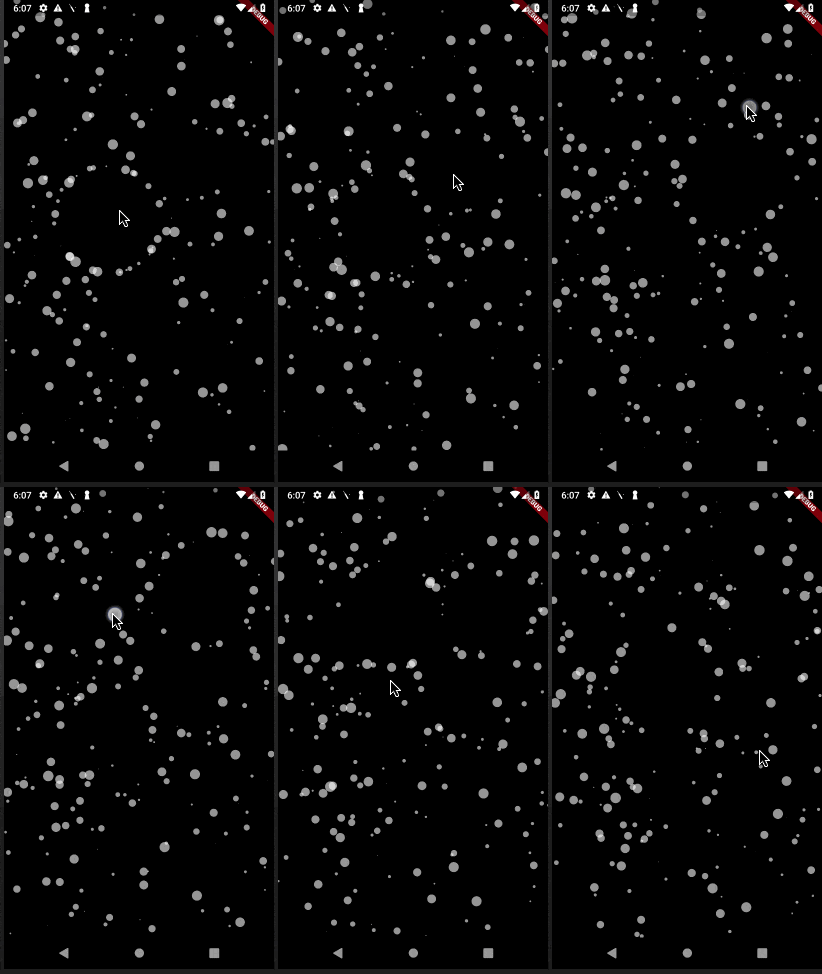
一個用於粒子動畫的Flutter套件。您可以控制動畫速度、螢幕上的粒子數量、粒子的尺寸和形狀,以及透過連線等方法。
 v2.0.3
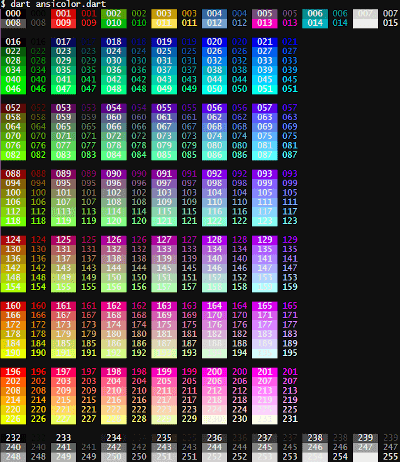
想為你的終端日誌增添一些色彩嗎?`ansicolor` 是一個支援 xterm-256 顏色的程式庫,可讓你變更文字的前景色與背景色。
 v2.0.4
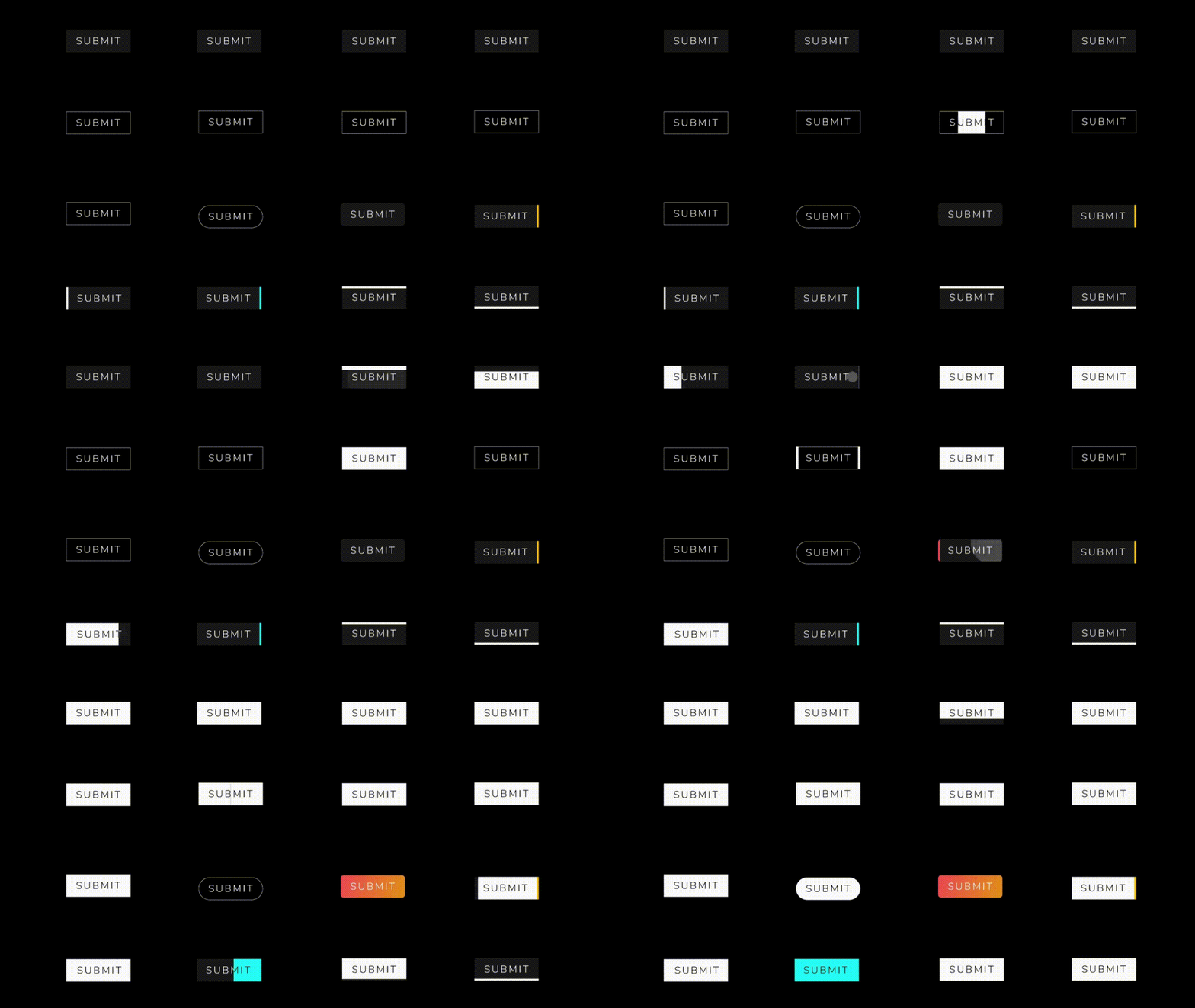
一個包含一系列酷炫且美觀的按鈕動畫的 Flutter 包專案。
{"sdk":"flutter"}^1.0.2^7.2.0^1.0.0^3.0.0^6.1.0^0.1.4^2.0.2^2.0.3^2.1.0^2.0.5^1.4.2—^2.0.0{"sdk":"flutter"}^2.1.5^1.4.2^2.0.0以下為英文專案原文快照,最新內容請造訪 GitHub。
Introduction:
This Flutter project is designed to seamlessly integrate with Beyond software using OSC (Open Sound Control) commands. OSC is a protocol for communication among computers, sound synthesizers, and other multimedia devices. The primary goal of this project is to leverage OSC commands to establish reliable and efficient communication with Beyond software, enhancing the capabilities of the Flutter application.
Key Features:
OSC Integration with Beyond Software:
BLoC Architecture:
Floor for Local Database:
GetIt for Service Location:
Tech Stack:
OSC (Open Sound Control) Working:
OSC is a protocol that enables communication between devices by sending messages in a simple, human-readable format. In the context of this Flutter project:
Sending OSC Messages:
/color 255 0 0 (sets color to red).Receiving OSC Messages:
/coordinates 100 50 (updates the application's display).How to Run:
flutter pub get to fetch the project dependencies.flutter run to launch the application on an emulator or connected device.Screens:
https://github.com/Saumya-28/Laser_Slides_Flutter/assets/98171392/e21e0cde-853b-4e32-8358-84b61b7c9727 https://github.com/Saumya-28/Laser_Slides_Flutter/assets/98171392/dd1798a4-4cdb-41d5-8962-bbc3efe327f6 https://github.com/Saumya-28/Laser_Slides_Flutter/assets/98171392/15f82f6d-8b4b-4a18-80db-c7979c260f6f https://github.com/Saumya-28/Laser_Slides_Flutter/assets/98171392/8582942d-e7fa-464a-a609-6992cee166b0
https://github.com/Saumya-28/Laser_Slides_Flutter/assets/98171392/fe2f8b34-8c3c-40c2-bab3-a0eaa113a1e8 https://github.com/Saumya-28/Laser_Slides_Flutter/assets/98171392/61c9002b-2864-46a1-abd0-ffc5f1937a8c https://github.com/Saumya-28/Laser_Slides_Flutter/assets/98171392/a7e7dc9b-a5c3-4134-be8a-aed62deb1c87 https://github.com/Saumya-28/Laser_Slides_Flutter/assets/98171392/c42d2b1c-da6a-42ad-b3ab-a5280c6e1752