 v4.3.0
animated_text_kit
一個包含一組酷炫且美麗的文字動畫的 Flutter 套件專案。
5690喜歡 15.1萬近 30 天下載160Pub 分數
AndroidiOSWebmacOSWindowsLinux
火箭發射可視化

以下為英文專案原文快照,最新內容請造訪 GitHub。
This document serves as the conclusive report for the "Rocket Launch Visualizer" project, which was conducted under the auspices of the Liquid Galaxy organization for Google Summer of Code 2023. It encompasses an exhaustive documentation of the project's evolution, including a comprehensive work log. Furthermore, it provides essential hyperlinks for quick and easy reference.
All required details and guidelines for upcoming contributor can be found from above mentioned details cheers!
The project "Rocket Launch Visualizer" conducted under the Liquid Galaxy organization for Google Summer of Code 2023 is a comprehensive endeavor that involves the retrieval and visualization of a wealth of data from the SpaceX API. This ambitious undertaking encompasses the retrieval of information regarding SpaceX launches, rockets, landing and launching pads, Starlink satellites, mission specifics, and payload details. This data is elegantly displayed on a Flutter-based mobile application, designed for tablet users, with a strong emphasis on accessibility. The application not only presents dynamic and interactive visualizations but also offers diverse color themes, multilingual support, and dynamic font sizing, enhancing its accessibility to a broad user base. Furthermore, the integration of Google Maps enriches the user experience by providing geographical context for rocket launch locations. To bridge the physical and digital realms, the project incorporates the transmission of pertinent data to a Liquid Galaxy Rig, enabling the display of launch-related information on this immersive system. The following details provide a deeper technical insight into the various facets of this innovative project.
Retrieving Data from SpaceX API:
Displaying Data in Flutter App:
Adding Accessibility Features:
Integrating Google Maps:
Sending Data to Liquid Galaxy Rig:
Displaying Information on Liquid Galaxy Rig:
Throughout the development process, rigorous testing and optimization has been critical to ensure that the application runs efficiently, providing a smooth and user-friendly experience. Additionally, maintaining a clean and modular codebase will facilitate future enhancements and scalability of the application. Finally, thorough documentation of the project's technical aspects and functionality will aid in project maintenance and knowledge sharing.
Documentation on how to set up Flutter SDK and its environment can be found here. Make sure to have Git and Flutter installed in your machine before proceeding.
$ git clone https://github.com/SagittariusA11/kml-images_RLA_LiquidGalaxy_GSoC-23.git
$ cd Rocket-Launcher-App
With the key in hands, the next step is placing the key inside the app. Go to android/app/main and edit the AndroidManifest.xml.
Replace the PLACE_HERE_YOUR_API_KEY with the key you just created.
<application
        android:label="lapalmavoltrac"
        android:icon="@mipmap/ic_launcher">
        <meta-data android:name="com.google.android.geo.API_KEY"
            android:value="PLACE_HERE_YOUR_API_KEY"/>
$ flutter pub get
$ flutter doctor
❗ Remember that you must have a tablet device connected or an android tablet emulator running in order to run the app.
$ flutter run
$ flutter build apk
ⓘ Once done, the APK file may be found into the
/build/app/outputs/flutter-apk/directory, namedapp-release.apk.
An important step to take is configure the slave screens for refreshing when setting solo KMLs.
To set it up, head to the LG Tasks screen by pressing the menu icon.
In the many buttons present on the LG Tasks screen, you shall see the buttons SET SLAVES REFRESH and RESET SLAVES REFRESH. The first one will setup your slave screens to refresh its solo KML every 4 seconds. The second one will make your slaves stop refreshing.
❗ Both actions will reboot your Liquid Galaxy, so the changes may be applied.
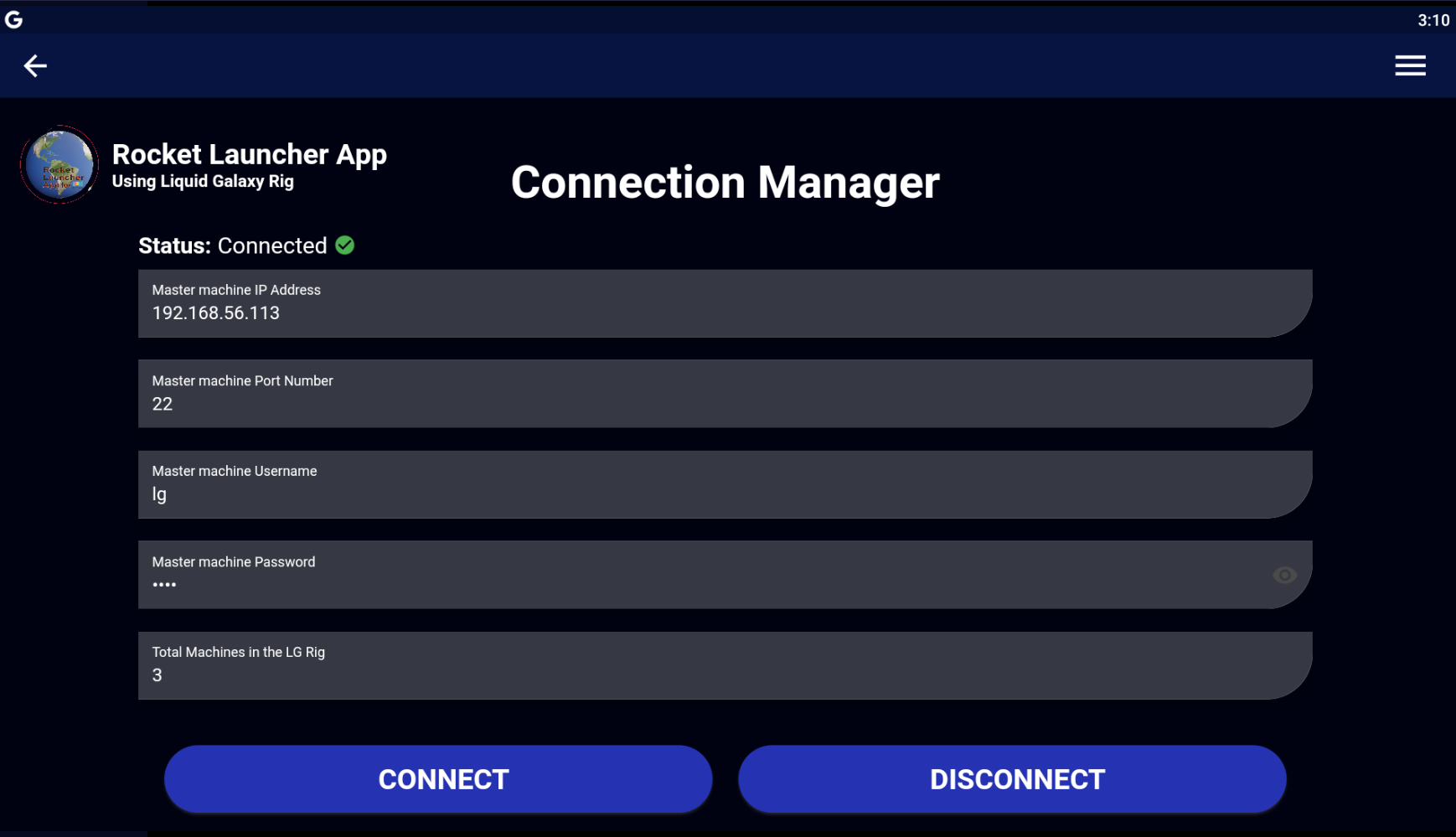
Here are the screenshots of App UI and Liquid Galaxy visualization.
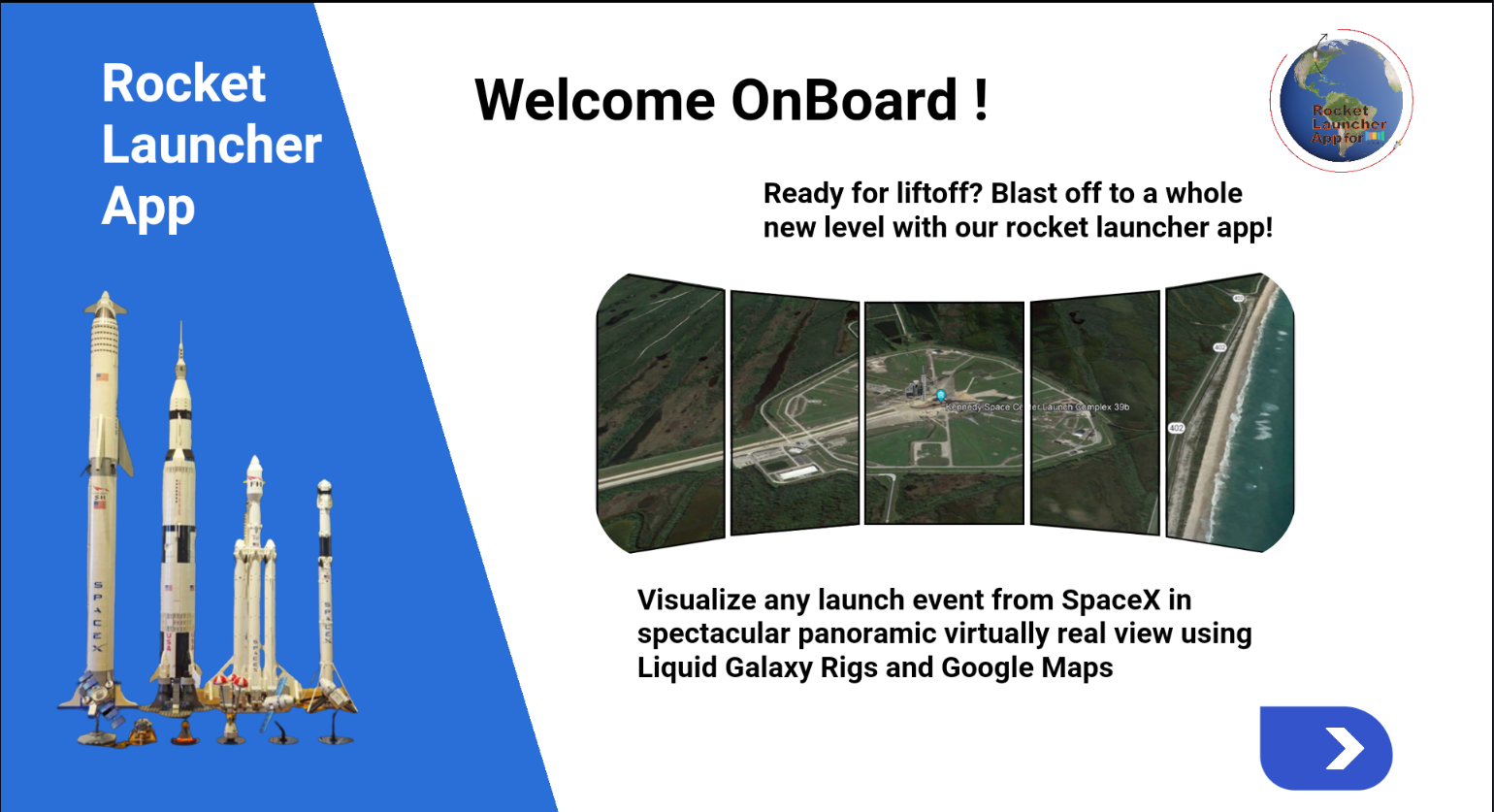
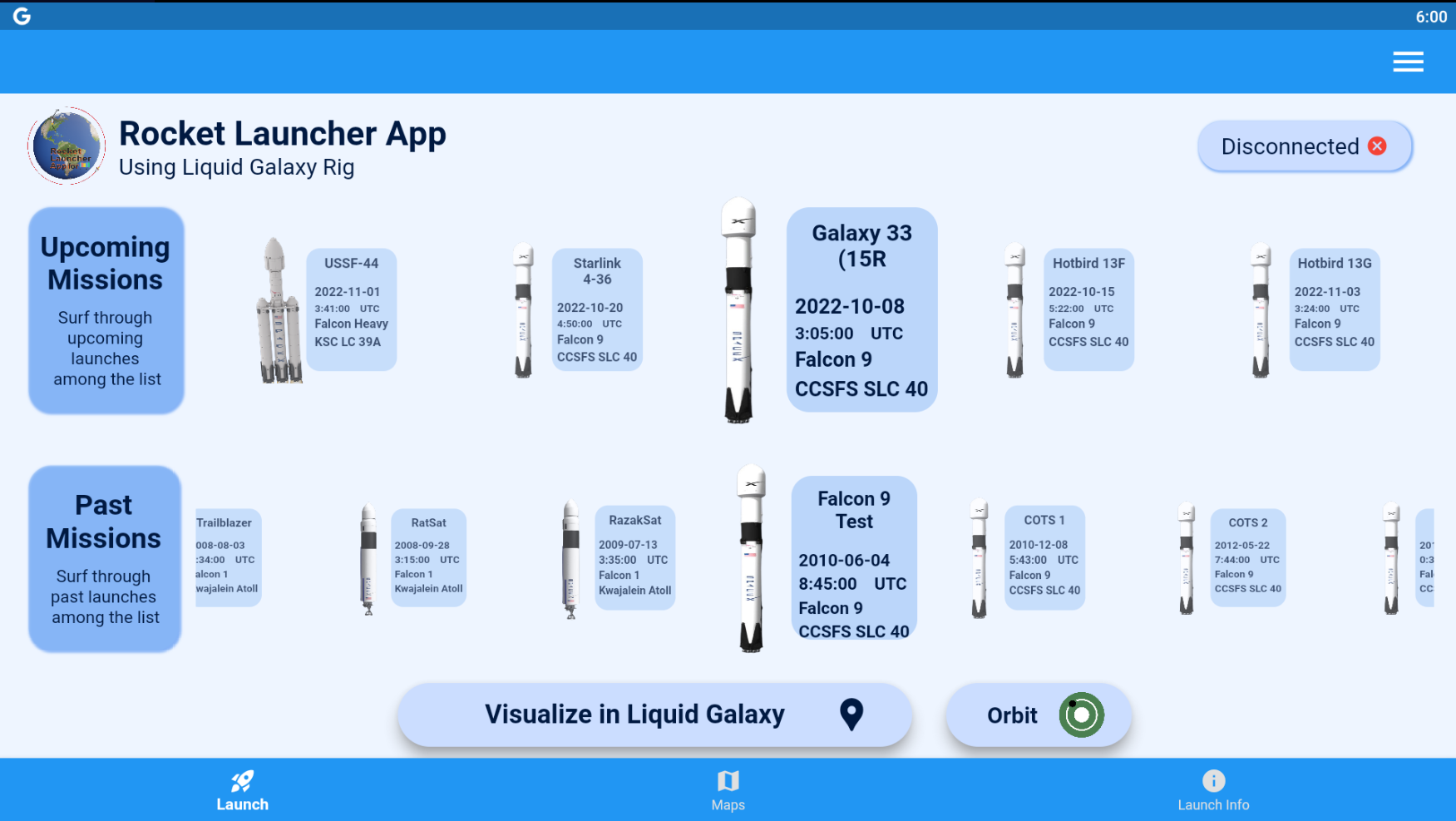
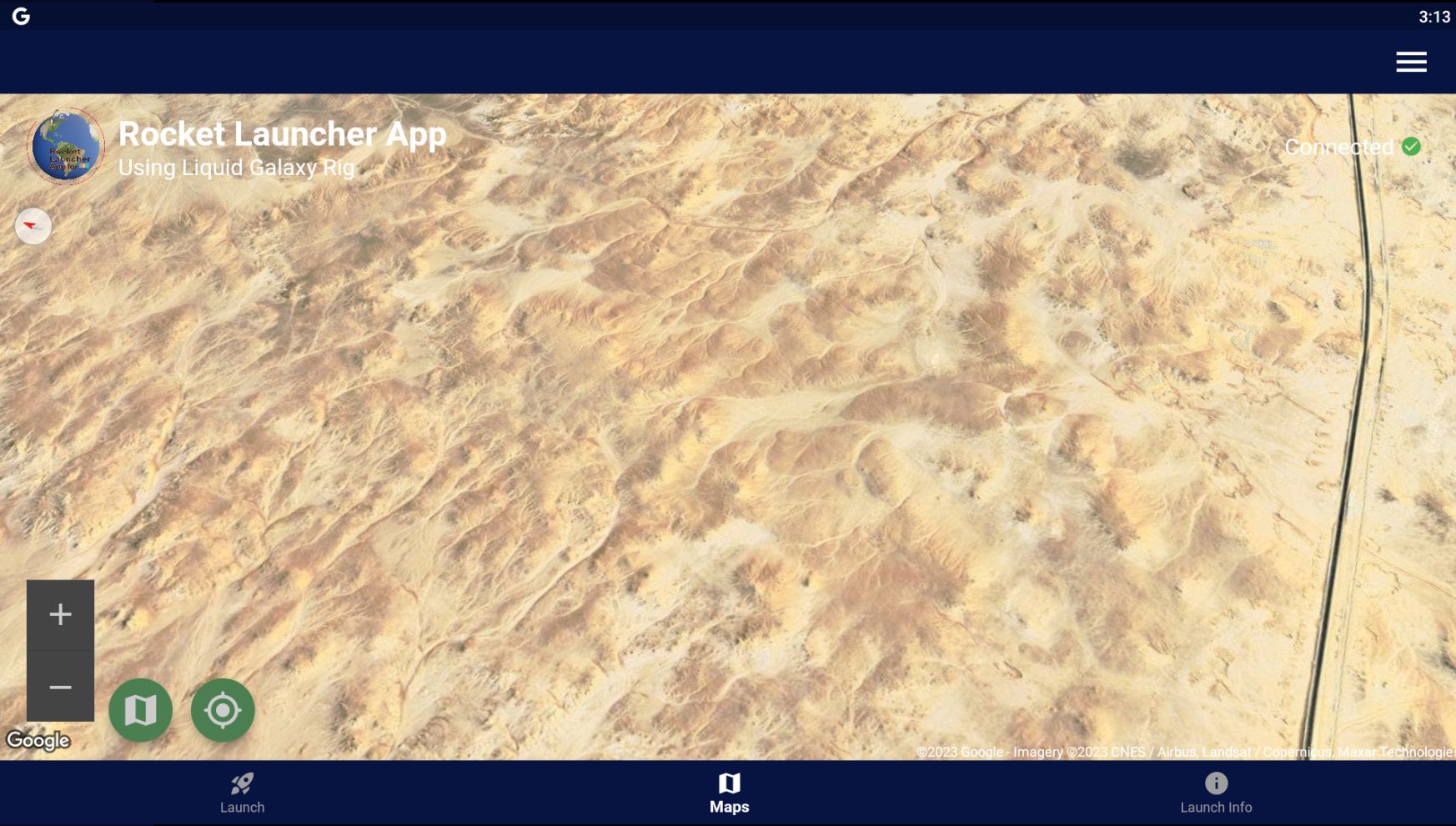
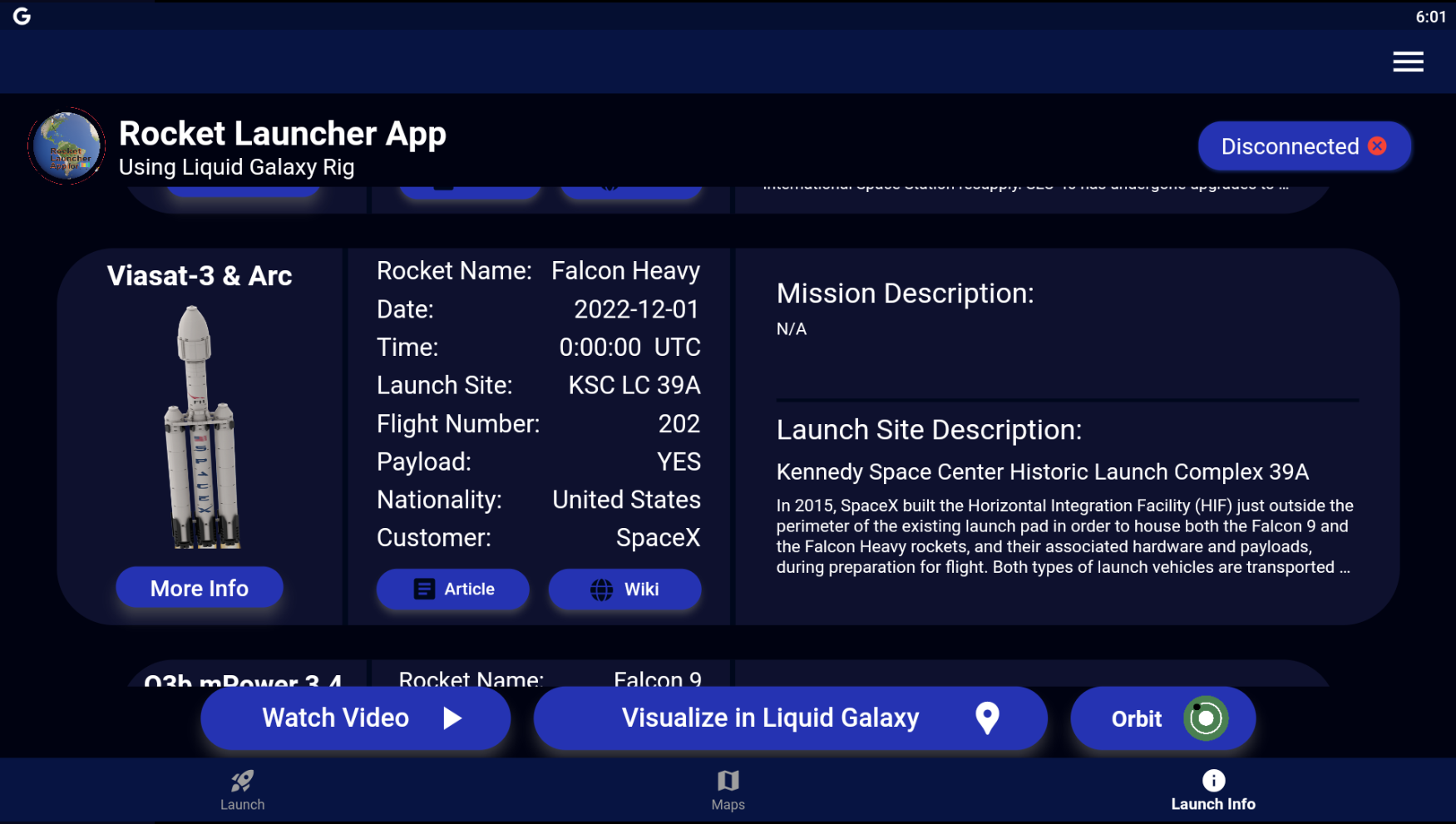
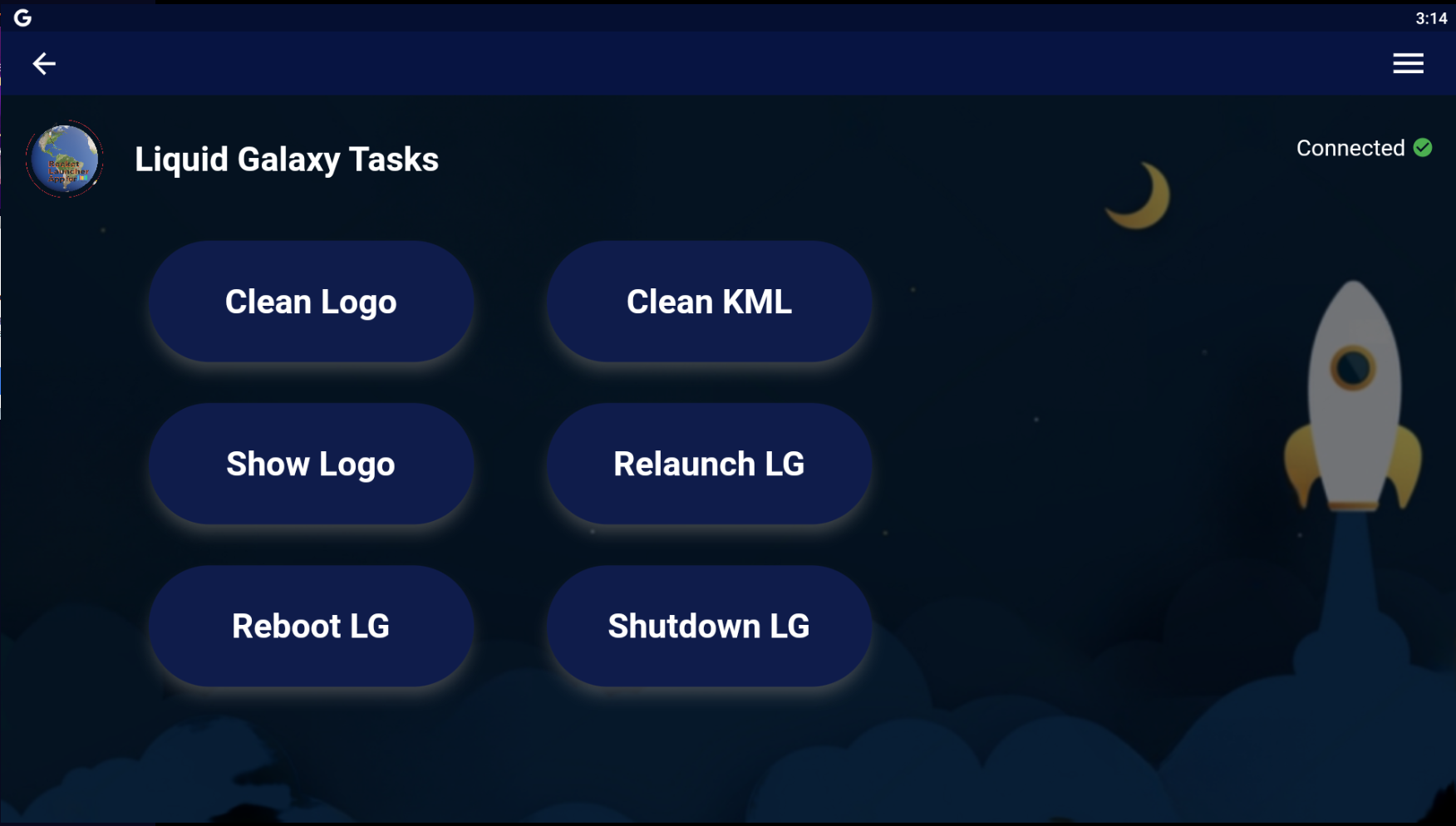
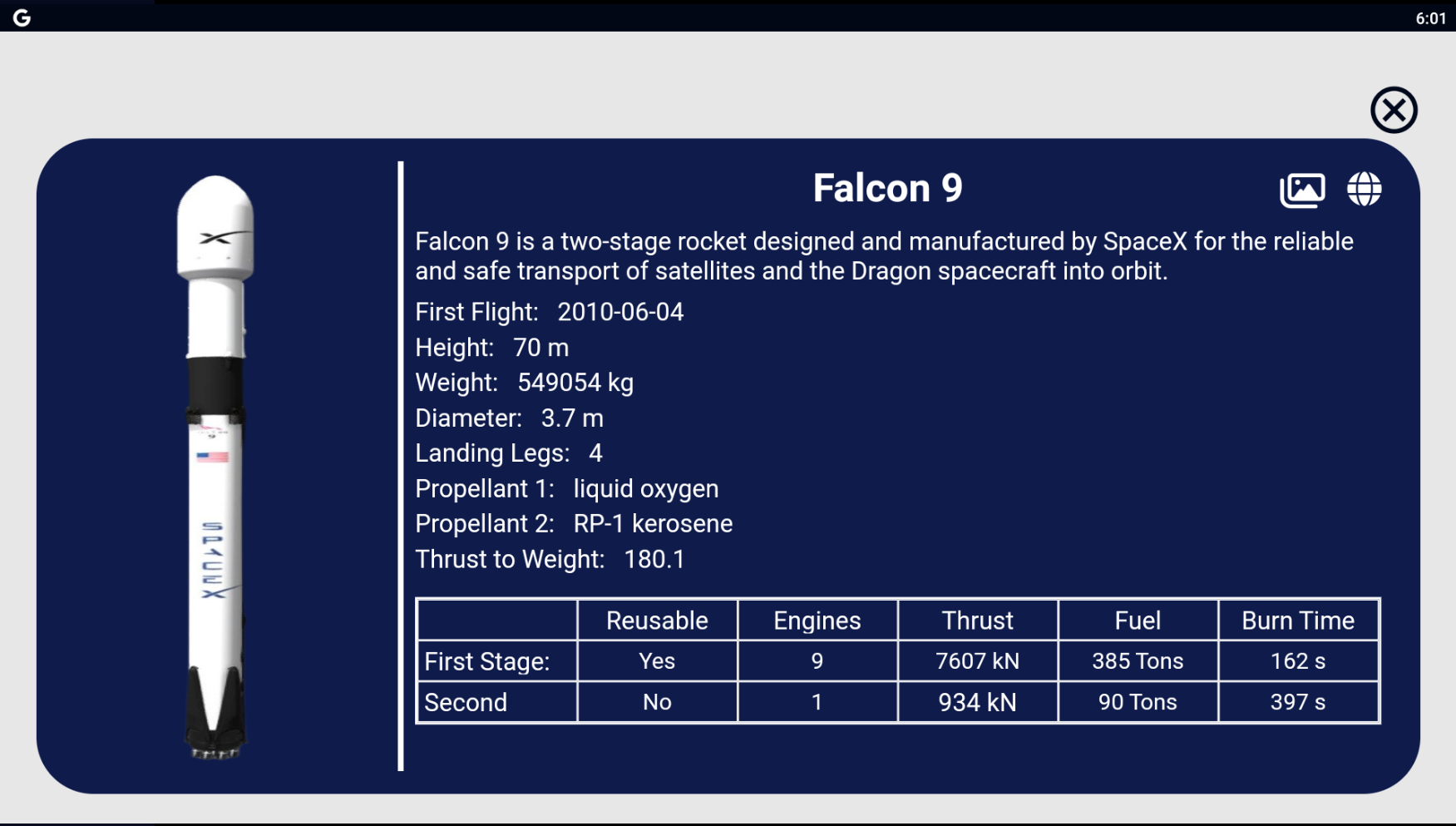
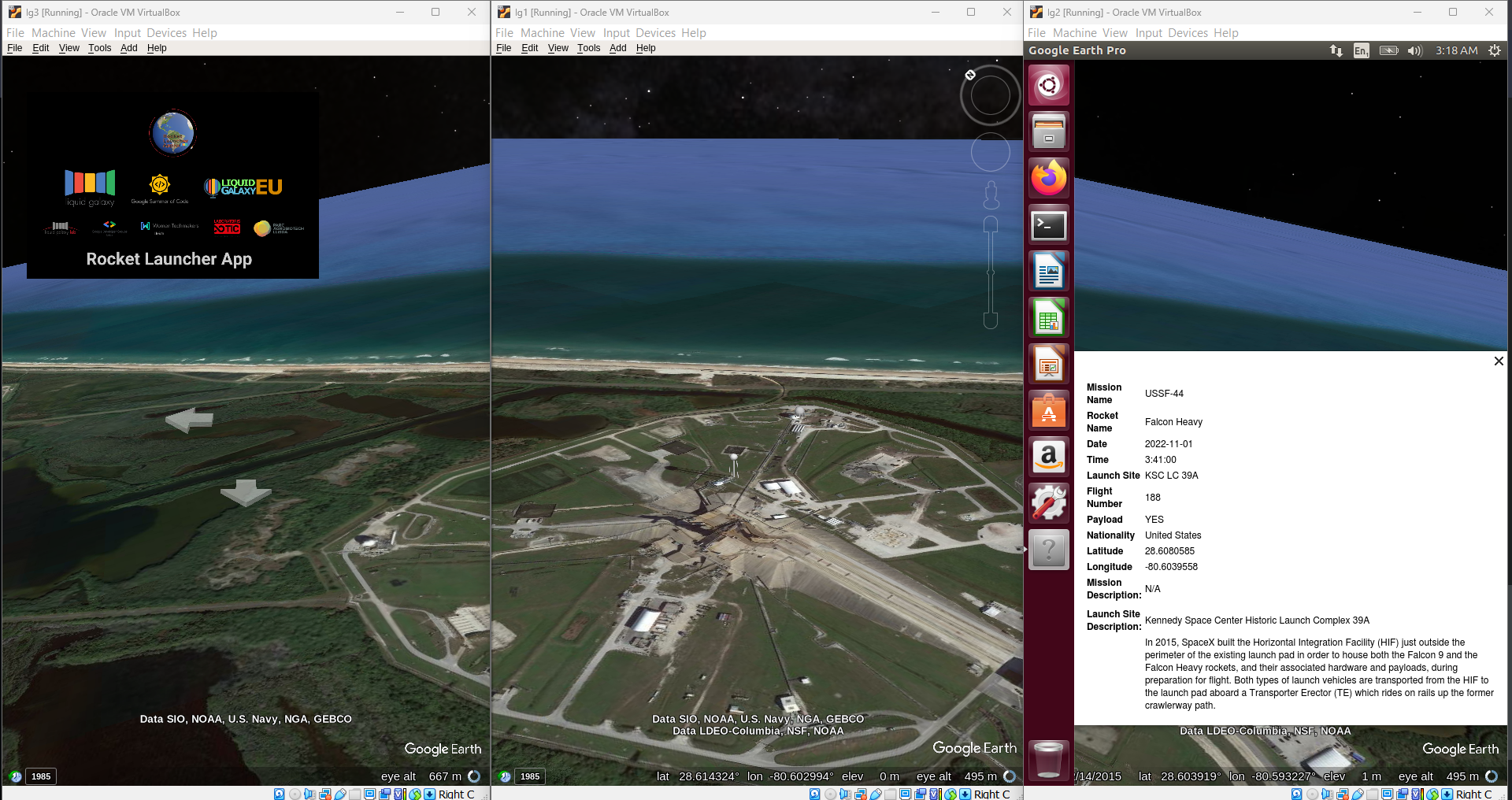
If you are interested in contributing to Liquid Galaxy projects, you can reach out by sending email to Liquid Galaxy Lab
Email: [liquidgalaxylab@gmail.com](mailto:liquidgalaxylab@gmail.com)
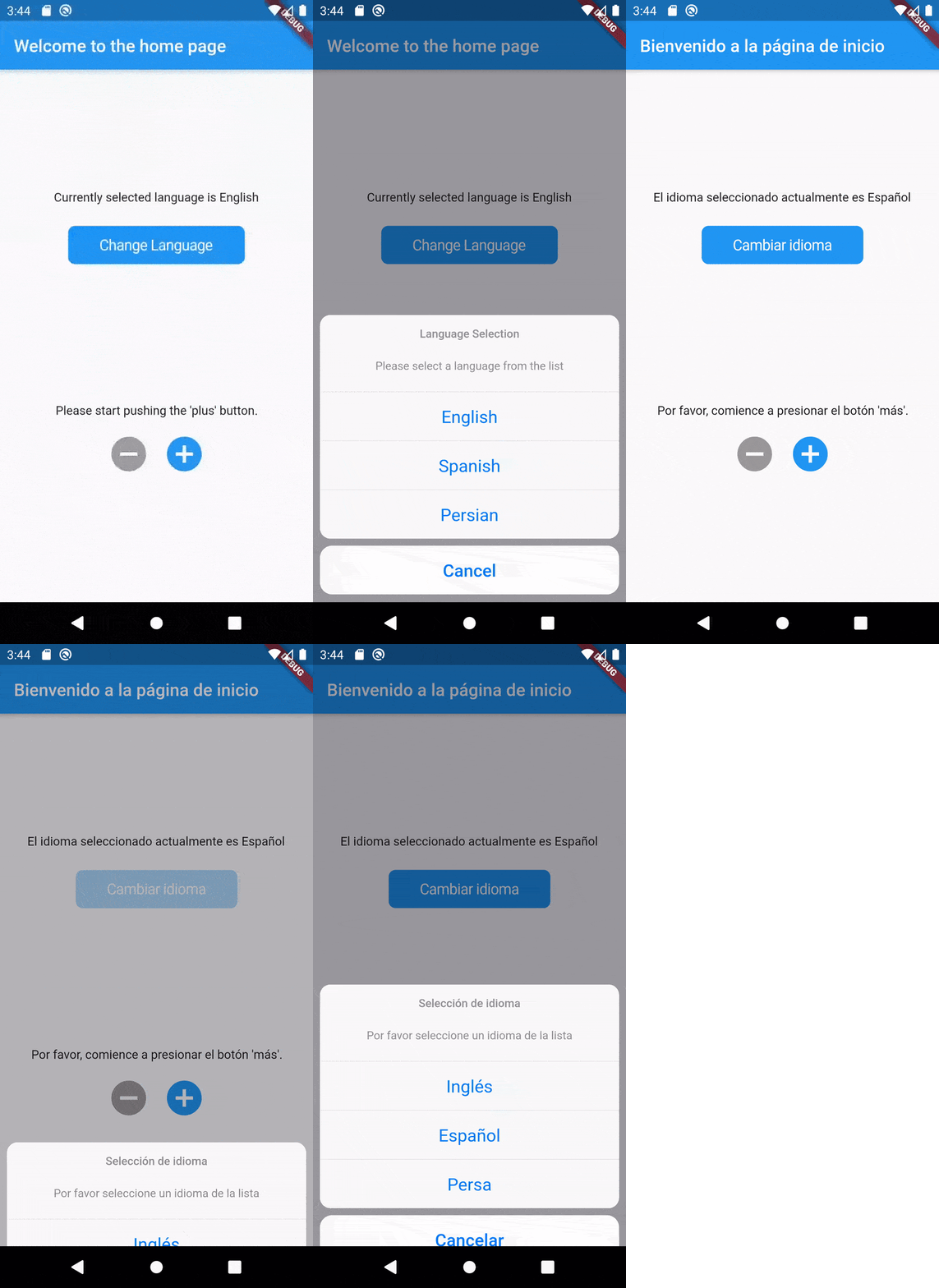
assests/i18n folder for Hindi.assets/i18n and add a new file, name it el.json.codingapp/translate.dart and add the following CupertinoActionSheetAction code similar to how it is done for other languages, CupertinoActionSheetAction(
child: Text(translate('language.name.en') + " 🇺🇸",
style: TextStyle(
fontWeight: FontWeight.normal, fontFamily: "GoogleSans")),
onPressed: () {
changeLocale(context, "en");
Navigator.of(context, rootNavigator: true).pop("en");
}),
Fill up issues, bugs or feature requests in our issue tracker. Please be very descriptive and clear so it is easier to help you. If you want to contribute to this project you can open a pull request at time you like.
The Rocket Launcher Visualiser App is licensed under the MIT license.
Check out our Privacy Policy to get more information about the application.
Copyright © 2023 Manash Kumar
一個包含一組酷炫且美麗的文字動畫的 Flutter 套件專案。
Flutter Translate 是一個功能齊全的 Flutter 本地化/國際化(i18n)程式庫。
以純 Dart 編寫的 SSH 和 SFTP 客戶端,旨在功能豐富且易於使用。
一個 Flutter 小部件,允許在使用者滾動結束時將項目「吸附」到指定位置。
用於簡化套件翻譯的套件。
一個 Flutter 項目,用於從 Android 和 iOS 裝置取得下載資料夾的絕對路徑。
日期範圍選擇器在行動裝置上使用對話方塊來選擇日期範圍。
依賴清單 26 項
{"sdk":"flutter"}^1.0.2^3.0.1^4.6.5^0.13.5^2.8.2^2.0.15^4.2.2^2.0.15^3.0.0^6.0.5{"sdk":"flutter"}^2.1.0^0.5.1^2.3.0^10.4.0^1.0.7^6.1.11^4.2.1^0.17.0^0.9.2^1.0.3+1^10.4.3^0.0.2+8{"sdk":"flutter"}^2.0.0先依使用情境篩選,再比較專案活躍情況,最後到原始儲存庫確認使用要求。
“A repository is the most basic element of GitHub.”
GitHub Docs — About repositories ↗