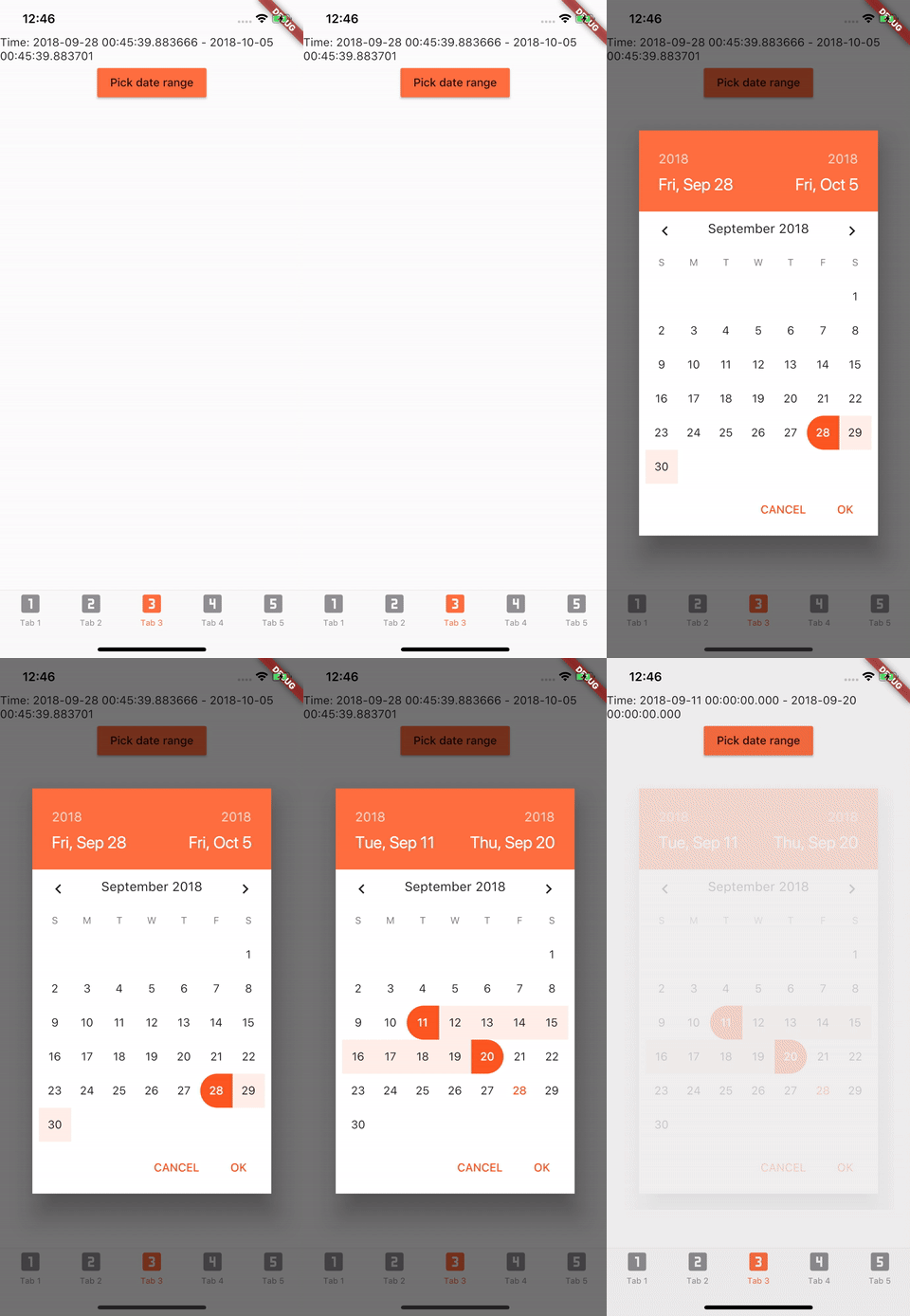
[Deprecated] Date Range Picker
Currently Flutter has supported date range picker, so I think my mission is done. Thanks for using my lib.
Link: https://api.flutter.dev/flutter/material/showDateRangePicker.html
Demo
Getting Started
Installation
Add to pubspec.yaml in dependencies
date_range_picker: ^1.0.5
Usage
import 'package:date_range_picker/date_range_picker.dart' as DateRagePicker ;
...
new MaterialButton (
color: Colors .deepOrangeAccent,
onPressed: () async {
final List <DateTime > picked = await DateRagePicker .showDatePicker (
context: context,
initialFirstDate: new DateTime .now (),
initialLastDate: (new DateTime .now ()).add (new Duration (days: 7 )),
firstDate: new DateTime (2015 ),
lastDate: new DateTime (DateTime .now ().year + 2 )
);
if (picked != null && picked.length == 2 ) {
print (picked);
}
},
child: new Text ("Pick date range" )
)
Theme Customization
To change the colors to your preferred ones, you can wrap it in a Theme and a builder.
Theme (
data: Theme .of (context).copyWith (
accentColor: Colors .green,
primaryColor: Colors .black,
buttonTheme: ButtonThemeData (
highlightColor: Colors .green,
buttonColor: Colors .green,
colorScheme: Theme .of (context).colorScheme.copyWith (
secondary: Colors .red,
background: Colors .white,
primary: Colors .green,
primaryVariant: Colors .green,
brightness: Brightness .dark,
onBackground: Colors .green),
textTheme: ButtonTextTheme .accent)),
child: Builder (
builder: (context) => RaisedButton (
color: Color .fromRGBO (212 , 20 , 15 , 1.0 ),
shape: RoundedRectangleBorder (borderRadius: BorderRadius .circular (30.0 )),
child: Padding (
padding: const EdgeInsets .only (top: 10.0 , bottom: 10.0 , left: 30.0 , right: 30.0 ),
child: Text (
"Date Picker" ,
style: TextStyle (
color: primaryColor,
fontSize: 28 ,
fontWeight: FontWeight .w300,
),
),
),
onPressed: () async {
final List <DateTime > picked = await DateRangePicker .showDatePicker (
context: context,
initialFirstDate: new DateTime .now (),
initialLastDate: (new DateTime .now ()).add (new Duration (days: 7 )),
firstDate: new DateTime (2015 ),
lastDate: new DateTime (DateTime .now ().year + 2 ));
if (picked != null && picked.length == 2 ) {
print (picked);
}
},
),
),
)