 v3.0.0
modal_bottom_sheet
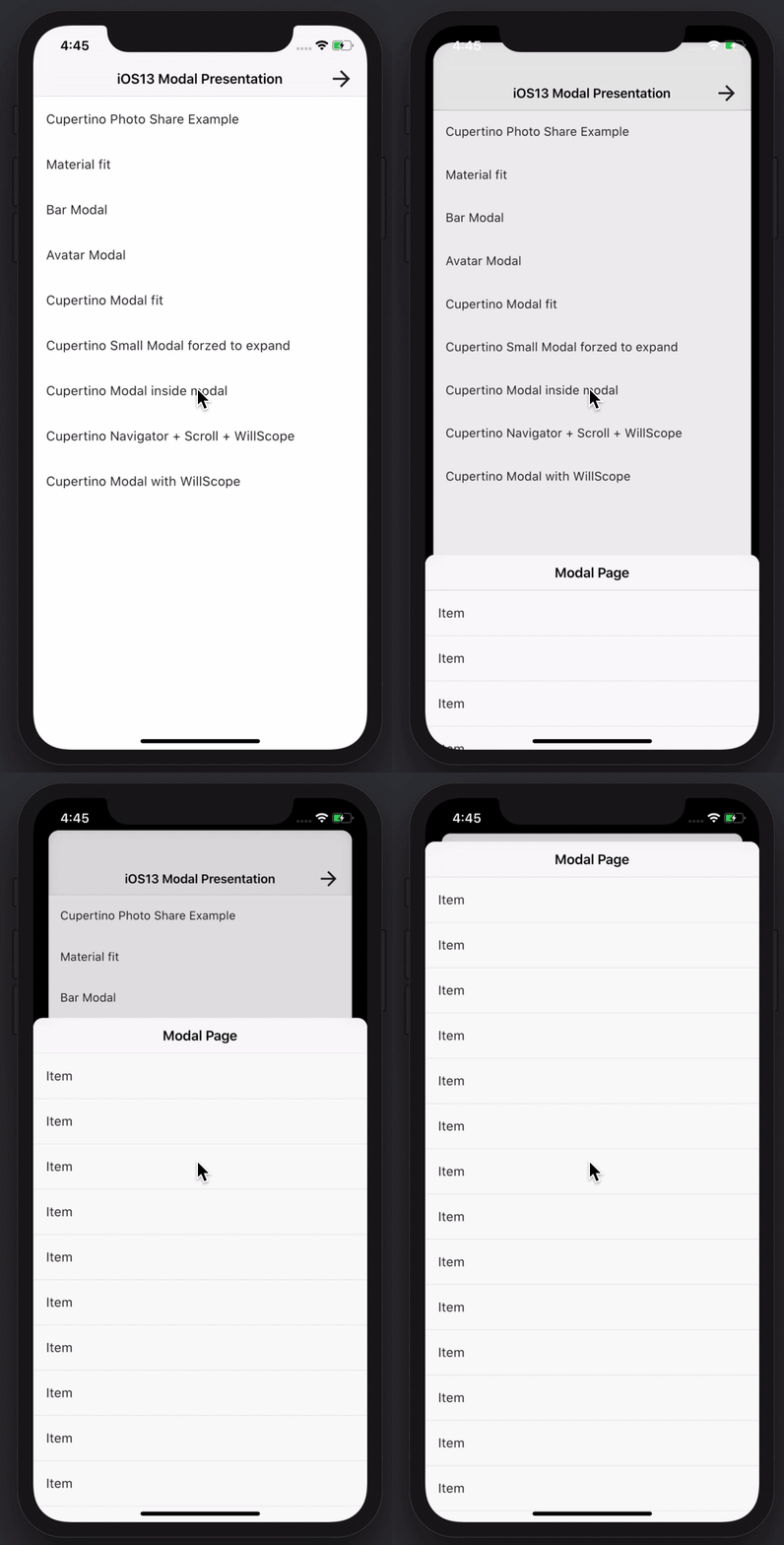
建立令人驚艷且強大的模態底部彈出式視窗。支援 Material、Cupertino iOS 13 或自訂風格
3600喜歡 31.4萬近 30 天下載150Pub 分數
AndroidiOSWebmacOSWindowsLinux
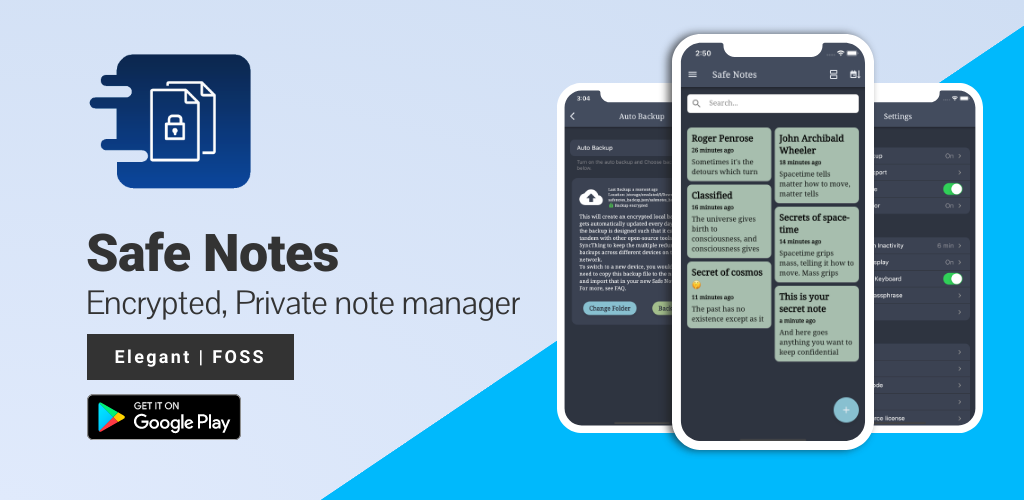
Safe Notes 是一個安全專案,旨在提供一個加密的、私密的本地筆記管理器,可在本地運作並保護筆記免受各種威脅行為者的侵害。

以下為英文專案原文快照,最新內容請造訪 GitHub。








Screenshots • Description • Features • Installation and updates • Contribution • Privacy Policy • License
Website • Reporting a Bug • FAQ • Press
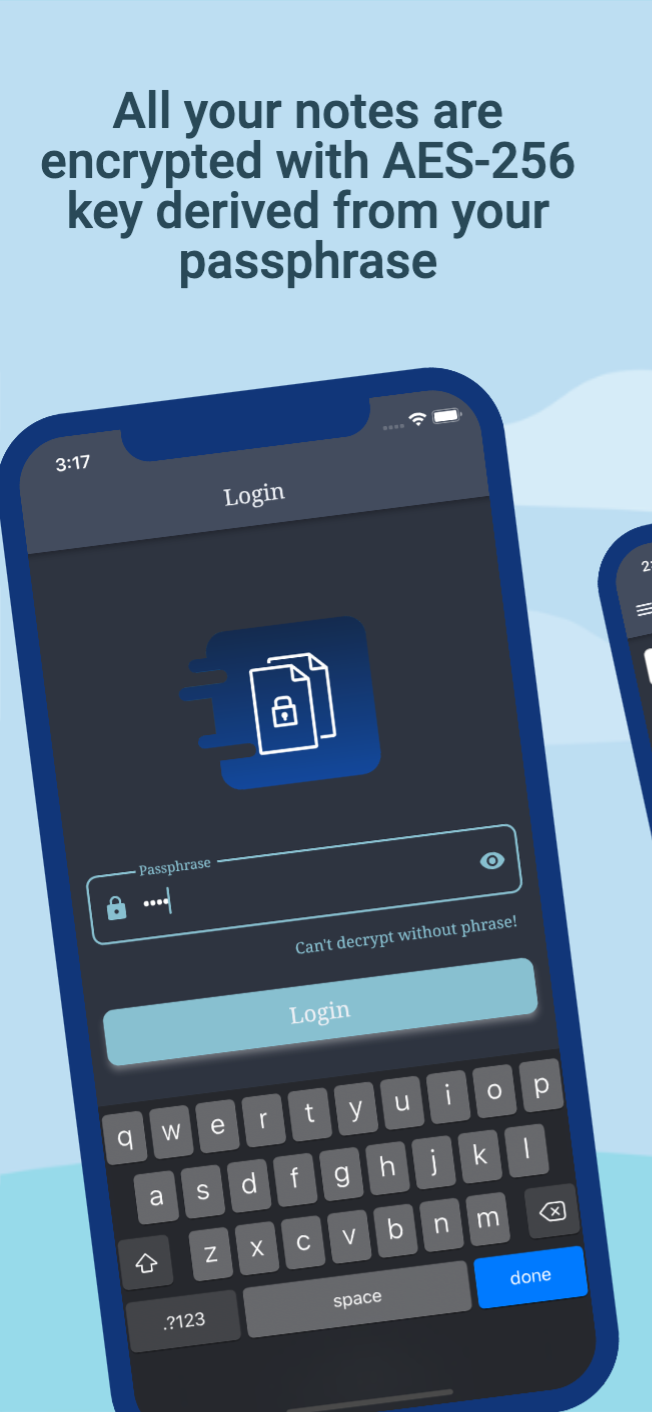
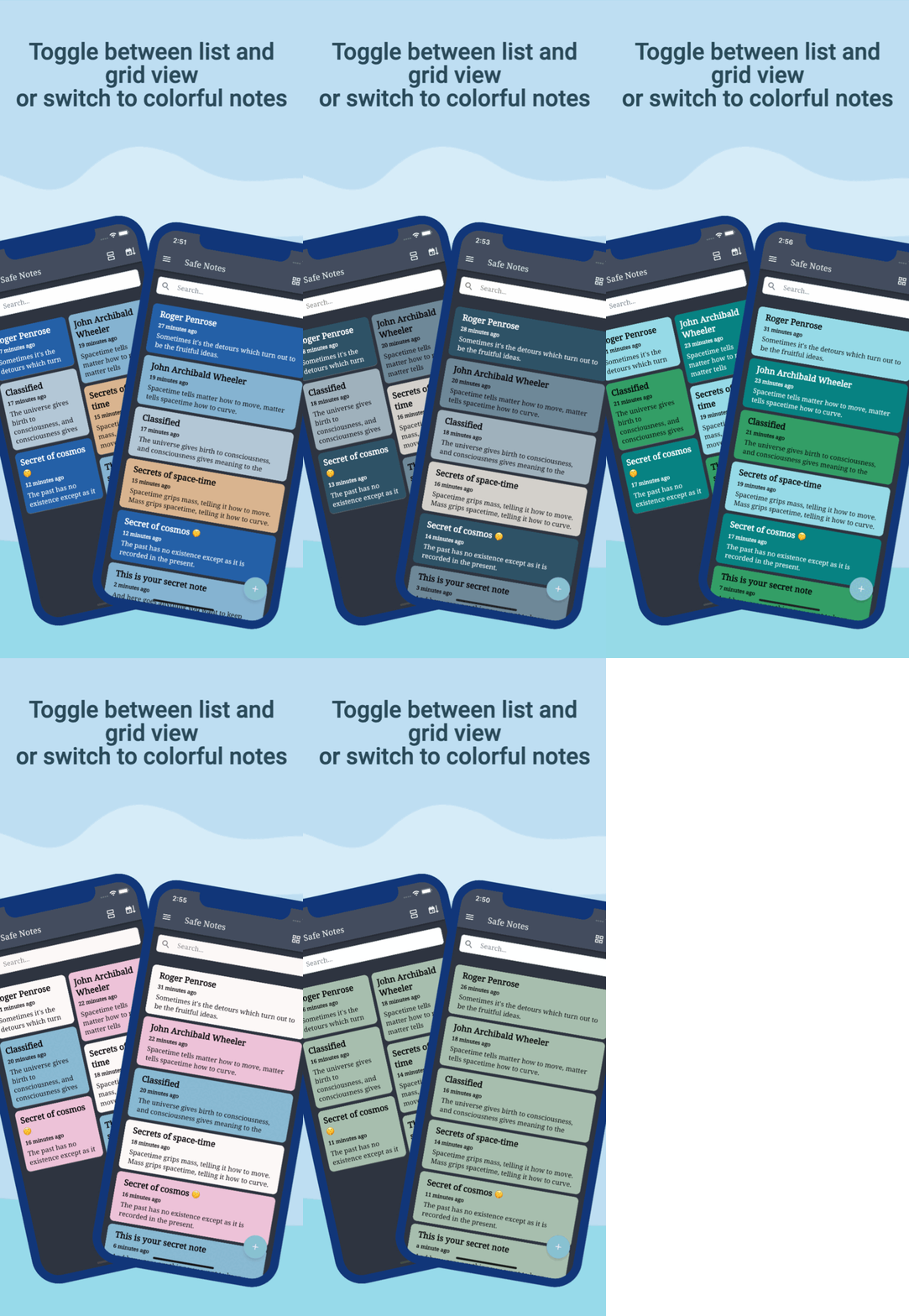
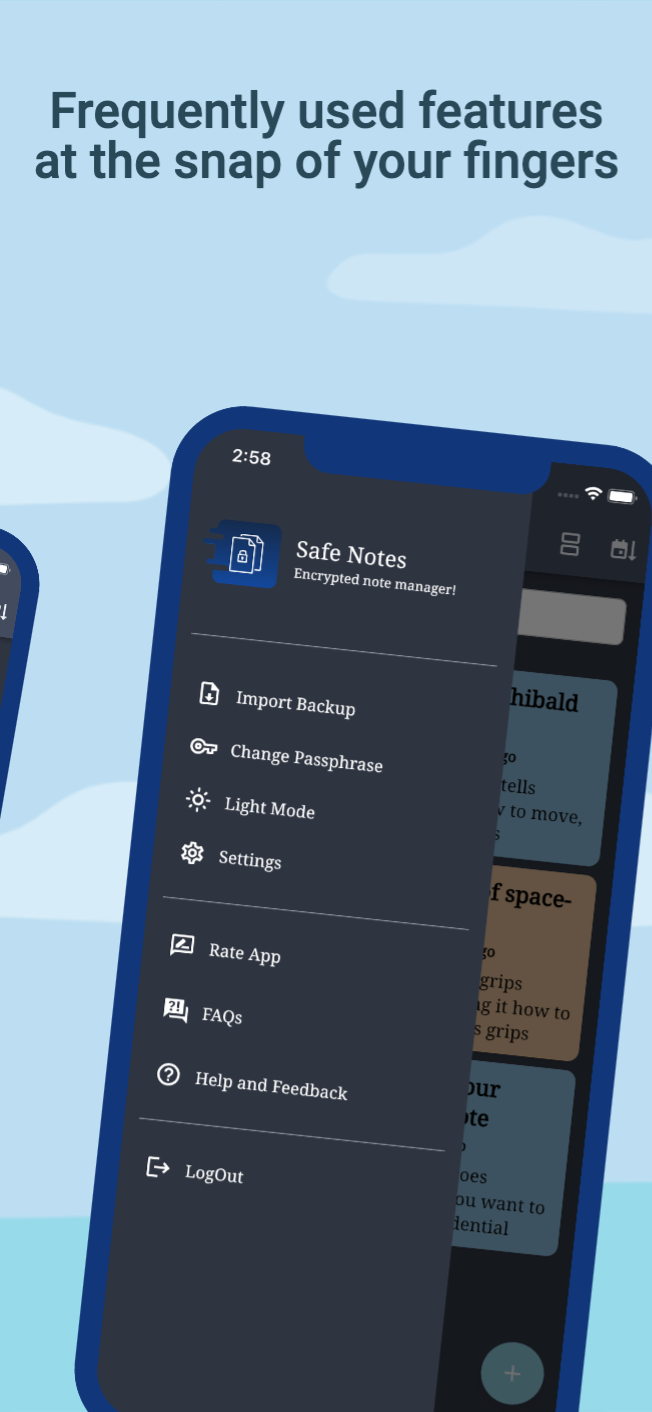
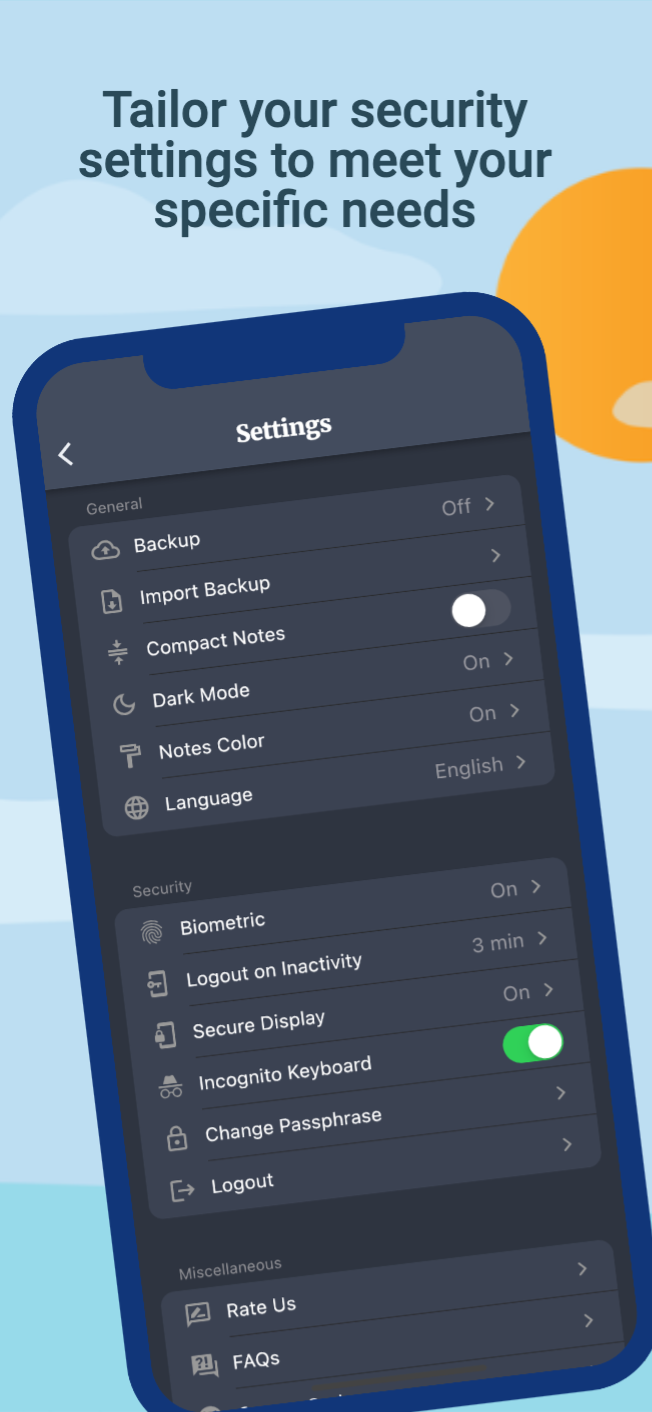
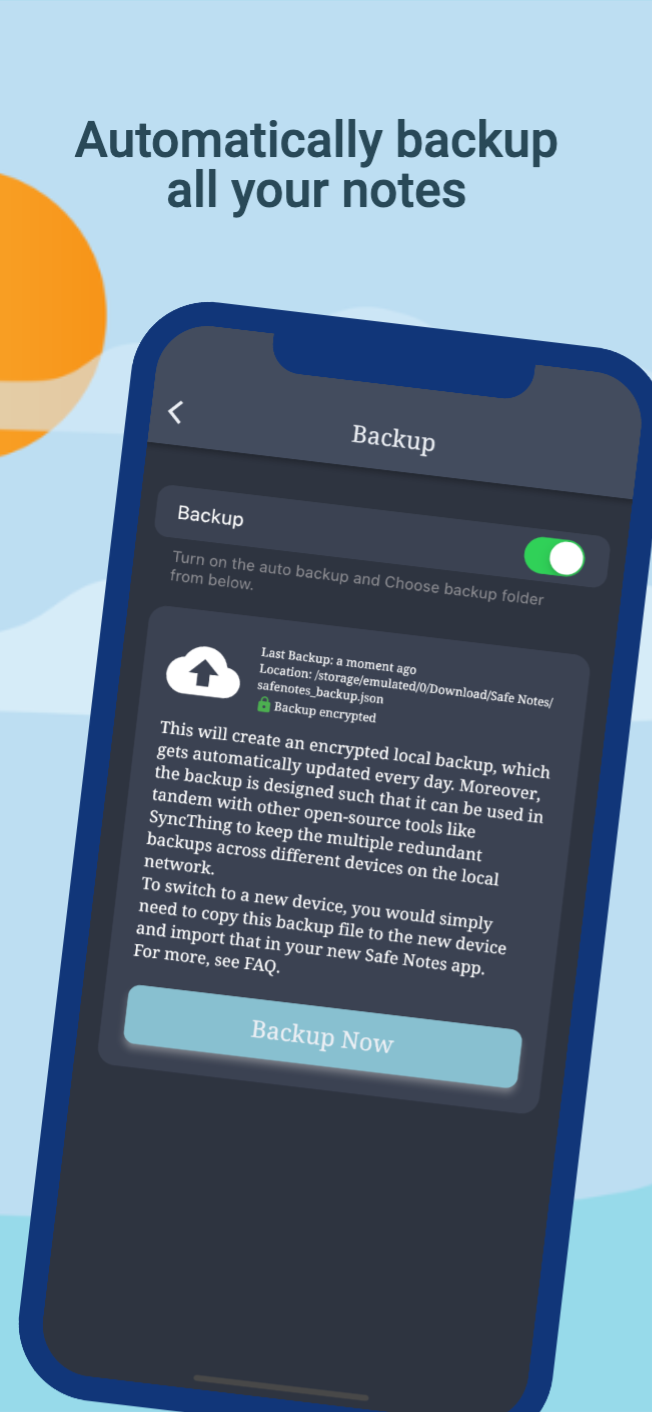
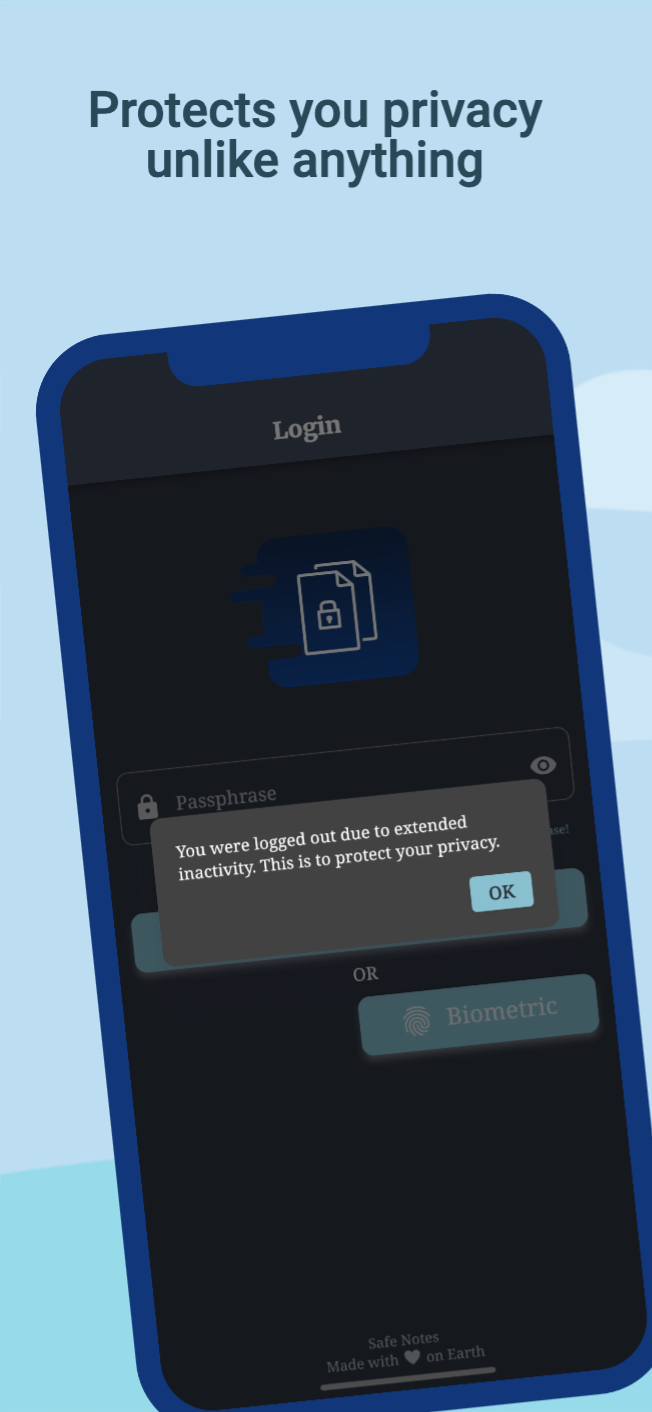
Safe Notes is a privacy-focused note manager which provides an inbuild encrypted storage. It imploys rigorously tested AES-256 encryption standard to store user notes. All the notes are stored locally on the user's device. Contrary to the ongoing frenzy of "move everything to cloud" we believe in "localization of user data" giving you the control of your data and not some third-party cloud service provider. We know you gotta change your device once in a while that's why Safe Notes also provides a secure migration facility, which allows you to export and import your notes without having to compromise the sanctity of your data. Word of advice, keep your passphrase long and secret. May encryption protect us all!
[!IMPORTANT] With great security comes the great responsibility of remembering the passphrase!
[!WARNING] Some security features cannot be guaranteed to work if you are using a rooted device.
You can install Safe Notes using one of the following methods:
We recommend method 1 or 2 for most users. Building a debug APK using method 4 excludes a key entirely. Signing keys help ensure that a user isn't tricked into installing a malicious update to an app.
Whether you have ideas, design changes, code cleaning, or real heavy code changes, help is always welcome.
The more is done the better it gets!
If you'd like to get involved, check our contribution notes.
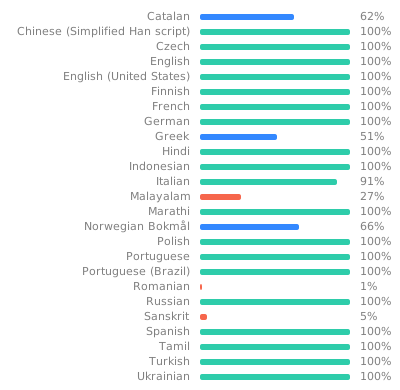
Help translate Safe Notes on Hosted Weblate
The Safe Notes project aims to provide a encrypted, private, anonymous experience for local note storage. The app doesn't send any outbound requests neither does it receives any inbound requests. Hence, it doesn't collect any data whatsoever. You can find the document here.

Safe Notes is Free Software: You can use, study share and improve it at your will. Specifically GNU General Public License as published by the Free Software Foundation, either version 3 of the License, or (at your option) any later version.
| Weblate is helping with continuous localization as part of their ongoing support for libre software projects. |
|---|
建立令人驚艷且強大的模態底部彈出式視窗。支援 Material、Cupertino iOS 13 或自訂風格
輕鬆快速地為您的 Flutter 應用程式進行國際化和本地化,此套件簡化了國際化流程。
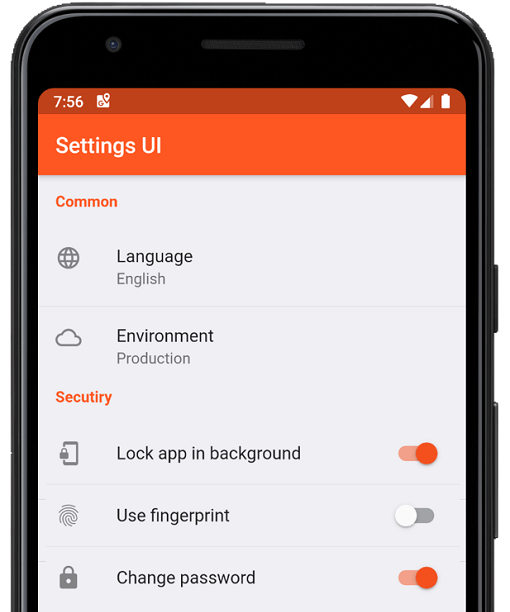
幾分鐘內為 Flutter 應用建立原生設定。使用單一介面進行建構
一個用於建立模糊時間戳的函式庫。(例如:「15分鐘前」)
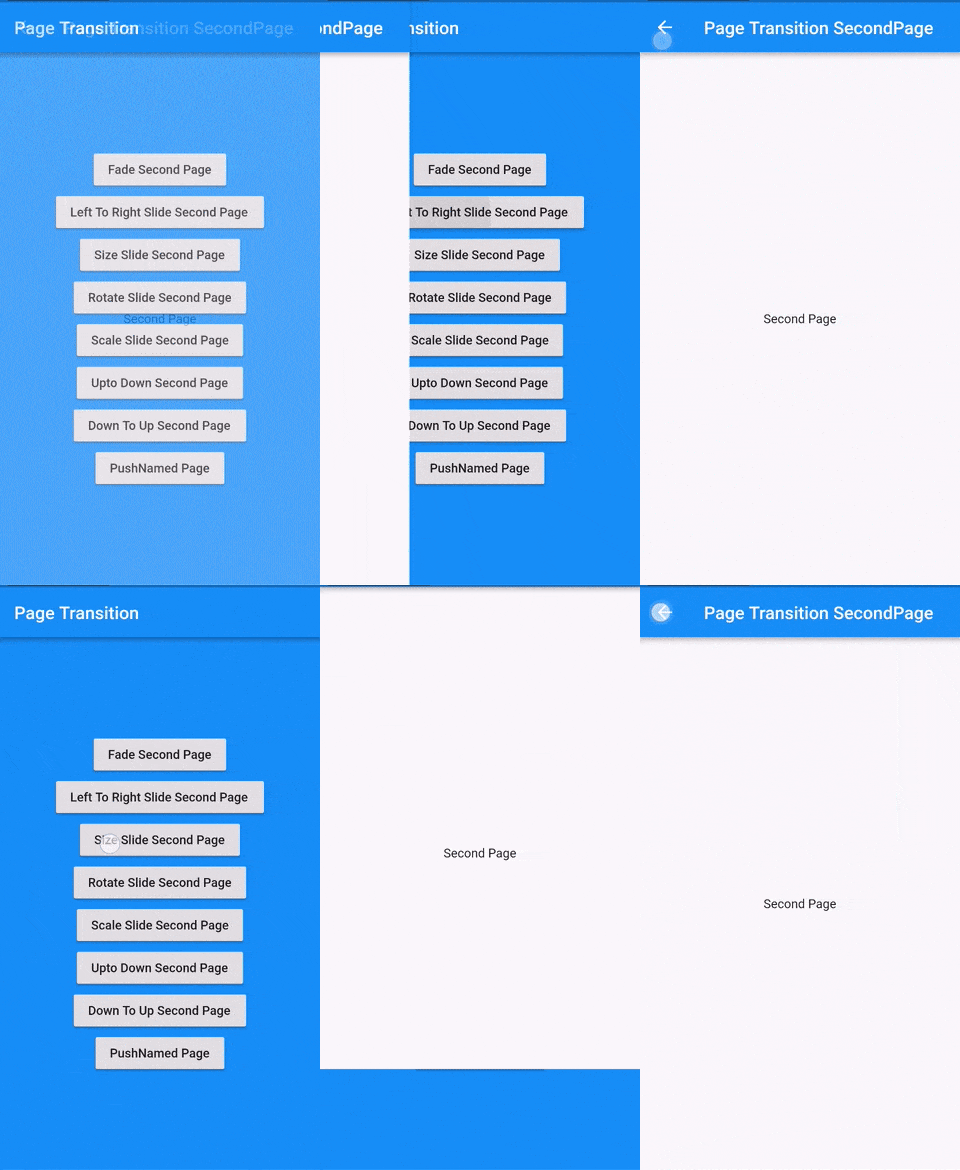
Flutter 頁面過渡套件,用於第二個頁面的過渡
在您的組件完成首次佈局後執行程式碼,也就是在第一幀顯示後執行。
PointyCastle 上的一組高階 API,用於雙向加密。
自動整理您的 dart 导入
幫助您變更或重新命名您的 Flutter 項目在 iOS、Android、macOS 和 Linux 平台上的 BundleId 和應用名稱
由社群為 Flutter 設計的 Material Design 圖標
檢查遺失、未充分提升、過度提升和未使用之相依性。
如果應用程式在「x」持續時間內未收到任何使用者互動,或在背景中運行,則將使用者重導向至驗證頁面。
依賴清單 37 項
{"sdk":"flutter"}^1.2.0^3.0.0^3.0.3^1.0.6^10.0.1^3.0.1^5.0.0^8.0.0+1^9.0.0^0.7.0^0.18.1^2.1.2^2.1.1^2.1.0^7.0.7296^2.1.0^3.0.0^2.0.9^1.9.0^2.0.2^11.3.0^6.0.3^3.0.2^2.0.2^2.0.6^2.1.0+1^3.3.0^2.0.0^6.1.5{"git":{"url":"https://github.com/keshav-space/safenotes-nord-theme.git","ref":"main"}}{"sdk":"flutter"}^0.13.1^2.2.11^4.6.0^3.0.0^3.0.2先依使用情境篩選,再比較專案活躍情況,最後到原始儲存庫確認使用要求。
“A repository is the most basic element of GitHub.”
GitHub Docs — About repositories ↗