


v0.1.0
yoyo_player
yoyo_player 是一個影片播放器,可讓您透過選擇畫質來選擇 HLS 影片串流
125喜歡 49近 30 天下載40Pub 分數
平台暫無資料
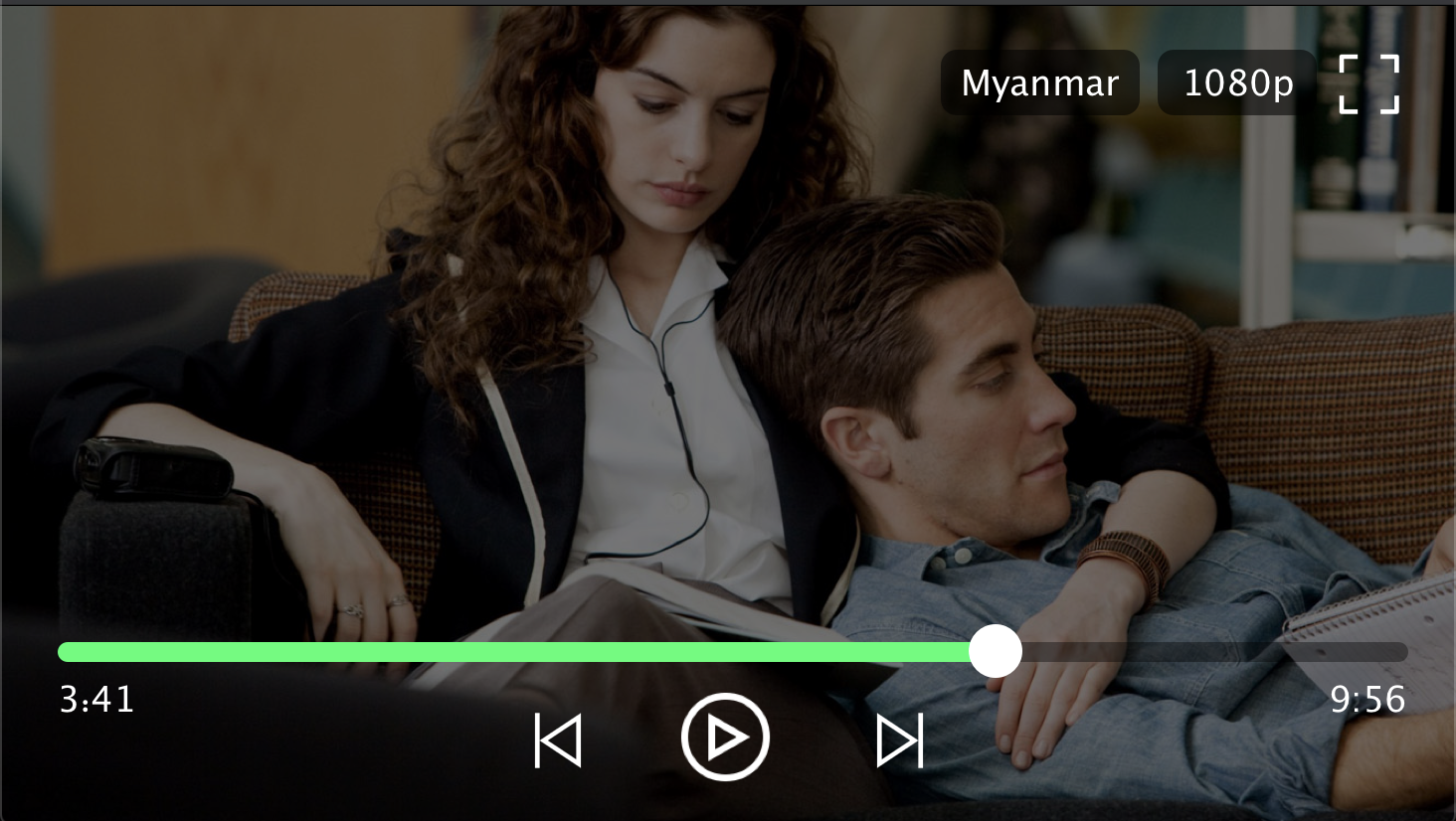
YoYo Video Player 是一個用於 Flutter 的 HLS(.m3u8) 視頻播放器。

以下為英文專案原文快照,最新內容請造訪 GitHub。

YoYo Video Player is a HLS(.m3u8) video player for flutter.
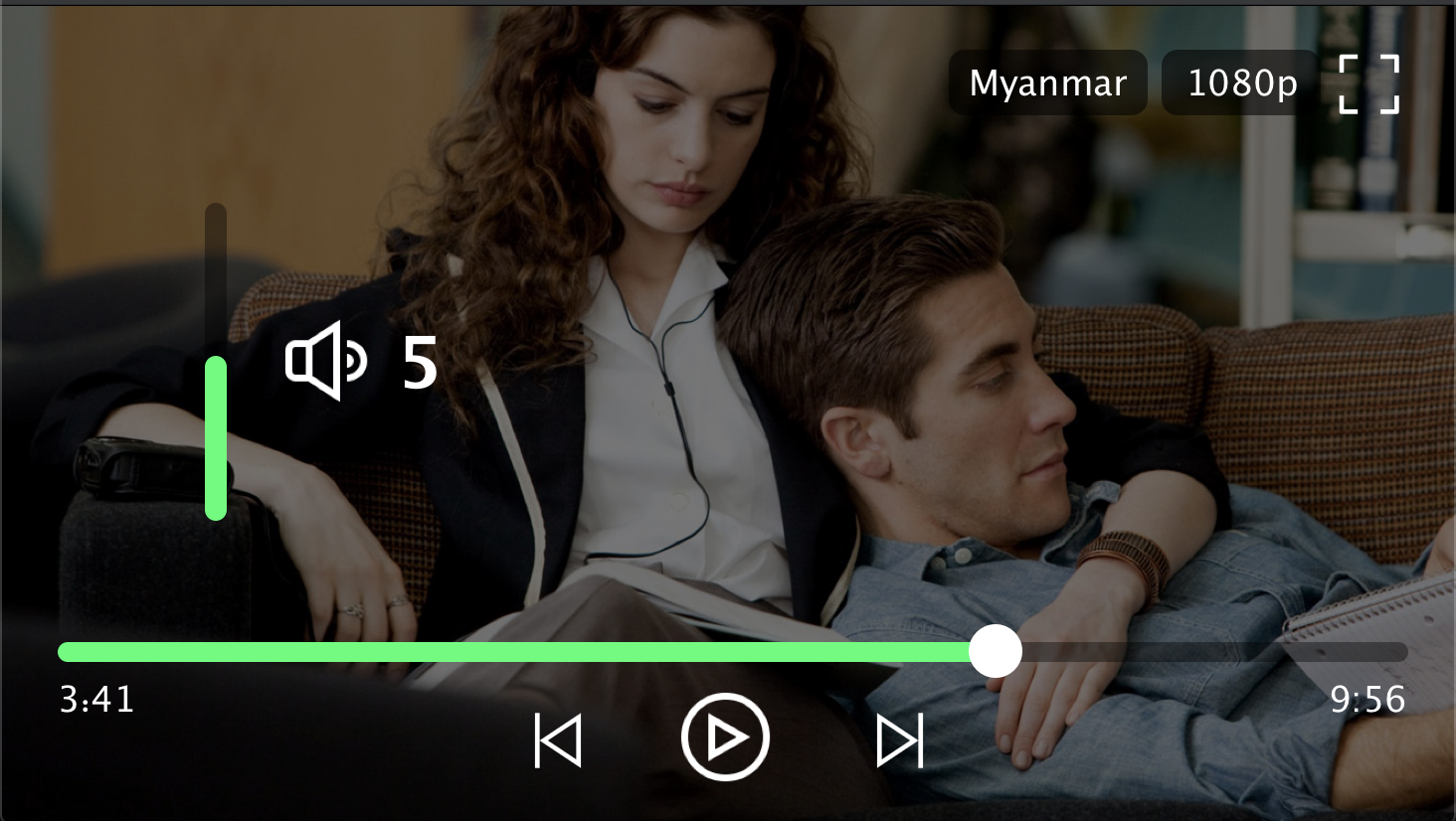
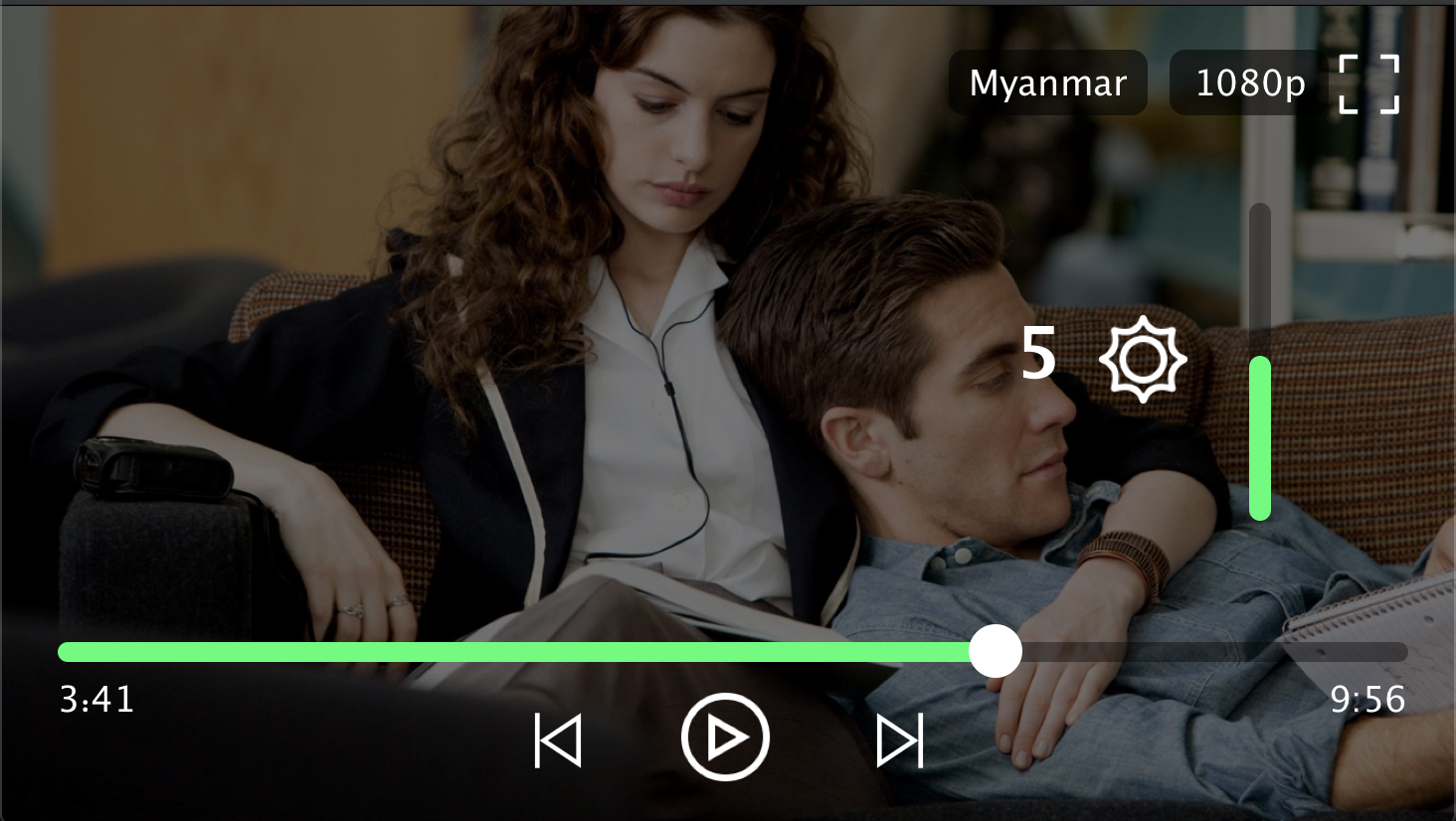
The video_player is a video player that allows you to select HLS video streaming by selecting the quality. YoYo Player wraps video_player under the hood and provides base architecture for developers to create their own set of UI and functionalities.
pubspec.yamlFile independencies:Add the following code belowyoyo_player: #latest
 cd Project directory
 flutter packages get
import 'package:yoyo_player/yoyo_player.dart';
A simple usage example:
  YoYoPlayer(
          aspectRatio: 16 / 9,
          url:  "",
          videoStyle: VideoStyle(),
          videoLoadingStyle: VideoLoadingStyle(),
  ),
Change Icon
 videoStyle: VideoStyle(
    play : Icon(Icons.play_arrow),
    pause : Icon(Icons.pause),
    fullscreen : Icon(Icon(Icons.fullscreen)),
    forward : Icon(Icons.skip_next),
    backward : Icon(Icons.skip_previous),
 )
Change Video Loading
videoLoadingStyle: VideoLoadingStyle(loading : Center(child: Text("Loading video")),
Play With Subtitle
        body: YoYoPlayer(
          aspectRatio: 16 / 9,
          //url ( .m3u8 video streaming link )
          //example ( url :"https://sfux-ext.sfux.info/hls/chapter/105/1588724110/1588724110.m3u8" )
          //example ( url :"https://player.vimeo.com/external/440218055.m3u8?s=7ec886b4db9c3a52e0e7f5f917ba7287685ef67f&oauth2_token_id=1360367101" )
          url:  " ",
          videoStyle: VideoStyle(),
          videoLoadingStyle: VideoLoadingStyle(
            loading: Center(
              child: Text("Loading video"),
            ),
          ),
        ),
| Attributes | Type | Description |
|---|---|---|
| url | String | Video source ( .m3u8 & File only) |
| videoStyle | VideoStyle | Video Player style |
| videoLoadingStyle | VideoLoadingStyle | Video Loading Style |
| aspectRatio | double | Video AspectRaitio [aspectRatio : 16 / 9 ] |
| onfullscreen | VideoCallback | video state fullscreen |
| openingvideo | VideoCallback | video type ( eg : mkv,mp4,hls) |
| Attributes | Type | Description |
|---|---|---|
| play | Widget | You can use any Widget you want |
| pause | Widget | You can use any Widget you want |
| fullscreen | Widget | You can use any Widget you want |
| forward | Widget | You can use any Widget you want |
| backward | Widget | You can use any Widget you want |
| playedColor | Color | You can use any Icon style you want |
| qualitystyle | TextStyle | You can use any Text style you want |
| qashowstyle | TextStyle | You can use any Text style you want |
| Attributes | Type | Description |
|---|---|---|
| loading | Widget | You can use any loading style you want |
If viedo quality yoyo[vido-quality].m3u8
If video quality & audio quality yoyo[video-quality][audio-quality].m3u8
 |
 |
|---|---|
 |
 |
Copyright (c) 2020 Ko Htut (Ko Min Than Htut)
Permission is hereby granted, free of charge, to any person obtaining a copy of this software and associated documentation files (the "Software"), to deal in the Software without restriction, including without limitation the rights to use, copy, modify, merge, publish, distribute, sublicense, and/or sell copies of the Software, and to permit persons to whom the Software is furnished to do so, subject to the following conditions:
The above copyright notice and this permission notice shall be included in all copies or substantial portions of the Software.
THE SOFTWARE IS PROVIDED "AS IS", WITHOUT WARRANTY OF ANY KIND, EXPRESS OR IMPLIED, INCLUDING BUT NOT LIMITED TO THE WARRANTIES OF MERCHANTABILITY, FITNESS FOR A PARTICULAR PURPOSE AND NONINFRINGEMENT. IN NO EVENT SHALL THE AUTHORS OR COPYRIGHT HOLDERS BE LIABLE FOR ANY CLAIM, DAMAGES OR OTHER LIABILITY, WHETHER IN AN ACTION OF CONTRACT, TORT OR OTHERWISE, ARISING FROM, OUT OF OR IN CONNECTION WITH THE SOFTWARE OR THE USE OR OTHER DEALINGS IN THE SOFTWARE.
依賴清單 13 項
{"sdk":"flutter"}————^2.7.0—————^2.3.1{"sdk":"flutter"}先依使用情境篩選,再比較專案活躍情況,最後到原始儲存庫確認使用要求。
“A repository is the most basic element of GitHub.”
GitHub Docs — About repositories ↗