yoyo_player 是一個專為 HLS(HTTP 即時串流)播放設計的 Flutter 影片播放器套件,支援動態畫質選擇。它讓使用者能在播放過程中切換不同影片畫質層級,根據網路狀況提升串流體驗。此套件以簡潔與效能為設計目標,可無縫整合至 Flutter 應用程式中。支援自適應串流,並提供乾淨的 API 來管理播放控制與畫質設定。非常適合需要彈性影片傳輸的多媒體應用。
適用情境
串流影片品質切換
Flutter 應用中的自適應影片播放
使用 HLS 的即時影片串流
按需影片,支援多種解析度
建構具有使用者品質控制的媒體播放器
主要特色
HLS 流媒體支援
動態品質選擇
與 Flutter 的簡單整合
自適應碼率處理
簡潔且極簡的 API 設計
適合對象
媒體應用
按需影片平台
直播流應用
教育內容傳遞
需要響應式影片播放的應用程式
使用建議
需要HLS相容的影片來源
僅限iOS和Android(無網頁/桌面支援)
無內建 UI 元件
依賴外部HLS串流的可用性
可能需要為自定義播放邏輯進行額外設定
原始 README
以下為關聯原始碼儲存庫的 README 原文快照,最新內容請造訪原始碼儲存庫。
YoYo Video Player
YoYo Video Player is a HLS(.m3u8) video player for flutter.
The video_player is a video player that allows you to select HLS video streaming by selecting the quality. YoYo Player wraps video_player under the hood and provides base architecture for developers to create their own set of UI and functionalities.
Features
You can select multiple quality and open
On video tap play/pause, mute/unmute, or perform any action on video.
Auto hide controls.
(.m3u8) HLS Video Streaming Support
Install & Set up
Add dependency, open the root directory pubspec.yamlFile independencies:Add the following code below
yoyo_player:#latest
Installation dependencies (please ignore if it has been installed automatically)
The data in the source url (m3u8) is regex checked and the child m3u8 files are created and saved according to the respective rules.
It starts creating child m3u8 files as soon as the video starts playing
Each time a video is completed or the main url changes, child m3u8 files are checked and deleted.
The child m3u8 files are created as follows:
If viedo quality
yoyo[vido-quality].m3u8
If video quality & audio quality
yoyo[video-quality][audio-quality].m3u8
Support M3U8
#EXT-X-MEDIA
#EXT-X-STREAM-INF(not for ios)
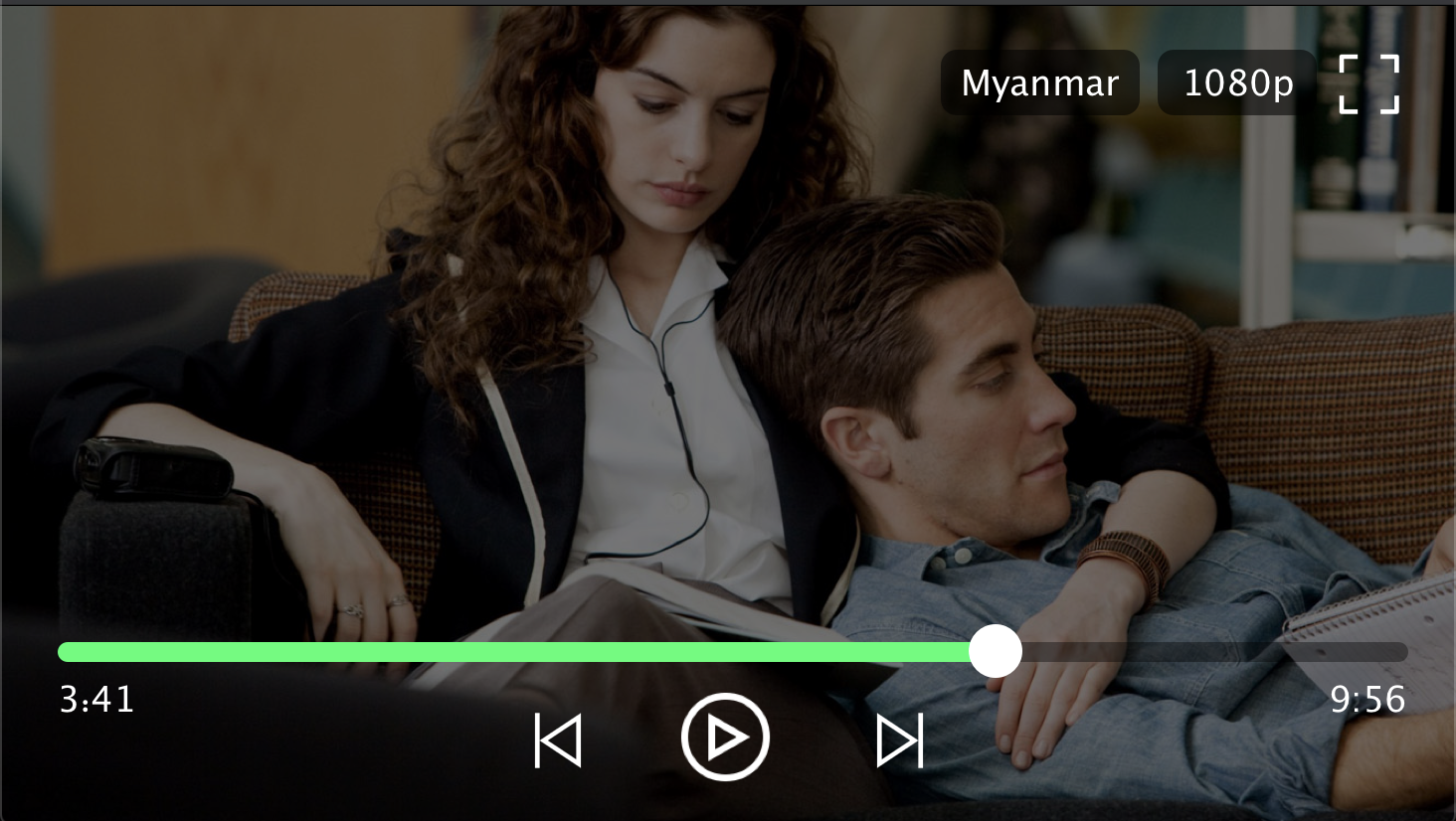
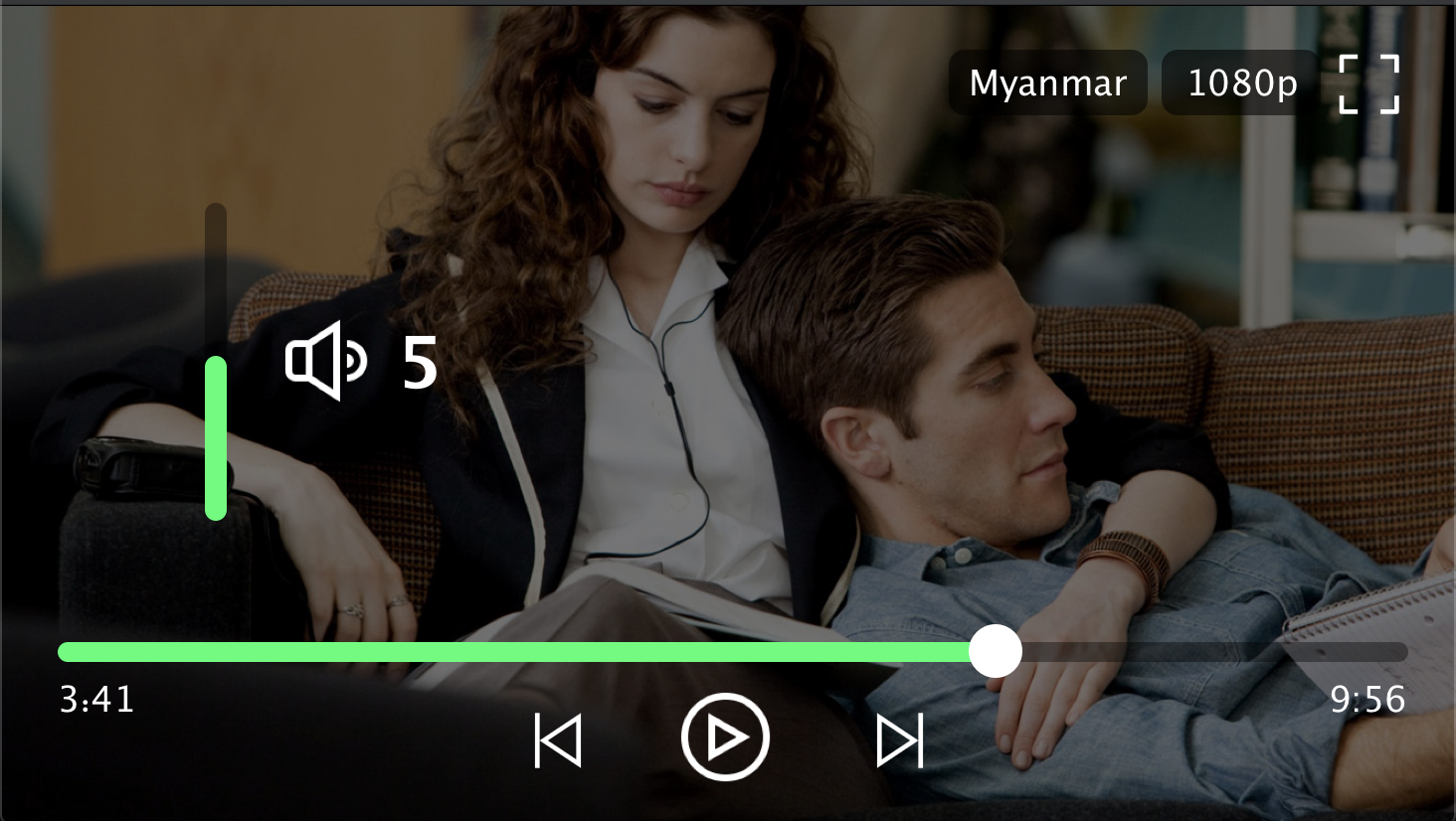
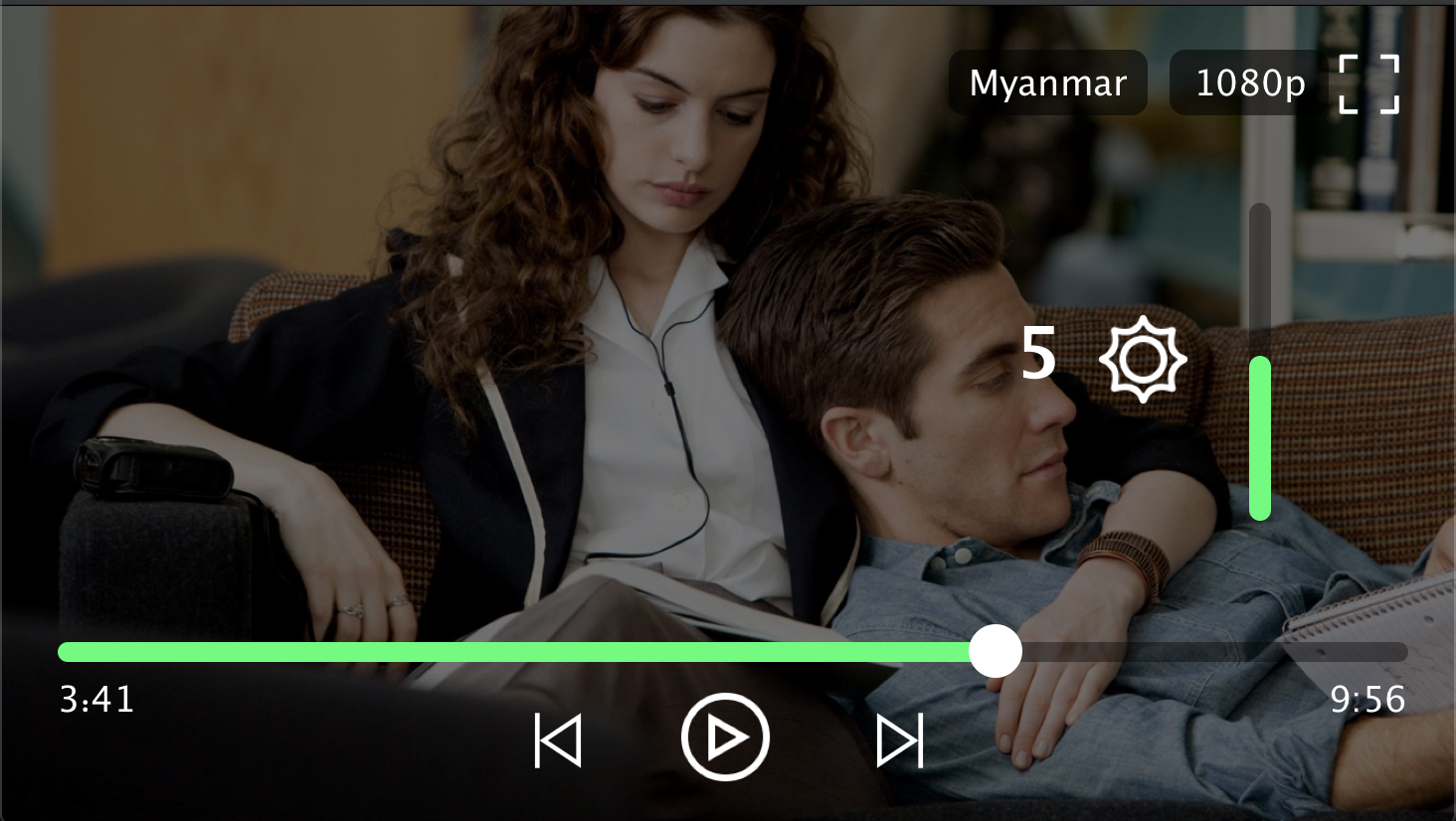
Player Screenshot
Contributors
Min Si Thu
Ko Htut
MIT License
Copyright (c) 2020 Ko Htut (Ko Min Than Htut)
Permission is hereby granted, free of charge, to any person obtaining a copy
of this software and associated documentation files (the "Software"), to deal
in the Software without restriction, including without limitation the rights
to use, copy, modify, merge, publish, distribute, sublicense, and/or sell
copies of the Software, and to permit persons to whom the Software is
furnished to do so, subject to the following conditions:
The above copyright notice and this permission notice shall be included in all
copies or substantial portions of the Software.
THE SOFTWARE IS PROVIDED "AS IS", WITHOUT WARRANTY OF ANY KIND, EXPRESS OR
IMPLIED, INCLUDING BUT NOT LIMITED TO THE WARRANTIES OF MERCHANTABILITY,
FITNESS FOR A PARTICULAR PURPOSE AND NONINFRINGEMENT. IN NO EVENT SHALL THE
AUTHORS OR COPYRIGHT HOLDERS BE LIABLE FOR ANY CLAIM, DAMAGES OR OTHER
LIABILITY, WHETHER IN AN ACTION OF CONTRACT, TORT OR OTHERWISE, ARISING FROM,
OUT OF OR IN CONNECTION WITH THE SOFTWARE OR THE USE OR OTHER DEALINGS IN THE
SOFTWARE.