搜尋套件、儲存庫與 APP 分類

smooth_video_progress 封面
套件詳情v0.0.4

smooth_video_progress

用於 video_player 控制器的插值進度建構器

AndroidiOSWebmacOS
近 30 天下載
4170
喜歡數
39
Pub 分數
140

安裝套件

flutter pub add smooth_video_progress

套件介紹

根據套件公開資料產生的選型評估,僅供參考。

一個 Flutter 套件,為 video_player 控制器提供插值進度建構器,可在影片播放介面中實現平滑且視覺上吸引人的進度更新。它透過在進度狀態之間提供流暢過渡來提升使用者體驗,非常適合自訂影片播放器 UI。此套件可與標準的 video_player 插件無縫整合,並支援 Android、iOS、Web 與 macOS 等多個平台。專為希望對進度指示器進行精細控制,而不需複雜手動動畫處理的開發者設計。

適用情境

  • 自定義影片播放器 UI
  • 平滑的進度條動畫
  • 增強的影片播放回饋
  • 跨平台視頻應用
  • 即時進度可視化

主要特色

  • 插值進度更新
  • 與 video_player 的無縫整合
  • 平台無關的支援
  • 所需設定最少
  • 高性能渲染

適合對象

  • 以使用者介面為重點的影片應用
  • 希望實現流暢動畫的開發者
  • 需要精確進度控制的應用程式
  • 跨平台影片專案
  • 設計實現精緻的媒體播放器

使用建議

  • 需要 video_player 依賴項
  • 僅限進度顯示
  • 無內建控制項
  • 最佳搭配自定播放器介面使用
  • 可能需要額外的樣式設定才能實現完全自訂

原始 README

以下為關聯原始碼儲存庫的 README 原文快照,最新內容請造訪原始碼儲存庫。

Have you been here before: you created a video player using video_player, but the progress bar updates way to infrequently and makes your UX look choppy?

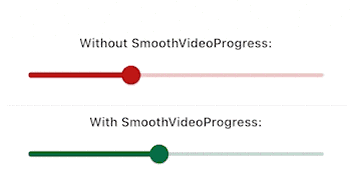
Look no further than this package. It will make your video progress bars look smooooth ✨

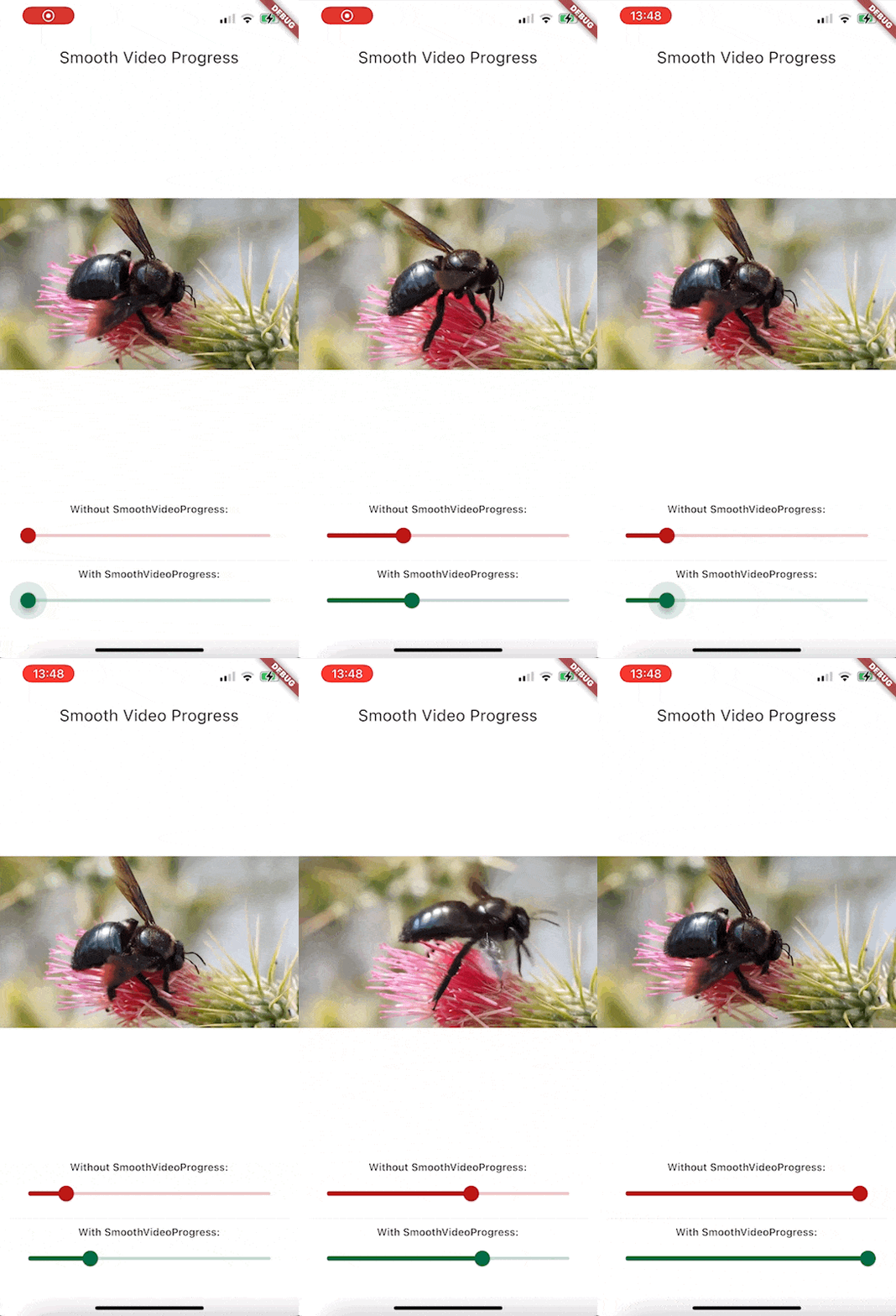
Demo GIF

Since this is a GIF, the framerate is reduced, but rest assured that the bottom slider animates at the same framerate as your app.

Features

  • Build a smoothly interpolated progress bar for video_player's VideoPlayerController instances.
  • Completely unopinianeted, build whatever you want design-wise
  • Use it for progress bars, spinners, more accurate time displays, ...

Getting started

Install the package. This package depends on flutter_hooks, because I use it for everything anyway, check out the package if you don't know it, it makes life so much easier.

Usage

Here is how you would build a simple slider for example:

Widget build(BuildContext context) {
  SmoothVideoProgress(
    controller: controller,
    builder: (context, position, duration, child) => Slider(
      onChangeStart: (_) => controller.pause(),
      onChangeEnd: (_) => controller.play(),
      onChanged: (value) =>
          controller.seekTo(Duration(milliseconds: value.toInt())),
      value: position.inMilliseconds.toDouble(),
      min: 0,
      max: duration.inMilliseconds.toDouble(),
    ),
  );
}

Example Project

To take a look at the example (seen on the GIF above)

  1. Open example folder
  2. Run flutter create .
  3. flutter run on the iOS, android or web
  4. You might have to do additional setup steps for video_player to work, check their documentation for details

所屬分類

依賴

依賴清單 2 項

原始碼儲存庫

使用此套件的專案