搜尋套件、儲存庫與 APP 分類

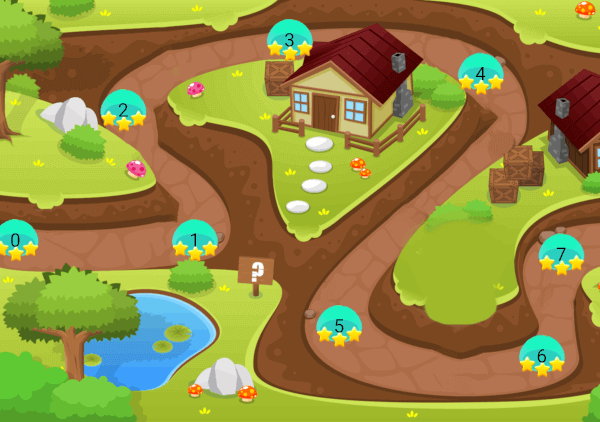
game_levels_scrolling_map 封面
套件詳情v0.0.7

game_levels_scrolling_map

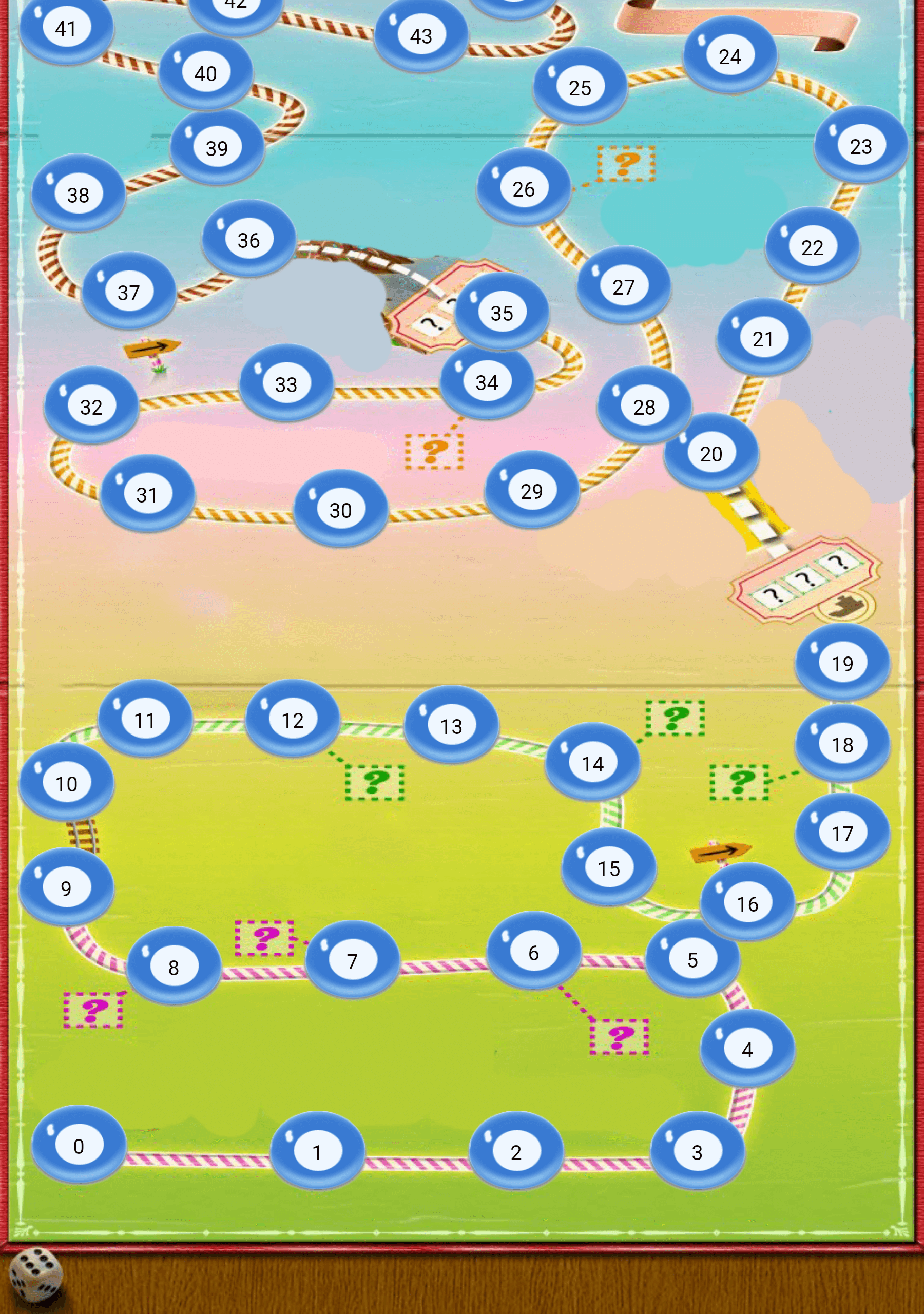
一個用於使用 Flutter 創建類似糖果粉碎遊戲關卡地圖的套件,支援水平或垂直方向。

AndroidiOSmacOSWindowsLinux
近 30 天下載
182
喜歡數
83
Pub 分數
120

安裝套件

flutter pub add game_levels_scrolling_map

套件介紹

根據套件公開資料產生的選型評估,僅供參考。

一個專為創建類似 Candy Crush 的遊戲關卡地圖而設計的 Flutter 套件,支援水平與垂直捲動佈局。它讓開發者能夠建立互動式、可滑動的關卡網格,非常適合三消或益智遊戲。此套件經過效能優化,並能無縫整合至跨多個平台的 Flutter 應用程式中。透過可自訂的網格尺寸與順暢動畫,簡化了吸引人的關卡導航介面的實作。

適用情境

  • 創建拼圖遊戲關卡選擇器
  • 建構水平或垂直層級導航
  • 實現基於滑動的關卡探索
  • 設計糖果粉碎風格的遊戲地圖
  • 開發移動遊戲進度介面

主要特色

  • 支援水平和垂直滾動
  • 可自訂的網格佈局
  • 流暢的動畫過渡
  • 跨平台相容性
  • 與 Flutter 的輕鬆整合
  • 適用於不同螢幕尺寸的響應式設計

適合對象

  • 拼圖遊戲開發者
  • 移動遊戲創作者
  • Flutter 初學者遊戲開發
  • 需要互動式關卡選擇的應用
  • 基於網格的導航專案

使用建議

  • 需要理解 Flutter 平面布局原理
  • 可能需要額外的樣式來客製視覺效果
  • 性能取決於網格大小和複雜性
  • 限於基於網格的關卡結構
  • 不適用於非滾動或複雜2D地圖

原始 README

以下為關聯原始碼儲存庫的 README 原文快照,最新內容請造訪原始碼儲存庫。

Game Levels Scrolling Map

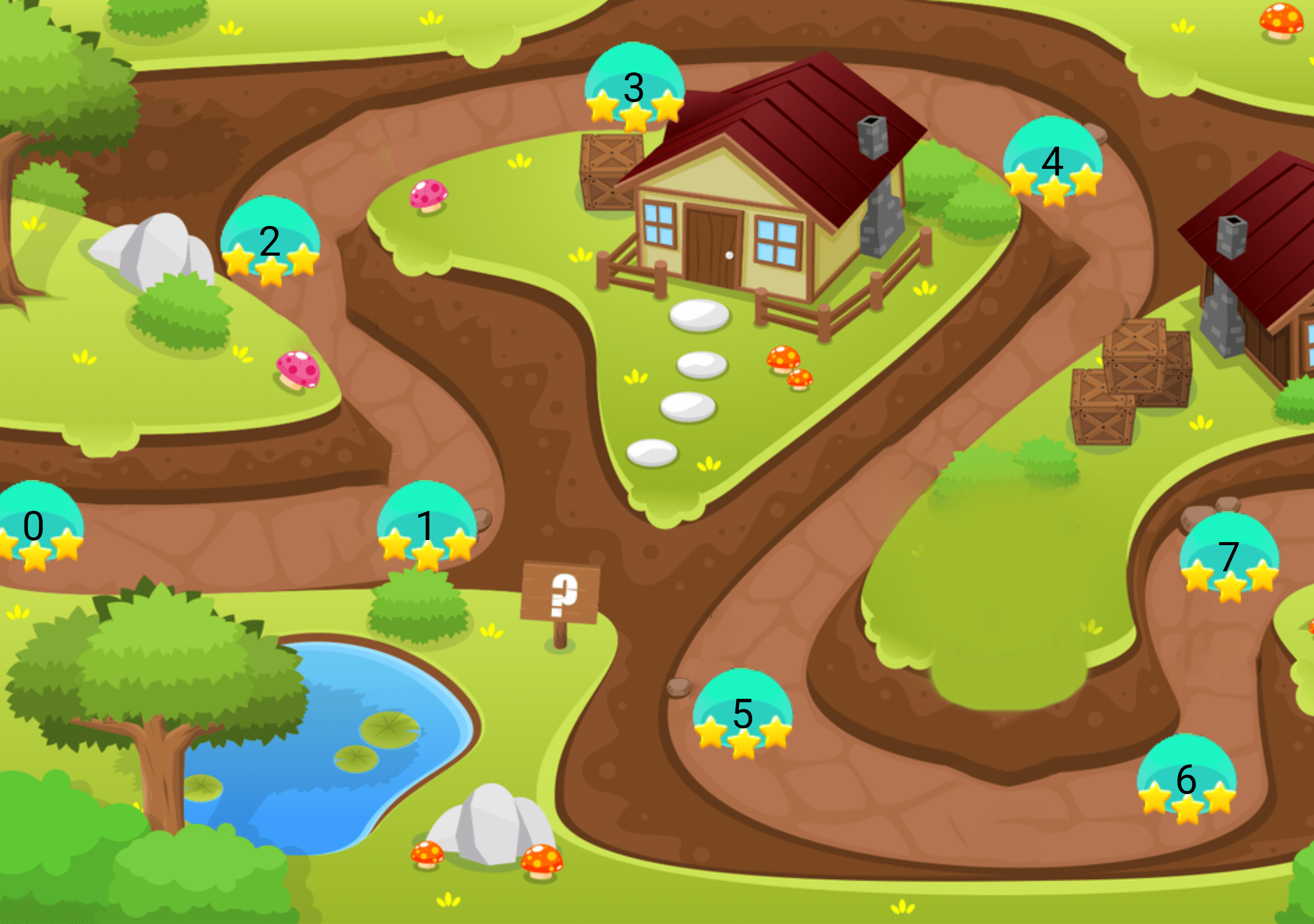
A package for making game levels map like candy crush or similar games using flutter with ability to be horizontal or vertical

Getting Started

  • This package enables you to build a Game levels map like candy crush with the following features :
    • Option to make it horizontal map or vertical
    • Option to reverse the scrolling start direction
    • Option to add the x,y points positions
    • Option to extract the x,y points positions from asset SVG file or online SVG file

Platform Support

| Android ✔️ | IOS ✔️ | MacOS ✔️ ️| Web ✔️ | Linux ✔️ | Windows ✔ ️|

Usage


Step 1 Import package:game_levels_scrolling_map/game_levels_scrolling_map.dart which contain the main widget of the map GameLevelsScrollingMap then Import package:game_levels_scrolling_map/model/point_model.dart which contain the model of points

Step 2 Start adding your points widgets by creating a new List of points and adding widgets to it using the PointModel class

List<PointModel> points = [];
      
for(int i = 0; i<50 ; i++){
  PointModel point = PointModel(100,Container(width: 40, height: 40, color: Colors.red, child: Text("$i")));
  
  /* To make the map scroll to a specific point just make its parameter 'isCurrent' = true like the following which will make the map scroll to it once created*/
  if(i == 20) point.isCurrent = true;
  
  points.add(point);
}

Step 3 Use GameLevelScrollingMap.scrollable widget to build the map

- To make vertical map:
Vertical Map Example

Widget build(BuildContext context) {
  return Scaffold(
    body: Container(
      child: GameLevelsScrollingMap.scrollable(
              imageUrl: "assets/drawable/map_vertical.png",
              direction: Axis.vertical,
              reverseScrolling: true,
              svgUrl: 'assets/svg/map_vertical.svg',
              points: points,)
          ),
        );
}

- To make horizontal map:
Horizontal Map Example

Widget build(BuildContext context) {
  return Scaffold(
    body: Container(
      child: GameLevelsScrollingMap.scrollable(
            imageUrl: "assets/drawable/map_horizontal.png",
            direction: Axis.horizontal,
            svgUrl: 'assets/svg/map_horizontal.svg',
            points: points,)
          ),
        );
}

所屬分類

依賴

依賴清單 2 項

原始碼儲存庫

使用此套件的專案

暫無相關資料。