
meine Aufgabe
Eine Aufgabenverwaltungs-App, die mit Flutter und einem benutzerdefinierten NestJS-Backend erstellt wurde

- Sterne
- 107
- Forks
- 47
- Letzter Push (UTC)
- 06.05.2025
- Projektstatus
- Aktiv
Original-README
Englischer Projektschnappschuss. Aktuelle Inhalte auf GitHub.
✨ My Todo App
A modern, minimalist task management application built with Flutter. Stay organized and boost your productivity with our intuitive interface. Built using Clean Architecture principles for maintainable, testable, and scalable code.
Star ⭐ the repo if you like what you see 😉.
🌟 Features
- ✨ Clean, modern UI design
- 🔐 Authentication with Custom Backend
- 📱 Cross-platform support (iOS & Android)
- 🎨 Customizable themes
- 🔔 Reminders and notifications
- 🏗️ Clean Architecture implementation
- 🧩 Feature-first organization
- 🔄 Dependency Injection
- ⚡ Efficient state management with Cubit
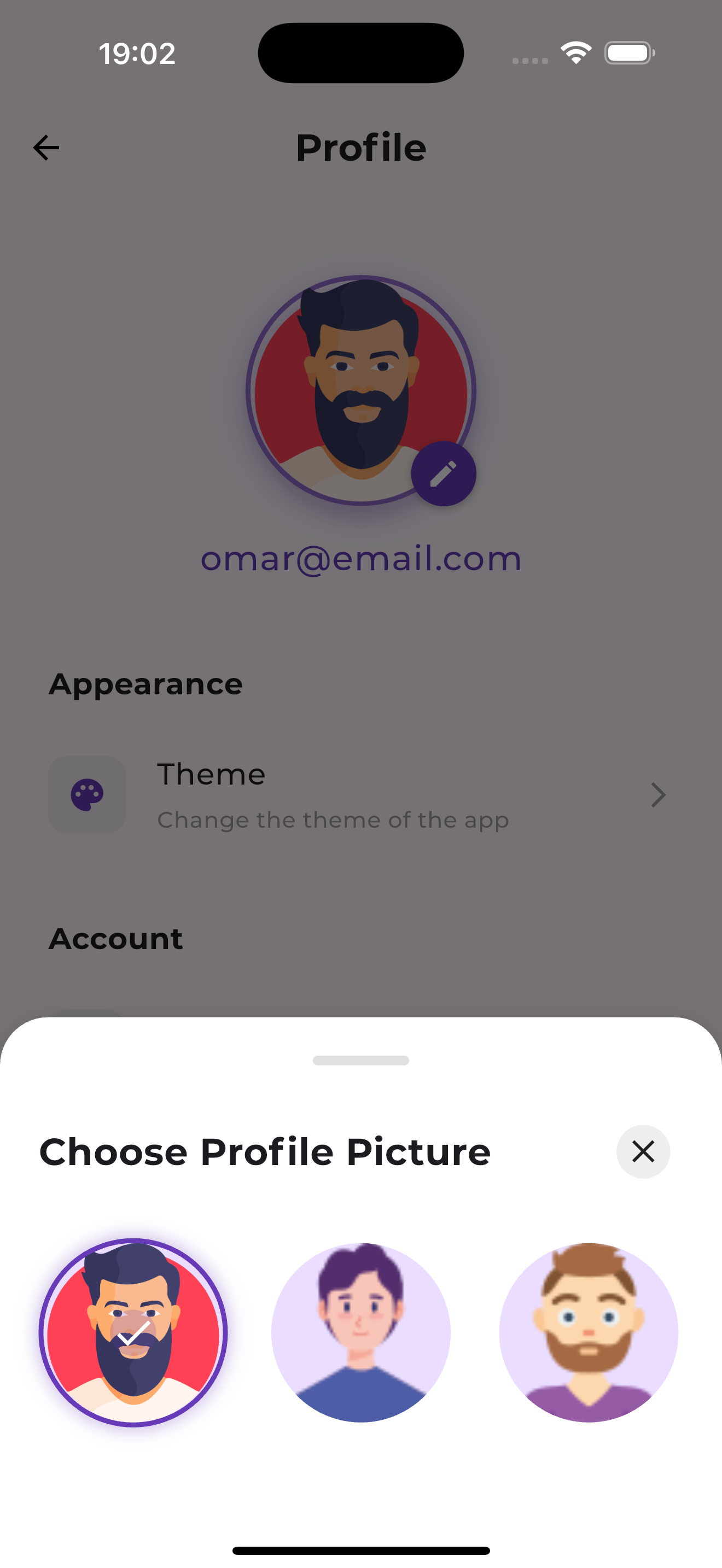
📸 Screenshots
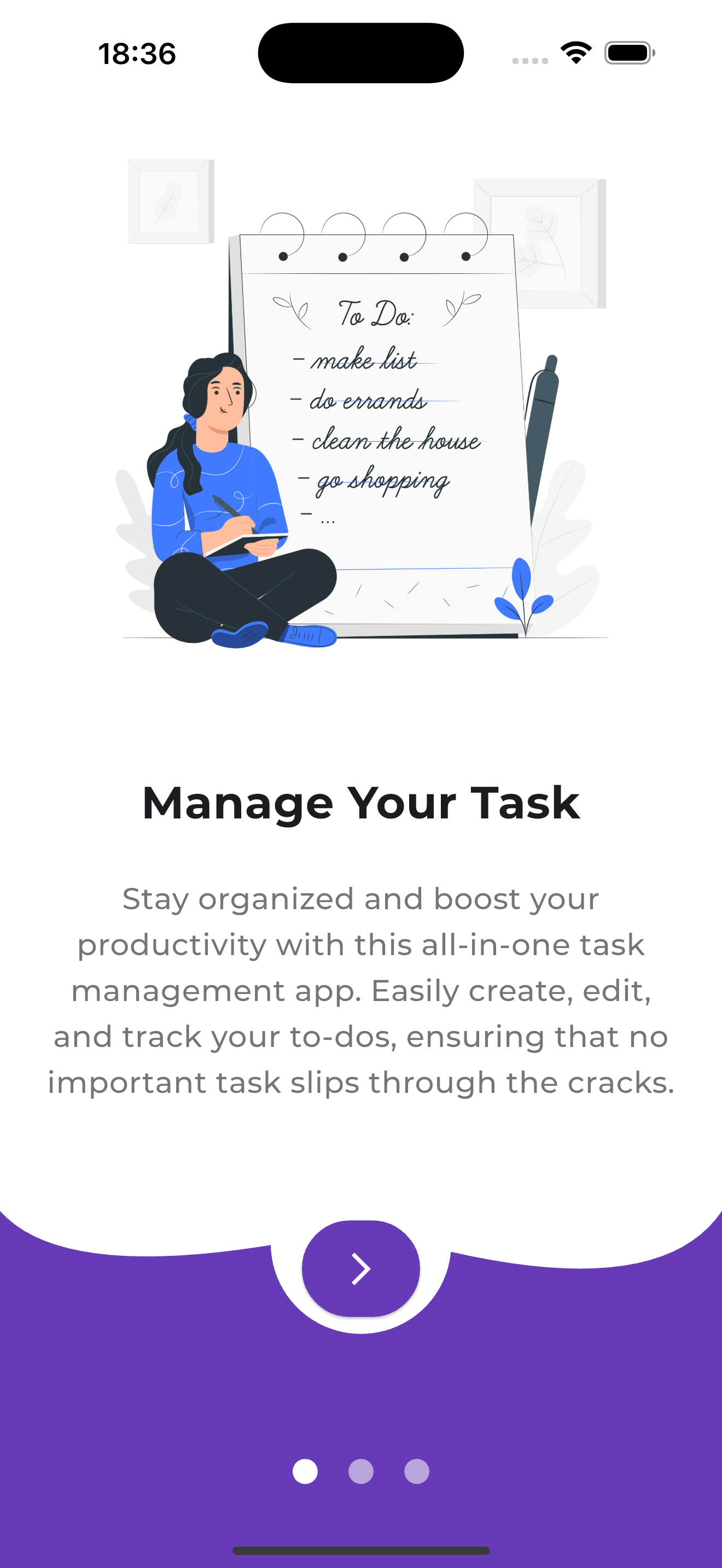 |
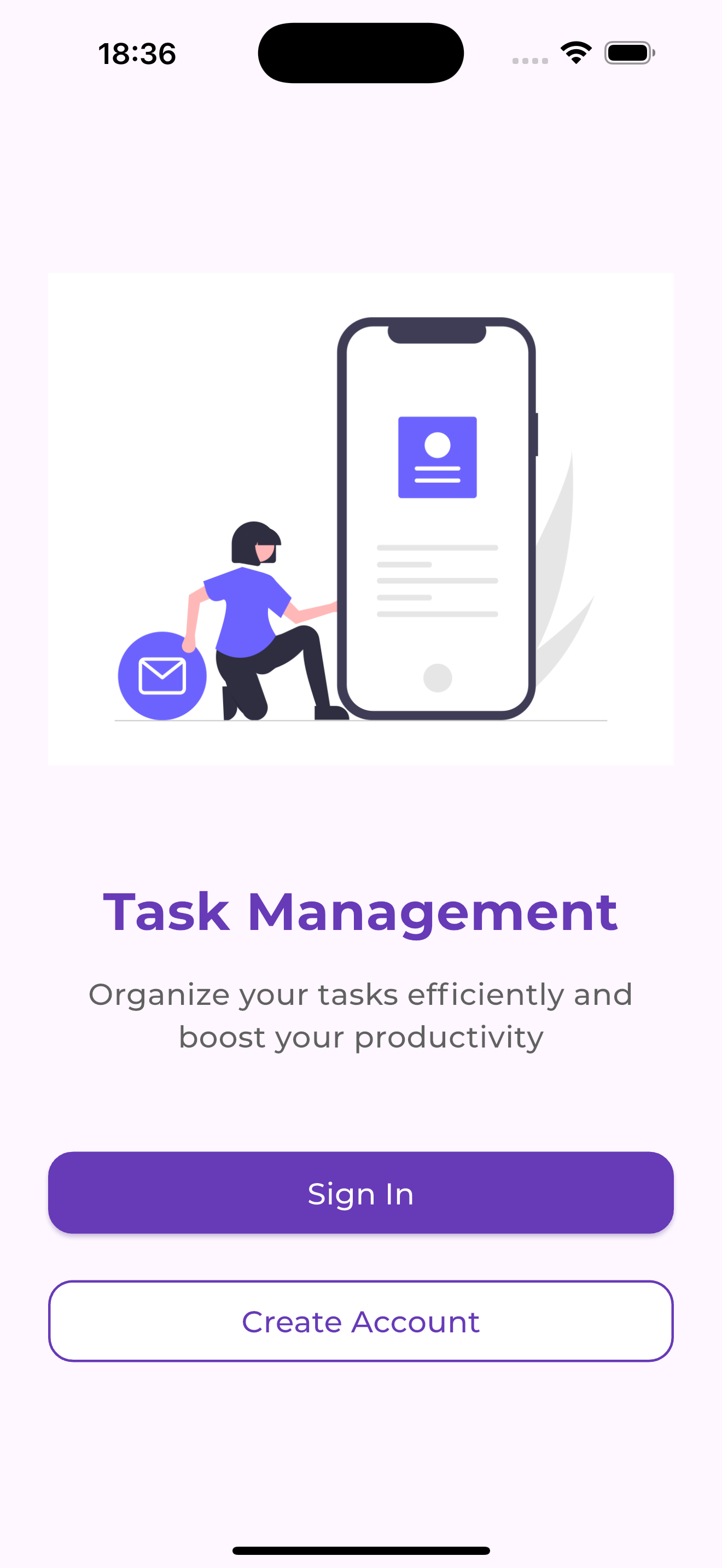 |
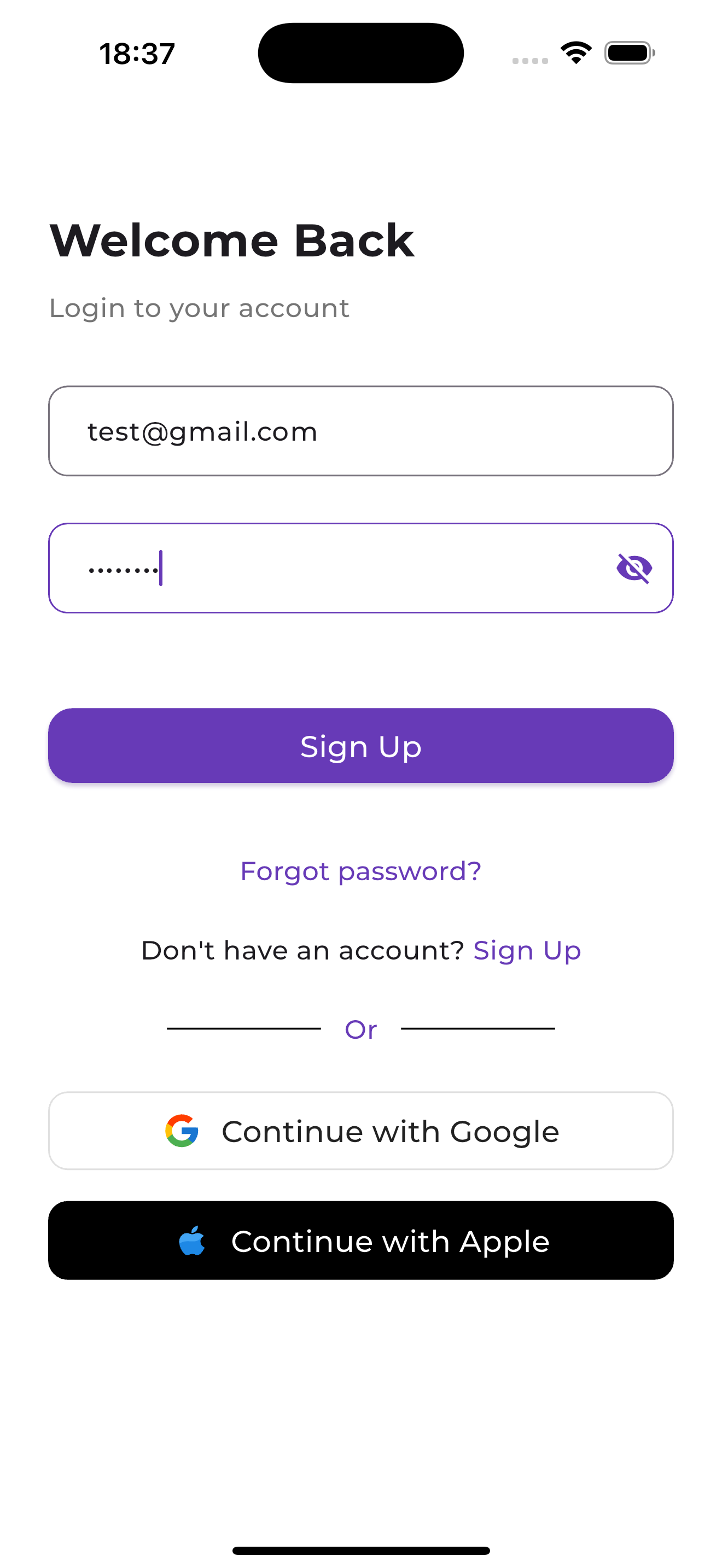 |
|---|---|---|
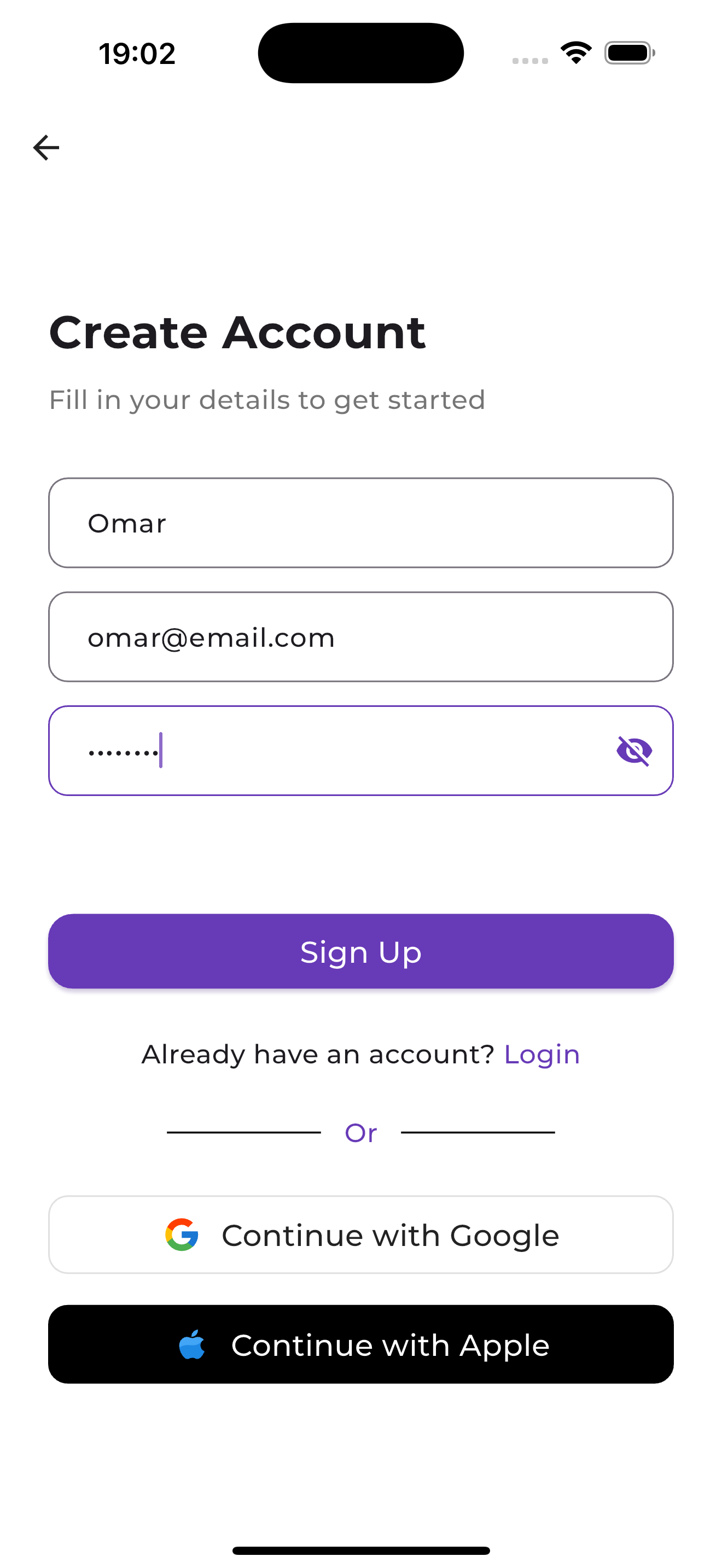 |
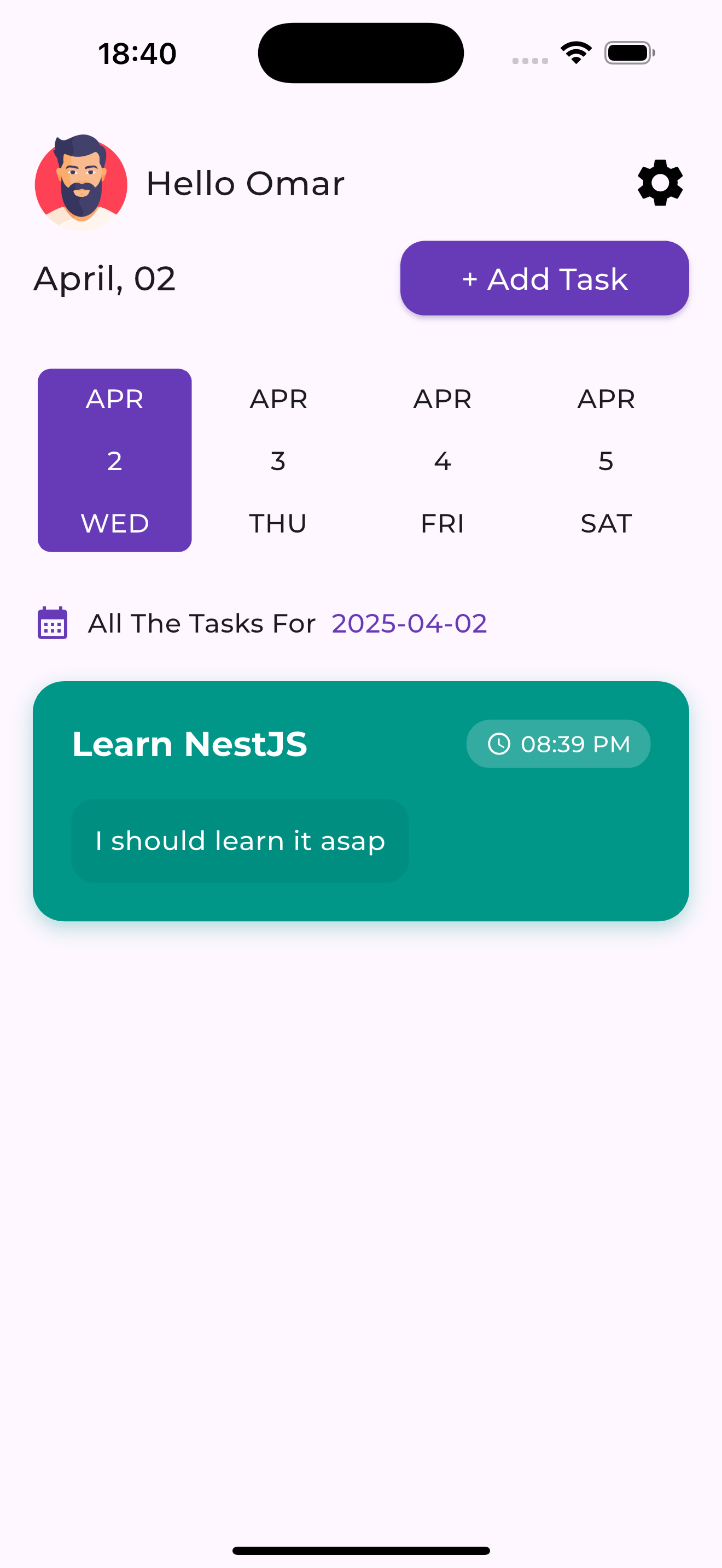 |
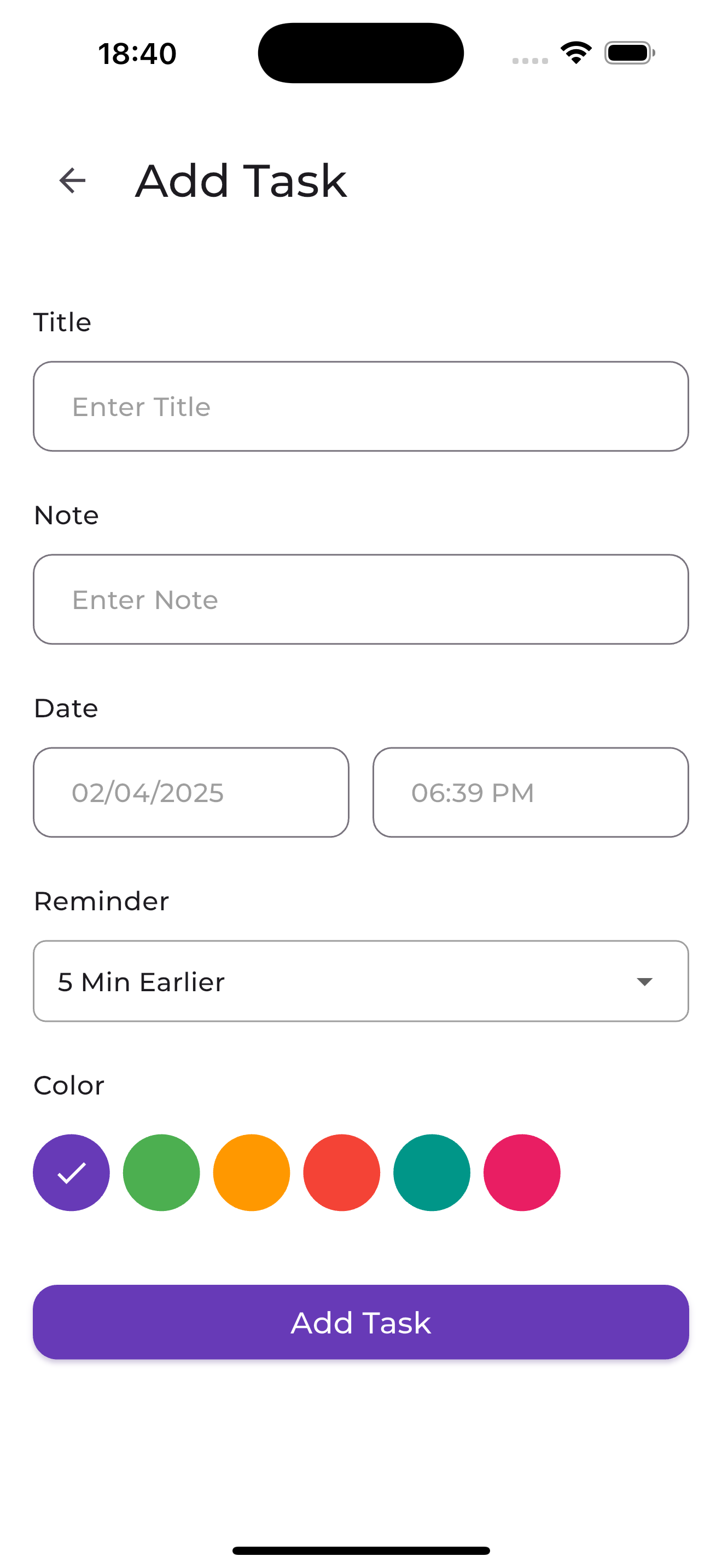 |
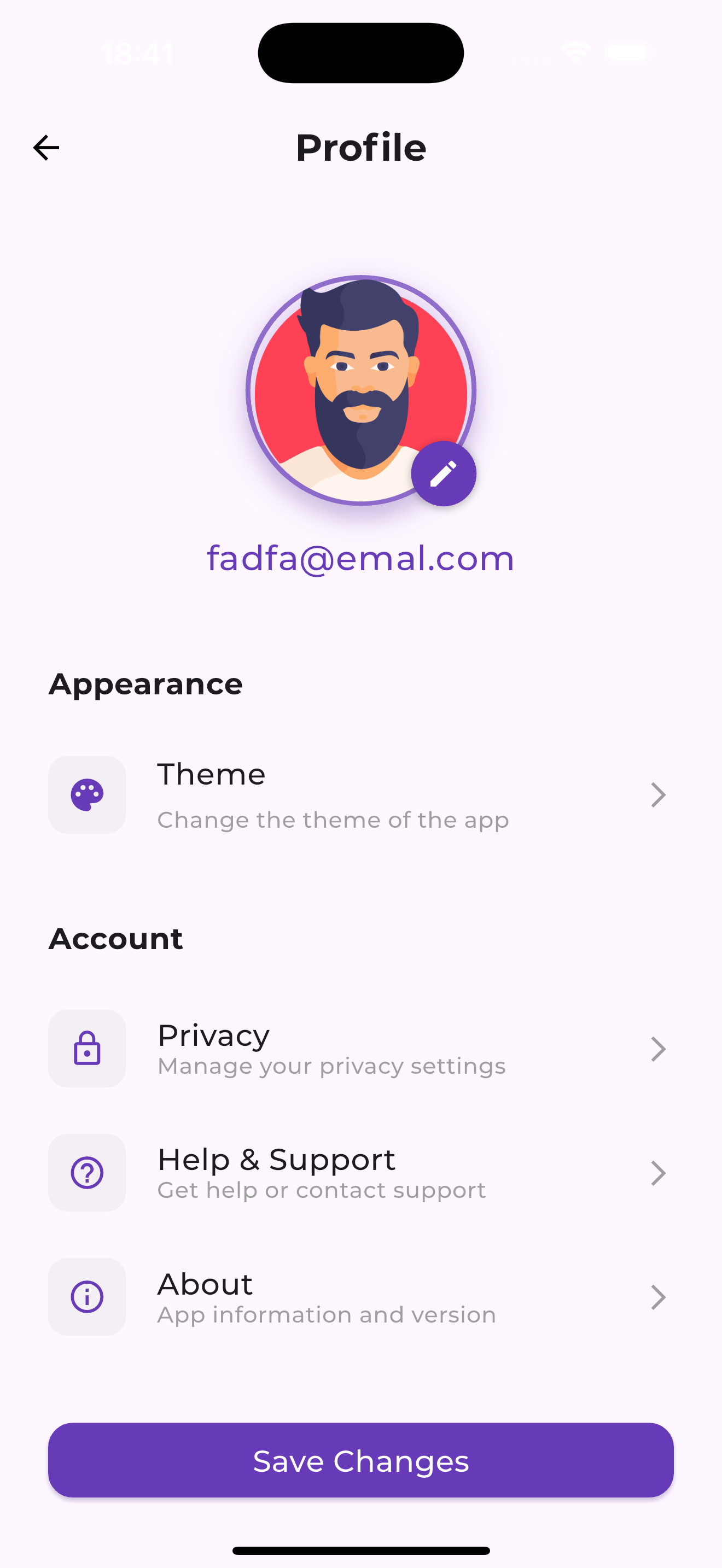 |
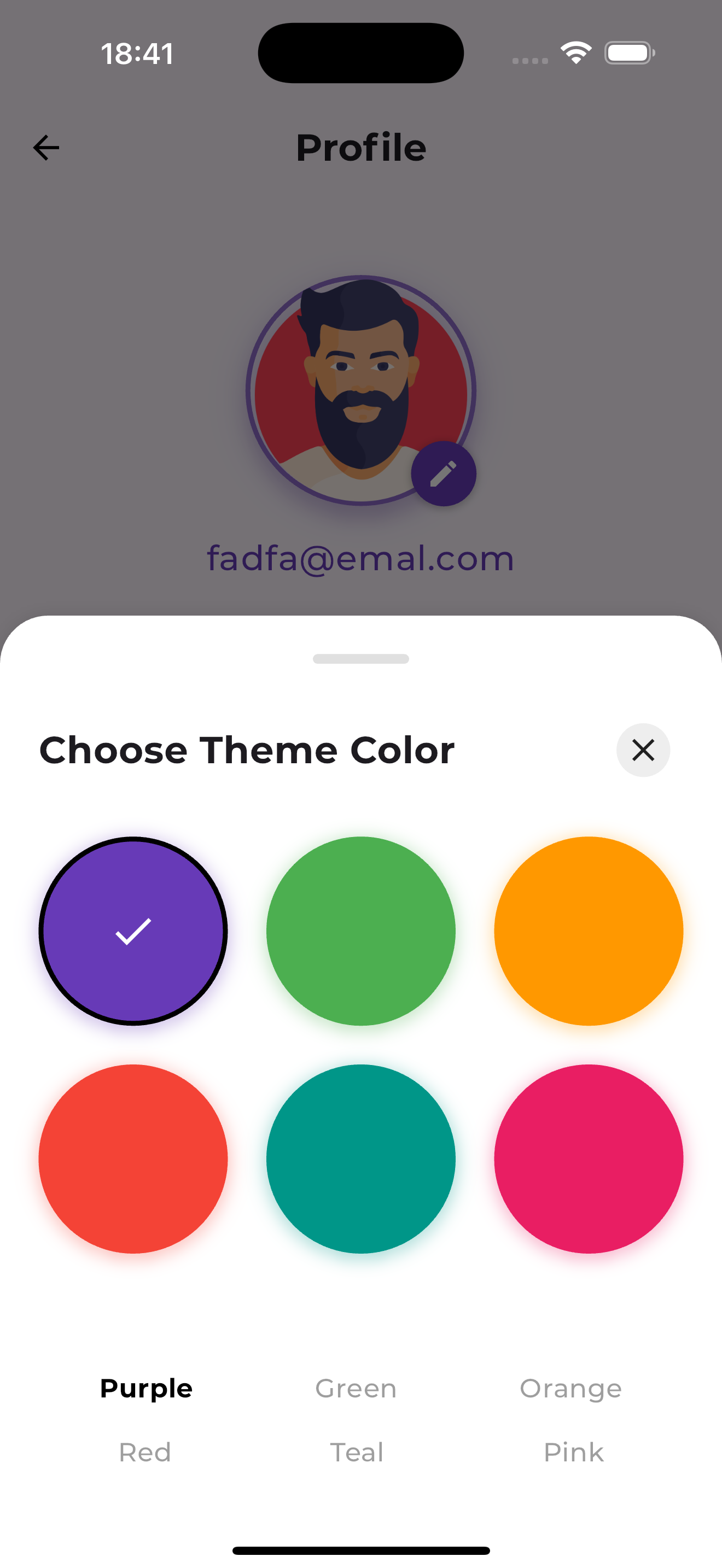 |
 |
🏗️ Architecture
This application follows Clean Architecture principles with a feature-first approach:
lib/
├── core/                  # Shared core components
│   ├── constants/         # App-wide constants
│   ├── di/                # Dependency injection
│   ├── errors/            # Error handling
│   ├── models/            # Core models
│   ├── network/           # Network utilities
│   ├── route/             # Navigation/routing
│   ├── services/          # Core services
│   ├── theme/             # App theming
│   ├── utils/             # Helper utilities
│   ├── value_objects/     # Domain value objects
│   └── widgets/           # Reusable widgets
│
├── features/              # App features
│   ├── auth/              # Authentication feature
│   ├── onboarding/        # Onboarding feature
│   ├── profile/           # User profile feature
│   ├── splash/            # Splash screen feature
│   ├── task/              # Task management feature
│   │   ├── data/          # Task data layer (repositories, data sources)
│   │   ├── blocs/         # Task state management
│   │   └── presentation/  # Task UI components
│   └── welcome/           # Welcome feature
│
└── main.dart              # App entry point
Each feature follows the same layered architecture:
- Data Layer: API clients, repositories, local storage
- Presentation Layer: UI components, screens, widgets
- State Management: Cubits/BLoCs as a glue between the two layer for managing state
🛠️ Tech Stack
- Flutter
- Cubit (State Management)
- GoRouter (Navigation)
🚀 Getting Started
Backend Setup
For detailed backend setup instructions, visit my-todo-api
Flutter App Setup
- Clone the repository
git clone https://github.com/OmarJ9/my-todo.git
cd my-todo
- Install dependencies
flutter pub get
- Run the app
flutter run
🤝 Contributing
Contributions are welcome! Please feel free to submit a Pull Request.
Made with ❤️ by Omar

Omar Jadiani ↗
Kategorien
Verwendete Abhängigkeiten
Abhängigkeiten 35 Einträge
- animate_do
^4.2.0 - awesome_dialog
^3.2.1 - date_picker_timeline
^1.2.3 - day_night_time_picker
^1.3.1 - equatable
^2.0.3 - flutter
{"sdk":"flutter"} - flutter_bloc
^9.0.0 - intl
^0.19.0 - shared_preferences
^2.0.13 - go_router
^14.6.3 - flutter_screenutil
^5.9.3 - get_it
^8.0.3 - injectable
^2.5.0 - dio
^5.8.0+1 - retrofit
^4.4.2 - dartz
^0.10.1 - flutter_secure_storage
^4.2.1 - freezed_annotation
^2.4.4 - json_annotation
^4.9.0 - icons_plus
^5.0.0 - hydrated_bloc
^10.0.0 - path_provider
^2.1.5 - awesome_snackbar_content
^0.1.5 - formz
^0.8.0 - smooth_page_indicator
^1.2.1 - shimmer
^3.0.0 - flutter_local_notifications
^19.0.0 - timezone
^0.10.0 - build_runnerEntwicklung
^2.4.13 - flutter_lintsEntwicklung
^5.0.0 - flutter_testEntwicklung
{"sdk":"flutter"} - freezedEntwicklung
^2.5.7 - injectable_generatorEntwicklung
^2.6.2 - json_serializableEntwicklung
^6.9.0 - retrofit_generatorEntwicklung
^9.1.5
Ranglisten
Wie wähle ich ein passendes Repository?
Nach Anwendungsfall filtern, Aktivität vergleichen und vor der Nutzung das Originalprojekt prüfen.
- Nach Name, Autor oder Beschreibung suchen und nach Thema eingrenzen.
- Sterne, Forks und letzte Pushes vergleichen. Sterne zeigen Interesse, garantieren aber keine Qualität.
- Vor der Nutzung README, Lizenz und Issues auf GitHub prüfen.
Quellen und Pflege
“A repository is the most basic element of GitHub.”
GitHub Docs — About repositories ↗
- OmarJ9/my-todo · GitHub ↗
- GitHub Docs — Saving repositories with stars ↗
- Verzeichnis gepflegt von Ducafecat ↗