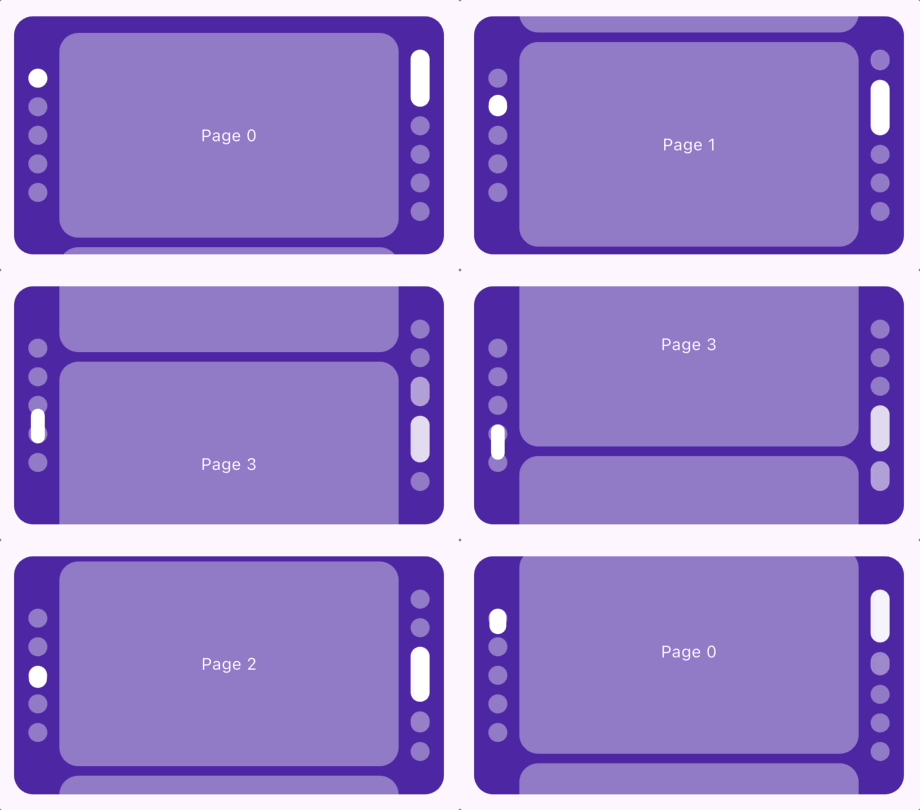
Aus öffentlichen Paketdaten erstellte Orientierung.
Smooth Page Indicator ist ein anpassbarer, animierter Seitenindikator für Flutter, der eine Vielzahl eingebauter visueller Effekte unterstützt. Er integriert sich nahtlos in PageView-Widgets und bietet Benutzern intuitive Rückmeldung über ihre aktuelle Position innerhalb einer scrollbaren Liste von Seiten. Das Paket bietet reibungslose Übergänge und dynamische Stiloptionen, sodass Entwickler Aussehen und Verhalten an die Designsprache ihrer App anpassen können. Dank Unterstützung auf allen wichtigen Plattformen sorgt es für eine konsistente Benutzererfahrung – egal ob auf Mobilgeräten, Web oder Desktop.
Anwendungsfälle
Fortschritt in Onboarding-Flows anzeigen
Verbesserung der UX bei Bildschaltern
Schritte in Mehrschrittformularen visualisieren
Animierte Navigation zwischen Registerkarten
Erstellen ansprechender Tutorialscreens
Hauptmerkmale
Eingebaute Animationseffekte
Anpassbare Farben und Größen
Unterstützung für mehrere Seitenansichtstypen
Reaktives Design über Plattformen hinweg
Einfache Integration mit PageView
erweiterbares Effekt-System
Geeignet für
Onboarding-Bildschirme
Bildgalerien
Mehrschritt-Wizard
Interaktive Tutorials
Mobile und Web-Anwendungen
Hinweise
Kann die Leistung bei vielen Indikatoren beeinträchtigen
Erfordert sorgfältige Abstimmung für komplexe Animationen
Eingeschränkte Anpassung ohne Erweiterung des Codes
Nicht ideal für statische, nicht animierte Indikatoren
Am besten mit einer moderaten Anzahl von Seiten verwenden
Original-README
Originaler README-Schnappschuss aus dem verknüpften Quell-Repository. Aktuelle Inhalte finden Sie im Repository.
smooth_page_indicator
Introduction
Page indicators are a crucial part of any app that involves multiple pages. They help users to
understand the number of pages and their current position. SmoothPageIndicator is a Flutter
package that provides a set of animated page indicators with a variety of effects.
Effects
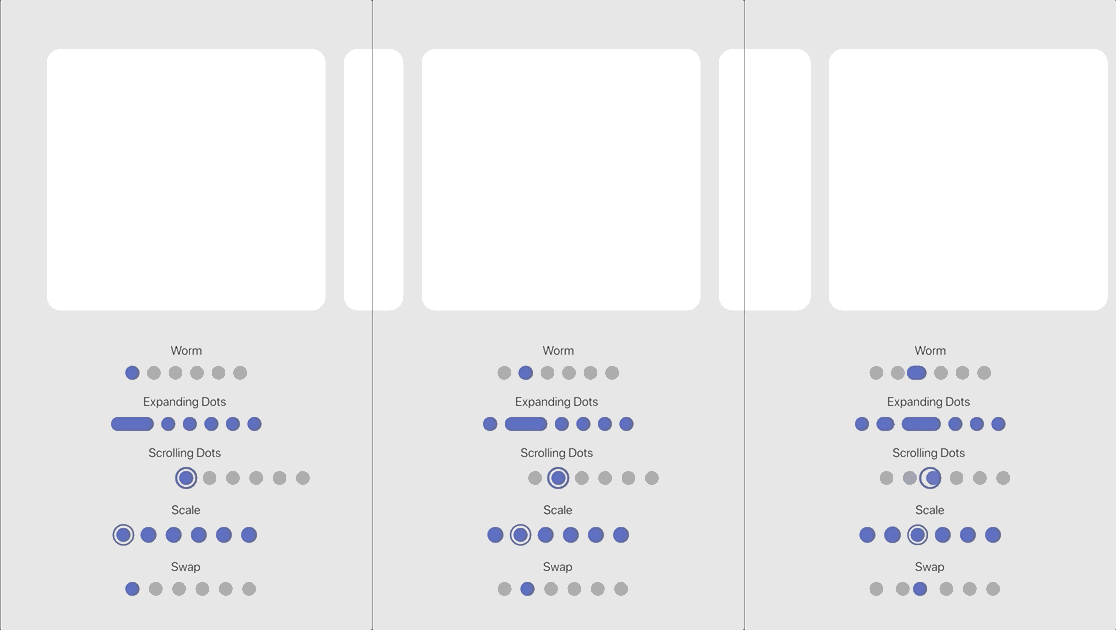
SmoothPageIndicator comes with a set of built-in effects that you can use to animate the active dot,
you can also customize each effect to your liking.
for more specific customization, try the CustomizableEffect which allows for more customization.
Effect
Preview
Worm
Worm style = WormStyle.thin [v1.0.0]
Expanding Dots
Jumping dot
Jumping dot with vertical offset [v1.0.0]
Scrolling Dots
Slide
Scale
Swap
Swap type = SwapType.yRotation [v1.0.0]
Color Transition [0.1.2]
Customizable demo-1 [v1.0.0]
Customizable demo-2 [v1.0.0]
Customizable demo-3 [v1.0.0]
Customizable demo-4 [v1.0.0]
Usage
SmoothPageIndicator uses the PageController's scroll offset to animate the active dot.
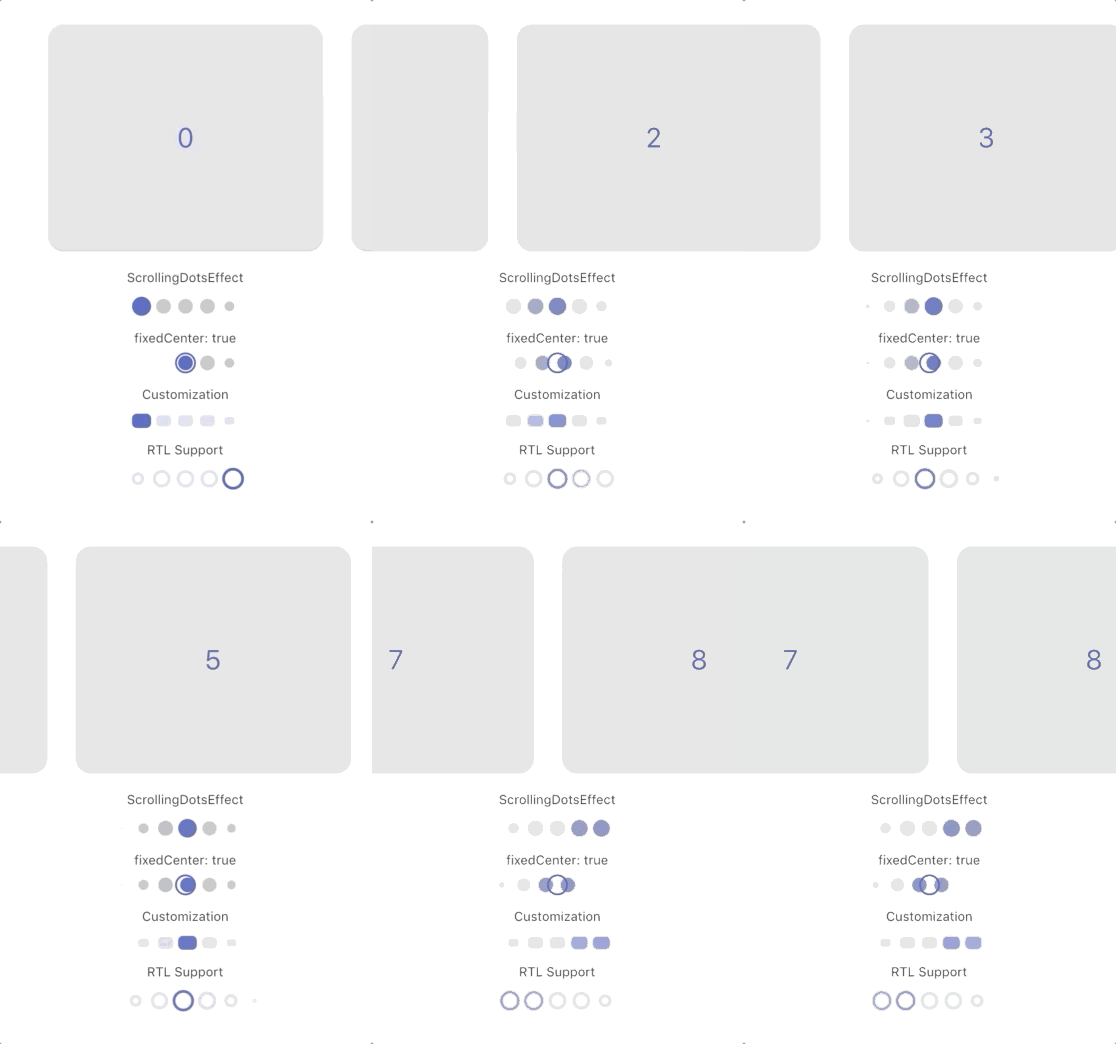
Smooth page indicator comes with a shipped it scrolling dots effect, (similar to the one used in instagram), it's useful when you have a large number of pages.
Customization
Each effect comes with its own set of properties that you can customize to your liking.
for example, you can customize direction, width, height, radius, spacing, paint style, color and more... of SlideEffect like follows:
These colors do not come from the app's ThemeData. Override them for a subtree with SmoothPageIndicatorTheme, or set dotColor and activeDotColor directly on an effect.
SmoothPageIndicatorTheme
SmoothPageIndicatorTheme is an InheritedTheme that configures default settings for descendant SmoothPageIndicator and AnimatedSmoothIndicator widgets. Wrap the subtree that should share the configuration: