Aus öffentlichen Paketdaten erstellte Orientierung.
Animate_do ist ein Flutter-Paket, das visuell ansprechende, widgetbasierte Animationen bietet, die von Animate.css inspiriert sind. Es ermöglicht Entwicklern, reibungslose, anpassbare Animationen für Benutzeroberflächenelemente einfach zu verwenden, ohne externe Abhängigkeiten zu benötigen. Mit einer einfachen API und Unterstützung für alle wichtigen Plattformen – einschließlich Android, iOS, Web, macOS, Windows und Linux – verbessert es die Benutzererfahrung durch dynamische Übergänge. Das Paket lässt sich nahtlos in Flutter-Anwendungen integrieren und bietet eine leichte Lösung zum Hinzufügen ansprechender Bewegungseffekte zu Widgets.
Anwendungsfälle
Eingangsanimationen zu UI-Elementen hinzufügen
Interaktive Button-Feedback erstellen
Splash-Bildschirme durch dynamische Effekte verbessern
Listen oder Karten während des Scrollens animieren
Verbesserung von Onboarding-Erlebnissen
Hauptmerkmale
Inspriert durch Animate.css
Keine externen Abhängigkeiten
Vollständig widgetbasiert
Anpassbare Animationsdauer und Verzögerung
Unterstützt alle Flutter-Plattformen
Einfach zu verwendende API
Geeignet für
Flutter-Anfänger, die einfache Animationen suchen
Entwickler, die interaktive Benutzeroberflächen erstellen
Apps, die ansprechende Onboarding-Flows erfordern
Projekte, die sich auf visuelle Aufbereitung konzentrieren
Teams, die leichtgewichtige Animationslösungen suchen
Hinweise
Kann die Leistung beeinträchtigen, wenn übermäßig verwendet
Beschränkt auf vordefinierte Animationsarten
Nicht geeignet für komplexe benutzerdefinierte Animationen
Erfordert sorgfältige Abstimmung für optimale Benutzererfahrung
Am besten nur sparsam verwenden, um Ablenkungen zu vermeiden
Original-README
Originaler README-Schnappschuss aus dem verknüpften Quell-Repository. Aktuelle Inhalte finden Sie im Repository.
animate_do
A Flutter animation package inspired by Animate.css, built with zero external dependencies.
Getting Started
Every animation widget ships with sensible defaults and is fully customizable. Drop it around any widget and you're done.
Properties
Property
Type
Description
key
Key
Optional widget key reference
child
Widget
Required widget to animate
duration
Duration
Duration of the animation
delay
Duration
Delay before the animation starts
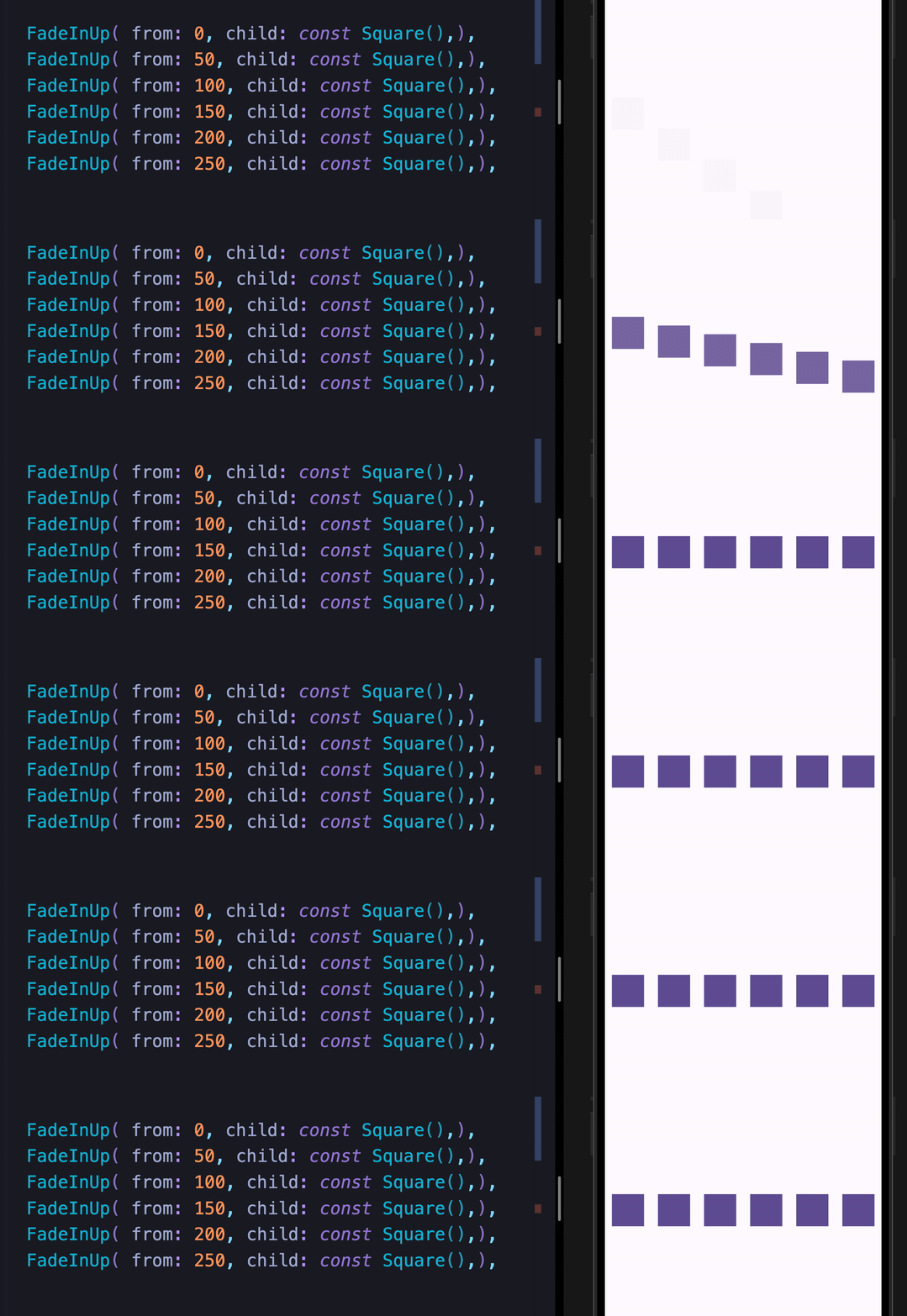
from
double
Initial or final value for more pronounced slide/fade effects
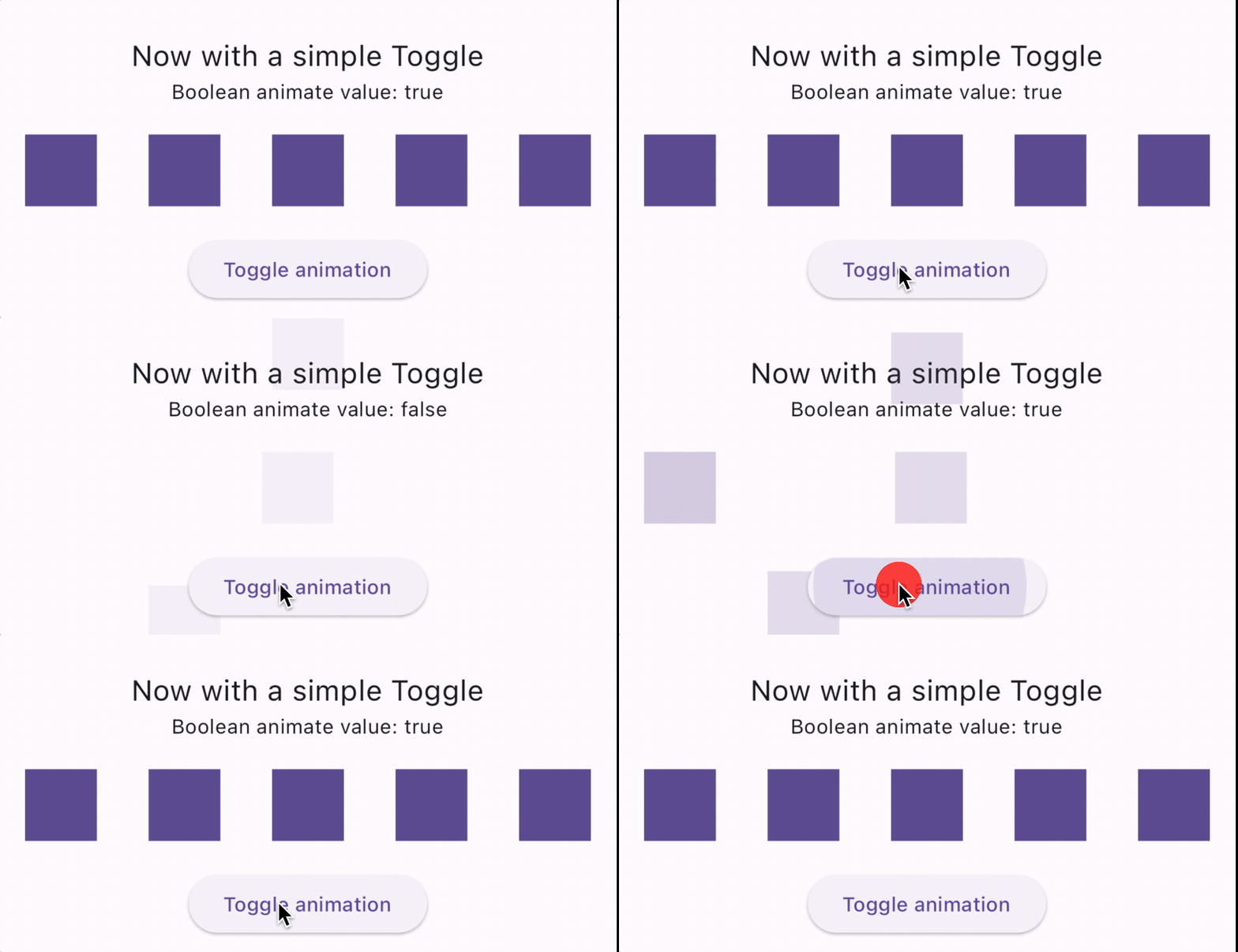
animate
bool
Toggle false → true to trigger; works with setState, Bloc, Provider, Redux, etc.
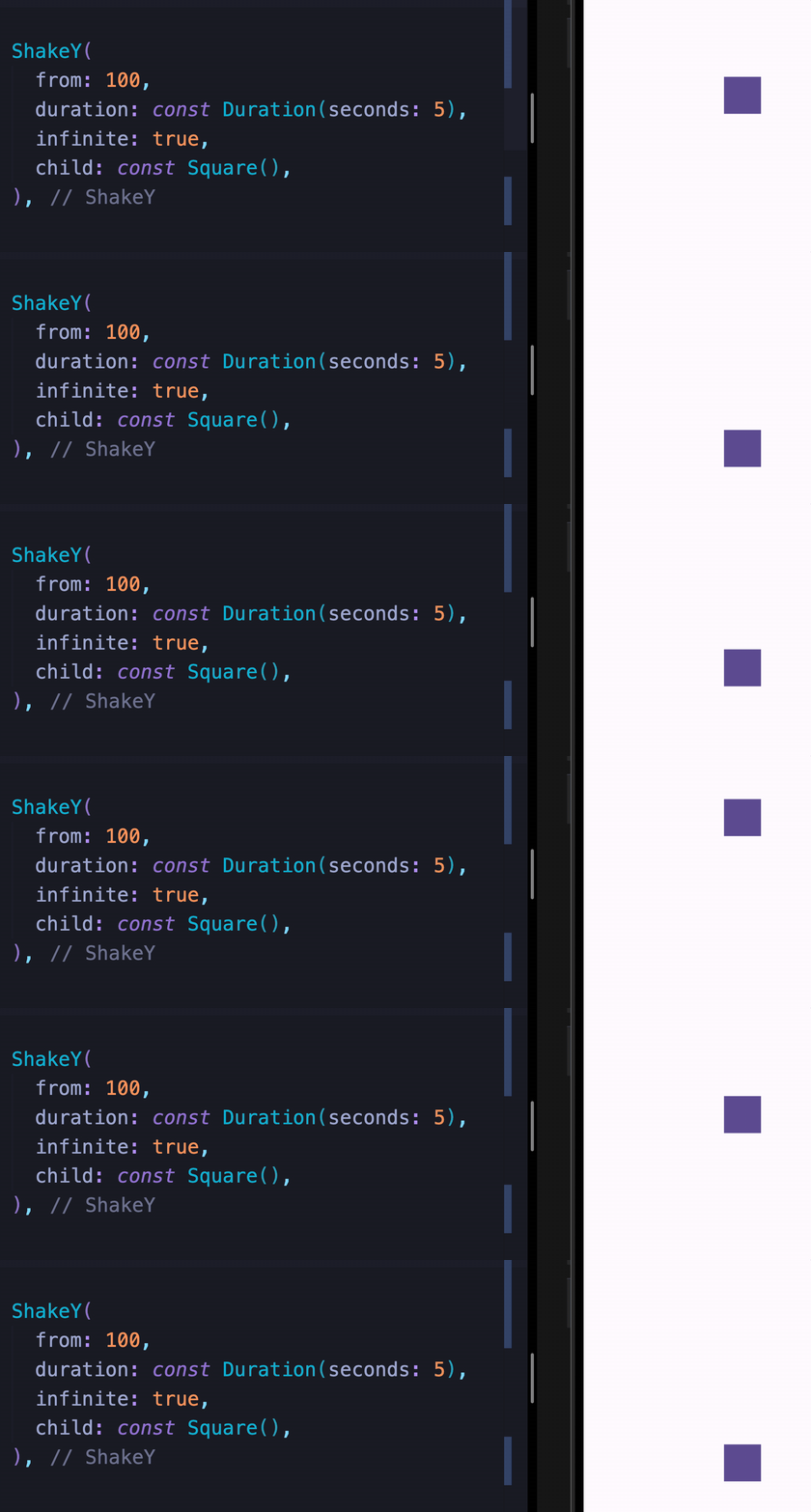
infinite
bool
Loops the animation indefinitely
spins
double
Number of rotations — applies to Spin, Roulette, SpinPerfect
manualTrigger
bool
Disables auto-play; requires the controller callback to drive the animation
controller
Function
Exposes the AnimationController for advanced control
onFinish
Function
Callback fired when the animation completes; receives an AnimateDoDirection (forward / backward)
curve
Curve
Custom easing curve
Available Animations
Fade In
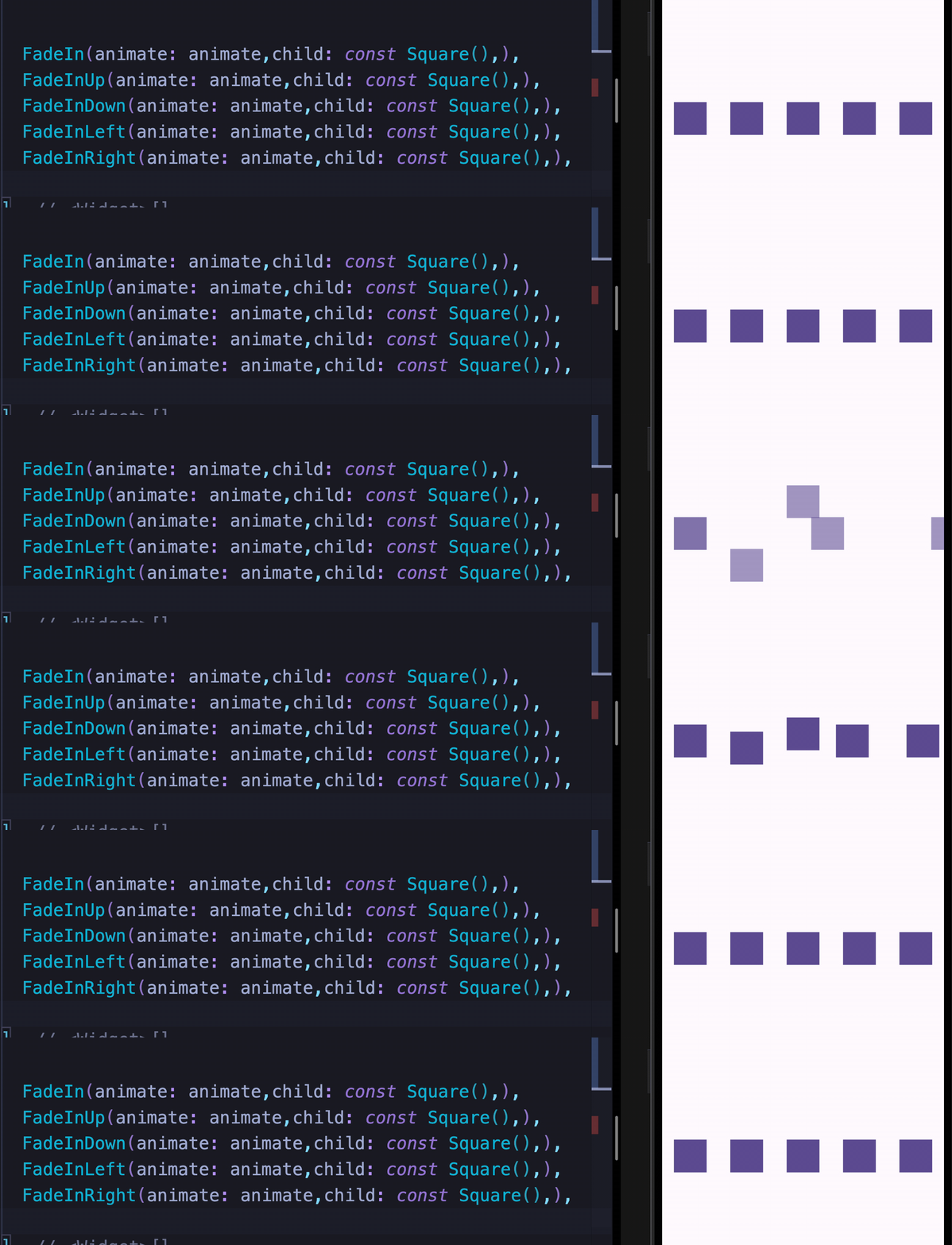
FadeIn
FadeInDown
FadeInDownBig
FadeInUp
FadeInUpBig
FadeInLeft
FadeInLeftBig
FadeInRight
FadeInRightBig
Fade Out
FadeOut
FadeOutDown
FadeOutDownBig
FadeOutUp
FadeOutUpBig
FadeOutLeft
FadeOutLeftBig
FadeOutRight
FadeOutRightBig
Bounce In
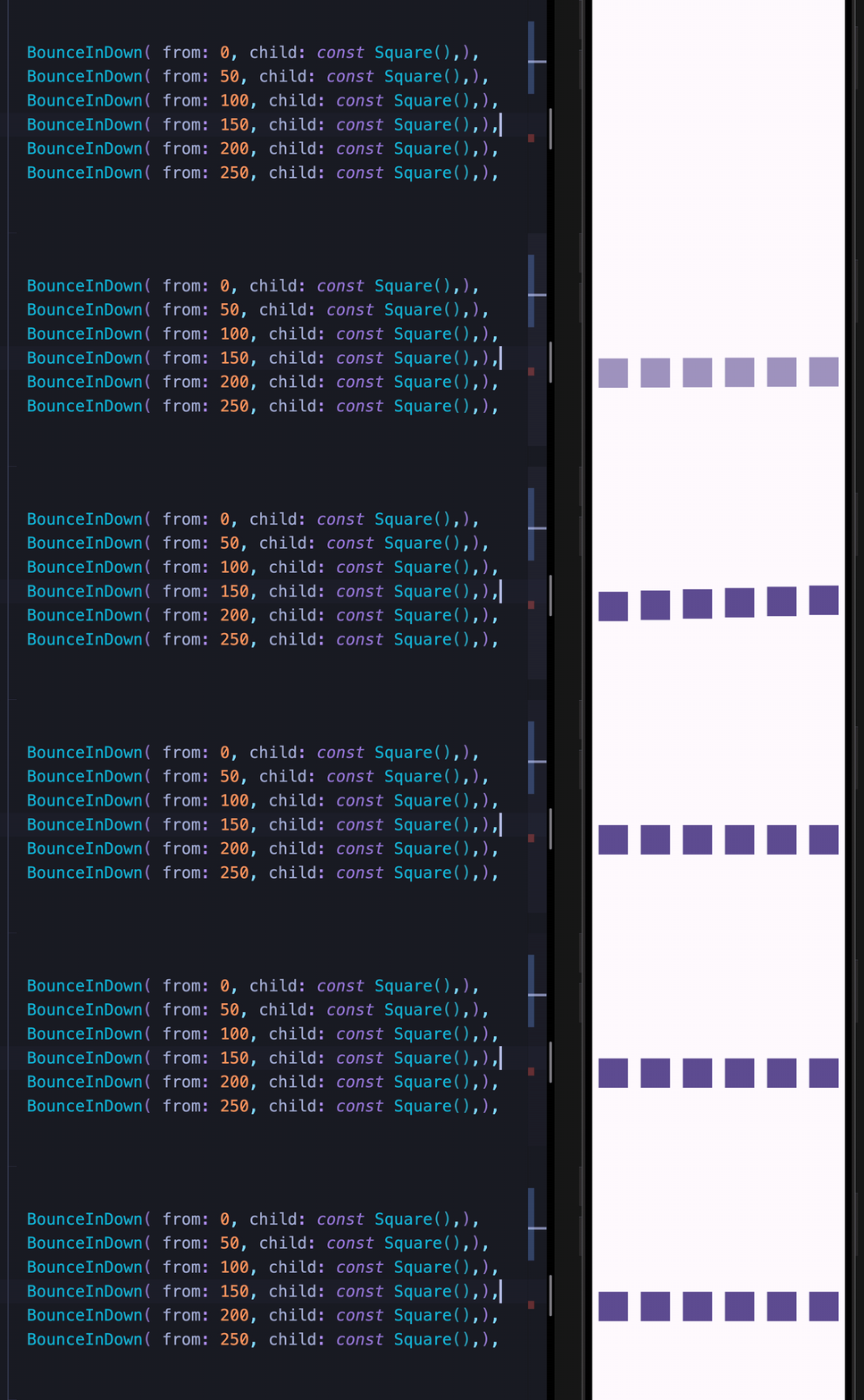
BounceInDown
BounceInUp
BounceInLeft
BounceInRight
Elastic In
ElasticIn
ElasticInDown
ElasticInUp
ElasticInLeft
ElasticInRight
Slide In
SlideInDown
SlideInUp
SlideInLeft
SlideInRight
Back In / Back Out
BackInDown
BackInUp
BackInLeft
BackInRight
BackOutDown
BackOutUp
BackOutLeft
BackOutRight
Flip In
FlipInX
FlipInY
Zoom
ZoomIn
ZoomOut
Attention Seekers
All attention seekers support the infinite property to loop indefinitely.
Bounce
Dance
Flash
Pulse
Flip
Roulette
ShakeX
ShakeY
Spin
SpinPerfect
Swing
HeartBeat
Wobble
Jello
Tada
RubberBand
Custom Animations
These widgets let you move widgets around the screen and chain them with any other animation.
MoveTo
MoveToArc
Two Syntaxes
Both syntaxes are fully supported. Use whichever feels more natural to you.