v1.3.1
vector_graphics
A vector graphics rendering package for Flutter using a binary encoding.
125Likes 6.7M30-day downloads160Pub points
AndroidiOSWebmacOSWindowsLinux
Collection of Single-Player Card Games Built with Flutter

English project snapshot. Visit GitHub for the latest content.
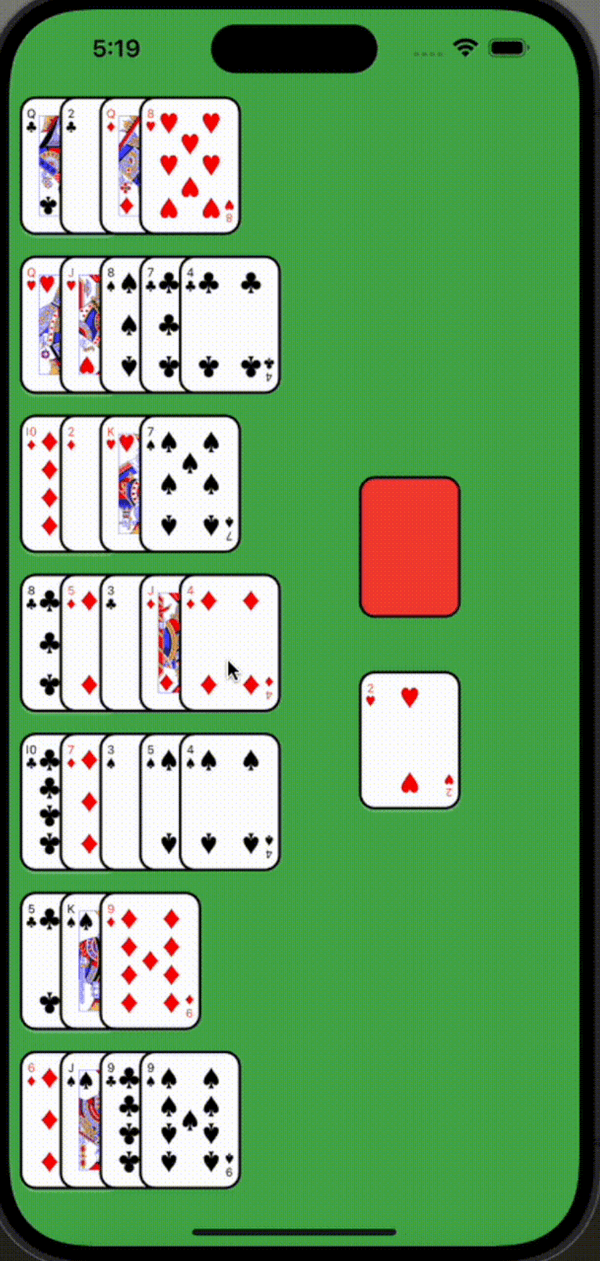
A collection of classic card games built with Flutter, featuring Golf Solitaire, Klondike Solitaire, and Free Cell with progressive difficulty levels, achievements, and customization options.
| Feature | Description | Preview |
|---|---|---|
| Three Classic Card Games | • Golf Solitaire • Klondike Solitaire (Solitaire) • Free Cell |
 |
| Progressive Difficulty System | • Classic (Traditional ruleset) • Royal (Moderate difficulty) • Ace (Challenging) |
 |
| Interactive Tutorials | • Learn game mechanics with highlighted board elements • Step-by-step guidance for each game |
 |
| Achievement System | • Unlock new card back designs by completing challenges • Track fastest completion times for each difficulty |
 |
| Customization Options | • Custom card backs • Background themes |
 |
| Cross-Platform Support | • Responsive design for phones, tablets, and desktops |  |
Visit cards.jlogical.com to play the web version.
This project uses the card_game package to handle:
While this is primarily a showcase project, contributions are welcome!
If you enjoy this project, please consider:
This project is licensed under the MIT License - see the LICENSE file for details.
A vector graphics rendering package for Flutter using a binary encoding.
Guide that helps you to present your app and its features in a beautiful, simple and customizable way. Tutorial | Guide | Coach.
Blast colorful confetti all over the screen. Celebrate in app achievements with style. Control the velocity, angle, gravity and amount of confetti.
Lint rules are a powerful way to improve the maintainability of a project. Custom Lint allows package authors and developers to easily write custom lint rules.
Full flutter support for latest Google Material Symbols Icons.
A Flutter package for action bottom sheet that adapts to the platform (Android/iOS).
A declarative Flutter package for building card games with drag-and-drop, animations, and flexible layouts. Examples include Solitaire and War.
Dependency list 32 items
{"sdk":"flutter"}^2.0.3^6.4.0^2.0.0—^0.8.0^2.0.7^0.21.2^0.7.7^2.0.17^10.8.0^2.6.1^0.18.0^4.9.0^4.2811.0^8.3.0^6.1.2^2.6.1^2.5.3^1.2.0+3^1.3.0^6.3.1^1.1.18{"git":{"url":"https://github.com/JLogical-Apps/flood","ref":"v4.3","path":"packages/utils/utils"}}{"sdk":"flutter"}^2.4.15^0.7.5^0.14.3^5.0.0^6.8.0^2.6.5^2.6.5Start with your use case, compare repository activity, and check the original project before adopting it.
“A repository is the most basic element of GitHub.”
GitHub Docs — About repositories ↗