v4.5.3
go_router_builder
A builder that supports generated strongly-typed route helpers for package:go_router
302Likes 414K30-day downloads160Pub points
AndroidiOSmacOSWindowsLinux
Official repository of Nepanikař (Don't Panic) mobile app for psychological first aid. It is designed and consulted with specialists to help with mental health problems.

English project snapshot. Visit GitHub for the latest content.
First aid for psychological issues - Official mobile app for nepanikar.eu
Run command flutter run from root folder of application.
flutter_gen package lets us quickly generate paths for images/icons.
To add a new asset, add it to ./assets/ and then run flutter packages pub run build_runner build -d.
If you are creating a new assets folder, do not forget to reference it in pubspec.yaml.
We are using Localazy for managing app localizations.
The prerequisites for running the localization update script are:
stringcase: pip install stringcasenpm install -g @localazy/cli or see Installation
page for other options)After that, you can simply run the script located in ./bin/localazy/localazy_gen.sh.
When adding a new language:
Contacts & help data are generated from Dart objects for easier maintainability. These data are then converted and
shipped within the app as JSON which is located in the ./assets/contacts/ folder. The whole contacts & help UI in
the app is controlled by the content of this JSON file.
The prerequisites for updating and regenerating these data is:
The source of these data is managed by nepanikar_contacts_gen Dart package.
Source data are located in ./packages/nepanikar_contacts_gen/bin/translation_extra_files/{language_tag}.dart.
Make the necessary changes, then simply run the script located in ./bin/nepanikar_contacts_gen/
to regenerate the JSON file.
flutter run - run applicationflutter packages pub run build_runner build -d - regenerate go_route/freezed/assets filesflutter pub run build_runner watch -d - watch and generate automatically changes when files are changedflutter gen-l10n - recompile .arb language filesflutter pub run flutter_native_splash:create - regenerate splash screendart format --line-length 100 ./ - automatic formatting of the projectA builder that supports generated strongly-typed route helpers for package:go_router
NoSQL persistent embedded file system document-based database for Dart VM and Flutter with encryption support.
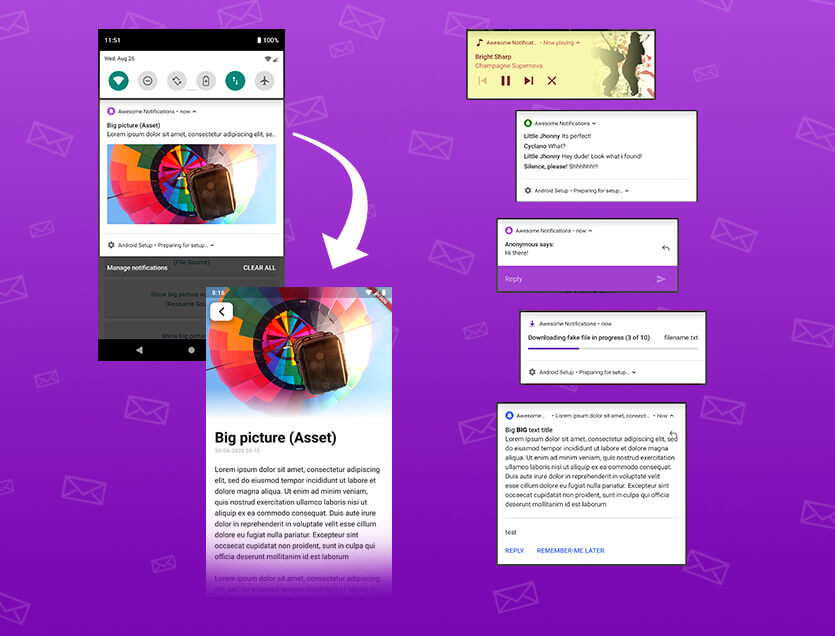
A complete solution to create Local and Push Notifications, customizing buttons, images, sounds, emoticons and applying many different layouts for Flutter apps.
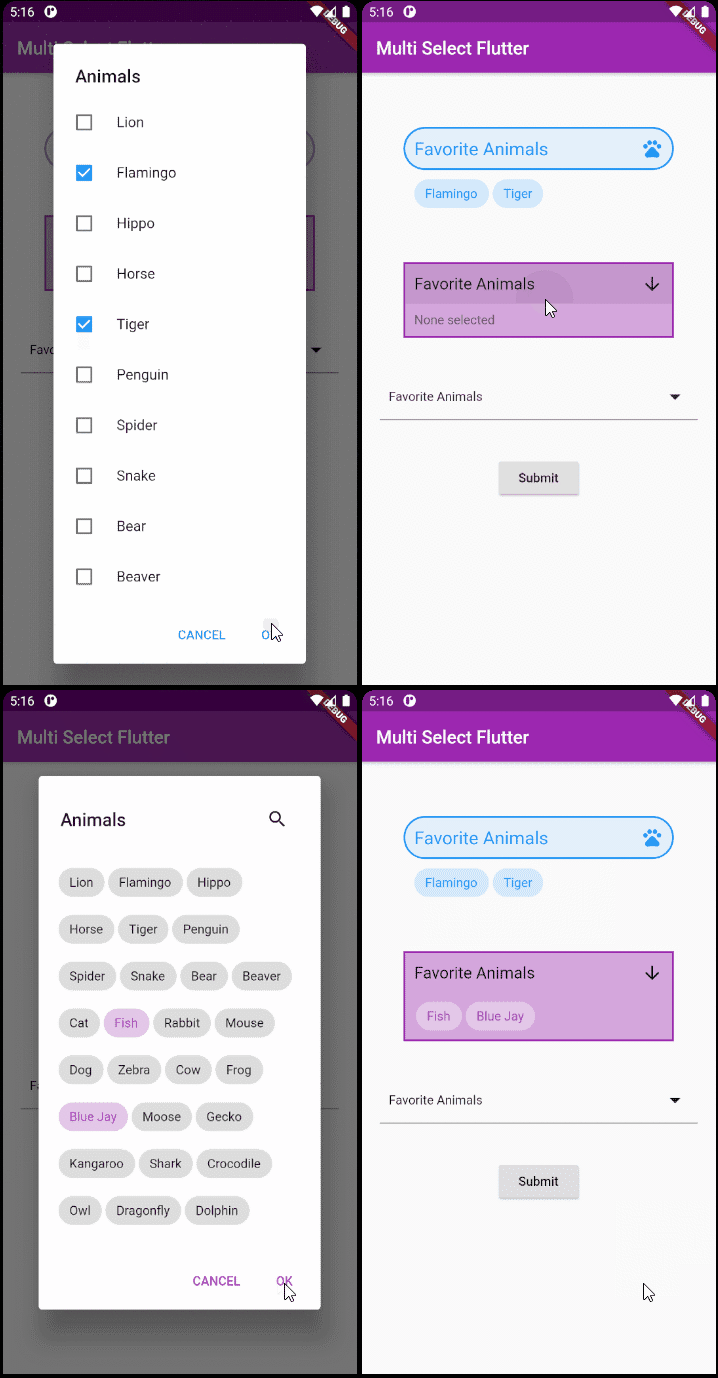
A flexible multi select package for Flutter. Make multi select widgets the way you want.
A simple (but correct) dart class for validating email addresses
Date and time library for Flutter, Web, and Server with support for timezones, calendars, cultures, formatting and parsing.
Low-level link (text, URLs, emails, phone numbers, user tags) parsing library in Dart.
A simple way to draw polygon shapes and to clip them.
Test utility to ensure generated Dart code within a package is up-to-date when using package:build.
Dialogs for picking and saving files in Android and in iOS.
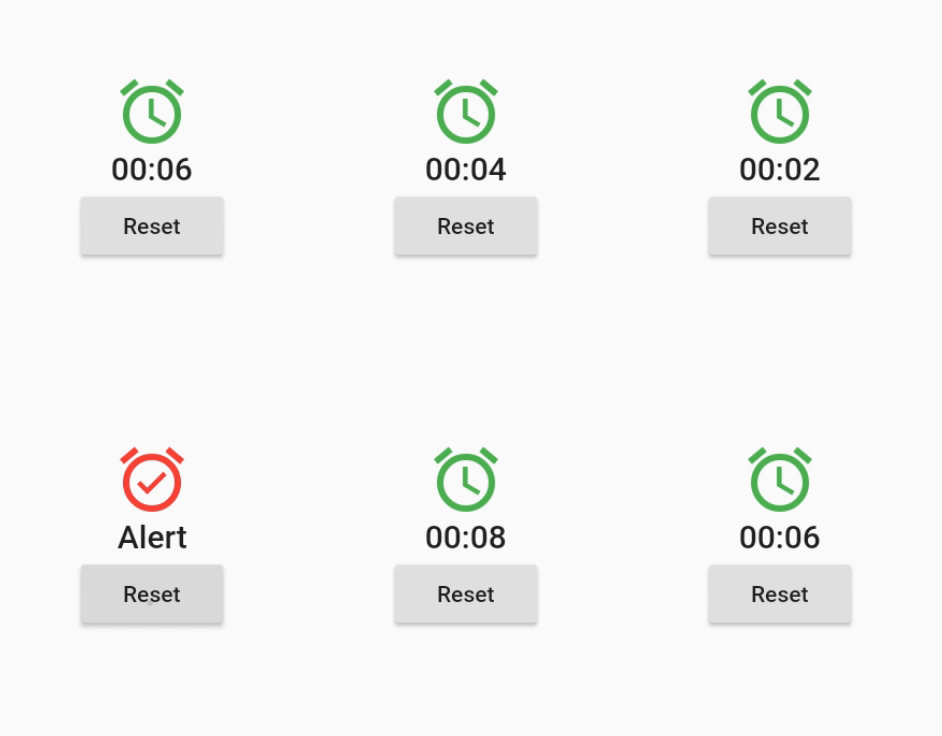
A widget that rebuilds itself on scheduled, periodic, or dynamically generated time events.
This packages is a copy of the shared_prefrences package but without the prefix in the keys. Is used to migrate the data from previous native app.
Dependency list 50 items
^3.0.0^0.12.0^1.19.0^1.0.5any^3.0.0^2.0.5^12.0.0^4.0.0^5.0.0^1.1.1{"sdk":"flutter"}^4.5.2^3.0.0{"sdk":"flutter"}^2.2.17^2.2.0^3.1.0^9.0.5^17.0.0any^0.20.2^4.9.0^0.10.5^5.0.0^3.3.0any^3.2.2{"path":"./packages/nepanikar_contacts_gen"}^10.1.0^1.8.2^2.0.12^0.1.0^6.0.5^0.28.0^3.4.0+6^2.0.6^0.9.17^2.0.0^2.0.1^6.3.2^1.4.0^2.16.0^3.1.1^5.1.0+1{"sdk":"flutter"}^4.0.0-dev.3^4.0.1^6.11.2^2.0.1Start with your use case, compare repository activity, and check the original project before adopting it.
“A repository is the most basic element of GitHub.”
GitHub Docs — About repositories ↗