v2.0.1
hive_generator
Extension for Hive. Automatically generates TypeAdapters to store any class.
426Likes 176K30-day downloads100Pub points
macOSWindowsLinux
Simple tasks. Secure notes. Made in Europe.

English project snapshot. Visit GitHub for the latest content.



|

|

|
Love Trudido? Support its development


The links above are the only trusted sources of Trudido. Any other websites or listings are not affiliated with me or this project.


Licensed under the GNU General Public License v3.0 (GPL-3.0).
You are free to use, modify, and distribute this software under the same license.
See the LICENSE file for details.
Pull requests are welcome.
For major changes, please open an issue first to discuss what you’d like to modify.
Extension for Hive. Automatically generates TypeAdapters to store any class.
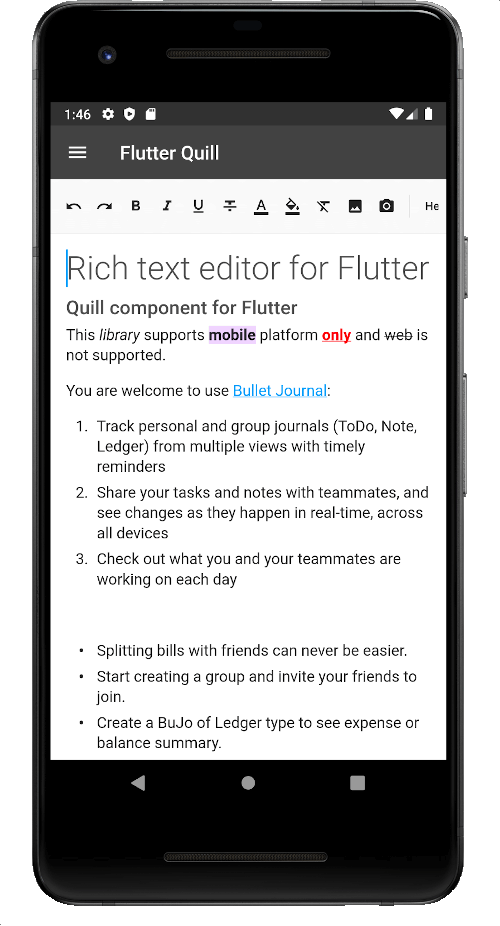
A rich text editor built for Android, iOS, Web, and desktop platforms. It's the WYSIWYG editor and a Quill component for Flutter.
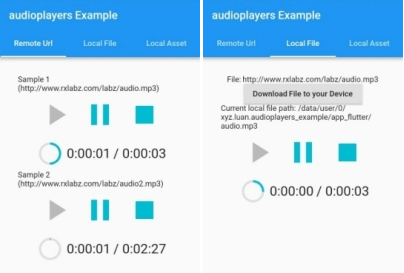
A Flutter plugin to play multiple audio files simultaneously
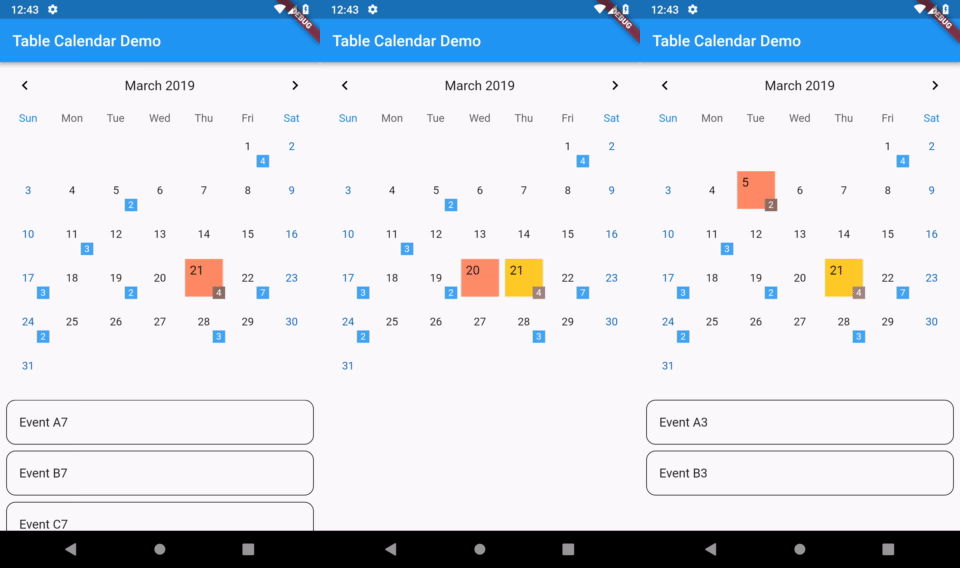
Highly customizable, feature-packed calendar widget for Flutter.
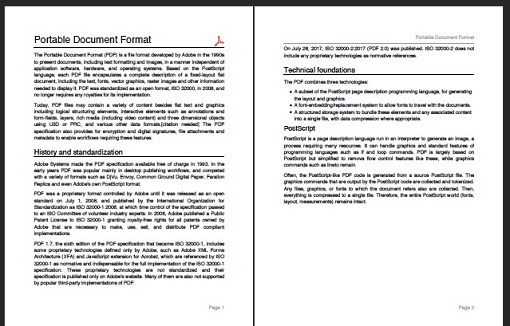
A pdf producer for Dart. It can create pdf files for both web or flutter.
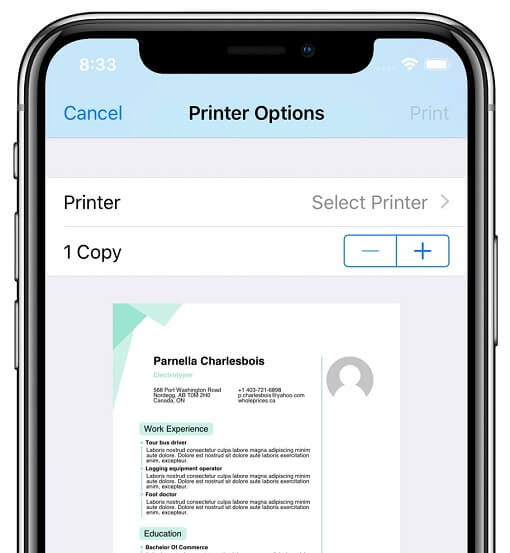
Plugin that allows Flutter apps to generate and print documents to compatible printers on Android, iOS, macOS, Windows, and Linux, as well as web print.
A set of high-level APIs over PointyCastle for two-way cryptography.
Audio recorder from microphone to file or stream with multiple codecs, bit rate and sampling rate options.
Syntax highlighting for Dart with lots of languages and themes support.
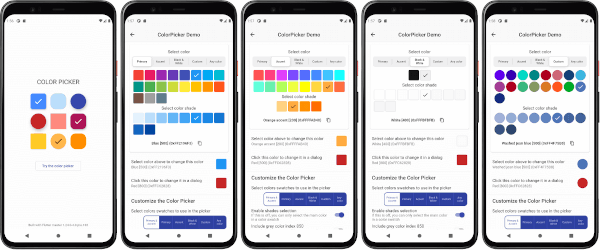
A customizable Flutter primary, accent and custom color picker. Includes an optional HSV wheel color picker.
A portable Markdown library written in Dart that can parse Markdown into HTML.
A Markdown renderer for Flutter. Create rich text output, including text styles, tables, links, and more, from plain text data formatted with simple Markdown tags.
Dependency list 41 items
{"sdk":"flutter"}{"sdk":"flutter"}^1.0.8^3.2.1^2.3.2^2.2.3^1.1.0^2.1.4^0.20.2^4.5.0^4.0.1^3.1.2^1.8.1^0.7.0^1.16.0^1.0.7^11.5.1^6.1.10^10.3.10^12.0.1^1.1.2^0.17.2^2.9.2^6.2.0^1.9.0^1.2.8^6.0.0^3.11.1^5.13.4^5.0.3^10.0.0^3.0.0^3.0.3^0.3.3^12.0.1^3.7.2^0.7.0^7.3.0{"sdk":"flutter"}^6.0.0^0.14.4Start with your use case, compare repository activity, and check the original project before adopting it.
“A repository is the most basic element of GitHub.”
GitHub Docs — About repositories ↗