
 v3.0.0
animations
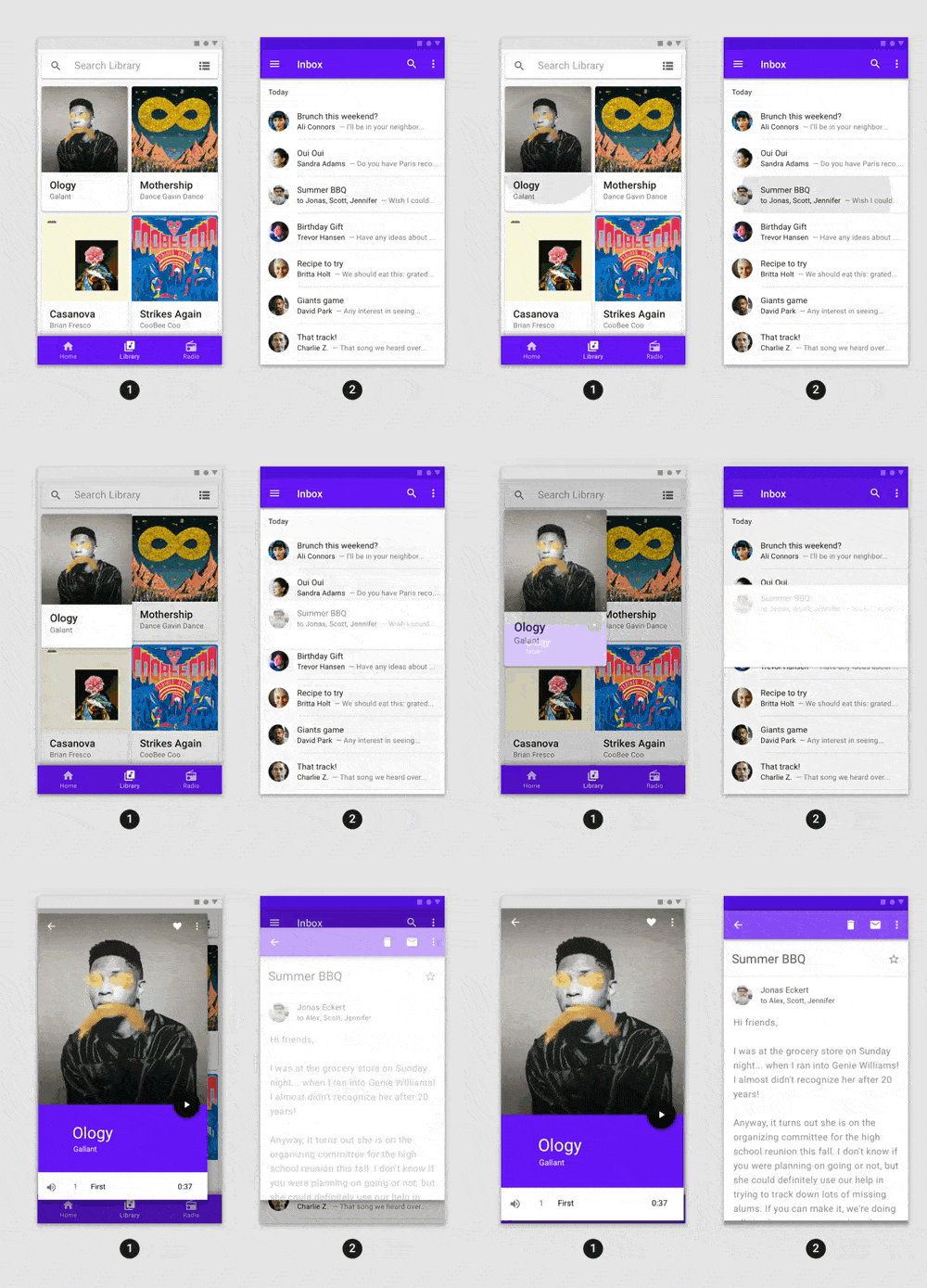
Fancy pre-built animations that can easily be integrated into any Flutter application.
6.9KLikes 1.2M30-day downloads160Pub points
AndroidiOSWebmacOSWindowsLinux
A fresh and modern Google Contacts manager that integrates with GitHub and Twitter.
 v3.0.0
Fancy pre-built animations that can easily be integrated into any Flutter application.
Flutter plugin for opening and saving files, or selecting directories, using native file selection UI.
Flutter plugin for Google Sign-In, a secure authentication system for signing in with a Google account.
A Dart package for reading XDG directory configuration information on Linux.
A flutter implementation of React hooks. It adds a new kind of widget with enhanced code reuse.
 v0.4.1
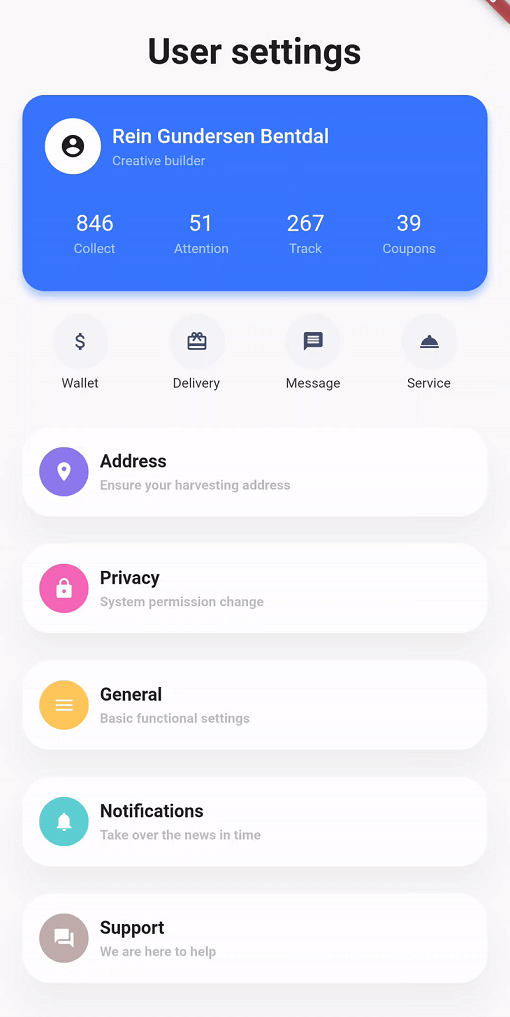
Simplifying your widget tree structure by defining widget using methods. Taking ispiration from CSS and SwiftUI
Dart Image Library provides server and web apps the ability to load, manipulate, and save images with various image file formats.
Superpowers for Dart. Collection of useful static extension methods.
A library useful for creating fuzzy timestamps. (e.g. "15 minutes ago")
 v0.1.0
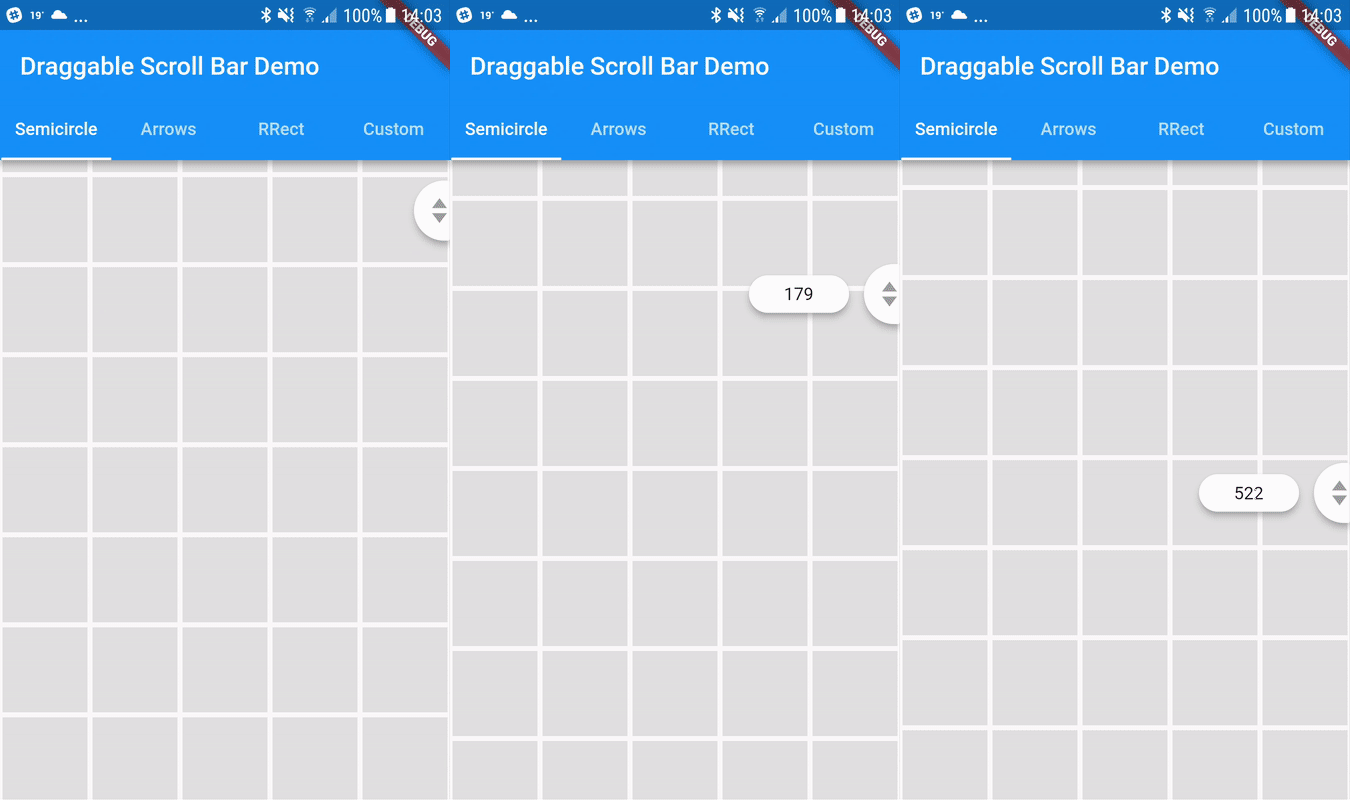
A scrollbar that can be dragged for quickly navigation through a vertical list. Additional option is showing label next to scrollthumb with information about current item.
Auto-generated client libraries for accessing Google APIs described through the API discovery service.
A high-level GitHub API Client Library that uses Github's v3 API
English project snapshot. Visit GitHub for the latest content.
A fresh and modern Google Contacts manager that integrates with GitHub and Twitter.
You are invited to improve Flokk Contacts! Submitting pull requests, answering and asking questions in the Issues page, and updating documentation are all ways you can contribute to the app.
Please note that although we are monitoring GitHub issues, we aren't actively maintaining the codebase, so community involvement and contributions are really appreciated going forward. We're aiming to review pull requests on a weekly basis.
To preview the app you can download from the app store on your device by visiting: https://flutter.gskinner.com/folio/#g-download
If you're new to Flutter the first thing you'll need is to follow the setup instructions.
Once Flutter is setup, you can use the latest stable channel:
flutter channel stableflutter upgradeOnce you're on dev and desktop is enabled, you're ready to run the app:
flutter run -d windowsflutter run -d macosflutter run -d linuxflutter run -d androidflutter run -d iosflutter run -d webIf you re-start your IDE, you should also see a new launch option for your current desktop platform.
Google Sign In is required in order to run the app (unless running with cached data). The app uses the Google People API, and you will need to provide your own Google OAuth 2 client credentials in the /lib/api_keys.dart file.
Follow the instructions here to enable the People API and create credentials:
To optionally fetch social data for your contacts, add your own API keys for those as well:
Although the Twitter and GitHub keys are optional, they are recommended. Otherwise the app will not be able to fetch tweets and GitHub calls will be subject to a rate limit (https://developer.github.com/v3/#rate-limiting).
If you're building for web:
/web/index.html to include your web credentials (web client Id) <meta name="google-signin-client_id" content="YOUR_GOOGLE_SIGN_IN_OAUTH_CLIENT_ID.apps.googleusercontent.com">.For Twitter support to work on web builds, it is necessary to use a CORS proxy. You can set up a proxy on your own domain, or else run a localhost instance with proxy/app.js.
If setting up on your domain, ensure you have enabled https (https://letsencrypt.org/). Once you have the security certificate, edit proxy/app.js and insert your cert and key. This is not necessary if running a localhost instance.
After the proxy is set up, edit services/twitter_rest_service.dart to point to your running proxy instance (e.g. "https://my-proxy.com", "http://localhost", etc.)
For more information, see https://github.com/Rob--W/cors-anywhere
If you simply want to see the app running, it is possible to run the app using cached data:
Note: This is meant as a 'read-only' mode so you can quickly explore all the widgets and features of the app. Updates, deletes, etc are not expected to work.
Debug Builds
flutter run -d DEVICE_ID to deploy a test buildflutter runwindows, linux, macos, chrome--release to deploy an optimized buildRelease Builds
flutter build PACKAGE_TYPE to build a release packageflutter buildwindows, linux, apk, ioslxd init on your system if you haven't already.
** Then execute snapcraft --use-lxd to create the snap from the flutter buildForce Log In
kForceWebLogin flag to force release builds to skip the oauth screen.--dart-define=flokk.forceWebLogin=true to your build command to enableflutter build web --dart-define=flokk.forceWebLogin=trueThe /linux and /windows folders contain modifications and should not be upgraded to upstream without first verifying that each plugin works correctly with the new upstream code and any modifications are made.
Since the desktop runners for this project may contain modifications, upgrades should not be made without first verifying that every plugin and embedder can be upgraded and that they remain compatible after an upgrade. Hopefully this will not be as much of an issue once Flutter's desktop support becomes more mature.
--
Happy Flokking!