Search categories, packages and repositories

styled_widget cover
Package detailsv0.4.1

styled_widget

Simplifying your widget tree structure by defining widget using methods. Taking ispiration from CSS and SwiftUI

AndroidiOSWebmacOSWindowsLinux
30-day downloads
24.2K
Likes
925
Pub points
130

Install package

flutter pub add styled_widget

Package Overview

Package selection guidance compiled from public package information, community data, and project usage.

Styled Widget is a Flutter package that simplifies widget tree construction by enabling developers to define widgets using method chains, inspired by CSS and SwiftUI. It promotes cleaner, more readable code by allowing styling and layout properties to be applied fluently. The package reduces nesting and improves maintainability, especially in complex UIs. With support across all major platforms, it’s ideal for teams seeking a declarative, expressive approach to building Flutter interfaces.

Use cases

  • Building clean, readable UIs
  • Reducing nested widget structures
  • Creating reusable UI components
  • Streamlining styling with method chains
  • Prototyping UIs quickly

Key features

  • Method-chaining for widget construction
  • CSS-like styling syntax
  • SwiftUI-inspired API design
  • Cross-platform compatibility
  • Minimal boilerplate
  • Support for responsive layouts

Suitable for

  • Developers wanting concise UI code
  • Teams prioritizing code readability
  • Projects with complex widget hierarchies
  • Frontend-focused Flutter development
  • Rapid UI prototyping

Considerations

  • Learning curve for new users
  • Potential performance overhead with deep chains
  • Limited customization compared to raw widgets
  • Not suitable for highly dynamic or state-heavy UIs without additional patterns
  • May conflict with other styling libraries
Original README

Original README snapshot from the linked source repository. Visit the repository for the latest content.

Simplifying your widget tree structure by defining widgets using methods.

License: MIT

Buy Me A Coffee


Thanks to the introduction of extension methods in Dart 2.7.0, styled_widget makes it possible to build widget tree`s more readable and efficient.

styled_widget is build as a tool to enhance your Flutter development experience and to seamlessly integrate with your codebase.

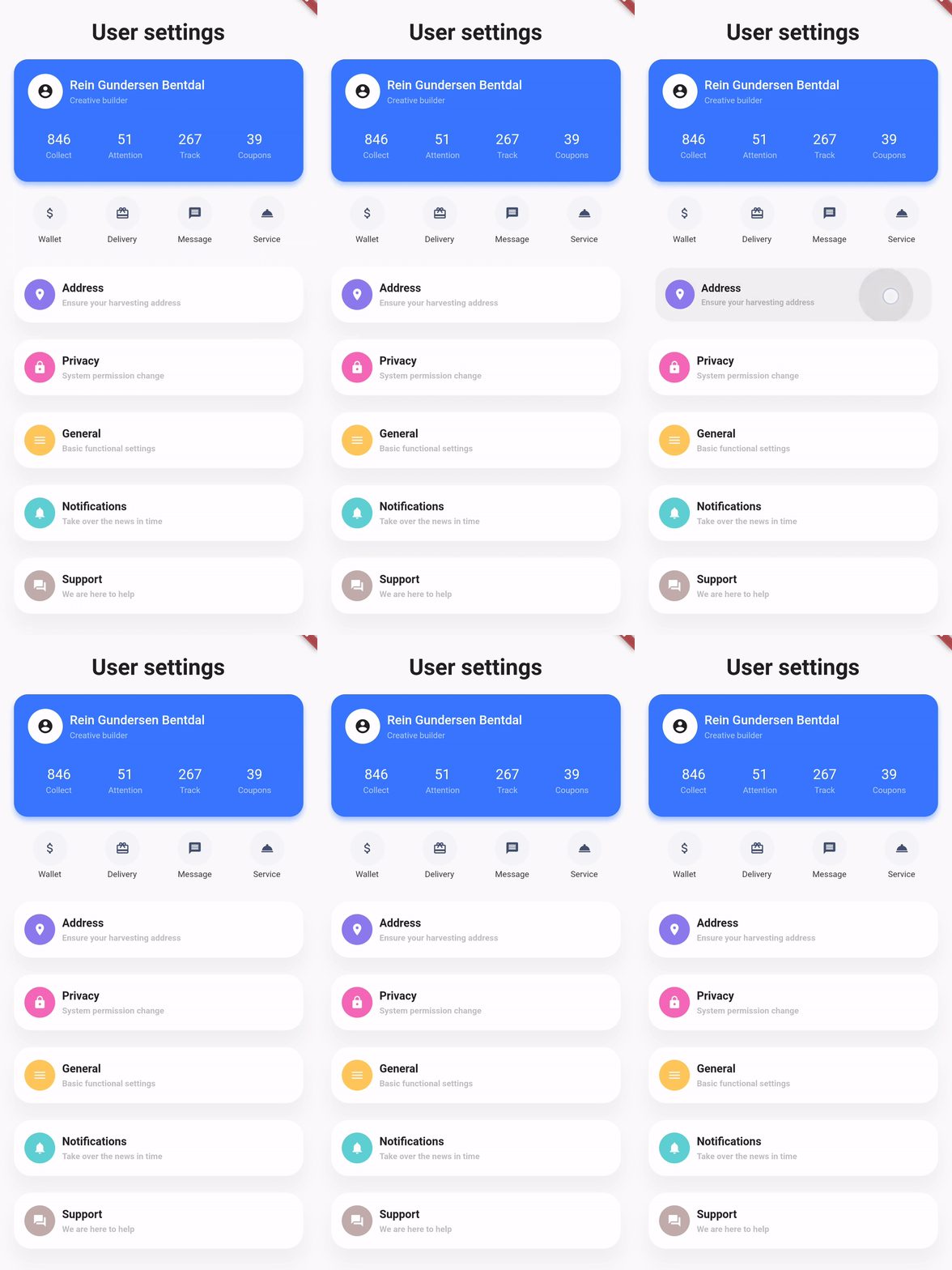
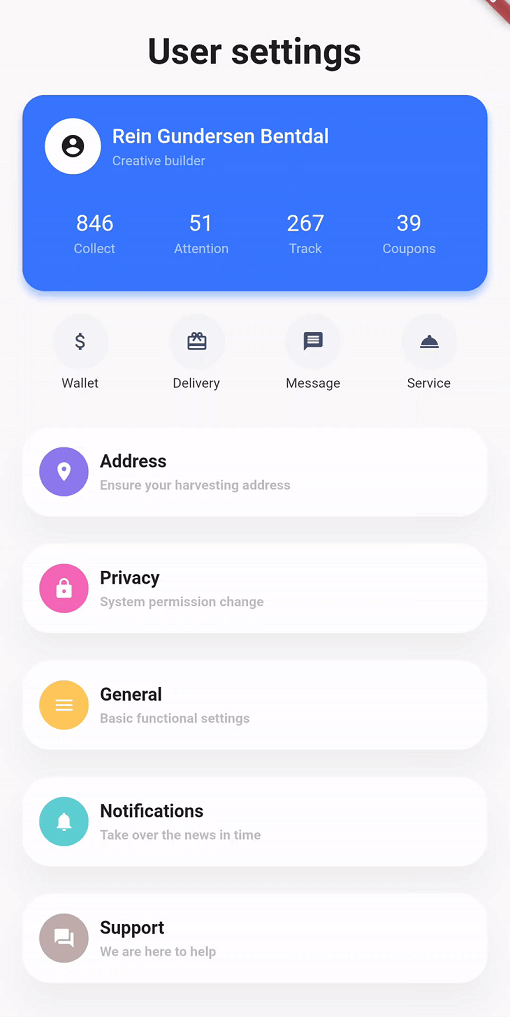
Showcase
Design, Code Design, Code Design, Code
Basic example

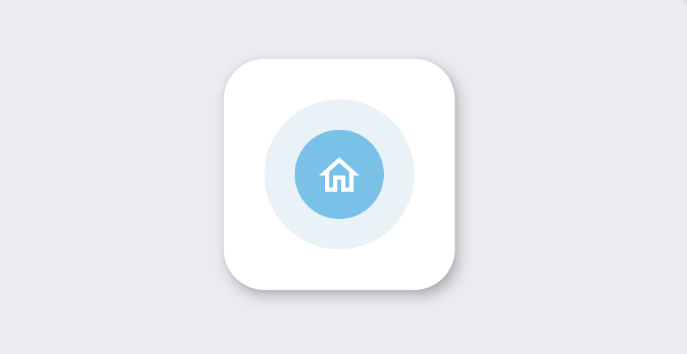
styled_widget has a bottom up approach to building widget`s. This means you start with the inner most element and layer widget`s on top. The following example is structured as follows: Icon -> blue circle -> light blue circle -> card -> background

Icon(OMIcons.home, color: Colors.white)
  .padding(all: 10)
  .decorated(color: Color(0xff7AC1E7), shape: BoxShape.circle)
  .padding(all: 15)
  .decorated(color: Color(0xffE8F2F7), shape: BoxShape.circle)
  .padding(all: 20)
  .card(
    elevation: 10,
    shape: RoundedRectangleBorder(
      borderRadius: BorderRadius.circular(20),
    ),
  )
  .alignment(Alignment.center)
  .backgroundColor(Color(0xffEBECF1));
Raw Flutter (click to show)
DecoratedBox(
  decoration: BoxDecoration(
    color: Color(0xffEBECF1),
  ),
  child: Align(
    alignment: Alignment.center,
    child: Card(
      elevation: 10,
      shape: RoundedRectangleBorder(
        borderRadius: BorderRadius.circular(20),
      ),
      child: Padding(
        padding: EdgeInsets.all(20),
        child: DecoratedBox(
          decoration: BoxDecoration(
            color: Color(0xffE8F2F7),
            shape: BoxShape.circle,
          ),
          child: Padding(
            padding: EdgeInsets.all(15),
            child: DecoratedBox(
              decoration: BoxDecoration(
                color: Color(0xff7AC1E7),
                shape: BoxShape.circle,
              ),
              child: Padding(
                padding: EdgeInsets.all(10),
                child: Icon(
                  OMIcons.home,
                  color: Colors.white,
                ),
              ),
            ),
          ),
        ),
      ),
    ),
  ),
);
Docs

See the documentation at styled_widget/wiki for more information about using styled_widget!

Quicklinks

Categories

Dependencies

Dependency list 1 items

Source repository

Projects using this package