 v3.0.0
modal_bottom_sheet
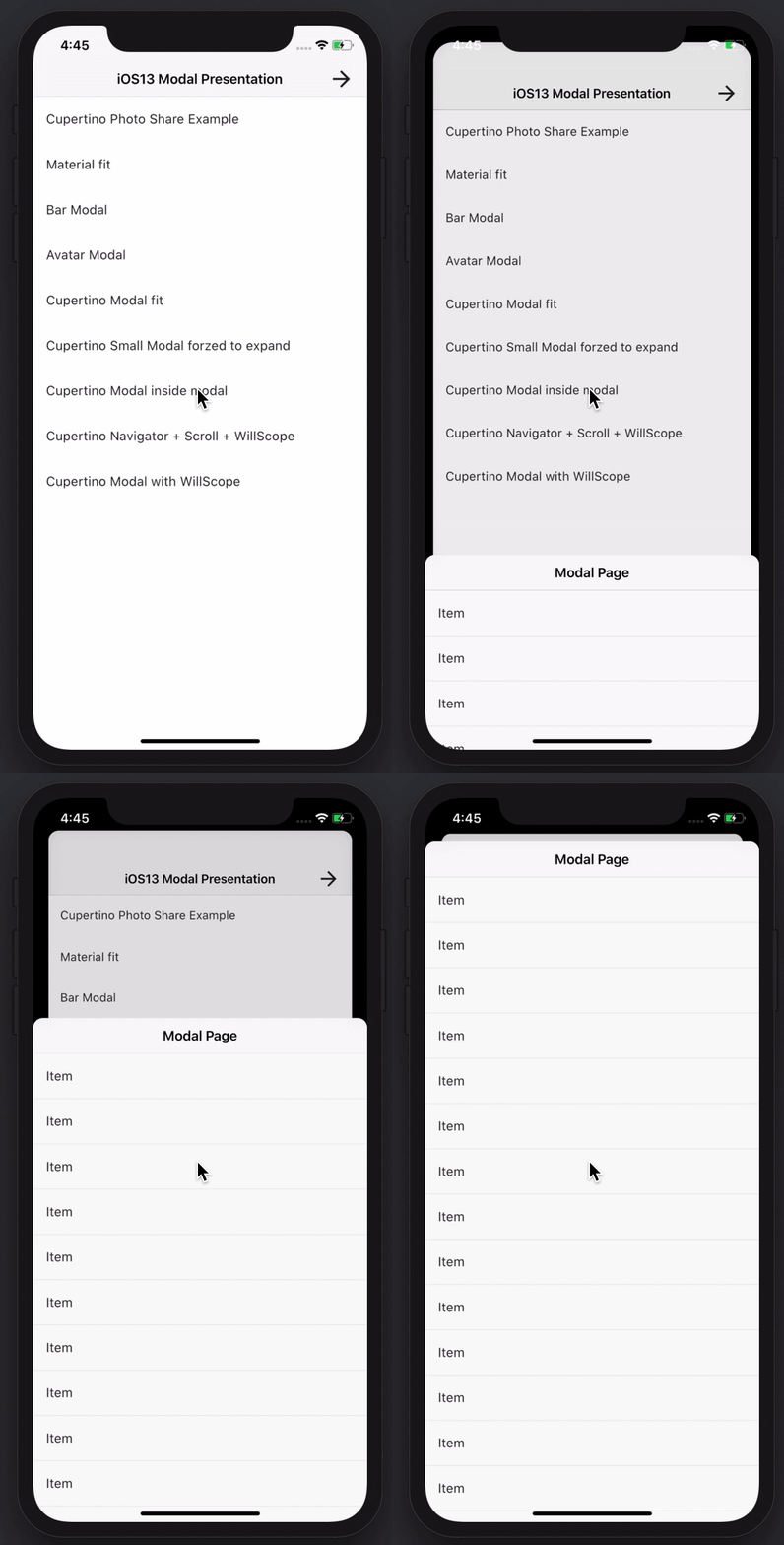
Create awesome and powerful modal bottom sheets. Material, Cupertino iOS 13 or create your own style
3.6KLikes 331K30-day downloads150Pub points
AndroidiOSWebmacOSWindowsLinux
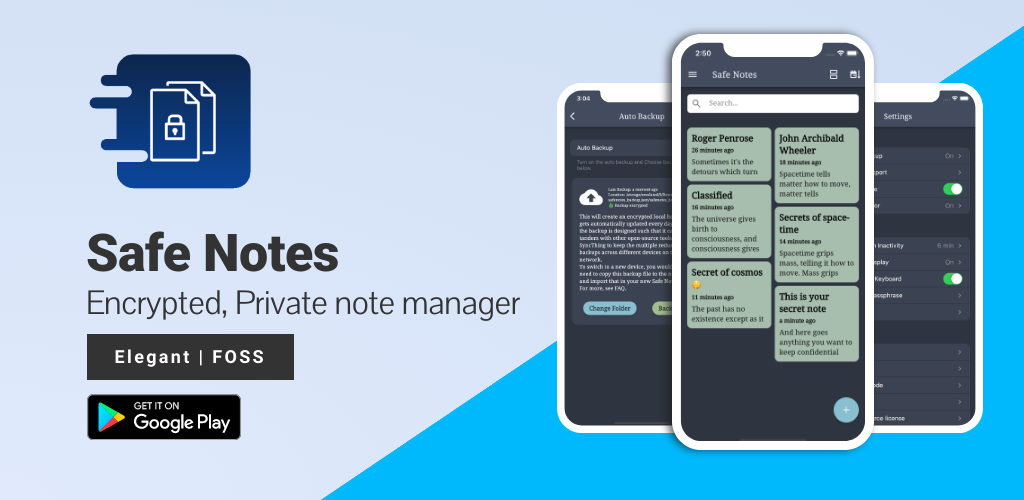
Safe Notes is a security project aimed at providing an encrypted, private note manager that works locally and protects notes from various threat actors.

English project snapshot. Visit GitHub for the latest content.








Screenshots • Description • Features • Installation and updates • Contribution • Privacy Policy • License
Website • Reporting a Bug • FAQ • Press
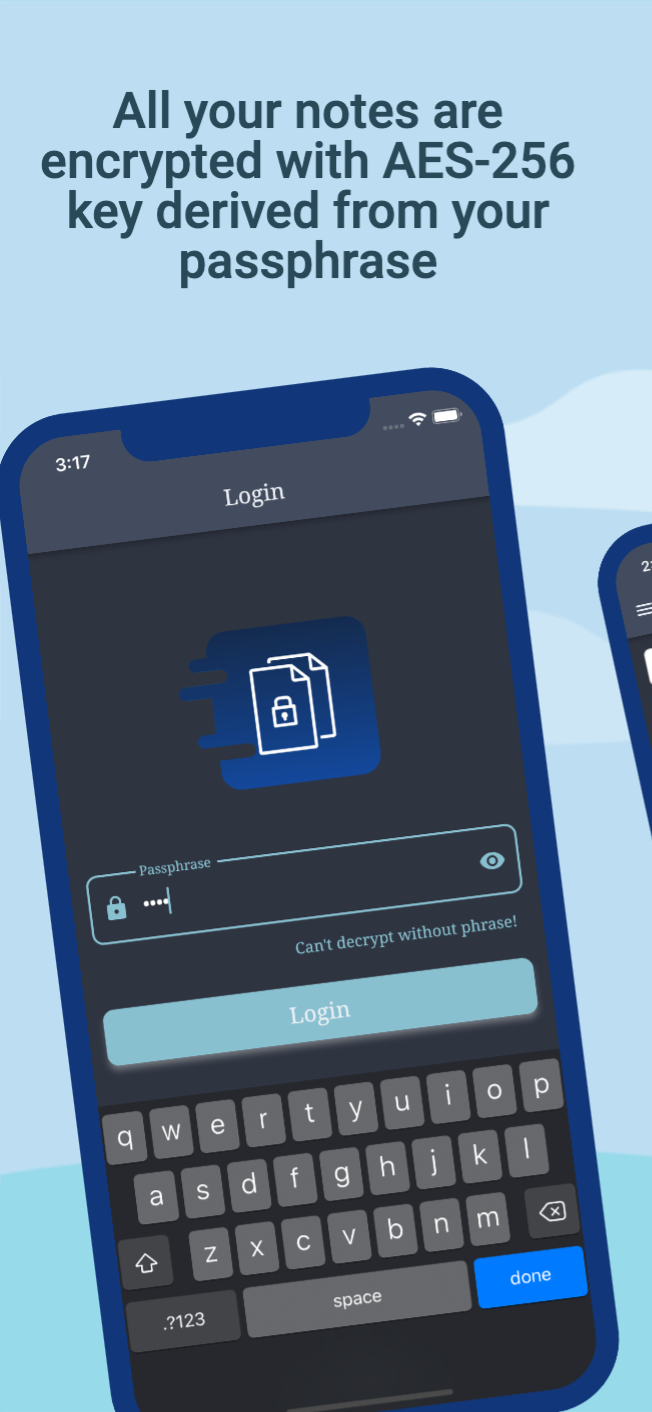
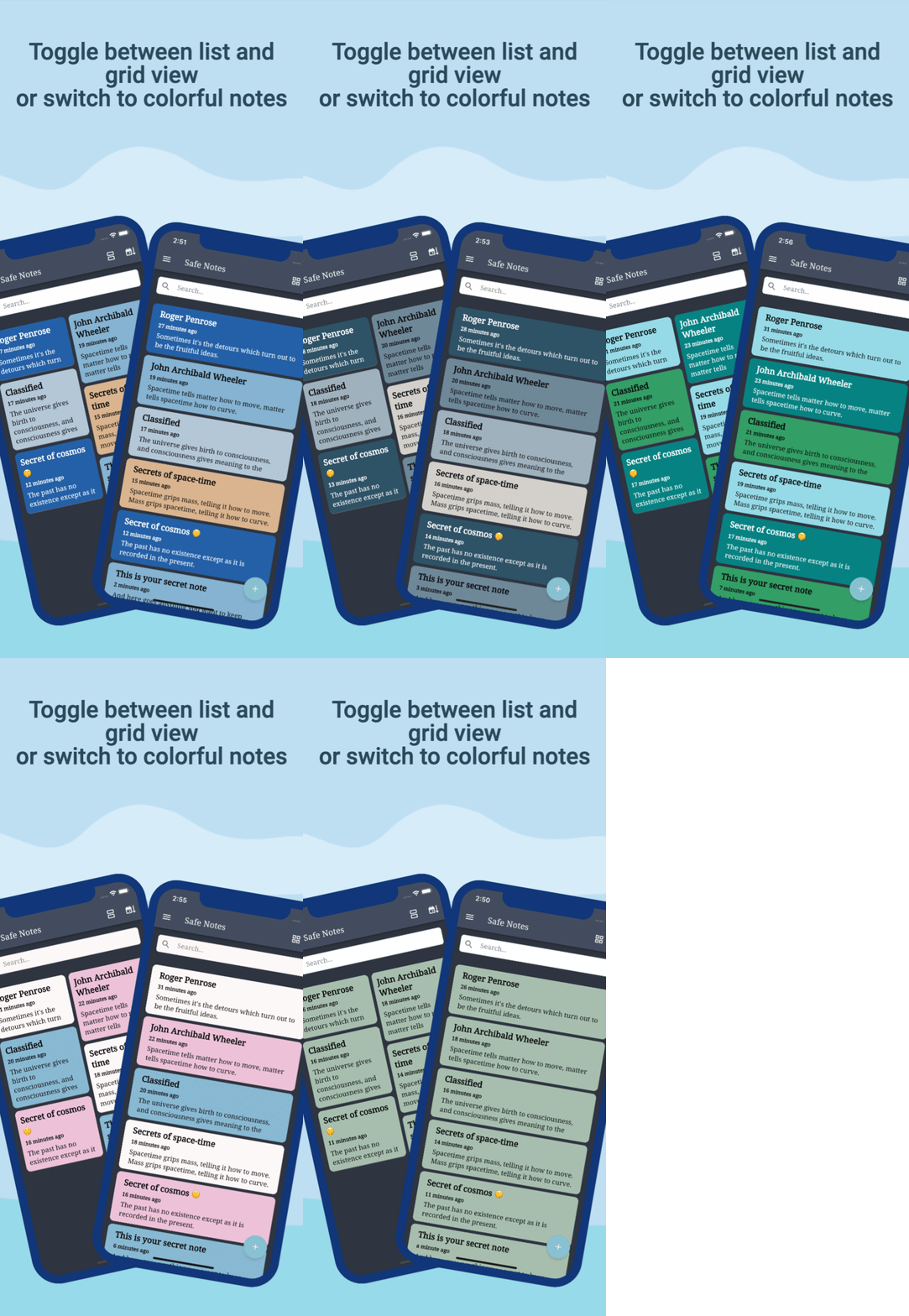
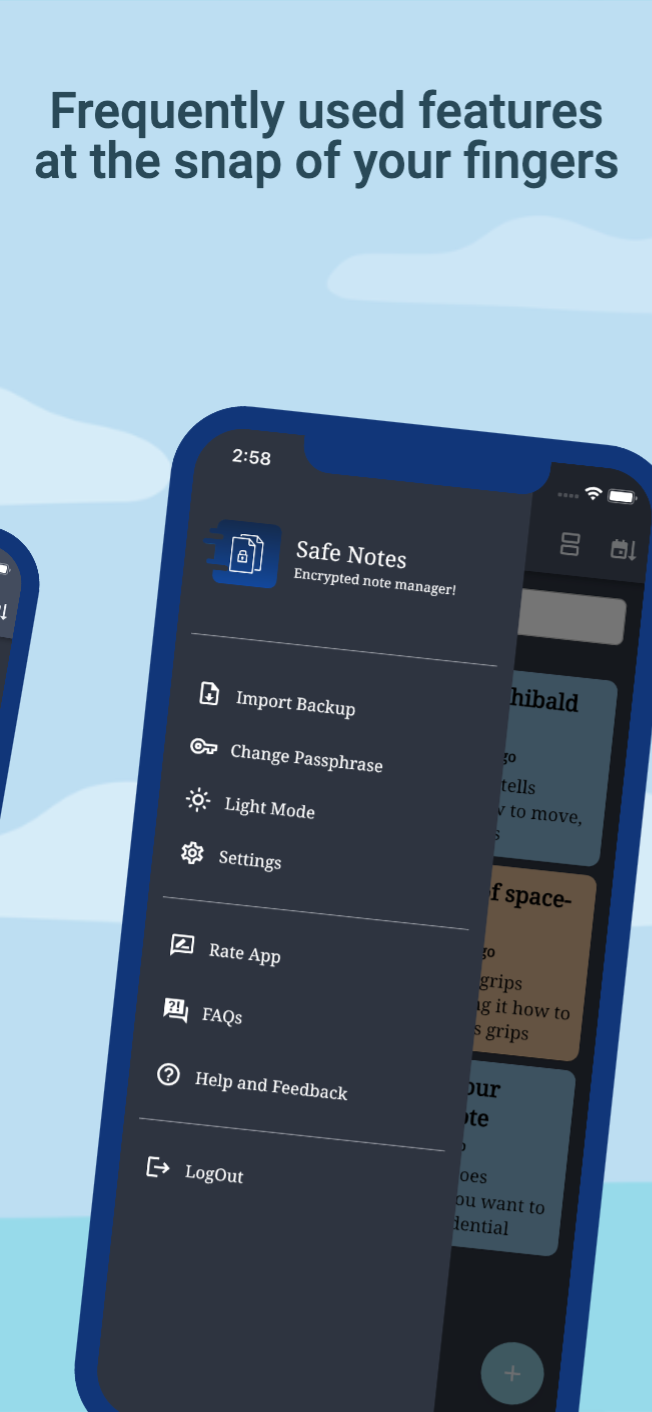
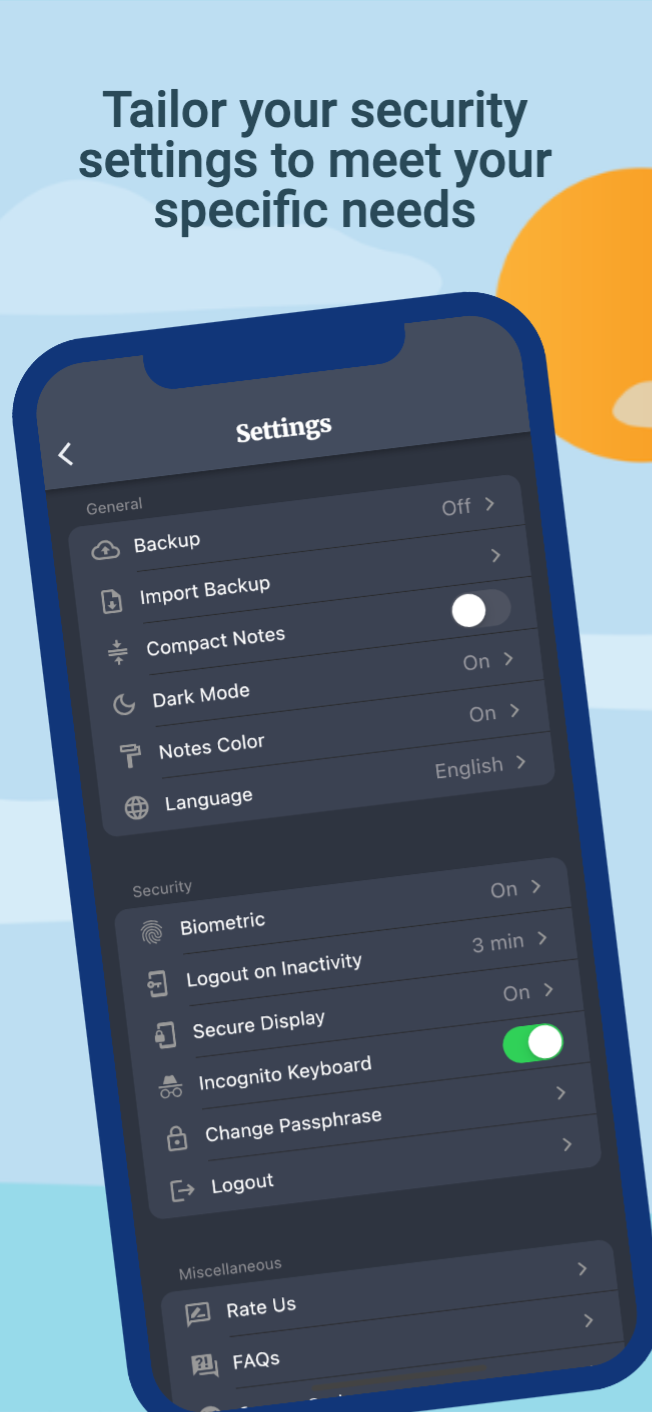
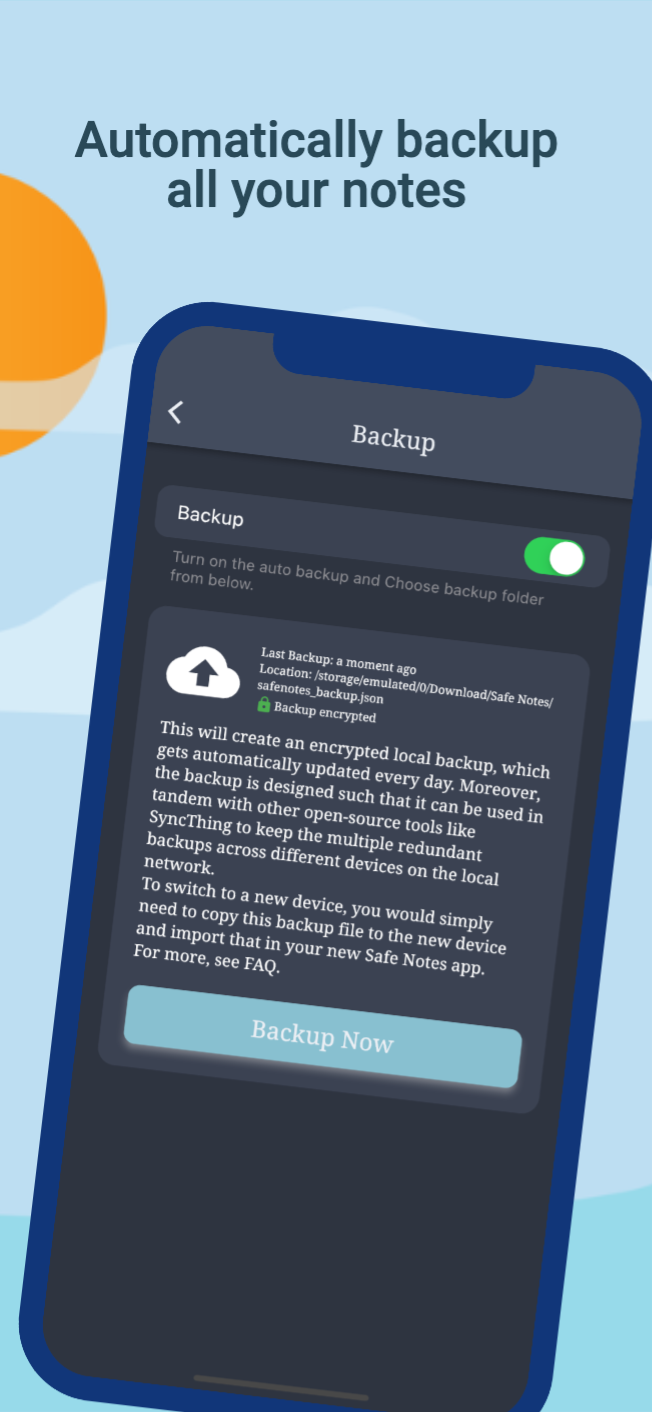
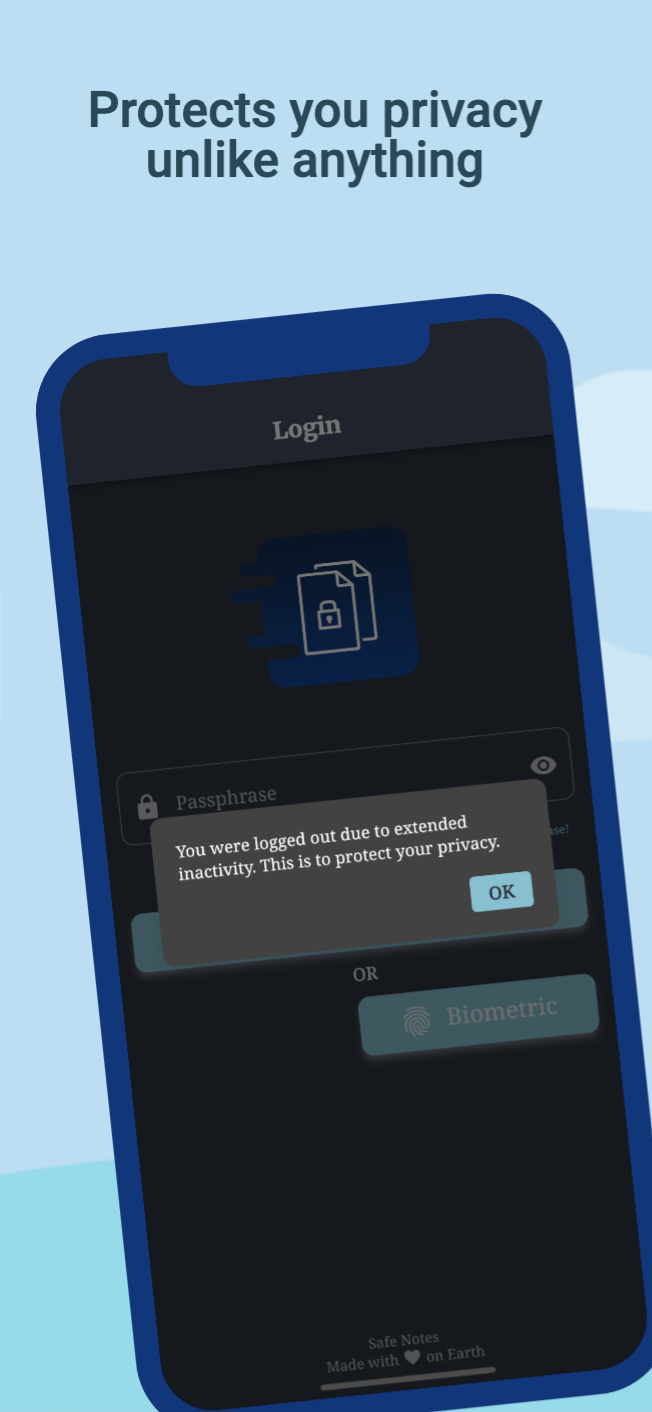
Safe Notes is a privacy-focused note manager which provides an inbuild encrypted storage. It imploys rigorously tested AES-256 encryption standard to store user notes. All the notes are stored locally on the user's device. Contrary to the ongoing frenzy of "move everything to cloud" we believe in "localization of user data" giving you the control of your data and not some third-party cloud service provider. We know you gotta change your device once in a while that's why Safe Notes also provides a secure migration facility, which allows you to export and import your notes without having to compromise the sanctity of your data. Word of advice, keep your passphrase long and secret. May encryption protect us all!
[!IMPORTANT] With great security comes the great responsibility of remembering the passphrase!
[!WARNING] Some security features cannot be guaranteed to work if you are using a rooted device.
You can install Safe Notes using one of the following methods:
We recommend method 1 or 2 for most users. Building a debug APK using method 4 excludes a key entirely. Signing keys help ensure that a user isn't tricked into installing a malicious update to an app.
Whether you have ideas, design changes, code cleaning, or real heavy code changes, help is always welcome.
The more is done the better it gets!
If you'd like to get involved, check our contribution notes.
Help translate Safe Notes on Hosted Weblate

The Safe Notes project aims to provide a encrypted, private, anonymous experience for local note storage. The app doesn't send any outbound requests neither does it receives any inbound requests. Hence, it doesn't collect any data whatsoever. You can find the document here.

Safe Notes is Free Software: You can use, study share and improve it at your will. Specifically GNU General Public License as published by the Free Software Foundation, either version 3 of the License, or (at your option) any later version.
| Weblate is helping with continuous localization as part of their ongoing support for libre software projects. |
|---|
Create awesome and powerful modal bottom sheets. Material, Cupertino iOS 13 or create your own style
Easy and Fast internationalizing and localization your Flutter Apps, this package simplify the internationalizing process .
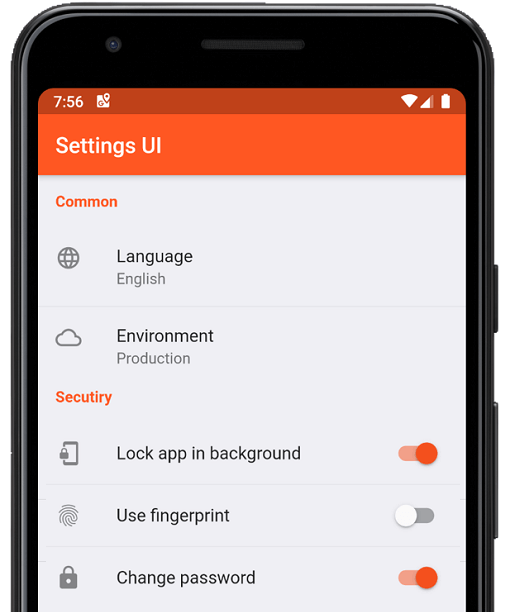
Create native settings for Flutter app in minutes. Use single interfaces to build
A library useful for creating fuzzy timestamps. (e.g. "15 minutes ago")
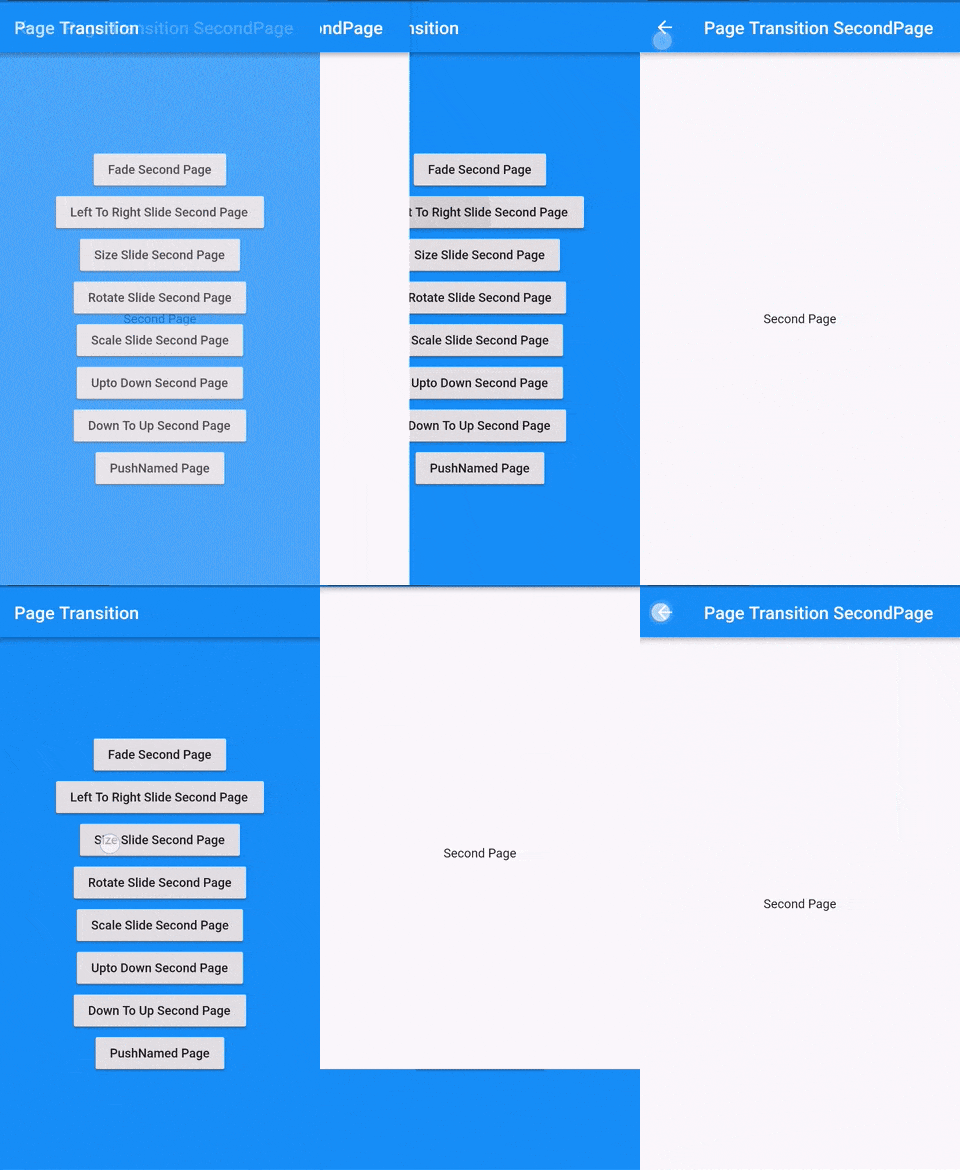
Flutter Page Transition Package which is the transition second page
Execute code after the first layout of your widget has been performed, i.e. after the first frame has been displayed.
A set of high-level APIs over PointyCastle for two-way cryptography.
Automatically organize your dart imports
Helps you to change or rename your flutter project BundleId and AppName for Ios, Android, MacOS and Linux platforms
The Material Design Icons designed by the community for Flutter
Checks for missing, under-promoted, over-promoted, and unused dependencies.
redirect user to authentication page if the application doesn't recieve any user interaction, or been running in the background for "x" duration.
Dependency list 37 items
{"sdk":"flutter"}^1.2.0^3.0.0^3.0.3^1.0.6^10.0.1^3.0.1^5.0.0^8.0.0+1^9.0.0^0.7.0^0.18.1^2.1.2^2.1.1^2.1.0^7.0.7296^2.1.0^3.0.0^2.0.9^1.9.0^2.0.2^11.3.0^6.0.3^3.0.2^2.0.2^2.0.6^2.1.0+1^3.3.0^2.0.0^6.1.5{"git":{"url":"https://github.com/keshav-space/safenotes-nord-theme.git","ref":"main"}}{"sdk":"flutter"}^0.13.1^2.2.11^4.6.0^3.0.0^3.0.2Start with your use case, compare repository activity, and check the original project before adopting it.
“A repository is the most basic element of GitHub.”
GitHub Docs — About repositories ↗