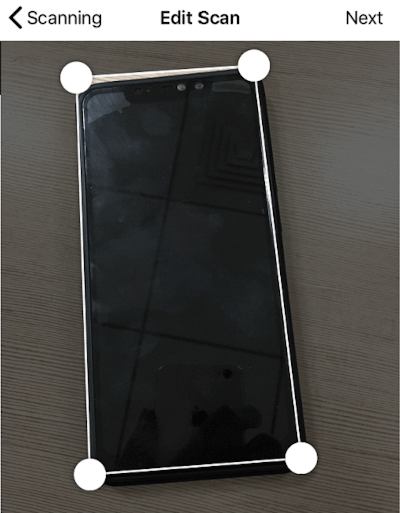
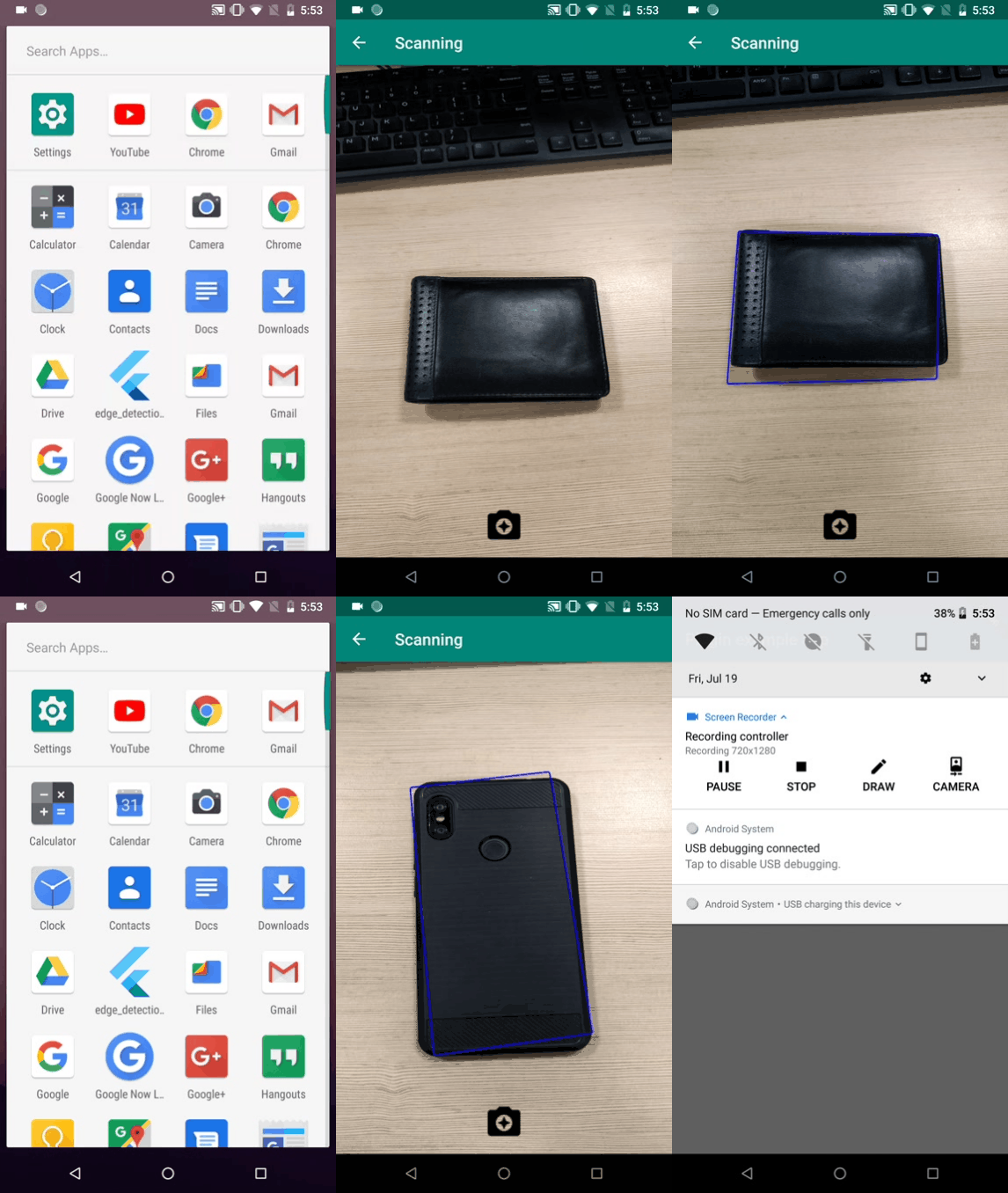
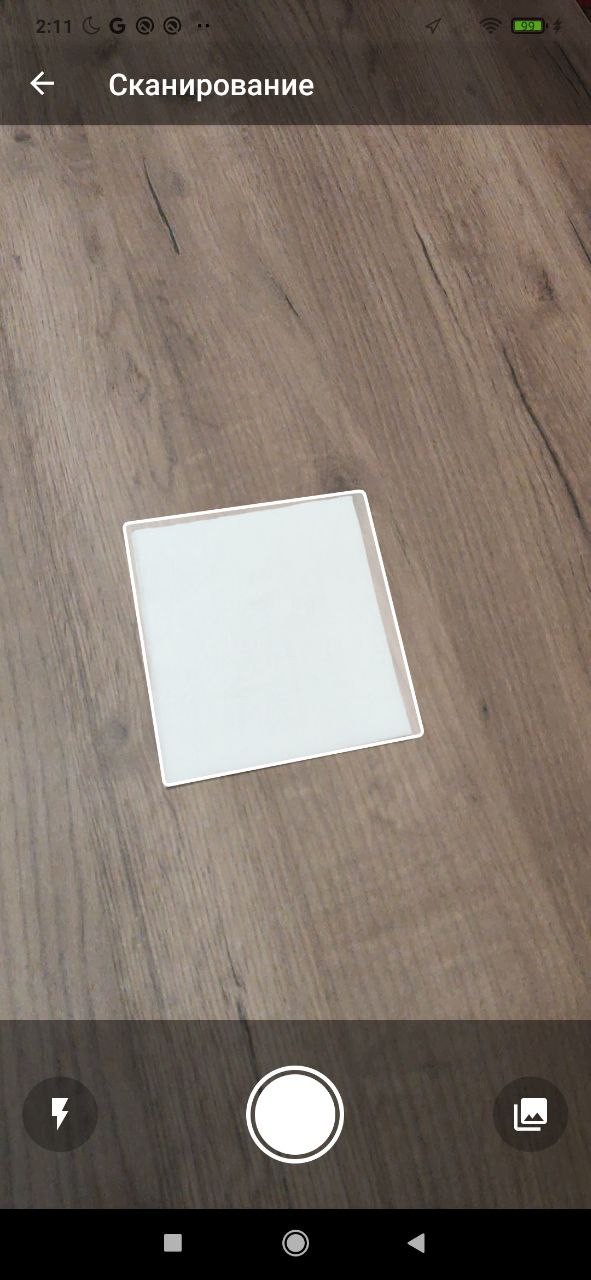
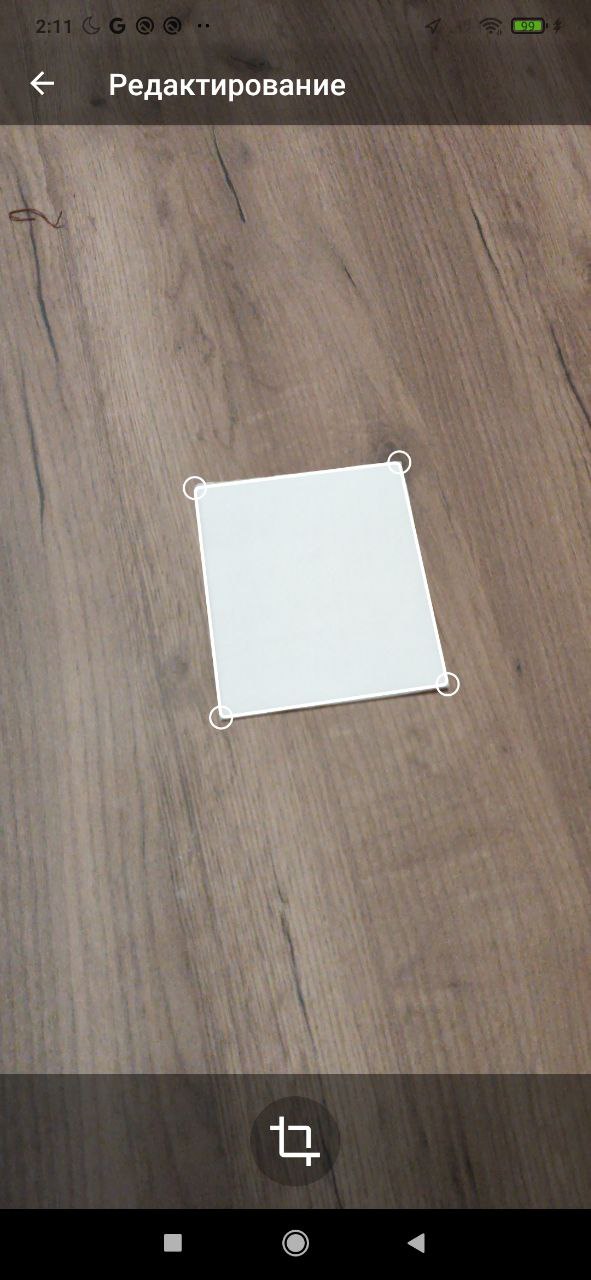
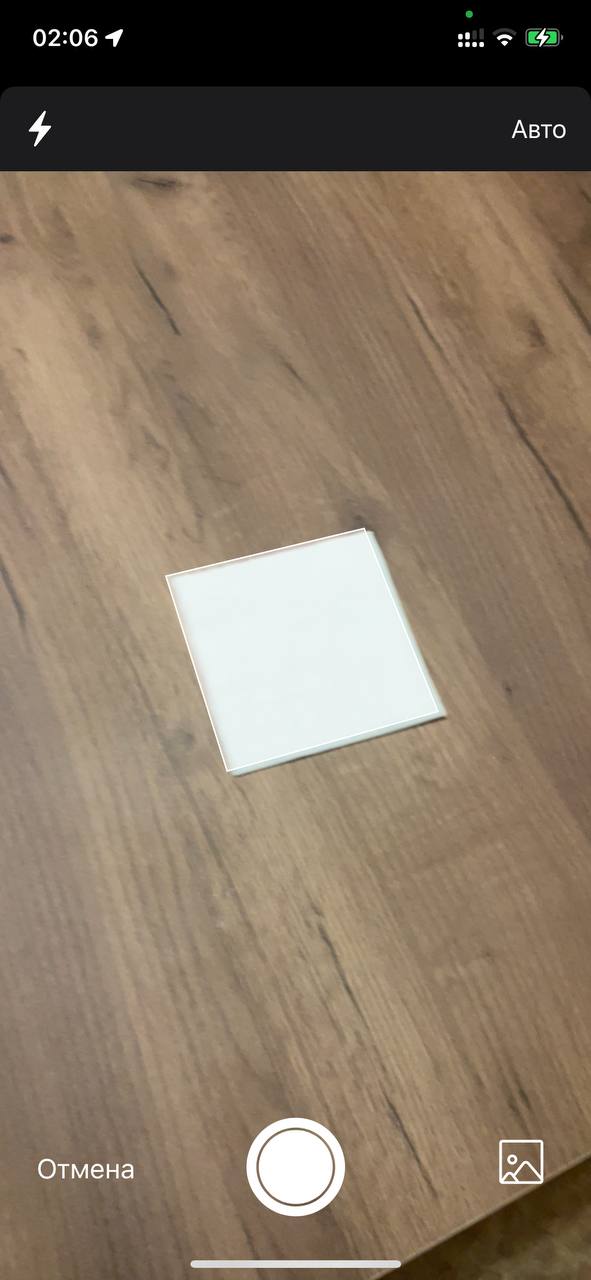
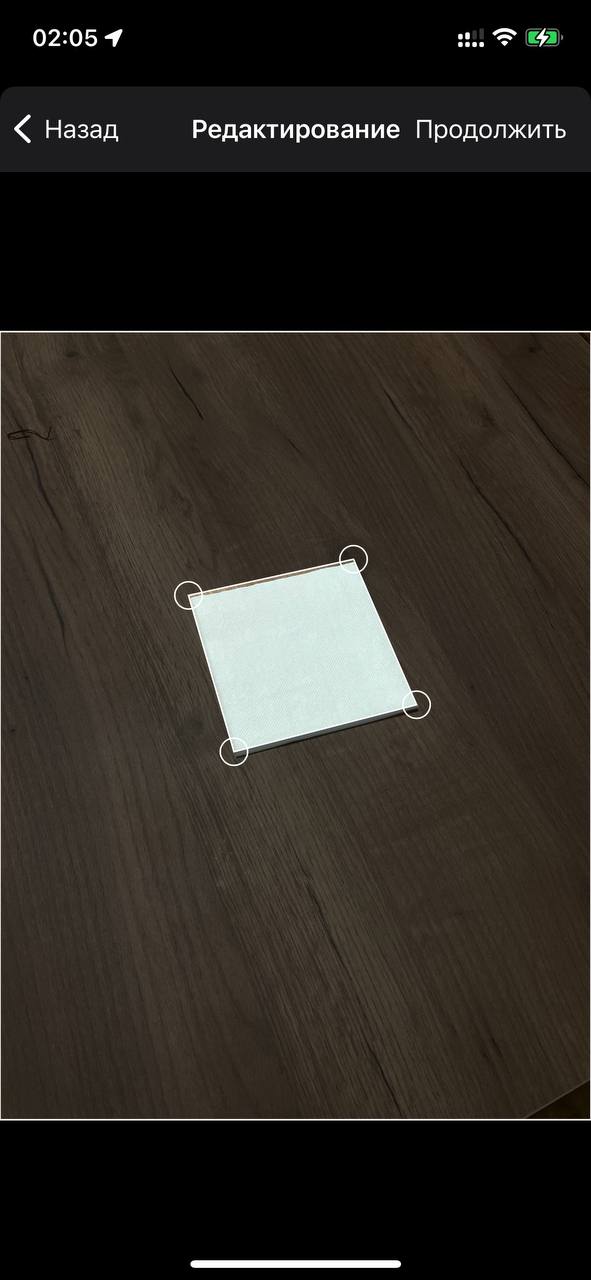
A flutter plugin to detect edges of objects, scan paper, detect corner, detect rectangle. It allows cropping of the detected object image and returns the path of the cropped image.
Package selection guidance compiled from public package information, community data, and project usage.
A Flutter plugin for detecting edges, corners, and rectangles in images, ideal for document scanning. It enables automatic cropping of detected objects and returns the path to the cropped image. Designed for use in OCR and computer vision applications, it supports both Android and iOS platforms. The plugin leverages image processing techniques to identify boundaries and optimize scanned documents.
Use cases
Document scanning
Image cropping
Paper digitization
Object boundary detection
OCR preprocessing
Rectangle detection
Key features
Edge detection
Corner detection
Rectangle identification
Automatic image cropping
Returns cropped image path
Cross-platform support (Android & iOS)
Suitable for
Mobile document scanners
OCR applications
Image processing tools
Educational apps
Photography enhancement tools
Considerations
Requires camera access permissions
Performance may vary on low-end devices
Best results with high-contrast images
Limited to 2D edge detection
May need preprocessing for blurry images
Original README
Original README snapshot from the linked source repository. Visit the repository for the latest content.
edge_detection
A flutter plugin to detect edges of objects, scan paper, detect corners, detect rectangles. It allows cropping of the detected object image and returns the path of the cropped image.
Usage:
iOS
iOS 13.0 or higher is needed to use the plugin. If compiling for any version lower than 13.0 make sure to check the iOS version before using the plugin. Change the minimum platform version to 13 (or higher) in your ios/Podfile file, and inform/request access to the permissions acording with permission_handler
post_install do |installer|
  installer.pods_project.targets.each do |target|
    flutter_additional_ios_build_settings(target)
    target.build_configurations.each do |config|
      config.build_settings['GCC_PREPROCESSOR_DEFINITIONS'] ||= [
        '$(inherited)',

        ## dart: PermissionGroup.camera
         'PERMISSION_CAMERA=1',

        ## dart: PermissionGroup.photos
         'PERMISSION_PHOTOS=1',
      ]

    end
    # End of the permission_handler configuration
  end
end
Fix build on xCode 15
Add this line to your Podfile in your project:
pod 'WeScan', :path =>'.symlinks/plugins/edge_detection/ios/WeScan-3.0.0'
=> like this below:
target 'Runner'do
use_frameworks!
use_modular_headers!
pod 'WeScan', :path => '.symlinks/plugins/edge_detection/ios/WeScan-3.0.0'
flutter_install_all_ios_pods File.dirname(File.realpath(__FILE__))
end
Add below permission to the ios/Runner/Info.plist:
one with the key Privacy - Camera Usage Description and a usage description.
Or in text format add the key:
<key>NSCameraUsageDescription</key><string>Can I use the camera please?</string><key>NSPhotoLibraryUsageDescription</key><string>Can I use the photos please?</string><key>NSPhotoLibraryAddUsageDescription</key><string>Can I use the photos please?</string>
Add to your need localizations to your app through XCode for localize actions buttons from WeScan (https://github.com/WeTransfer/WeScan/tree/master/WeScan/Resources/Localisation)
Android
The plugin code is written in kotlin 1.8.0 so the same has to be set to the android project of yours for compilation.
Change the kotlin_version to 1.8.0 in your android/build.gradle file.
ext.kotlin_version = '1.8.0'
Change the minimum Android SDK version to 21 (or higher) in your android/app/build.gradle file.
minSdkVersion 21
Add dependency:
Please check the latest version before installation.
// Check permissions and request itsbool isCameraGranted = awaitPermission.camera.request().isGranted;
if (!isCameraGranted) {
isCameraGranted = awaitPermission.camera.request() == PermissionStatus.granted;
}
if (!isCameraGranted) {
// Have not permission to camerareturn;
}
// Generate filepath for savingString imagePath = join((awaitgetApplicationSupportDirectory()).path,
"${(DateTime.now().millisecondsSinceEpoch / 1000).round()}.jpeg");
// Use below code for live camera detection with option to select from gallery in the camera feed.try {
//Make sure to await the call to detectEdge.bool success = awaitEdgeDetection.detectEdge(imagePath,
canUseGallery: true,
androidScanTitle: 'Scanning', // use custom localizations for android
androidCropTitle: 'Crop',
androidCropBlackWhiteTitle: 'Black White',
androidCropReset: 'Reset',
);
} catch (e) {
print(e);
}
// Use below code for selecting directly from the gallery.try {
//Make sure to await the call to detectEdgeFromGallery.bool success = awaitEdgeDetection.detectEdgeFromGallery(imagePath,
androidCropTitle: 'Crop', // use custom localizations for android
androidCropBlackWhiteTitle: 'Black White',
androidCropReset: 'Reset',
);
} catch (e) {
print(e);
}