Search packages, repositories and app categories

languagetool_textfield cover
Package detailsv1.0.0

languagetool_textfield

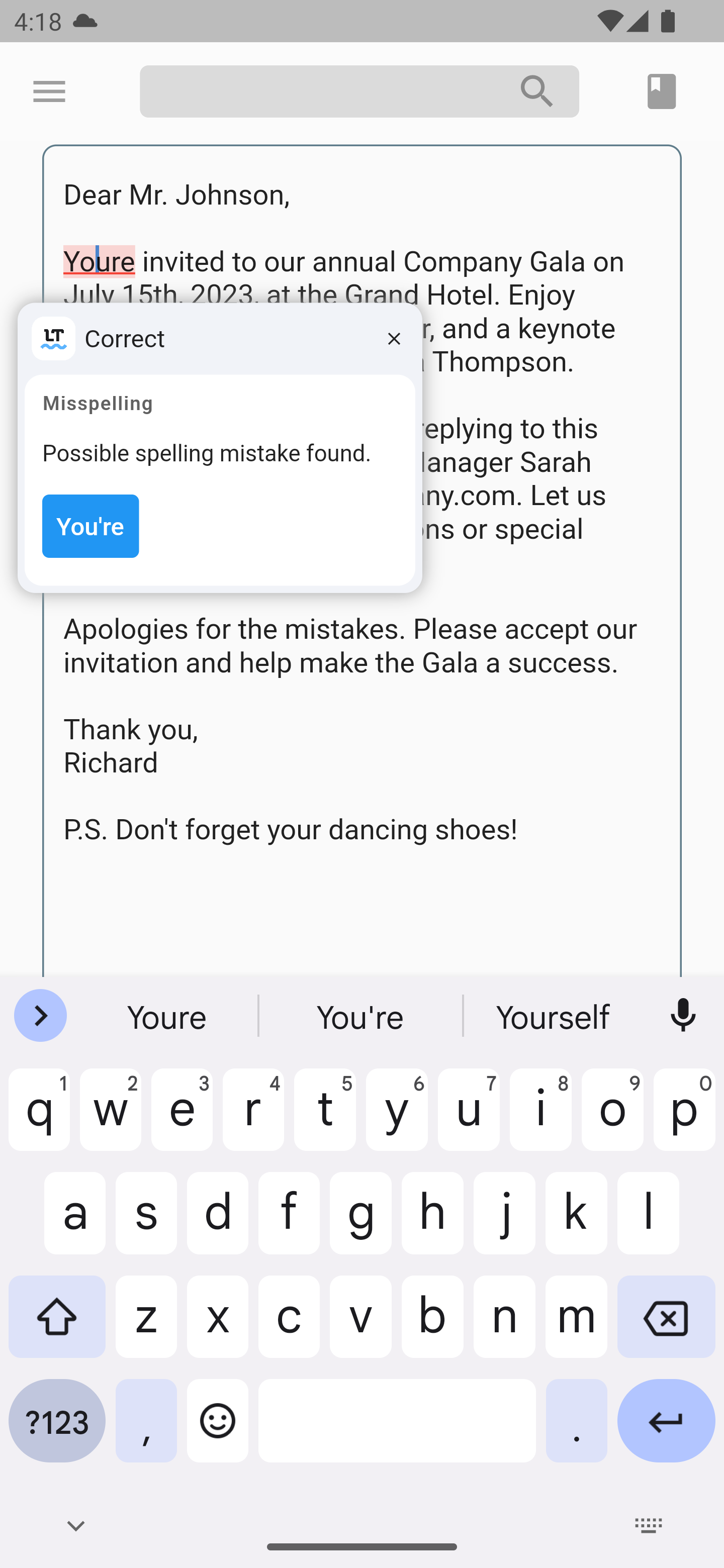
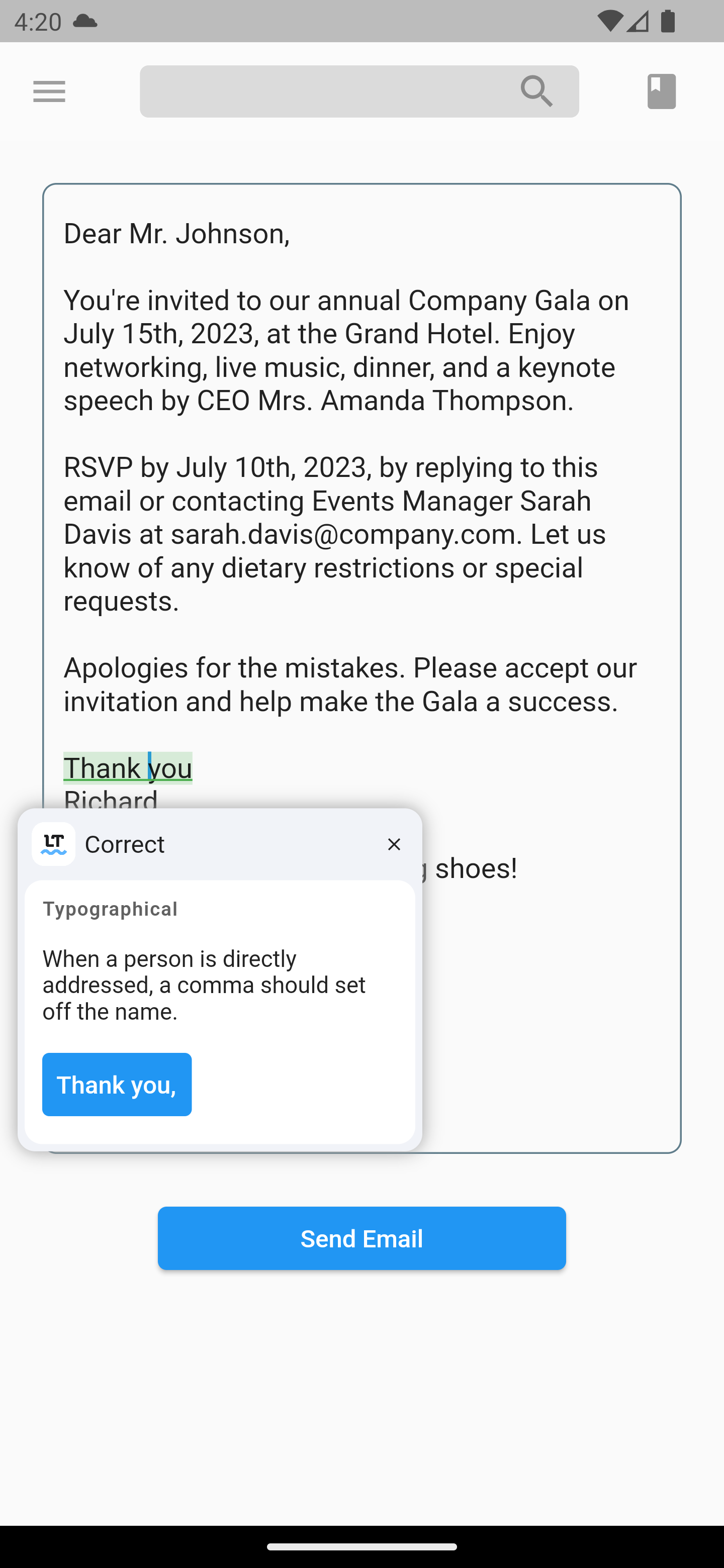
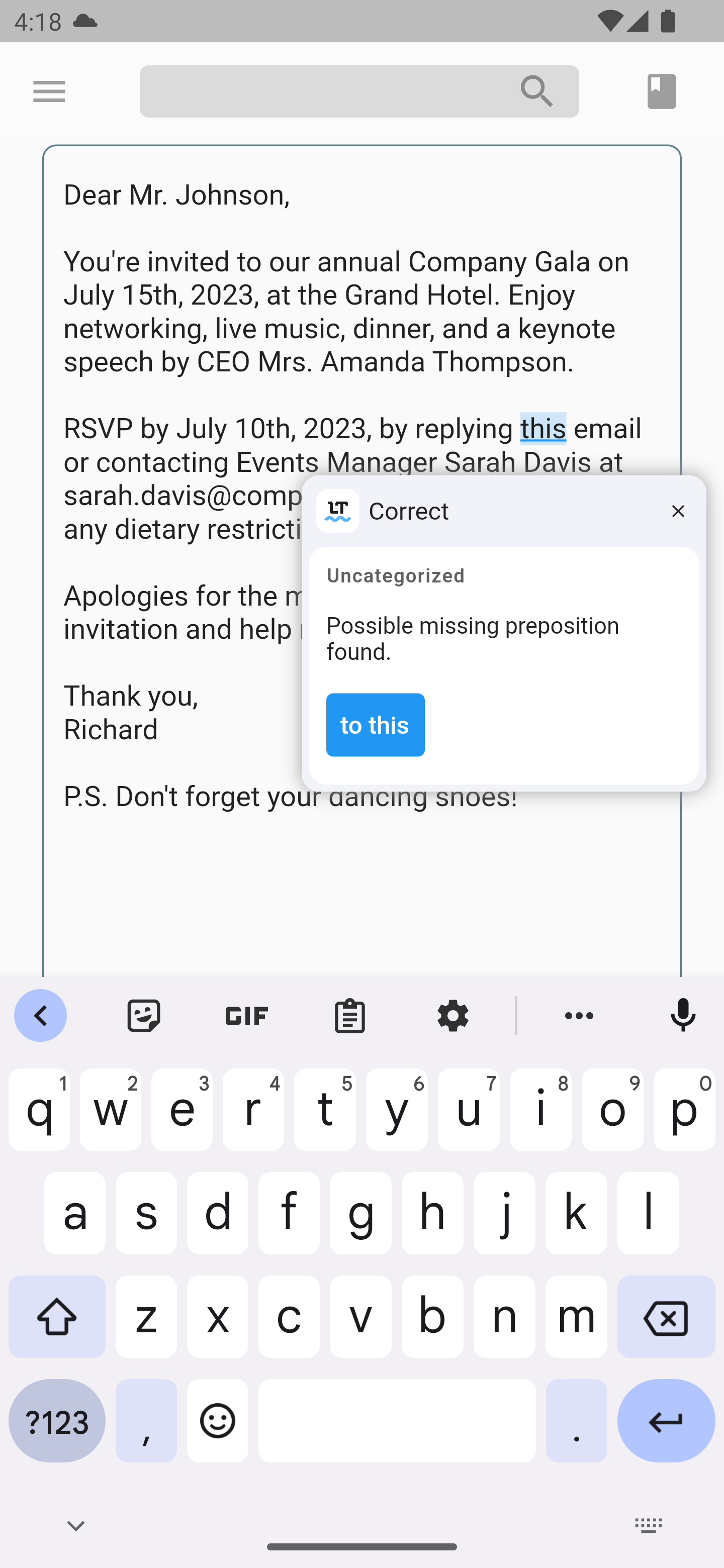
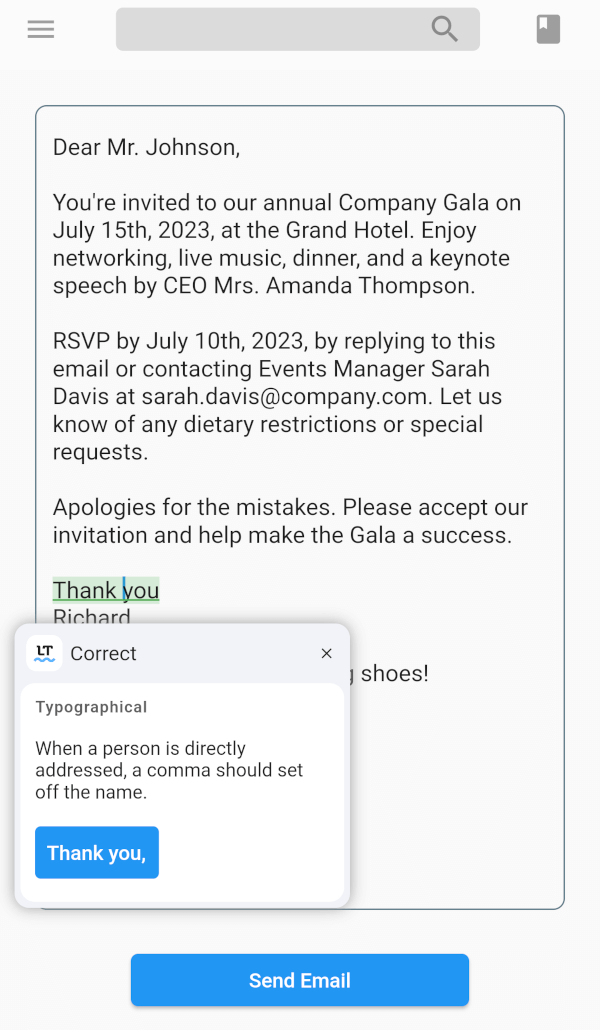
The LanguageTool TextField package is a spell-checker designed for Flutter apps. This is useful for apps that need text input like messaging, notes, and email.

iOSWeb
30-day downloads
1.6K
Likes
94
Pub points
160

Install package

flutter pub add languagetool_textfield

Package Overview

Package selection guidance compiled from public package information, community data, and project usage.

The LanguageTool TextField package enhances Flutter applications with real-time spell and grammar checking for text input fields. Built for apps requiring accurate text entry—such as messaging, note-taking, and email clients—it integrates seamlessly with the LanguageTool API to provide instant feedback on spelling and grammatical errors. Designed for iOS and web platforms, it supports multilingual text validation and improves user input quality without disrupting workflow. The package is lightweight and easy to implement via a simple pub add command.

Use cases

  • Real-time spell checking in messaging apps
  • Grammar validation in note-taking tools
  • Error detection in email composition
  • Multilingual text input verification
  • Enhancing user input accuracy

Key features

  • Live spell and grammar checking
  • Supports multiple languages
  • Lightweight integration with Flutter
  • Cross-platform (iOS and Web)
  • Simple setup via pub.dev
  • API-powered error detection

Suitable for

  • Developers building text-heavy Flutter apps
  • Apps requiring high input accuracy
  • Educational or writing-focused applications
  • Multi-language support needs
  • Teams prioritizing user experience in text input

Considerations

  • Requires internet connection for API access
  • May have latency depending on network speed
  • Limited customization of error suggestions
  • Depends on third-party LanguageTool service
  • Potential data privacy considerations for sensitive text

Original README

Original README snapshot from the linked source repository. Visit the repository for the latest content.

LanguageTool TextField

style: solid langtool

Providing powerful spell-checking and grammar correction capabilities.


Features

The LanguageTool TextField package is a spell-checker designed for Flutter apps. It integrates with the LanguageTool API to offer real-time spell-checking capabilities. This package will enhance text input accuracy by automatically detecting and highlighting spelling errors as users type.

It's particularly useful for apps that require precise text input, like chat or note-taking apps. By using the LanguageTool TextField package, developers can improve the user experience by providing an intuitive and reliable spell-checking feature.

Getting started

  1. Run this command:
flutter pub add languagetool_textfield
  1. Import the package:
import 'package:languagetool_textfield/languagetool_textfield.dart';

Quick Start

To start using the plugin, copy this code or follow the example project in 'languagetool_textfield/example'

// Create a text controller for the Widget
final _controller = LanguageToolController();

// Use the text field widget in your layout
child: LanguageToolTextField(
  controller: _controller,

  // A language code like en-US, de-DE, fr, or auto to guess
  // the language automatically.
  // language = 'auto' by default.
  language: 'en-US',
);

// Don't forget to dispose the controller
_controller.dispose();

Using Debounce and Throttle in LanguageTool TextField

To incorporate the debounce or throttle functionality into the LanguageTool TextField, follow these:

Create a LanguageToolController and provide the desired debounce/throttle delay duration and delay type:

final _controller = LanguageToolController(
  // If the delay value is [Duration.zero], no delay is applied.
  delay: Duration(milliseconds: 500), // Set the debounce/throttle delay duration here
  delayType: DelayType.debouncing, // Choose either DelayType.debouncing or DelayType.throttling
);

DelayType.debouncing - Calls a function when a user hasn't carried out the event in a specific amount of time.

DelayType.throttling - Calls a function at intervals of a specified amount of time while the user is carrying out the event.

Legal

This is an unofficial plugin. We are not affiliated with LanguageTool. All logos are of their respected owners.

Current issues

Current issues list is here.
Found a bug? Open the issue.

Categories

Dependencies

Dependency list 6 items

Source repository

Projects using this package