
v4.7.3
get
Open screens/snackbars/dialogs without context, manage states and inject dependencies easily with GetX.
15.6KLikes 764K30-day downloads140Pub points
AndroidiOSWebmacOSWindowsLinux
A cross-platform app ecosystem, bringing iMessage to Android, PC (Windows, Linux, & even macOS), and Web!

Open screens/snackbars/dialogs without context, manage states and inject dependencies easily with GetX.
 v3.0.0
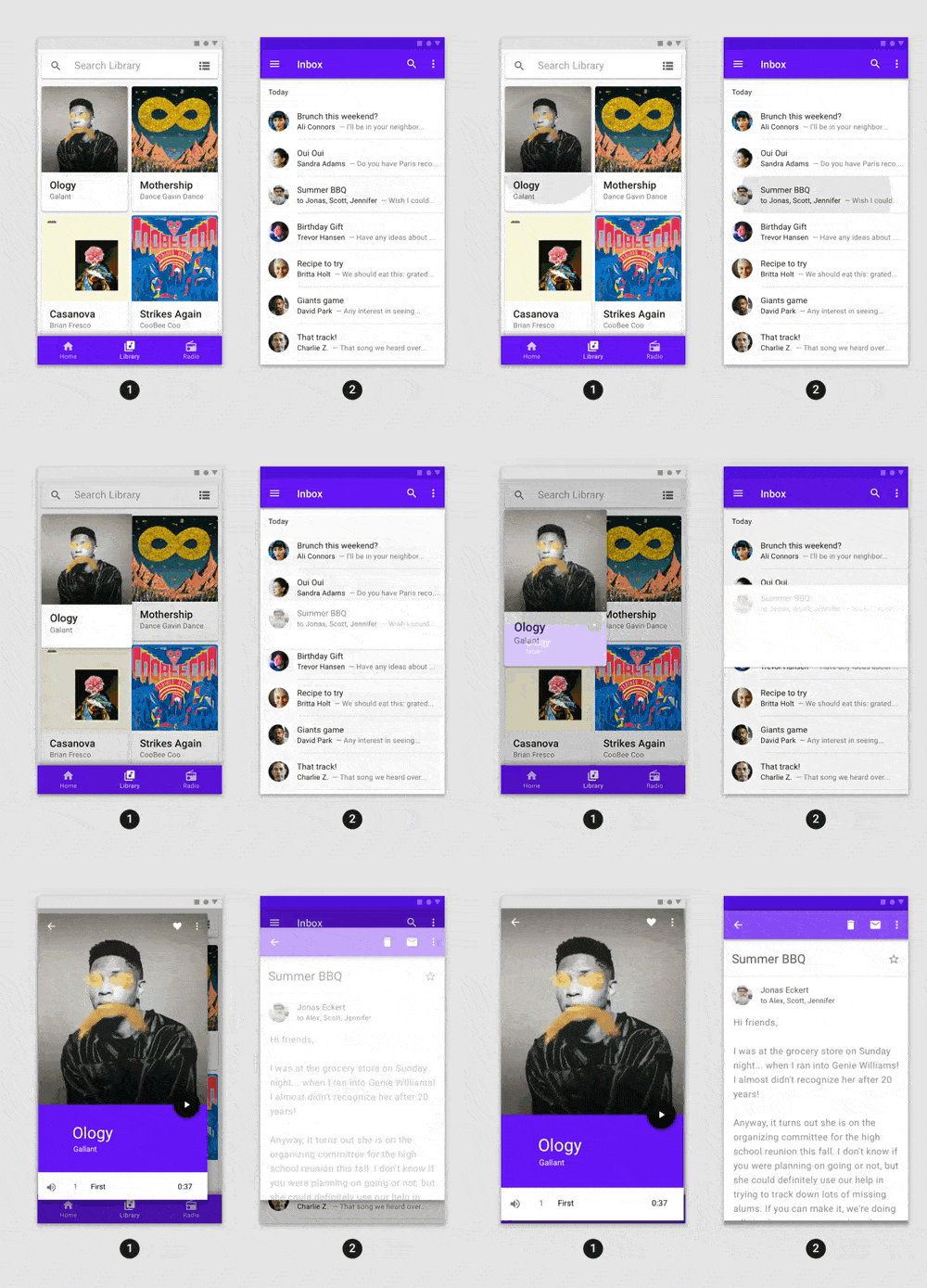
Fancy pre-built animations that can easily be integrated into any Flutter application.
Flutter plugin for Google Sign-In, a secure authentication system for signing in with a Google account.
Flutter plugin to allow local authentication via biometrics, passcode, pin, or pattern.
 v2.14.1
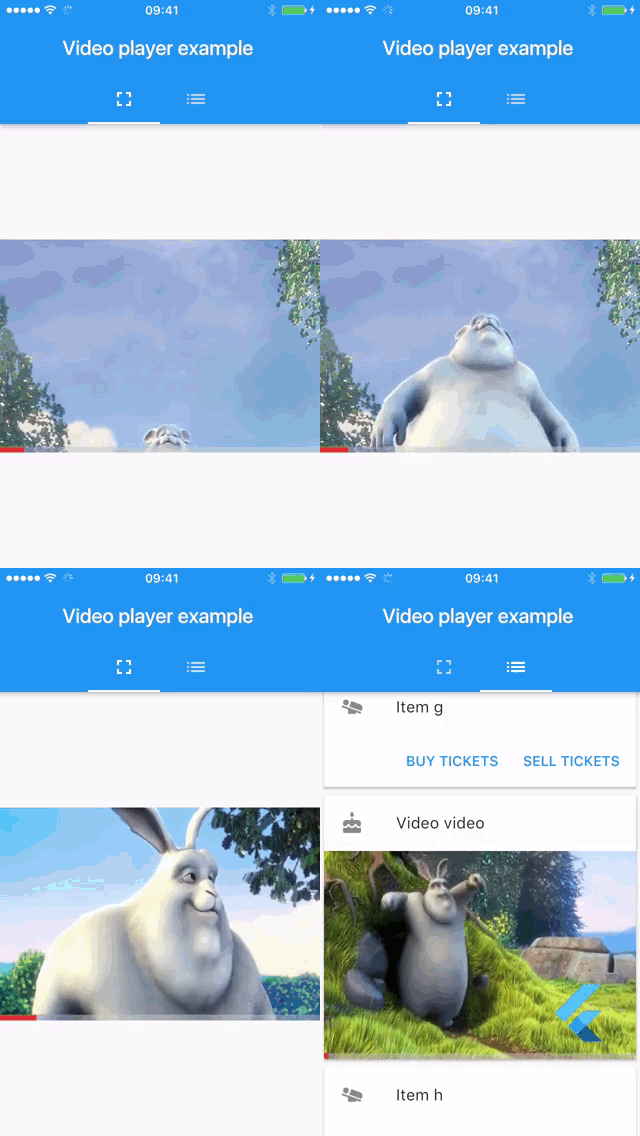
Flutter plugin for displaying inline video with other Flutter widgets on Android, iOS, macOS and web.
 v0.7.0
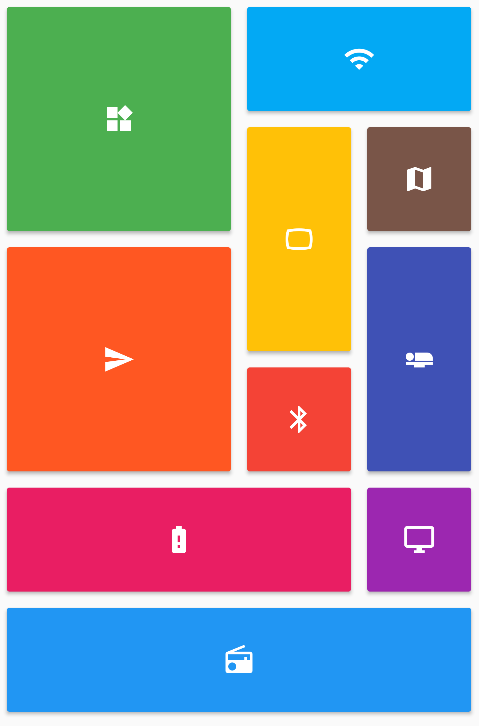
Provides a collection of Flutter grids layouts (staggered, masonry, quilted, woven, etc.).
 v8.3.2
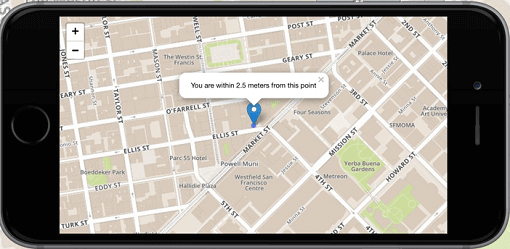
Flutter's №1 non-commercially aimed map client: it's easy-to-use, versatile, vendor-free, fully cross-platform, and 100% pure-Flutter
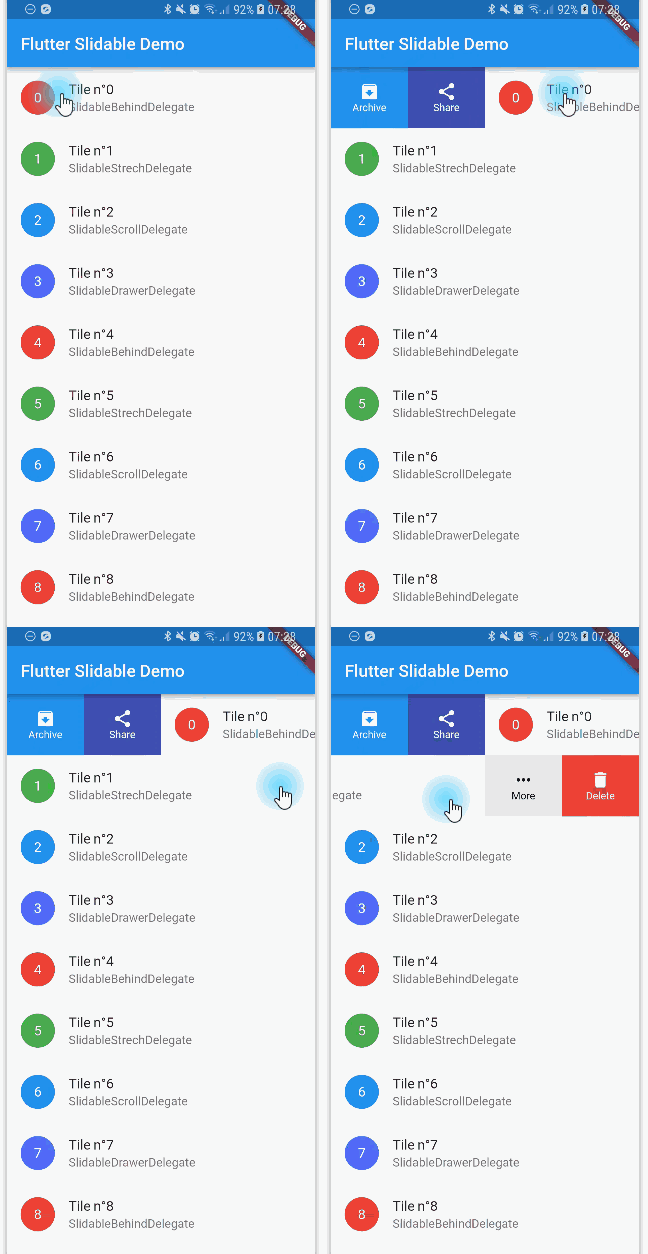 v4.0.3
A Flutter implementation of slidable list item with directional slide actions that can be dismissed.
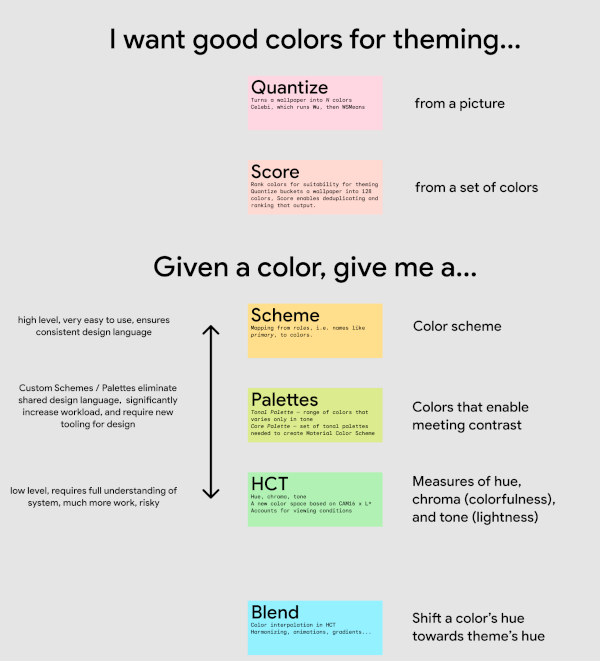 v0.13.1
Algorithms and utilities that power the Material Design 3 color system, including choosing theme colors from images and creating tones of colors; all in a new color space.
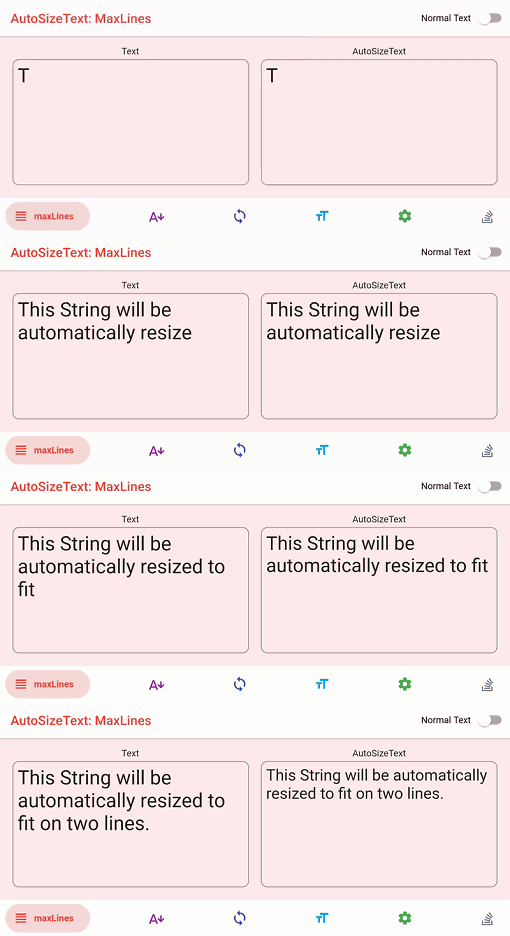 v3.0.0
Flutter widget that automatically resizes text to fit perfectly within its bounds.
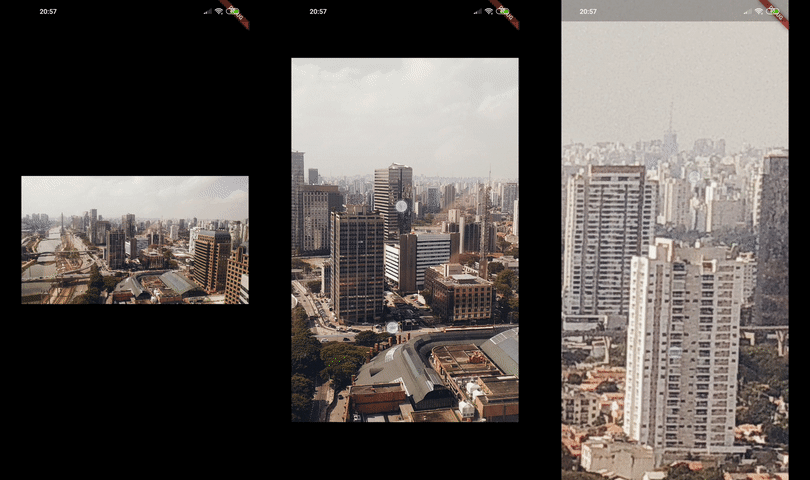 v0.15.0
Photo View provides a gesture sensitive zoomable widget. Photo View is largely used to show interactive images and other stuff such as SVG.
Flutter plugin for discovering information (e.g. WiFi details) of the network.
{"sdk":"flutter"}^3.7.1+2^5.1.1^2.0.11^0.1.5^7.0.0^4.0.7^1.1.1^2.0.2^3.0.0^0.1.6^1.4.2^1.19.0^0.8.0^7.3.0^2.0.0^1.0.2^1.0.8^0.0.2{"git":{"url":"https://github.com/jjoelj/flutter-plugins.git","ref":"83d5f846f83307b115191a80a1e9ecbda9804570","path":"packages/desktop_drop"}}{"git":{"url":"https://github.com/BlueBubblesApp/flutter_desktop_webview_auth.git","ref":"webkit2gtk-4.1"}}^11.3.0^1.0.3^5.9.0^1.1.46^1.8.1^2.0.3^4.3.0^5.1.0^3.3.0^2.2.0^3.6.2^2.3.1^11.0.2^1.1.0{"git":{"url":"https://github.com/appsup-dart/firebase_dart.git","ref":"beb79f70a2bb0e96e6bb9fdebac2ff452f138950","path":"packages/firebase_dart"}}^1.2.0^3.7.1^8.1.1^1.1.4^6.0.1^0.7.0^2.4.0^0.0.3^6.0.0^22.0.1^8.1.0^1.0.7^0.4.0^4.0.1^2.1.1^0.7.0^2.2.0^5.0.2^8.2.14^14.0.2{"git":{"url":"https://github.com/BlueBubblesApp/xgesture_flutter.git","ref":"d63342cb17976f60bd94e7c1a822398115d3f83c"}}^4.7.2^1.0.3^9.25.0^8.0.2^0.15.3^0.13.0^7.1.1^3.1.0+2^2.6.1+7^4.5.4^1.2.0^2.4.1^2.0.11^3.0.0^0.0.3^0.1.1^0.5.1^3.0.1^3.0.0+1^2.6.1^0.13.0^1.2.2^2.0.0^1.0.7^1.0.1^7.2.0^3.18.0^0.0.2^1.5.0^7.0.0^6.0.3^2.1.2^5.3.1anyanyany^0.5.24^1.0.0^4.7.0^9.0.1^3.2.0^0.5.0^2.1.5^2.2.1^2.3.0^3.11.3^12.0.1^3.9.0^0.15.0^5.14.2^0.10.2^4.1.0^0.2.7^6.1.1^0.6.0^4.0.1^0.2.0^3.0.1^4.1.0^12.0.1^2.5.3^2.4.10^2.4.2^3.0.0^5.1.0^2.1.3^3.3.0+1^2.0.0^2.0.1^3.1.2^3.0.1^1.8.0^3.3.0+3^2.1.1^0.5.1^0.5.1^5.0.2^2.2.4^2.2.2^6.3.2^1.0.2^3.0.2^2.10.0^0.2.5^5.10.1^0.5.1^1.1.2^0.0.1anyanyanyanyanyanyanyanyanyanyanyany^2.7.1^3.1.0^0.14.3^6.0.0^6.0.0anyEnglish project snapshot. Visit GitHub for the latest content.
BlueBubbles is an open-source, cross-platform ecosystem of apps that brings iMessage to Android, Windows, Linux, and the web. Send messages, media, reactions, and more — all from your non-Apple devices.
Note: BlueBubbles requires a Mac running the BlueBubbles Server and an active Apple ID. A macOS virtual machine on Windows or Linux works as well.
With optional Private API setup, you can unlock deeper iMessage integration:
Private API features require additional configuration. See the Private API setup guide for instructions.
| Chat List | Message View | Private API Features |
| https://raw.githubusercontent.com/BlueBubblesApp/bluebubbles-app/master/screenshots/Samsung%20Galaxy%20S10%2B%20Prism%20Black%20-%20imessage_framed.png | https://raw.githubusercontent.com/BlueBubblesApp/bluebubbles-app/master/screenshots/Samsung%20Galaxy%20S10+%20Prism%20Black%20-%20messaging_framed.png | https://raw.githubusercontent.com/BlueBubblesApp/bluebubbles-app/master/screenshots/Samsung%20Galaxy%20S10+%20Prism%20Black%20-%20privateAPI_framed.png |
The client is also available on:
We have an active and welcoming community. Come say hello, get help, or follow along with development:
Contributions are always welcome. Whether it's fixing a bug, improving performance, or adding a new feature — we appreciate the help.
Before getting started, please read CONTRIBUTING.md for setup instructions and code conventions.
To report a bug or request a feature, open an issue on GitHub. Please search before opening a new ticket.
BlueBubbles is free and open-source, maintained entirely by volunteers. If you find the project valuable, consider supporting its development:
| signpath | Free code signing on Windows provided by SignPath.io, certificate by SignPath Foundation |
|---|
BlueBubbles is released under the terms of the LICENSE file in this repository.