Secure app content visibility when user leave app. It will hide content in the app switcher and display a frost barrier above locked content when the user get backs
Package selection guidance compiled from public package information, community data, and project usage.
The secure_application package enhances app security by ensuring sensitive content is hidden when the user leaves the app. It prevents content from being visible in the app switcher and applies a frost barrier overlay on locked content upon return, protecting privacy. Designed for Android, iOS, Web, and Windows, it integrates seamlessly into Flutter apps to safeguard user data during background transitions. The package leverages platform-specific features to maintain security without compromising usability.
Use cases
Protecting sensitive UI elements during app switching
Securing personal or confidential data in apps
Preventing screenshot leaks in multi-user environments
Ensuring privacy in healthcare or finance applications
Maintaining compliance with data protection standards
Key features
Hides app content in the app switcher
Applies a frost barrier overlay on return
Cross-platform support (Android, iOS, Web, Windows)
Minimal integration effort
Platform-native security mechanisms
Suitable for
Privacy-focused mobile and desktop apps
Financial and healthcare applications
Multi-user device environments
Apps requiring GDPR or HIPAA compliance
Developers prioritizing user data protection
Considerations
Requires appropriate platform permissions
May impact performance on low-end devices
Frost barrier effect may not be visible on all screen types
Not a substitute for full app encryption
User experience may vary across platforms
Original README
Original README snapshot from the linked source repository. Visit the repository for the latest content.
previously nammed secure_window
secure_application
This plugin allow you to protect your application content from view on demand
Pluggin in iOS is in swift
Pluggin in Android is in Kotlin / AndroidX libraries
Pluggin is also working for web
Plugin work for windows (will lock when you minimize the window and lock screen)
Usage
Installation
Add secure_application as a dependency in your pubspec.yaml file (what?).
SecureApplication(
        onNeedUnlock: (secure) => print(
            'need unlock maybe use biometric to confirm and then use sercure.unlock()'),
        child: MyAppContent(),
)
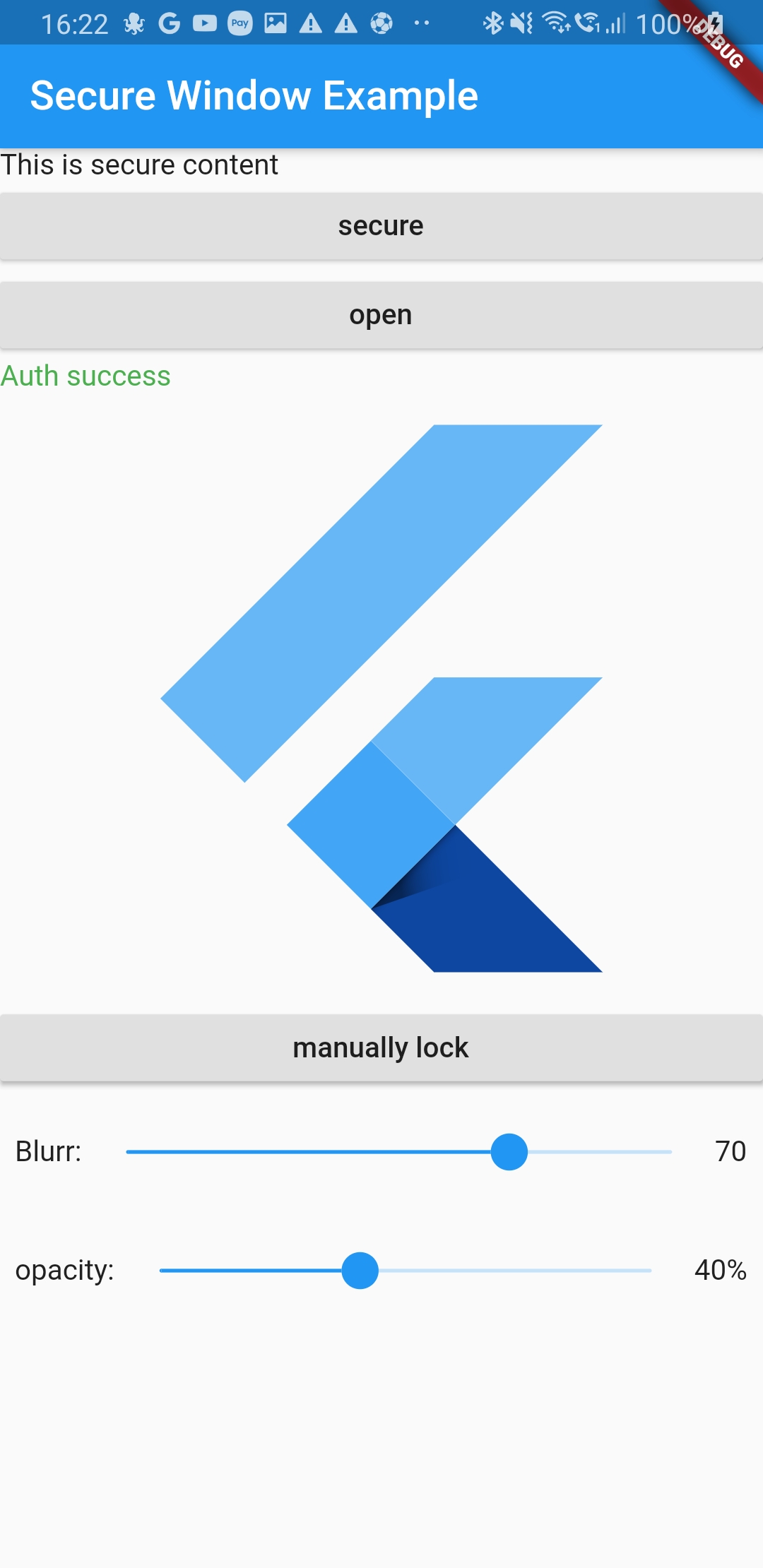
Put the content you want to protect in a SecureGate (could be the whole app)
Secure application is in MaterialApp/Builder so just above your app naviagator
I wrap the route i want to protect in onGenerateRoute with a SecureGate but you could put it anywhare you want if you only want to protect part of your page
Ask validation will display a dialog above everything to ask is you want to unlock app or not
if the user switch app or leave app the content will not be visible in the app switcher
and when it goes back to the app it will lock it
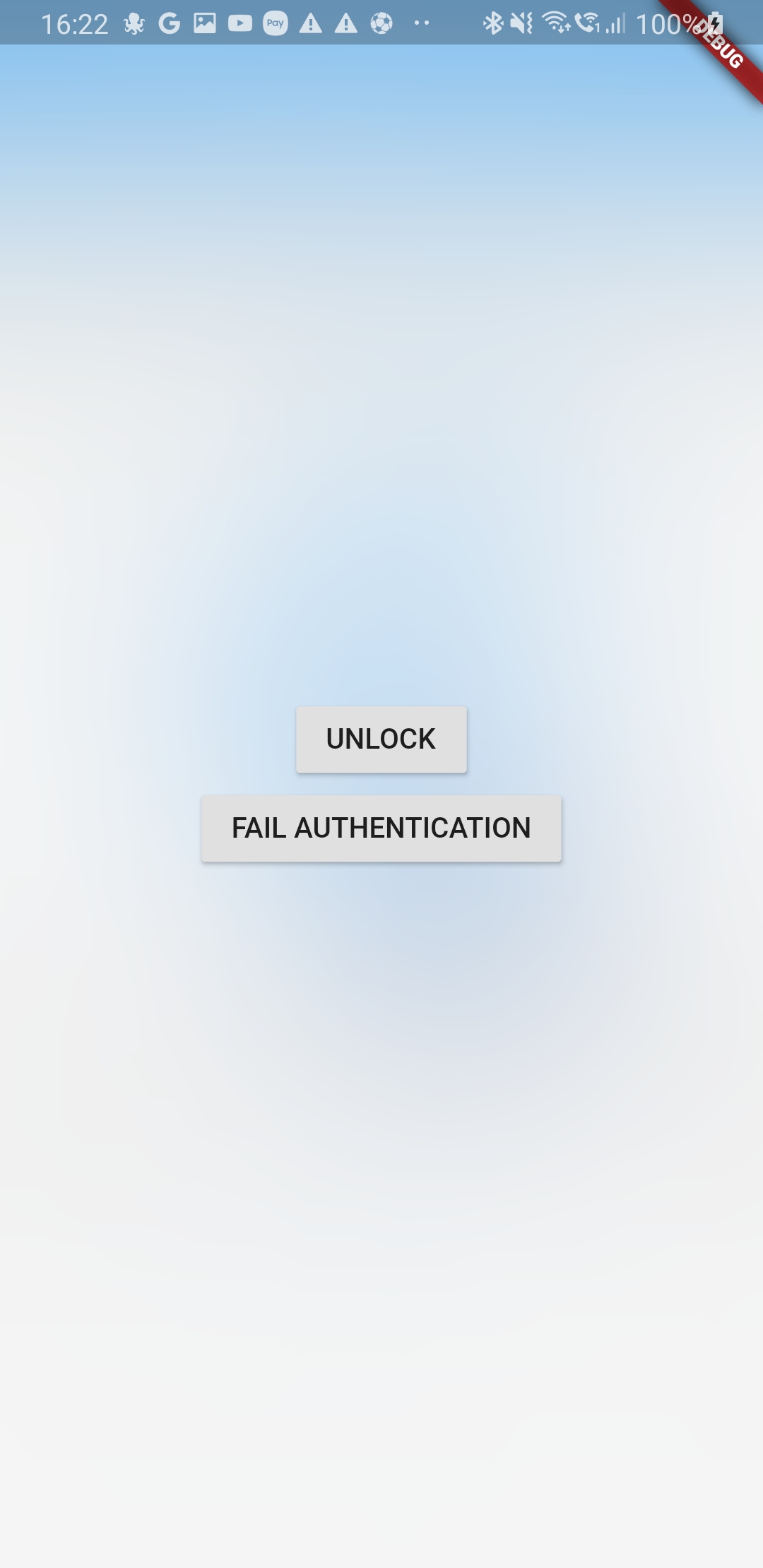
locked
the child of the SecureGates will be hidden bellow the blurry barrier
paused
even if secured SecureGates will not activate when user comes back to the app
authenticated
last authentication status. To help you manage visibility of some elements of your UI
depending on auth status
secureApplicationController.authFailed() will set it to false
secureApplicationController.authLogout() will set it to false
secureApplicationController.authSuccess() will set it to true
You could use the authenticationEvents for the same purpose as it is a BehaviorSubject stream
Streams
There is two different BehaviorStream (emit last value when you subscribe):
authenticationEvents: When there is a successful or unsucessful authentification (you can use it for example to clean your app if authentification is not successful)
lockEvents: Will be called when the application lock or unlock. Usefull for example to pause media when the app lock
Example
Look at example app to see a use case
Authentication
This tool does not impose a way to authenticate the user to give them back access to their content
You are free to use your own Widget/Workflow to allow user to see their content once locked (cf SecureApplication widget argument onNeedUnlock)
On Android as soon as you secure the application the user will not be able to capture the screen in the app (even if unlocked)
We might give an option to allow screenshot as an option if need arise
iOS
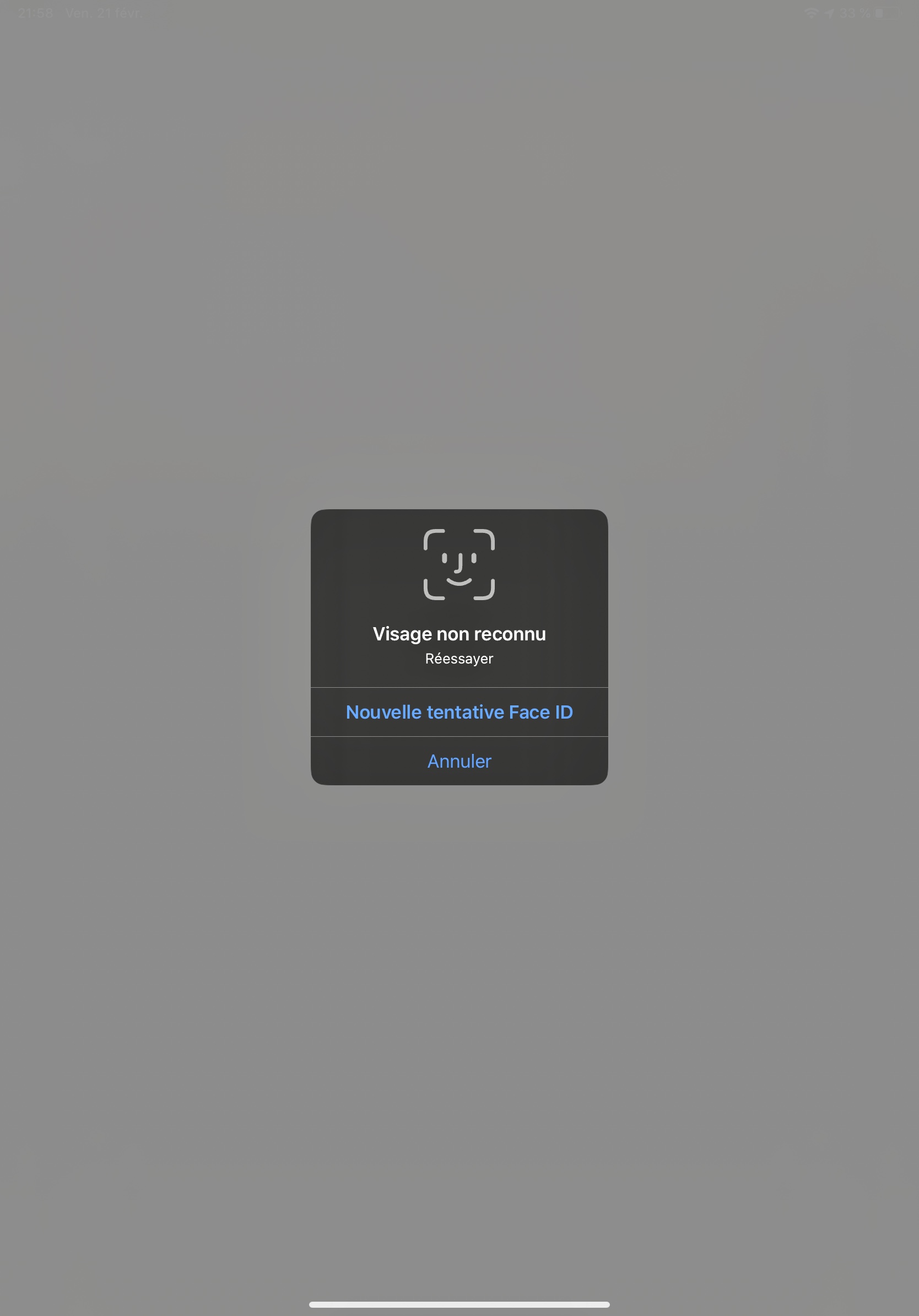
Contrary to Android we create a native frosted view over your app content so that content is not visible in the app switcher.
When the user gets back to the app we wait for ~500ms to remove this view to allow time for the app to woke and flutter gate to draw
Widgets
SecureApplication
Api Doc
this widget is required and need to be a parent of any Gate
it provides to its descendant a SecureApplicationProvider that allow you to secure or open the application
You can pass you own initialized SecureApplicationController if you want to set default values
SecureGate
Api Doc
The child of this widget will be below a blurry barrier (control the amount of blurr and opacity with its arguments)
if the provided SecureApplicationController is locked
When app will become inactive we add a top view with a blurr filter
We remove this app 500ms after the app become active to avoid your content form being breifly visible