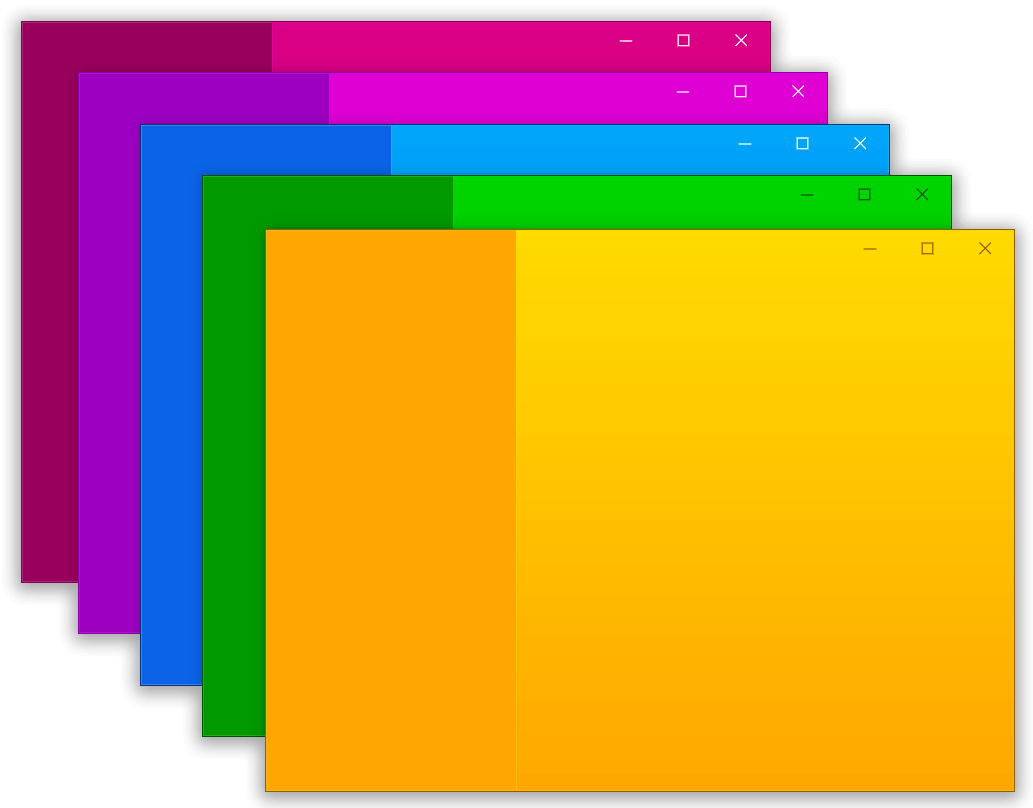
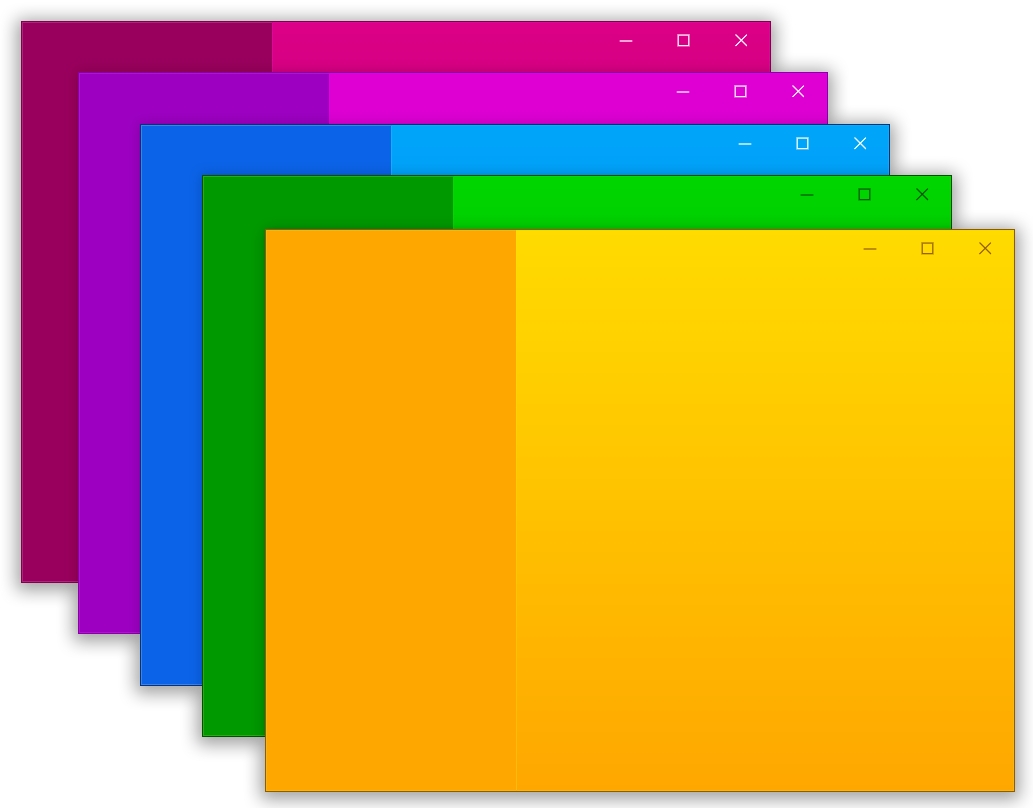
A package to help with creating custom windows with Flutter desktop (custom border, titlebar and minimize/maximize/close buttons) and common desktop window operations (show/hide/position on screen) for Windows and macOS
Package selection guidance compiled from public package information, community data, and project usage.
bitsdojo_window is a Flutter package designed for building custom desktop windows on Windows, macOS, and Linux. It enables developers to create visually distinct windows with custom borders, title bars, and control buttons (minimize, maximize, close). The package supports essential window operations like showing, hiding, and positioning windows on screen. Ideal for applications requiring a native-like yet highly customizable UI experience across desktop platforms.
Use cases
Custom window design for desktop apps
Creating branded or unique UIs
Implementing custom title bars
Managing window visibility and position
Cross-platform desktop app development
Key features
Custom window borders and title bars
Built-in minimize/maximize/close buttons
Window show/hide and positioning
Support for Windows, macOS, and Linux
Easy integration with Flutter desktop apps
Suitable for
Developers building desktop-first Flutter apps
Designers wanting full control over window appearance
Apps needing cross-platform desktop compatibility
Teams creating polished desktop user experiences
Considerations
Requires Flutter desktop setup
Limited customization beyond provided controls
May need platform-specific styling adjustments
Not suitable for mobile or web platforms
Original README
Original README snapshot from the linked source repository. Visit the repository for the latest content.
bitsdojo_window
A Flutter package that makes it easy to customize and work with your Flutter desktop app window on Windows, macOS and Linux.
Watch the tutorial to get started. Click the image below to watch the video:
Features:
Custom window frame - remove standard Windows/macOS/Linux titlebar and buttons
Hide window on startup
Show/hide window
Move window using Flutter widget
Minimize/Maximize/Restore/Close window
Set window size, minimum size and maximum size
Set window position
Set window alignment on screen (center/topLeft/topRight/bottomLeft/bottomRight)
Set window title
Getting Started
Add the package to your project's pubspec.yaml file manually or using the command below:
If you don't want to use a custom frame and prefer the standard window titlebar and buttons, you can remove the BDW_CUSTOM_FRAME flag from the code above.
If you don't want to hide the window on startup, you can remove the BDW_HIDE_ON_STARTUP flag from the code above.
For Linux apps
Inside your application folder, go to linux\my_application.cc and change the code look like this: