
v6.1.5+1
provider
A wrapper around InheritedWidget to make them easier to use and more reusable.
11KLikes 1.2M30-day downloads150Pub points
AndroidiOSWebmacOSWindowsLinux
A GUI package manager and package installer for Windows Subsystem for Android (WSA)
English project snapshot. Visit GitHub for the latest content.
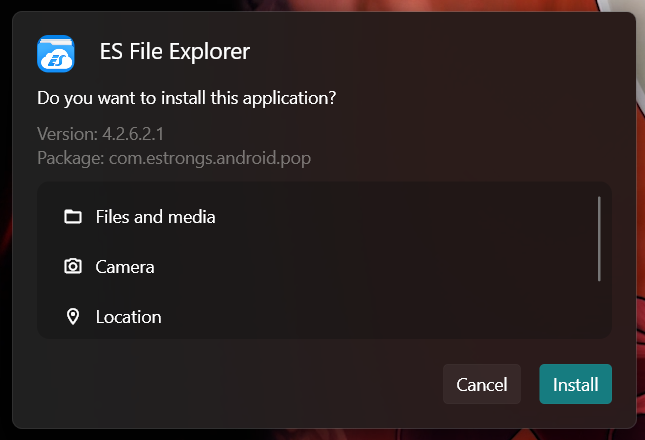
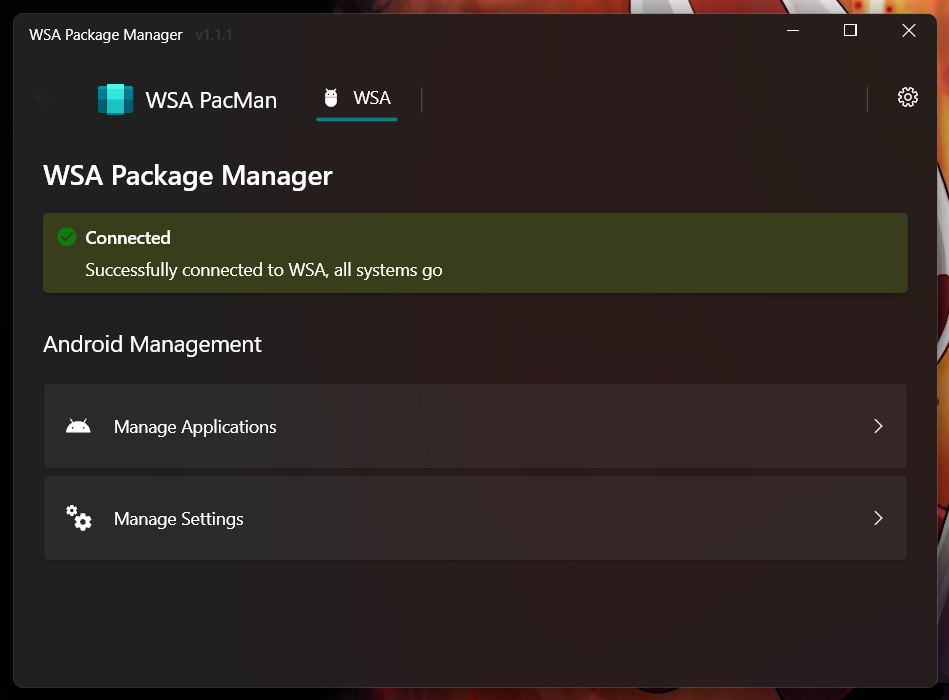
A GUI package manager and package installer for Windows Subsystem for Android (WSA).
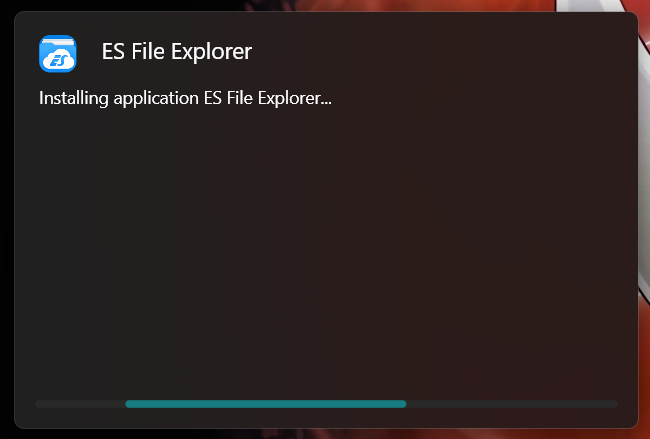
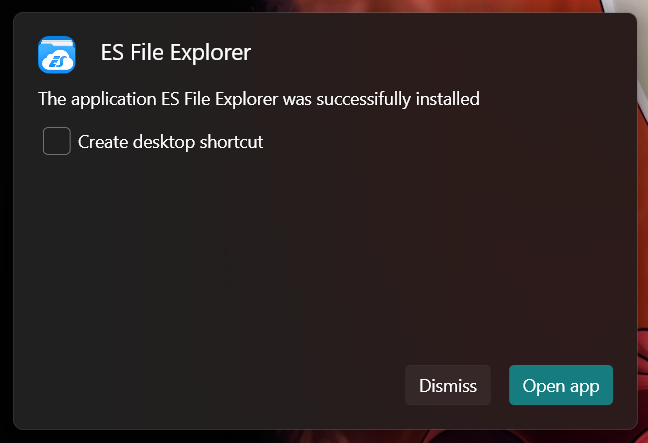
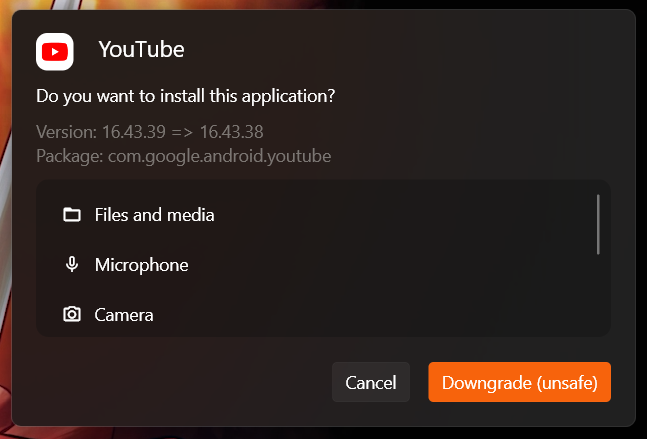
Currently provides a double-click GUI installer for .apk and .xapk files that shows app information (package, icon, version and permissions), allows normal installations as well as upgrades and downgrades.
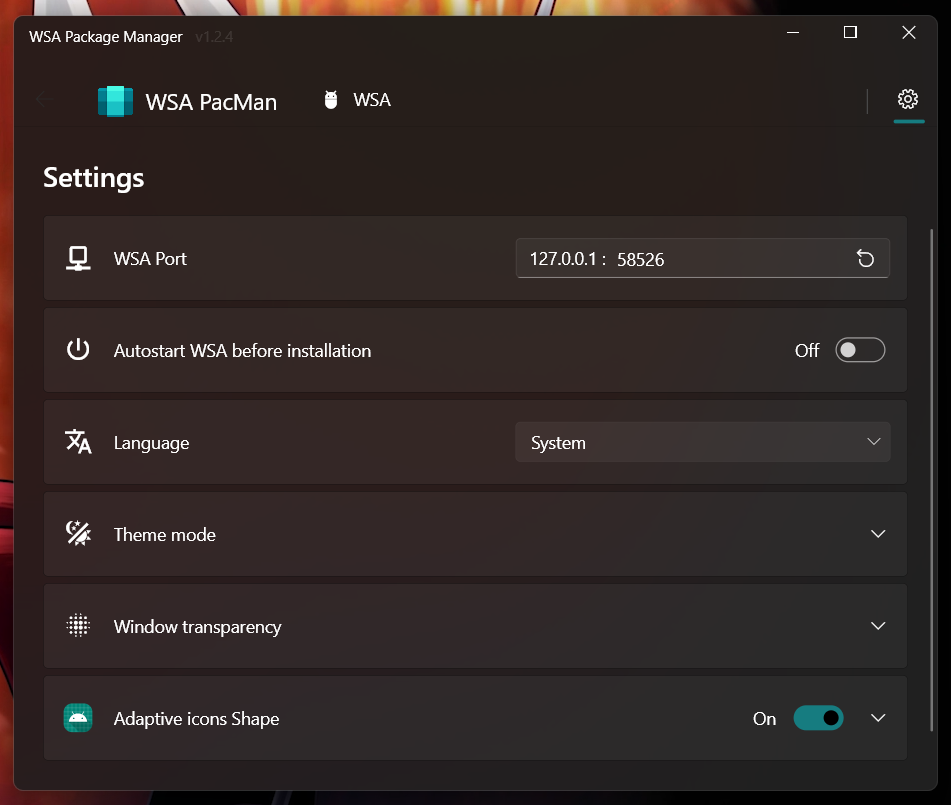
The app additionally provides a button to open Android settings and one to open the "Manage Applications" Android settings page, from which you can uninstall or disable applications and grant or revoke permissions
Q: WSA PacMan is always showing the Offline status, why is that?
A: First things first make sure WSA is installed (duh); Open the 'Windows Subsystem for Android™ Settings' app, in the Developer tab and make sure the 'Developer mode' switch is enabled; inside manage developer settings, make sure the 'USB debugging' option is enabled.
Should all of the above fail, try following this procedure; make sure to check the 'always allow' option.
Q: Can I use WSA PacMan on older versions of Windows (eg. Windows 10)?
A: WSA PacMan depends on Windows Subsystem for Linux, which is only officially supported on Windows 11.
However, you may be able to install WSA on Windows 10 using this project by JimDude7404 and following the step-by-step guide on the GitHub page.
Q: Can i install the Play Store?
A: The play store is not officially supported on WSA, and at the moment it is only possible to install it using an unofficial WSA build. I recommend installing the Aurora Store instead, which is an unofficial Play Store client; but if you really want the Play Store and other Google apps, check out this project.

A wrapper around InheritedWidget to make them easier to use and more reusable.
 v4.17.0
Implements Microsoft's Windows User Interface in Flutter.
 v0.1.6
A package to help with creating custom windows with Flutter desktop (custom border, titlebar and minimize/maximize/close buttons) and common desktop window operations (show/hide/position on screen) for Windows and macOS
Call common Windows APIs directly from Dart using FFI.
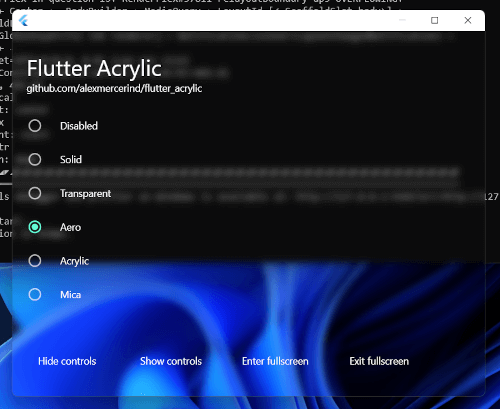 v1.1.4
Window acrylic, mica & transparency effects for Flutter on Windows, macOS & Linux.
Runtime library for protocol buffers support. Use with package:protoc_plugin to generate Dart code for your '.proto' files.
Provides encoders and decoders for various archive and compression formats such as zip, tar, bzip2, gzip, and zlib.
Lock mechanism to prevent concurrent access to asynchronous code.
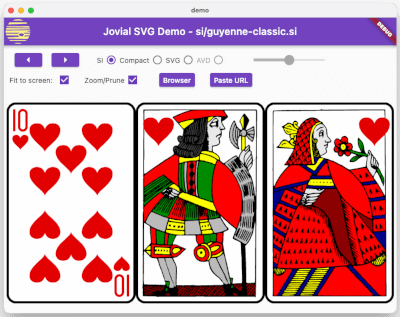 v1.1.31
SVG - Robust rendering of Scalable Vector Graphic images, supporting a well-defined profile of SVG, a fast-loading binary storage format, and animation.
A parser for YAML, a human-friendly data serialization standard
A Flutter Plugin to retrieve and listen to the system's accent color. Supports Android, iOS, Web, Windows, macOS, and Linux.
Charset encoding and decoding Library, include iso-(2-15), windows series, gbk, euc-jp, euc-kr, shift-jis. And supportted charset detect, canEncode, canDecode.
Dependency list 21 items
{"sdk":"flutter"}{"sdk":"flutter"}3.12.0^2.1.2^3.0.0^6.0.02.0.0{"git":{"url":"https://github.com/alesimula/bitsdojo_window.git","path":"bitsdojo_window","ref":"master"}}{"git":"https://github.com/alesimula/dyn_mouse_scroll.git"}^1.0.0+2^0.2.0^3.1.0{"git":"https://github.com/brendan-duncan/archive.git"}{"git":"https://github.com/alesimula/jovial_svg.git"}^2.0.0^5.0.0-nullsafety.0^3.0.0^2.1.1^0.1.1{"sdk":"flutter"}^1.0.4Start with your use case, compare repository activity, and check the original project before adopting it.
“A repository is the most basic element of GitHub.”
GitHub Docs — About repositories ↗