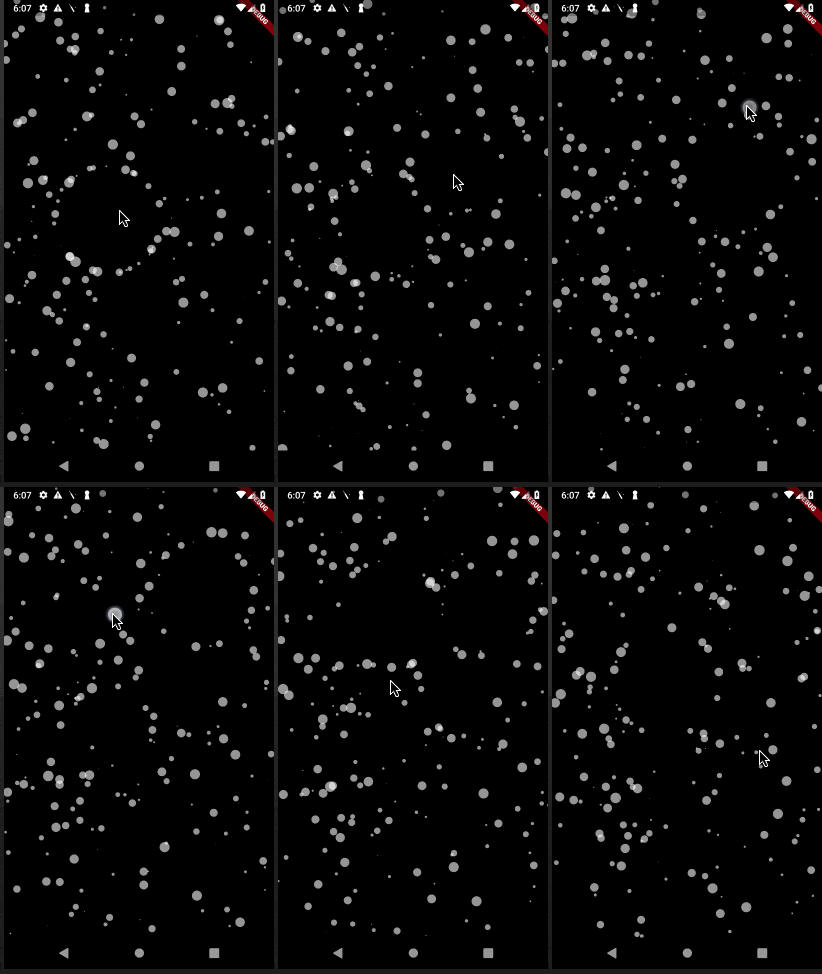
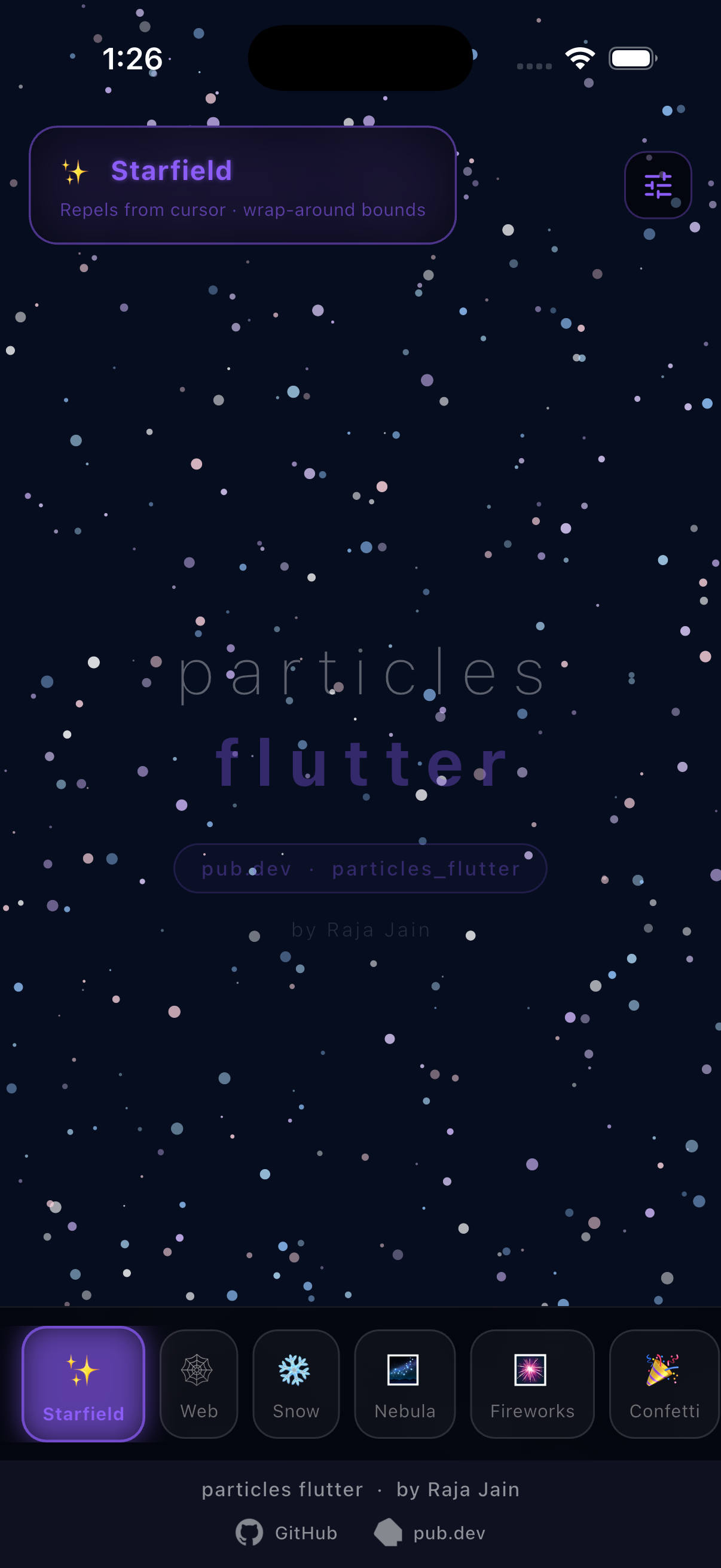
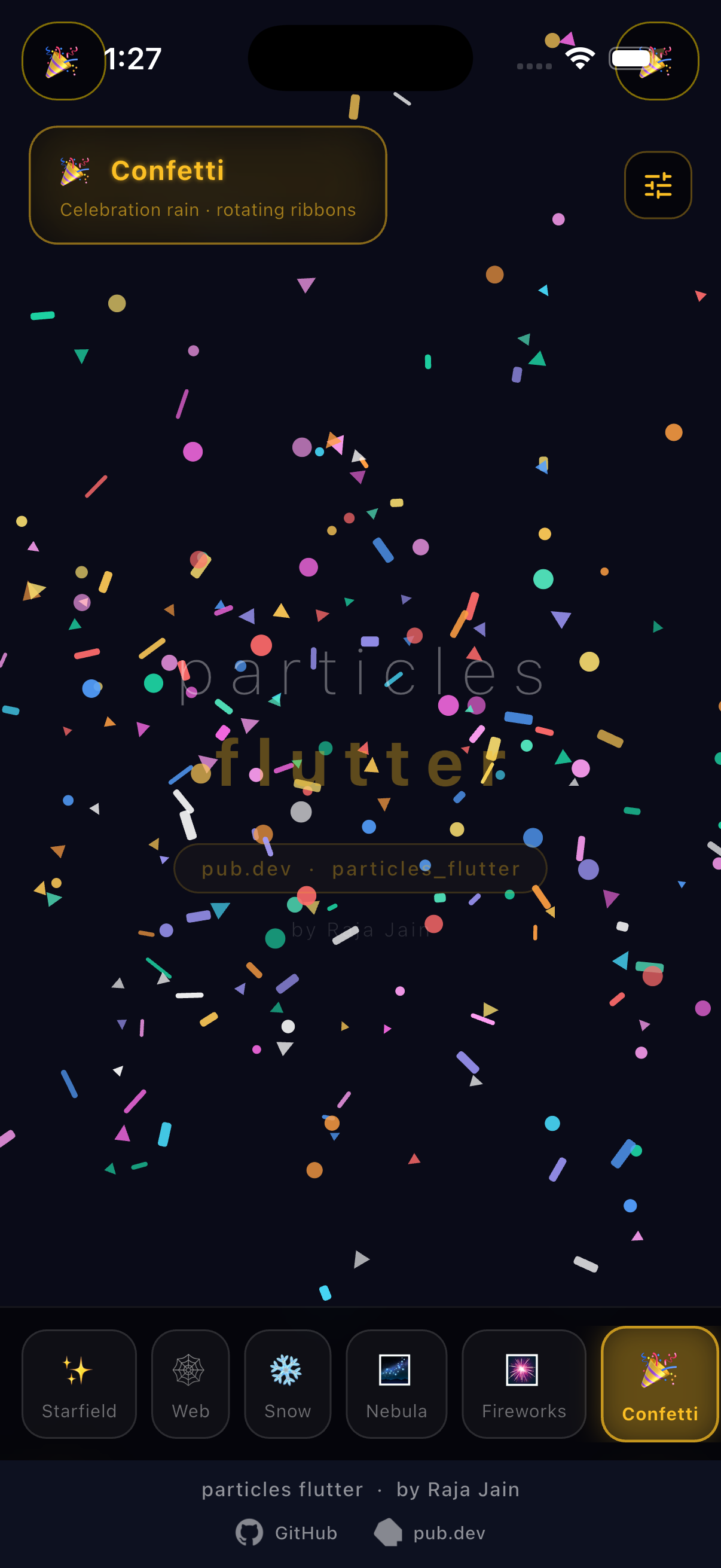
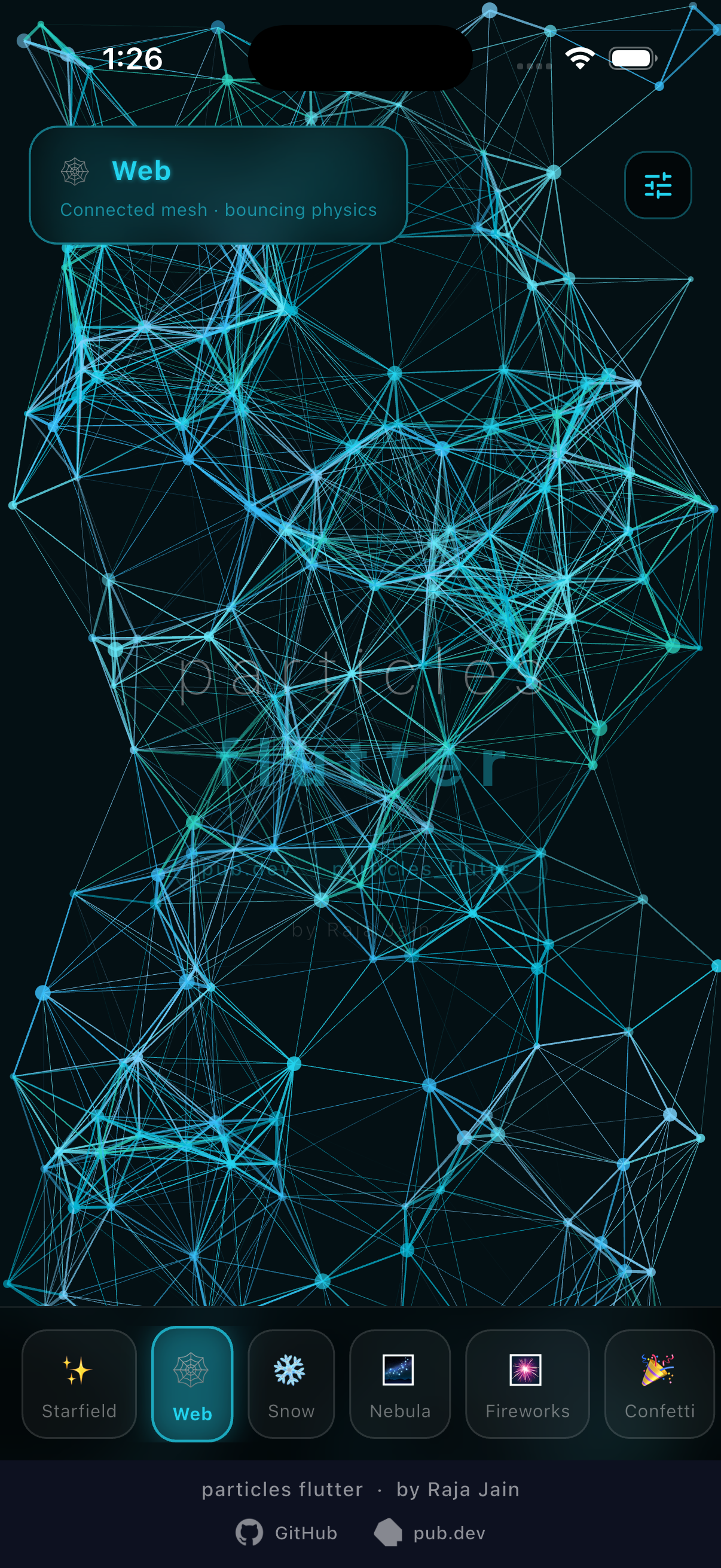
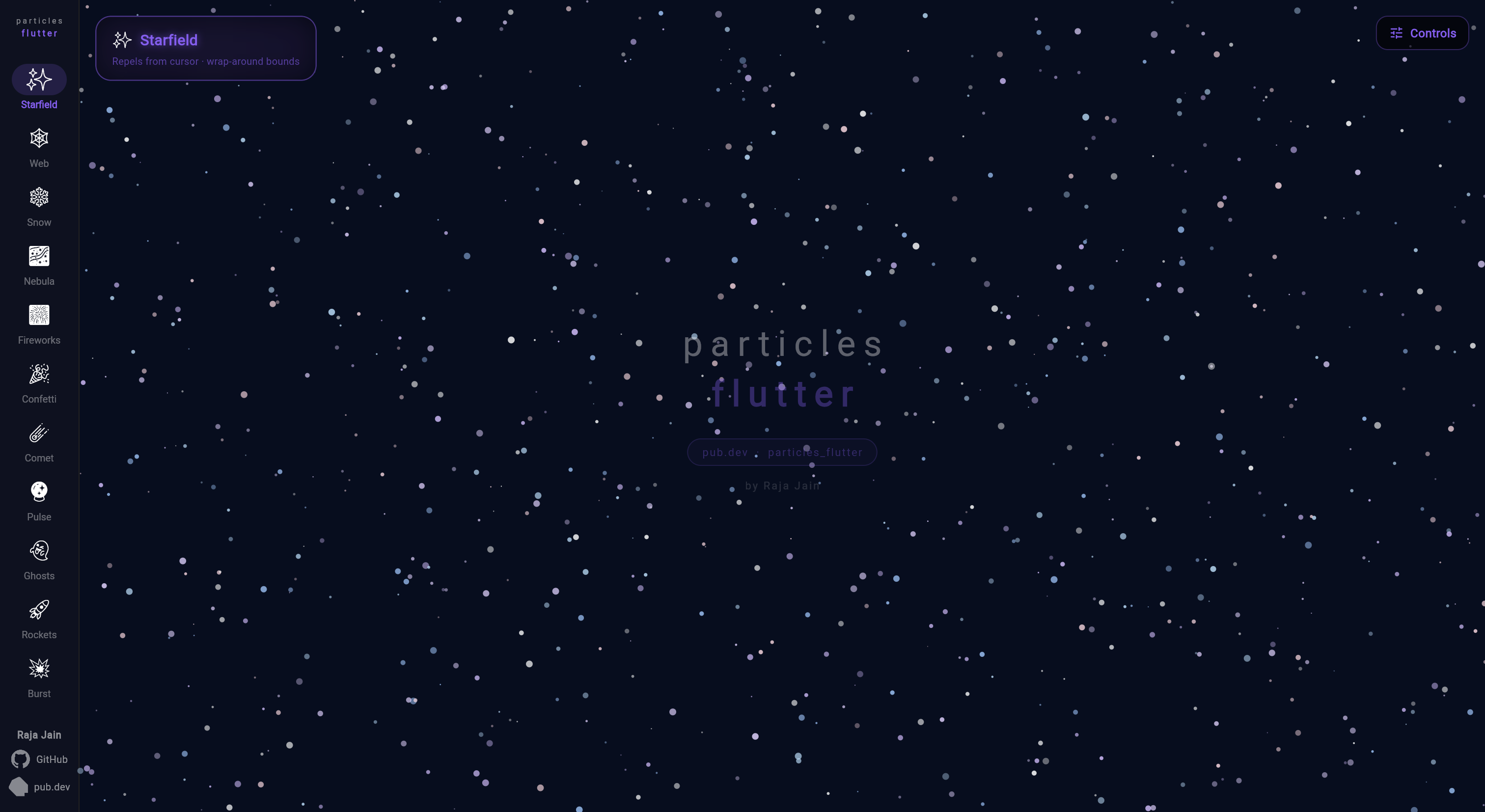
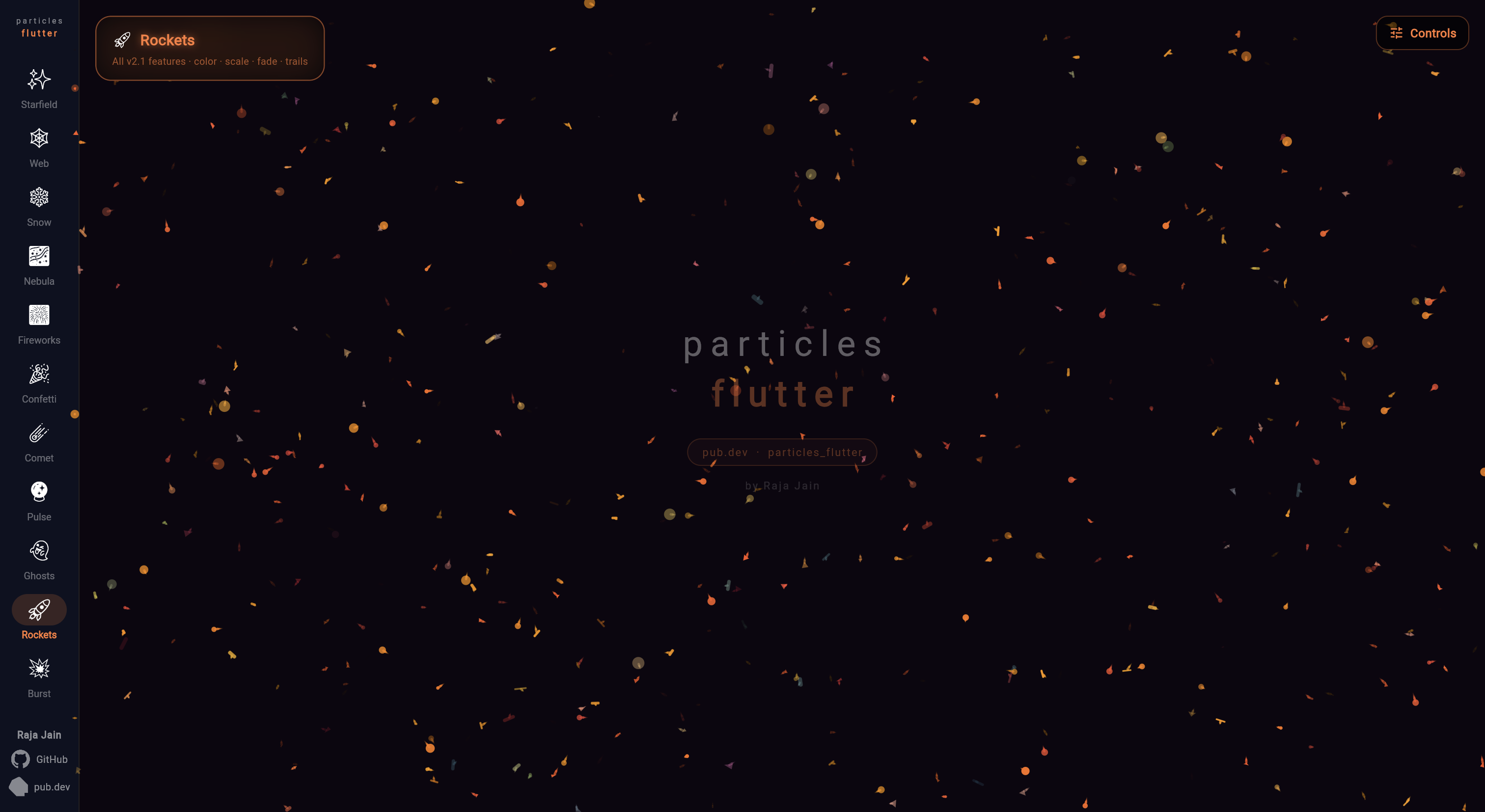
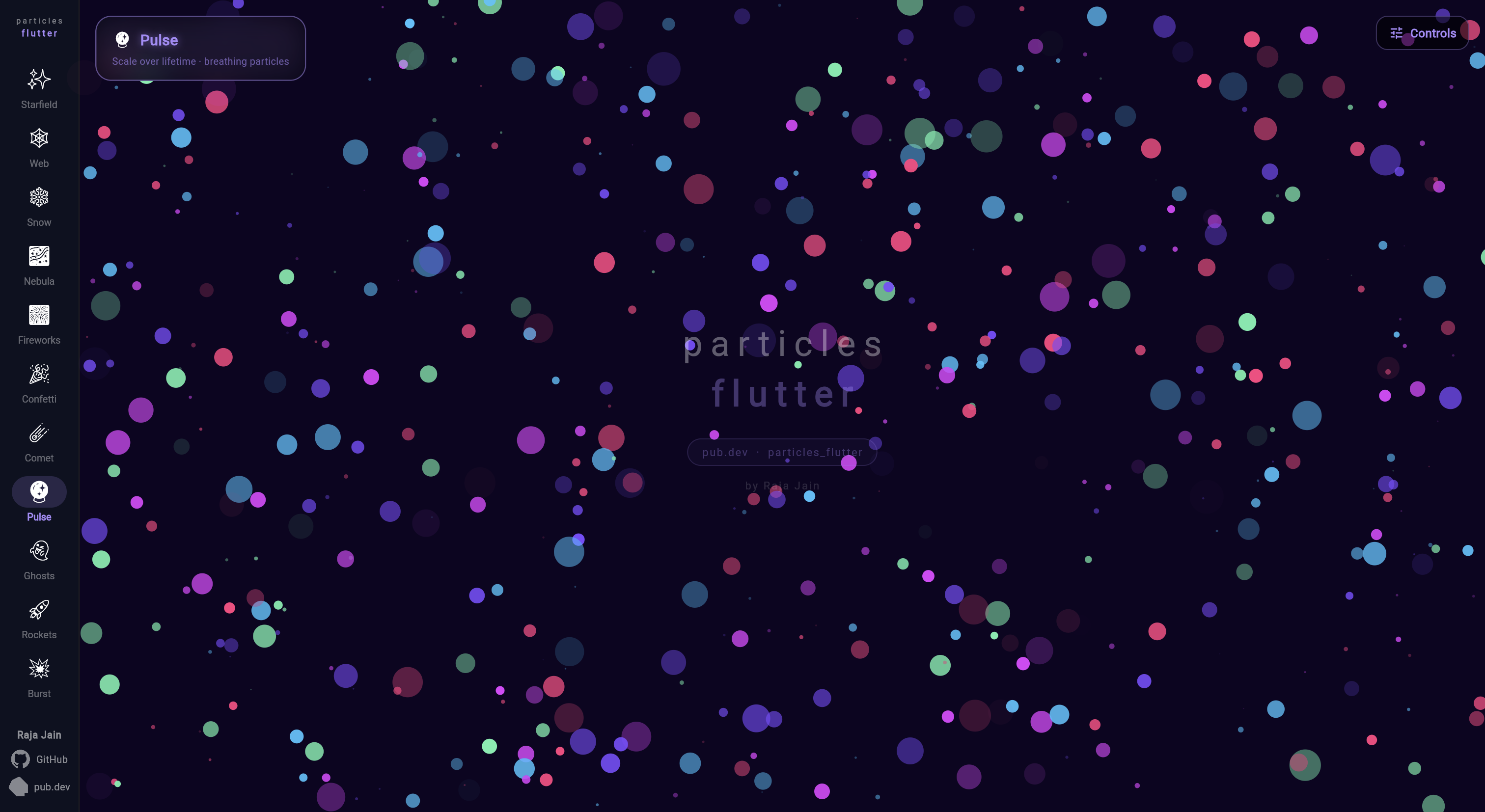
A flutter package for particle animation. You can control the animation speed, number of Particles on the screen, dimension and shape of particle via connecting lines,etc.
Package selection guidance compiled from public package information, community data, and project usage.
Particles Flutter is a lightweight package for creating dynamic particle animations in Flutter applications. It allows developers to customize animation speed, particle count, size, shape, and connection lines between particles. Ideal for enhancing UIs with subtle background effects, it supports multiple platforms including Android, iOS, Web, macOS, Windows, and Linux. The package integrates seamlessly into existing projects via a simple pub add command and offers visual appeal through customizable, interactive particle systems.
Use cases
Background animations
Interactive UI elements
Loading screens
Visual storytelling
App splash screens
Key features
Customizable particle count
Adjustable animation speed
Connection lines between particles
Support for various shapes
Cross-platform compatibility
Easy integration via pub
Suitable for
UI designers seeking visual flair
Developers building engaging onboarding experiences
Apps requiring animated backgrounds
Creative digital products
Frontend-focused Flutter projects
Considerations
May impact performance with high particle counts
Requires careful optimization for mobile devices
Limited control over individual particle behavior
Best suited for static or slow-moving animations
Not ideal for complex interactive games
Original README
Original README snapshot from the linked source repository. Visit the repository for the latest content.
particles_flutter
High-performance, fully customisable particle animations for Flutter.
Starfields, snow, confetti, fireworks, connected webs, comets, burst explosions — with physics, touch/hover interaction, lifetime animations, trails, and burst emitters.
All shapes support rotationSpeed and all lifetime animation parameters.
Starting position
Every particle accepts an optional startPosition — place it exactly where
you want instead of the default random spawn. Useful when adding particles
to a running list after initState (they'd otherwise start at (0, 0)):
Tip: Set both startOpacity: 0.0andendOpacity: 0.0 for a triangle fade — particles fade in to full opacity at mid-life, then back out. No visible pop on spawn or death.
CircularParticle(
  lifetime: 3.0,
  startOpacity: 0.0,  // fade in from invisible
  endOpacity: 0.0,    // fade out to invisible — triangle curve auto-applied
  ...
)
Particles.onParticleExpired fires the instant a particle's lifetime ends,
right before it's recycled/respawned. Use it to swap in new content for a
slot — e.g. cycling a small set of visible particles through a much larger
backing list (see Pool Cycle below).
Color/image are set at construction and are immutable, so to change what a
particle displays you build a fresh particle for that slot rather than
mutating the expired one in place:
Pull particles toward a point, or push them away — great for magnet/vortex
effects, or letting particles follow the pointer. position is a callback
re-evaluated every frame, so the point can move (e.g. track a drag).
Force falls off linearly from full strength at the center to zero at
radius. Use a negative strength to repel instead of attract.
ParticleShapeSampler turns rendered text or any image into a list of
point positions, so you can arrange particles into the shape of a word or
a logo. Combine with Particle.startPosition to spawn each particle
exactly on its sampled point.
import'package:particles_flutter/engine.dart';
// Sample the glyphs of a word into points.final points = awaitParticleShapeSampler.fromText(
'FLUTTER',
style: constTextStyle(fontSize: 96, fontWeight: FontWeight.w600),
step: 2, // sampling stride in px (lower = denser)
maxPoints: 1100, // cap the number of points
);
// Or sample the opaque pixels of an image:// final points = await ParticleShapeSampler.fromImage(uiImage, step: 3);final particles = [
for (final p in points)
CircularParticle(
radius: 1.4,
color: Colors.white,
velocity: Offset.zero,
startPosition: p, // spawn on the sampled point
),
];
Particles(
particles: particles,
width: size.width,
height: size.height,
);
Parameter
Type
Default
Description
step
double
4
Sampling stride in pixels; lower is denser
maxPoints
int?
null
Caps the number of points (randomly thinned)
alphaThreshold
int
32
Minimum pixel alpha (0–255) counted as "inside"
offset
Offset
Offset.zero
Added to every returned point
ParticleShapeSampler rasterizes offscreen via Picture.toImage. In a
testWidgets test, wrap calls in tester.runAsync(() async { ... }).
See the Text example scene for a full demo: particles fly in, assemble
into the word, scatter away from the pointer, and spring back.
Emission Controller
Spawn particles from a fixed point — great for fountains and fireworks.
Only visibleSlots particles ever render; each expiry swaps that slot for
the next item in a much bigger pool — the pattern behind showing a rotating
subset of photos/items from a larger backing list.
Particle.startPosition — place a particle exactly where you want at construction, instead of a random spawn (useful for particles added to a running list after initState)
Particles.onParticleExpired — callback fired the instant a particle's lifetime ends, before recycle/respawn — swap in new content for a slot (e.g. cycling a small visible set from a larger pool)
v3.0
Breaking: Dart SDK >=3.0.0 required (Flutter 3.10+). Projects on Dart 2.x must upgrade first.
BurstEmitter — fire fixed particle counts in radial, cone, directional, or custom spread patterns
BurstEmitterController — trigger bursts manually from gestures, game events, or any code
Tap-to-burst — BurstEmitterController.trigger() + onPointerDown for per-tap explosions
Overlap-safe pooling — multiple bursts in flight simultaneously; memory hard-capped at maxPoolSize
v2.1
Color over lifetime — smooth two-color or gradient transitions
Scale over lifetime — grow/shrink with curve support
Fade over lifetime — fade in, out, or triangle (both ends zero = auto mid-peak)
Particle trails — motion trails with configurable length and fade
Object pooling for ParticleLine — reduced GC pressure on line-connected scenes
Performance improvements — touch interaction, physics, and emitter update loops
All releases are fully backward compatible — no changes needed to existing code.