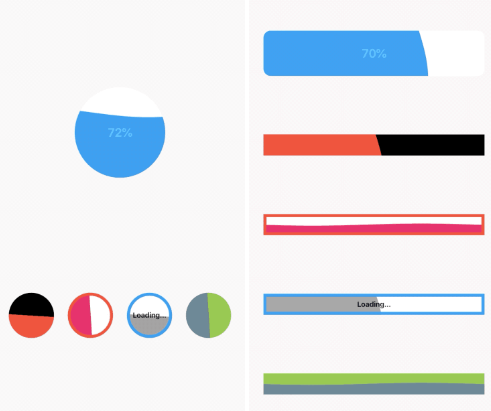
Based on https://pub.dev/packages/liquid_progress_indicator to fix a issue after Flutter 3.10 A progress indicator with water-like effect in Flutter. Works similarly to Flutters own ProgressIndicator.
Package selection guidance compiled from public package information, community data, and project usage.
A Flutter package that provides a water-like animated progress indicator, inspired by the original liquid_progress_indicator. It enhances visual appeal with fluid, dynamic effects similar to Flutter's built-in ProgressIndicator. Designed to work seamlessly across all major platforms—Android, iOS, Web, macOS, Windows, and Linux—this version specifically addresses compatibility issues introduced after Flutter 3.10. Ideal for modern UIs requiring engaging loading feedback.
Use cases
Loading screens
Form submission indicators
Background task tracking
Interactive app onboarding
Real-time data updates
Key features
Fluid water-like animation
Cross-platform compatibility
Flutter 3.10+ fix
Customizable colors and size
Smooth performance on all platforms
Suitable for
Developers seeking visually appealing loaders
Apps with modern UI design
Multi-platform Flutter projects
UX-focused applications
Considerations
May impact performance on low-end devices
Requires careful color contrast for readability
Not suitable for minimalistic designs
Limited customization beyond basic styling
Dependent on platform rendering capabilities
Original README
Original README snapshot from the linked source repository. Visit the repository for the latest content.
liquid_progress_indicator V2
Liquid progress indicator for Flutter.
This version fix the original package Liquid progress indicator issues after upgrading to flutter 3.10 which was making it incompatible.
Features
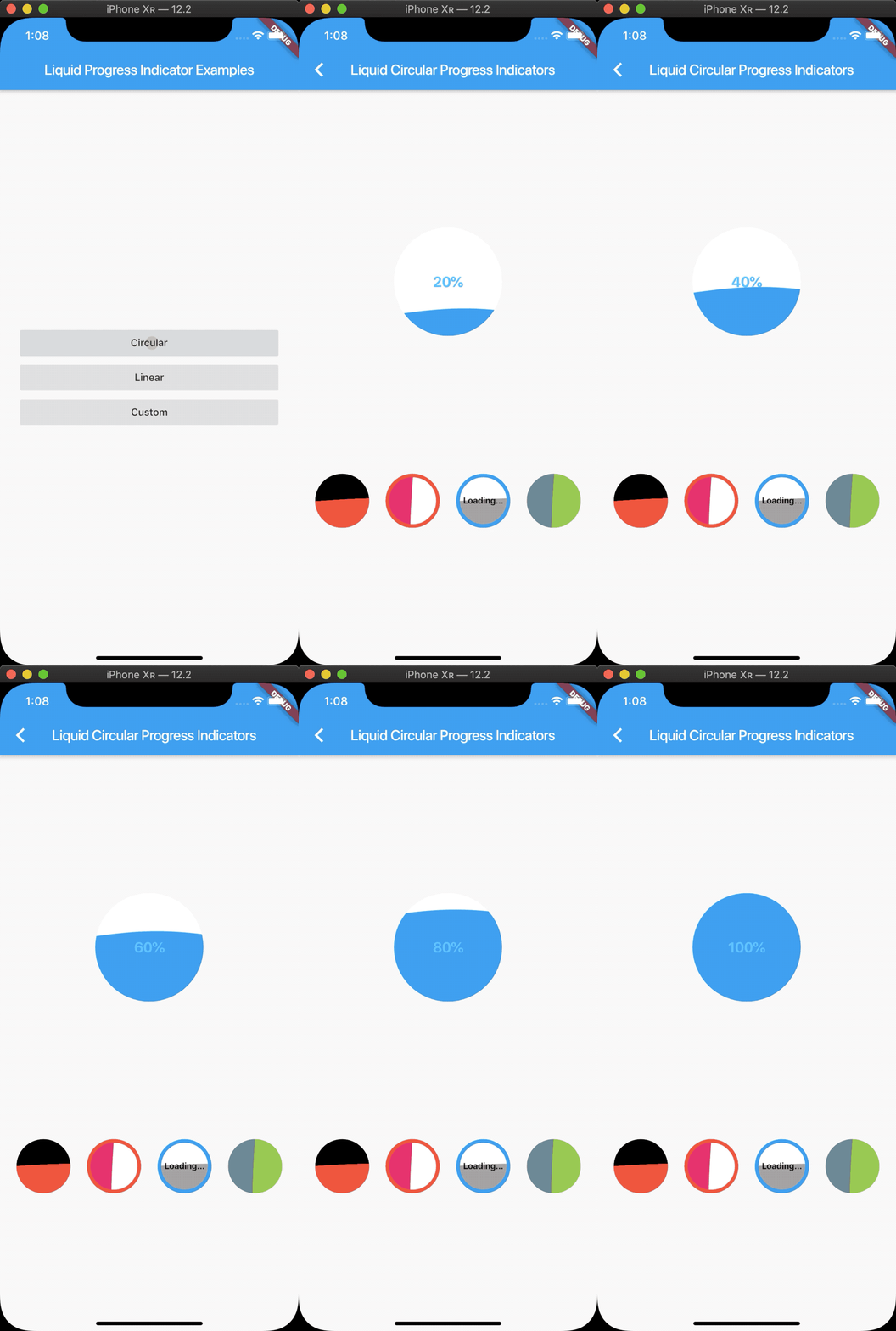
Liquid circular progress indicator.
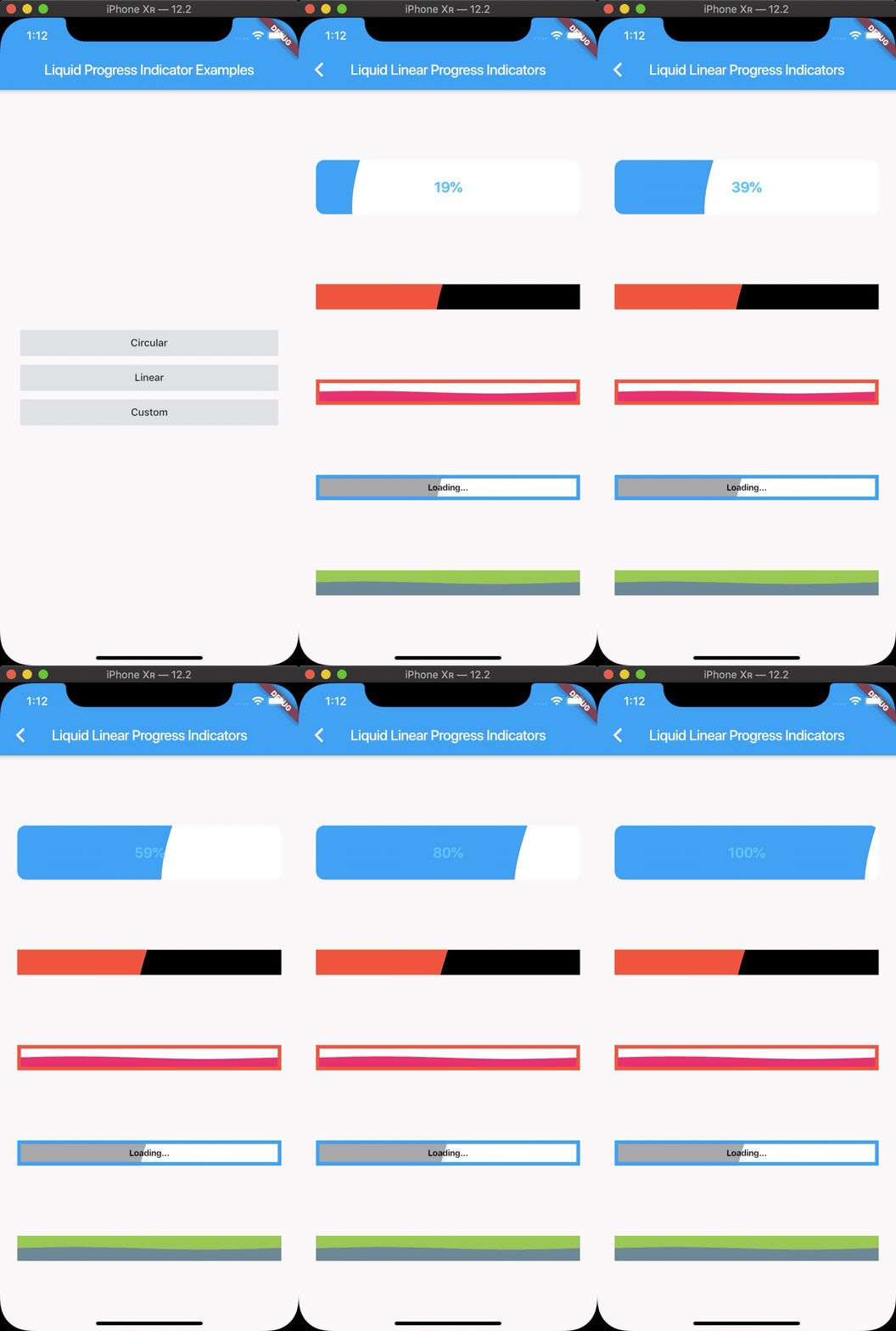
Liquid linear progress indicator.
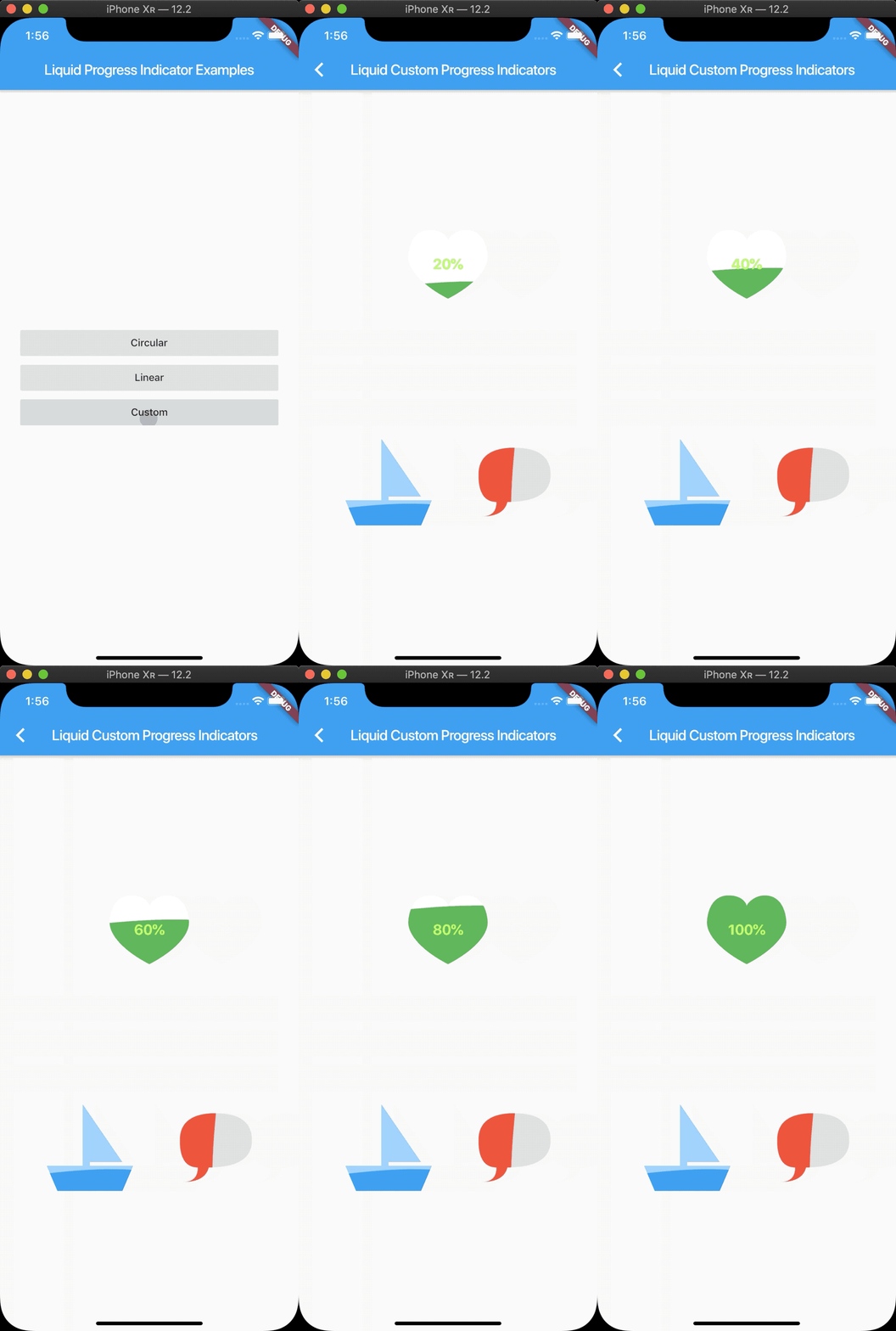
Liquid custom progress indicator.
Works similarly to Flutters own ProgressIndicator.
LiquidCircularProgressIndicator(
  value: 0.25, // Defaults to 0.5.
  valueColor: AlwaysStoppedAnimation(Colors.pink), // Defaults to the current Theme's accentColor.
  backgroundColor: Colors.white, // Defaults to the current Theme's backgroundColor.
  borderColor: Colors.red,
  borderWidth: 5.0,
  direction: Axis.horizontal, // The direction the liquid moves (Axis.vertical = bottom to top, Axis.horizontal = left to right). Defaults to Axis.vertical.
  center: Text("Loading..."),
);
LiquidLinearProgressIndicator
LiquidLinearProgressIndicator(
  value: 0.25, // Defaults to 0.5.
  valueColor: AlwaysStoppedAnimation(Colors.pink), // Defaults to the current Theme's accentColor.
  backgroundColor: Colors.white, // Defaults to the current Theme's backgroundColor.
  borderColor: Colors.red,
  borderWidth: 5.0,
  borderRadius: 12.0,
  direction: Axis.vertical, // The direction the liquid moves (Axis.vertical = bottom to top, Axis.horizontal = left to right). Defaults to Axis.horizontal.
  center: Text("Loading..."),
);
LiquidCustomProgressIndicator
LiquidCustomProgressIndicator(
  value: 0.2 // Defaults to 0.5.
  valueColor: AlwaysStoppedAnimation(Colors.pink), // Defaults to the current Theme's accentColor.
  backgroundColor: Colors.white, // Defaults to the current Theme's backgroundColor.
  direction: Axis.vertical, // The direction the liquid moves (Axis.vertical = bottom to top, Axis.horizontal = left to right).
  shapePath: _buildBoatPath(), // A Path object used to draw the shape of the progress indicator. The size of the progress indicator is created from the bounds of this path.
)
This version has been fixed to work on FENLES APP. However can be freely used as it contains only the fix for newer flutter versions