Search packages, repositories and app categories

page_indicator cover
Package detailsv0.4.1

page_indicator

flutter pageview indicator, easy to use. Custom location, size, but only circular.

30-day downloads
464
Likes
58
Pub points
60

Install package

flutter pub add page_indicator

Package Overview

Package selection guidance compiled from public package information, community data, and project usage.

A Flutter package that provides a simple, customizable circular indicator for PageView widgets. It allows users to easily display the current page position with adjustable size and location, enhancing navigation feedback in scrollable interfaces. The indicator supports only circular shapes, ensuring a clean and consistent visual style. Ideal for onboarding screens, image sliders, or any carousel-based UI where visual page tracking is needed.

Use cases

  • Onboarding screens
  • Image sliders
  • Carousel interfaces
  • Tutorial walkthroughs
  • Form wizards
  • Product showcases

Key features

  • Circular indicator only
  • Customizable size
  • Adjustable position
  • Simple API
  • Lightweight
  • Built-in animations

Suitable for

  • Beginner Flutter developers
  • Simple carousel designs
  • Minimalist UIs
  • PageView navigation indicators
  • Mobile app onboarding

Considerations

  • Limited to circular shape
  • No custom shape support
  • No advanced styling options
  • Not suitable for complex indicators
  • Depends on PageView integration
  • No dark mode customization

Original README

Original README snapshot from the linked source repository. Visit the repository for the latest content.

page_indicator

pub package

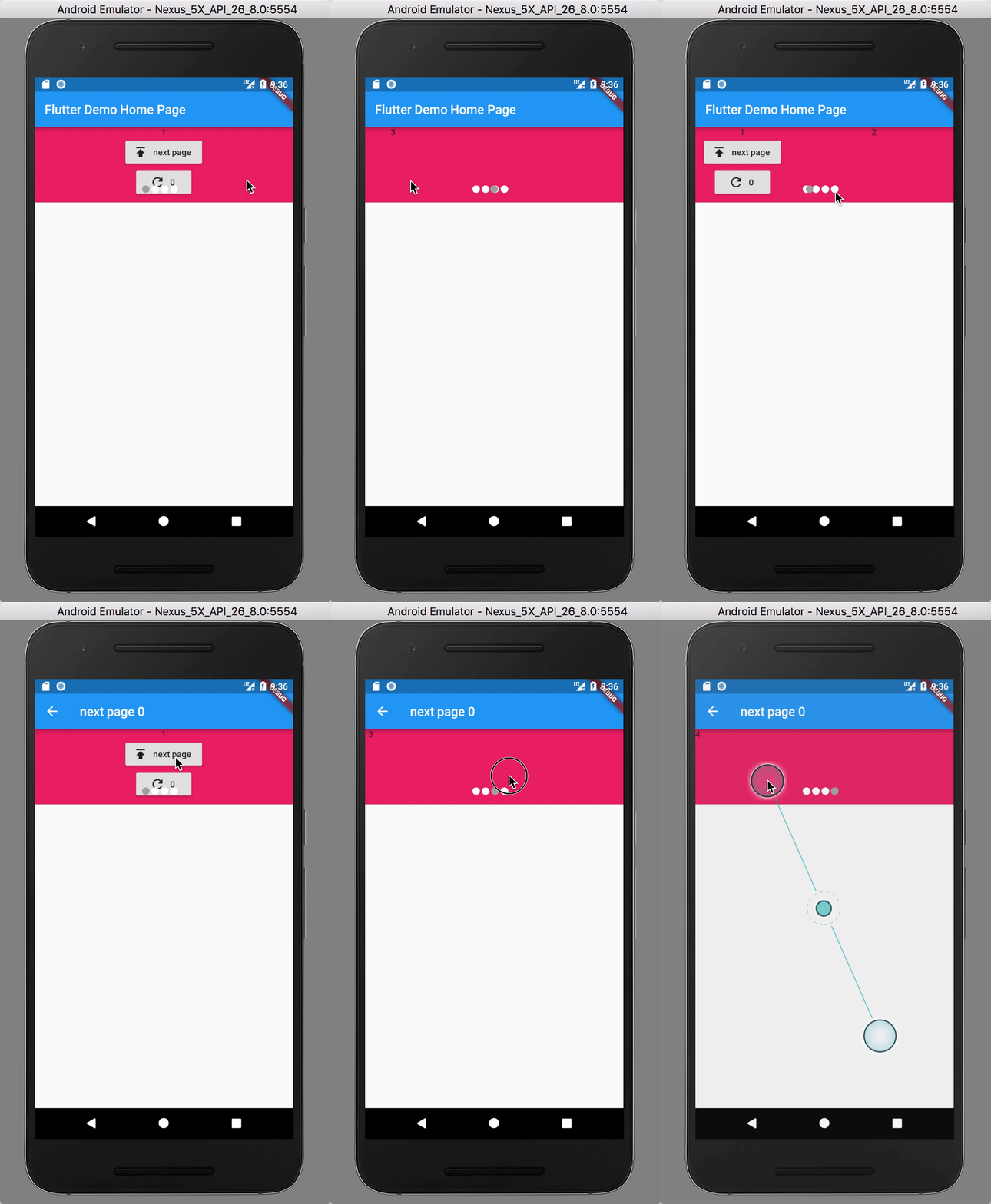
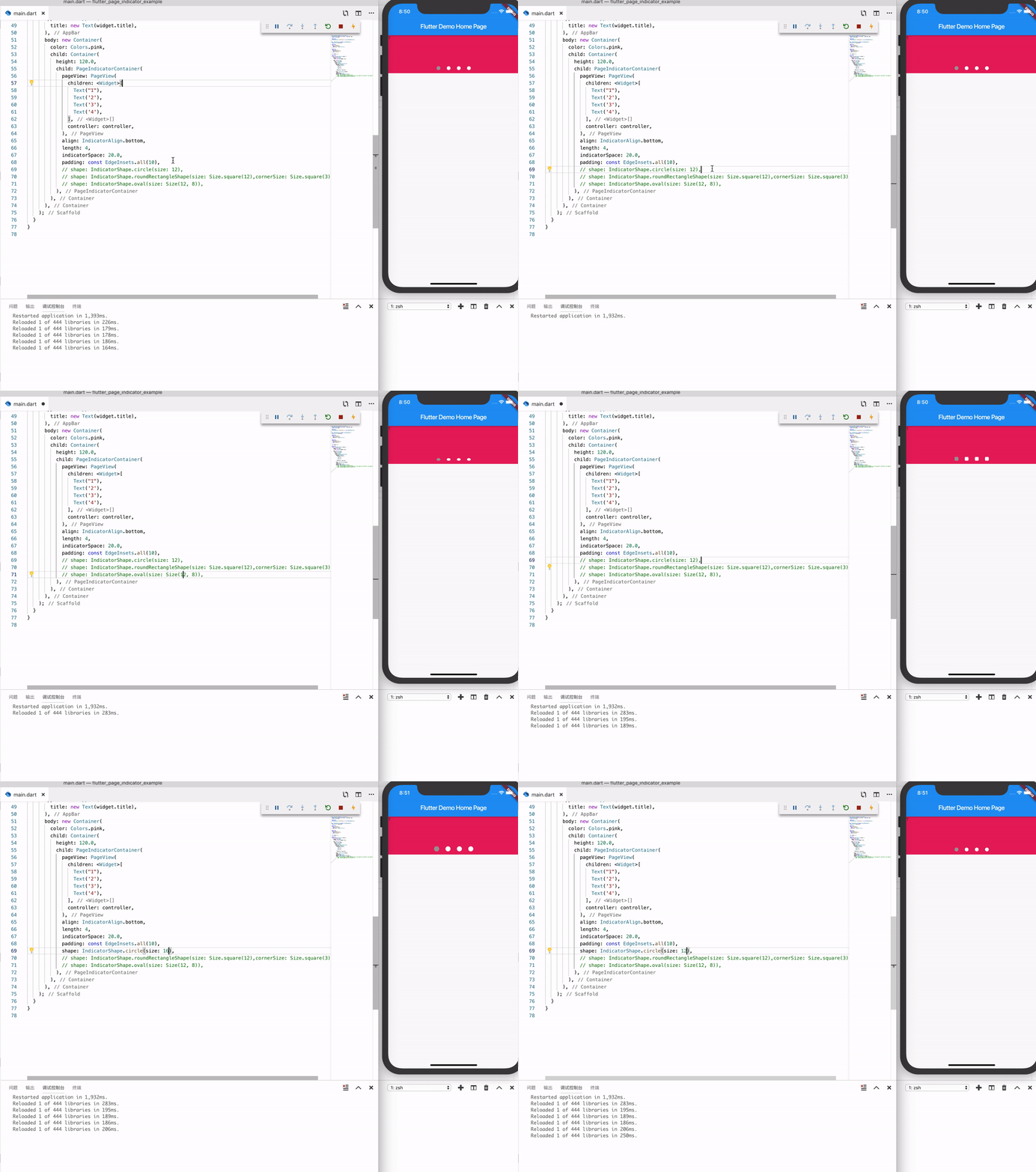
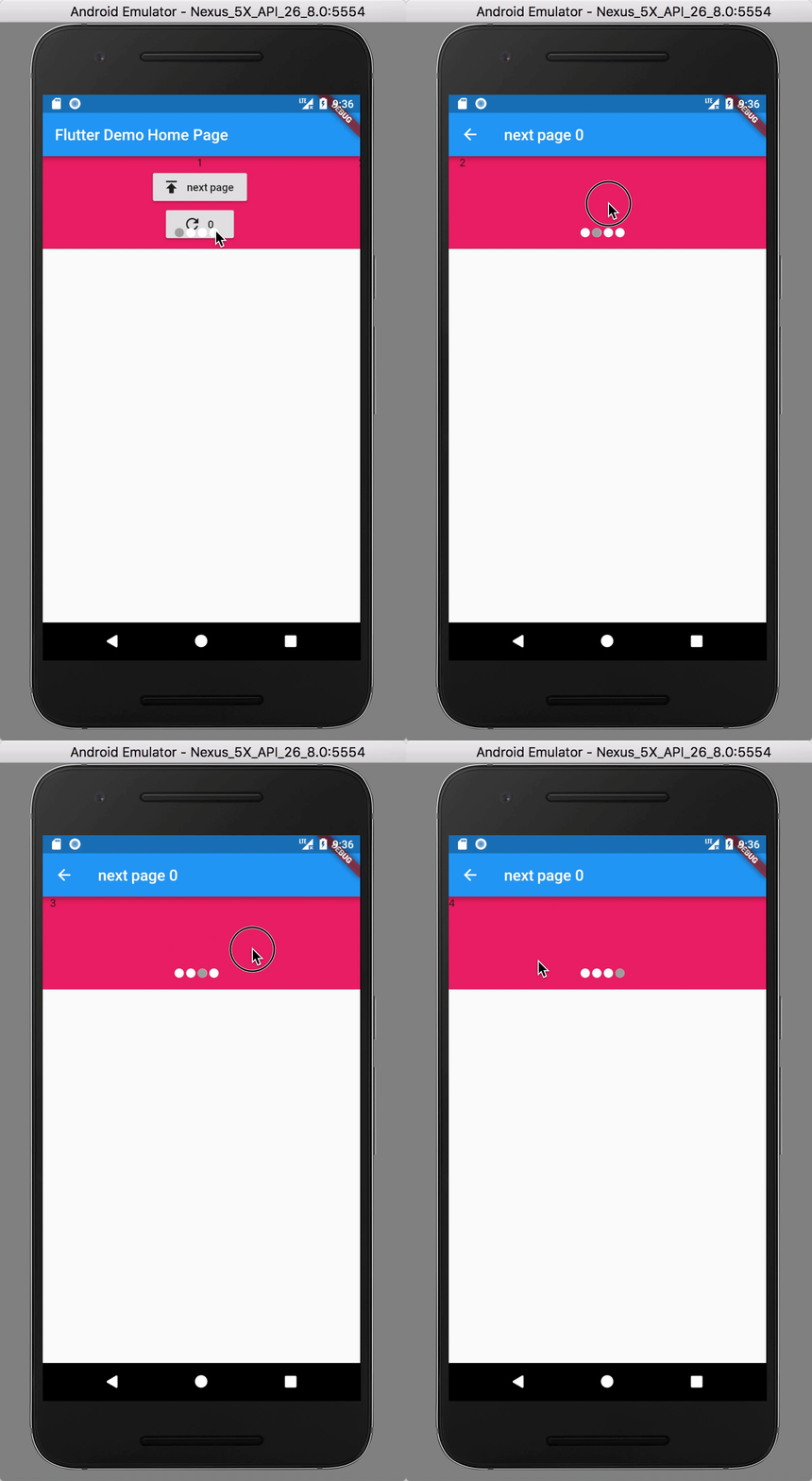
Preview

image

image

Install

see

  1. Depend on it Add this to your package's pubspec.yaml file:
dependencies:
  page_indicator: ^0.3.0
  1. Install it

You can install packages from the command line:

with Flutter:

flutter packages get

Alternatively, your editor might support flutter packages get. Check the docs for your editor to learn more.

  1. Import it Now in your Dart code, you can use:
import 'package:page_indicator/page_indicator.dart';

Usage

see example file

or

PageIndicatorContainer(
  child: PageView(
    children: <Widget>[
      Text("1"),
      Text('2'),
      Text('3'),
      Text('4'),
    ],
    controller: controller,
  ),
  align: IndicatorAlign.bottom,
  length: 4,
  indicatorSpace: 20.0,
  padding: const EdgeInsets.all(10),
  indicatorColor: Colors.white,
  indicatorSelectorColor: Colors.blue,
  shape: IndicatorShape.circle(size: 12),
  // shape: IndicatorShape.roundRectangleShape(size: Size.square(12),cornerSize: Size.square(3)),
  // shape: IndicatorShape.oval(size: Size(12, 8)),
}
Force refersh state
final key = GlobalKey<PageContainerState>();
PageIndicatorContainer(
  key: key,
  // other ...
);

// force refersh
key.currentState.forceRefreshState();

Migration guide

0.1.x => 0.2.x

PageIndicatorContainer(
  ...
--  size: 12.0,
++  shape: IndicatorShape.circle(size: 12),
)

Categories

Source repository

Projects using this package