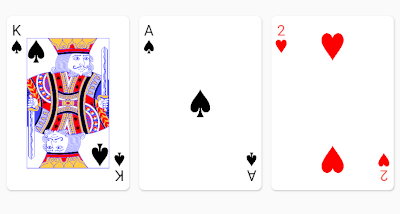
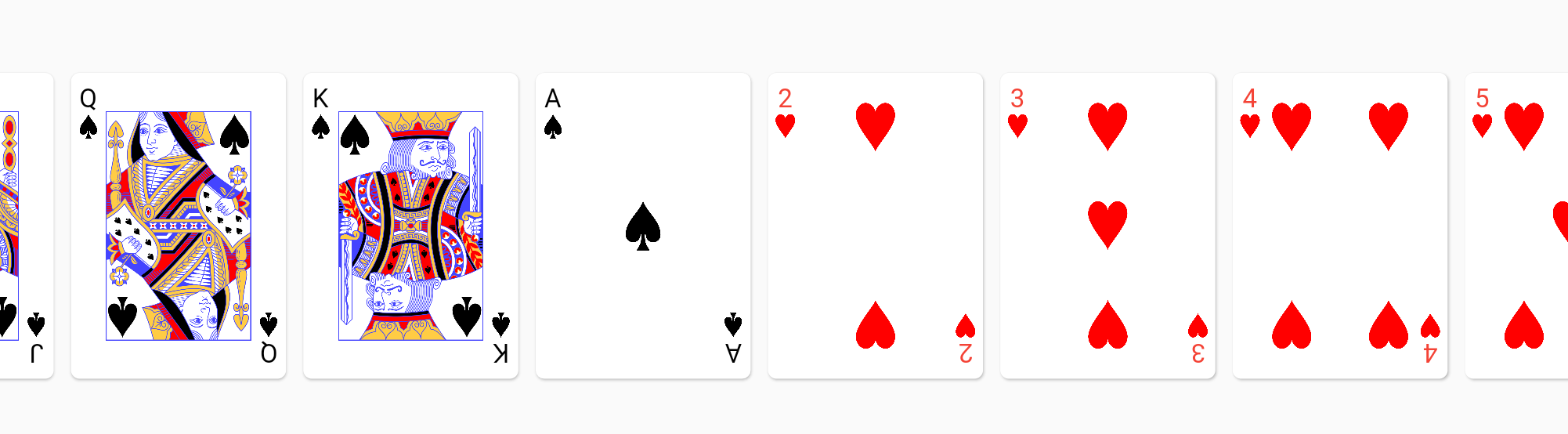
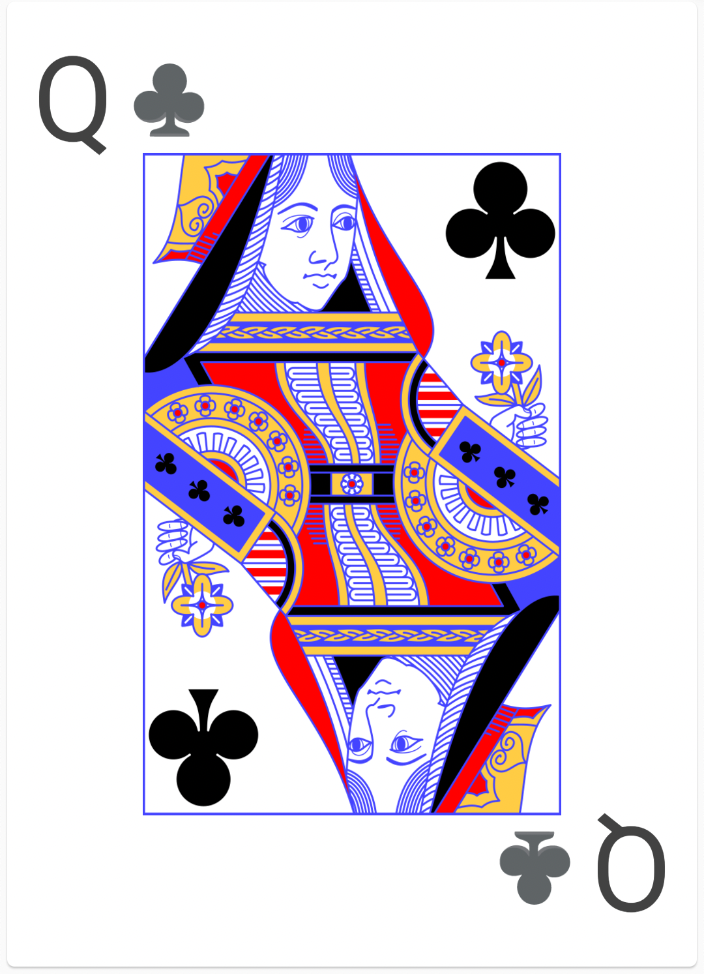
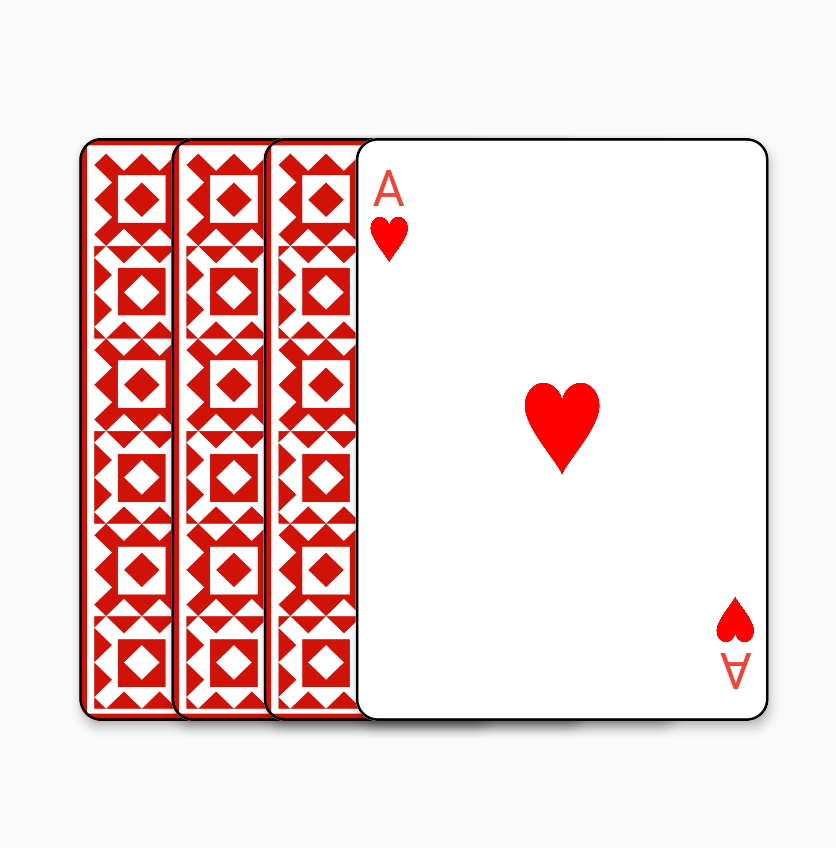
A rendering library for standard 52 card decks in your Flutter app. Use this package if you want to render good looking playing cards without too much fuss.
Package selection guidance compiled from public package information, community data, and project usage.
A Flutter package that simplifies rendering visually appealing standard 52-card decks in your applications. Designed for game developers, it provides ready-to-use card widgets with proper styling and layout, enabling quick integration of card-based UIs without extensive custom coding. The library supports multiple platforms and ensures consistent, high-quality card visuals across devices.
Use cases
Card games development
Interactive deck simulations
Educational apps with cards
Digital poker or solitaire apps
UI prototyping with cards
Key features
Pre-built card widgets
Cross-platform support
High-resolution card designs
Easy integration with Flutter
Customizable card layouts
Suitable for
Game developers
UI designers
Educational app creators
Prototyping teams
Considerations
Limited to standard 52-card decks
No built-in game logic
Requires manual handling of card interactions
Not optimized for large card collections
Original README
Original README snapshot from the linked source repository. Visit the repository for the latest content.
playing_cards
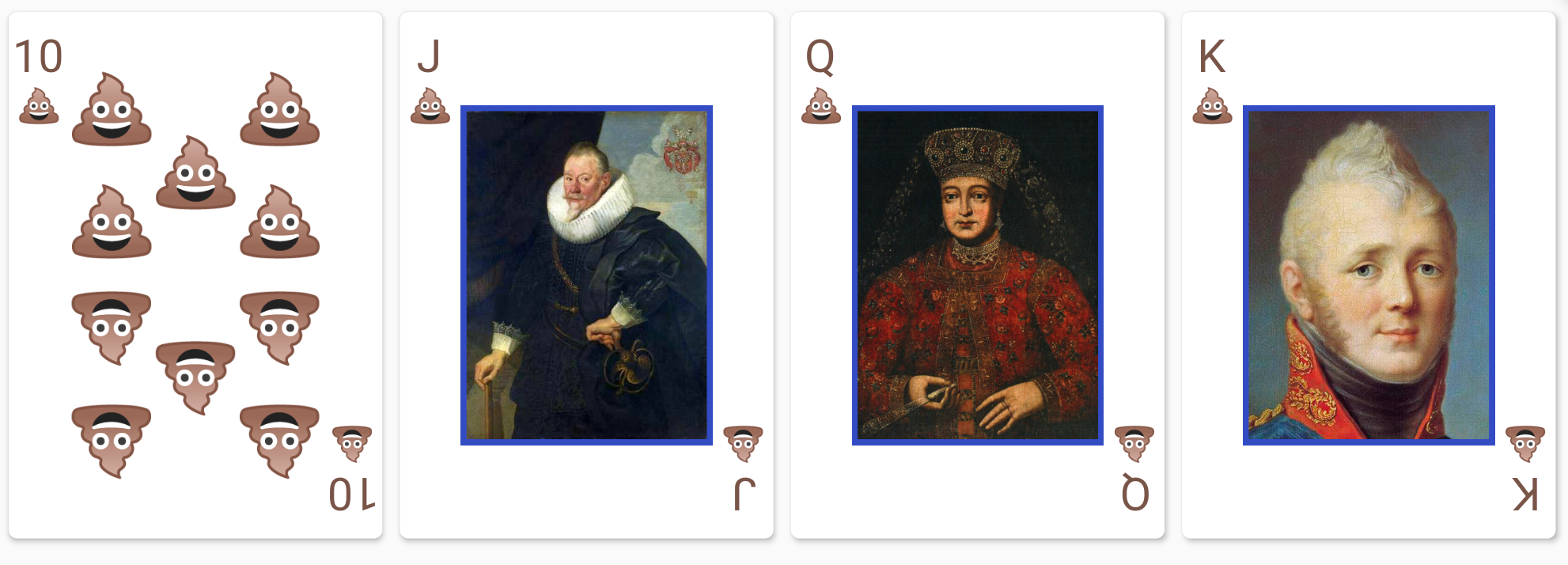
The playing_cards package for Flutter allows you to easily render playing cards from a standard 52 card deck. Good defaults are provided out of box, but full customization is possible if a style object is provided.
Getting Started
Here's a quick video overview if you don't like reading :-) https://www.youtube.com/watch?v=f9tOu972nhI
To import:
import'package:playing_cards/playing_cards.dart';
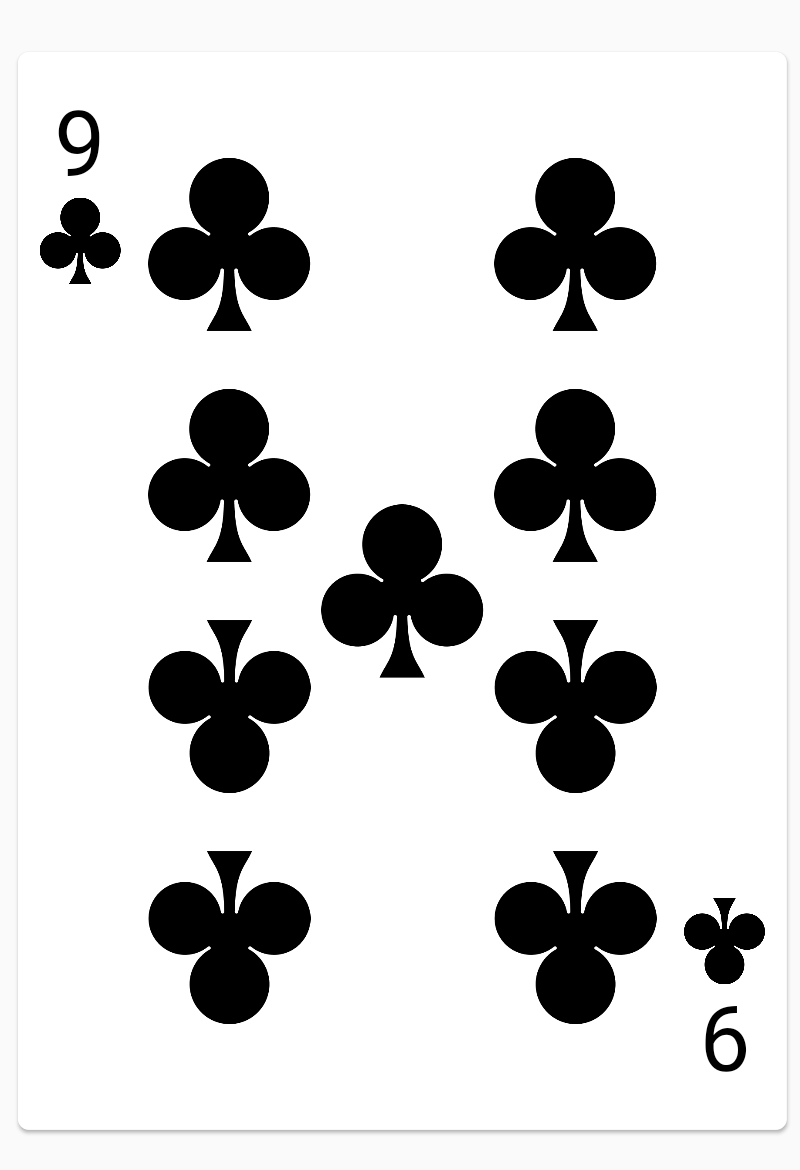
And here is a simple usage to render a nine of clubs: