Search packages, repositories and app categories

radio_group_v2 cover
Package detailsv3.3.2

radio_group_v2

A widget that groups radio buttons so they can work together to give the user a pleasant experience when making selections within the app.

30-day downloads
883
Likes
32
Pub points
160

Install package

flutter pub add radio_group_v2

Package Overview

Package selection guidance compiled from public package information, community data, and project usage.

radio_group_v2 is a Flutter widget that simplifies the creation of grouped radio buttons, ensuring mutual exclusivity and a cohesive user experience. It enables users to select one option from a set, with built-in support for customization, state management, and smooth interactions. Ideal for forms and settings where single selection is required, it enhances usability through intuitive design and consistent behavior across platforms.

Use cases

  • Form inputs with single selection
  • User preference settings
  • Survey or quiz interfaces
  • Onboarding flows
  • Dynamic option groups

Key features

  • Mutually exclusive selections
  • Customizable appearance
  • Built-in state management
  • Easy integration with existing widgets
  • Responsive design support

Suitable for

  • Developers building forms
  • UI designers seeking consistency
  • Apps requiring single-choice inputs
  • Flutter beginners learning state handling
  • Projects needing lightweight radio group solutions

Considerations

  • Limited to single selection only
  • No built-in validation
  • Requires manual handling of selection callbacks
  • Not suitable for multi-select scenarios
  • Depends on parent widget's layout constraints
Original README

Original README snapshot from the linked source repository. Visit the repository for the latest content.

Radio Group

A widget that groups radio buttons so they can work together to give the user a pleasant experience when making selections within the app.

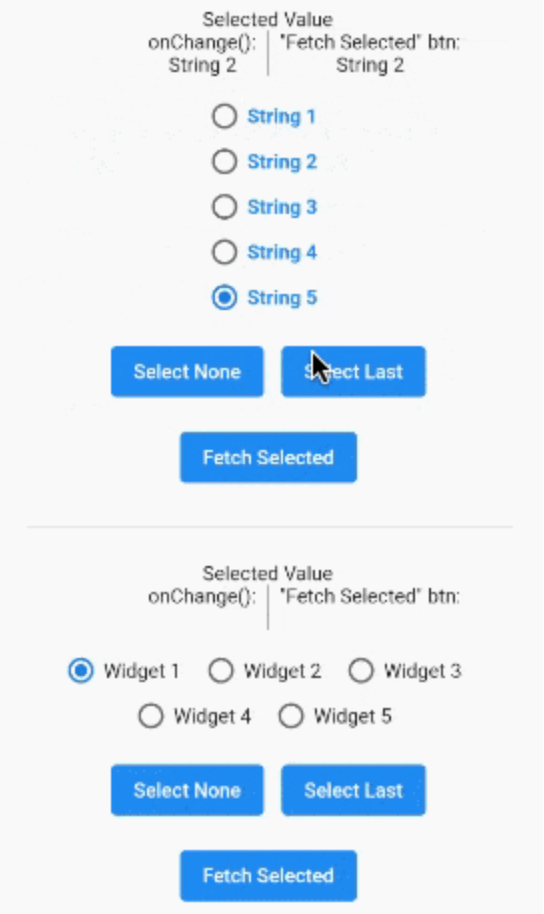
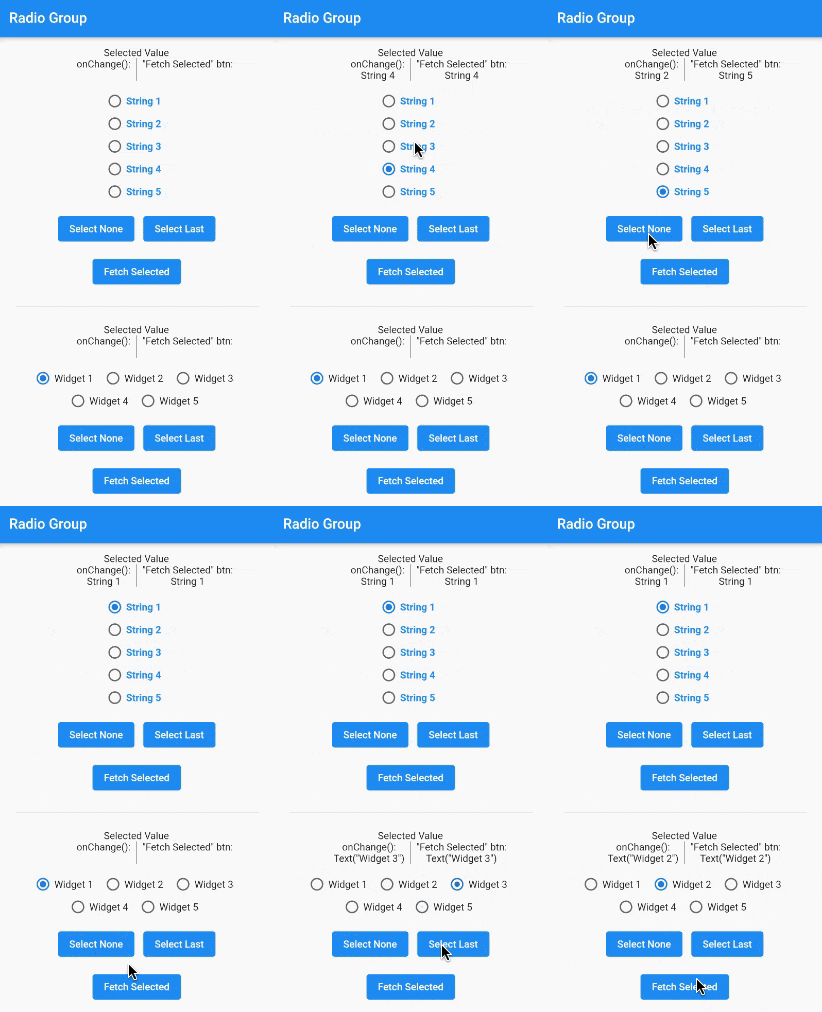
A gif demonstrating the radio group in action.

Installation

In the pubspec.yaml of your flutter project, add the following dependency:

dependencies:
  radio_group_v2: ^3.3.1

Import it to each file you use it in:

import 'package:radio_group_v2/radio_group_v2.dart';

Usage

Example 1

This example is a very basic, vertical radio group.

RadioGroupController myController = RadioGroupController();

RadioGroup(
  controller: myController,
  values: ["Choice1", "Choice2", "Choice3"],
)
Example 2

This example is a horizontal radio group with some decoration, and it starts with the first button selected.

RadioGroupController myController = RadioGroupController();

RadioGroup(
  controller: myController,
  values: ["Choice1", "Choice2", "Choice3"],
  indexOfDefault: 0,
  orientation: RadioGroupOrientation.Horizontal,
  decoration: RadioGroupDecoration(
    spacing: 10.0,
    labelStyle: TextStyle(
      color: Colors.blue,
    ),
    activeColor: Colors.amber,
  ),
)
Example 3

This example shows how to programmatically select an item using two different methods.

RadioGroupController myController = RadioGroupController();

List<String> items = ["Choice1", "Choice2", "Choice3"];

RadioGroup(
  controller: myController,
  values: items,
)

// Method 1 - Selects a specific item from the list.
myController.value = items[1]; // Selects Choice2

// Method 2 - Selects whatever item is at the given
//            index in the list.
myController.selectAt(2); // Selects Choice3
Example 4

This example shows how to programmatically select an item using two different silent methods. This means, when the new value in is selected in the list, the onChanged method will not be called.

RadioGroupController myController = RadioGroupController();

List<String> items = ["Choice1", "Choice2", "Choice3"];

RadioGroup(
  controller: myController,
  values: items,
)

// Method 1 - Selects a specific item from the list.
myController.setValueSilently(items[1]); // Selects Choice2

// Method 2 - Selects whatever item is at the given
//            index in the list.
myController.selectSilentlyAt(2); // Selects Choice3
Example 5

This example shows how to retrieve the selected value.

RadioGroupController myController = RadioGroupController();

RadioGroup(
  controller: myController,
  values: ["Choice1", "Choice2", "Choice3"],
)

String selected = myController.value.toString();

If you found this helpful, please consider donating. Thanks!

buy me a coffee      paypal      venmo


Categories

Source repository

Projects using this package

No data available yet.