 v2.11.0
pdfx
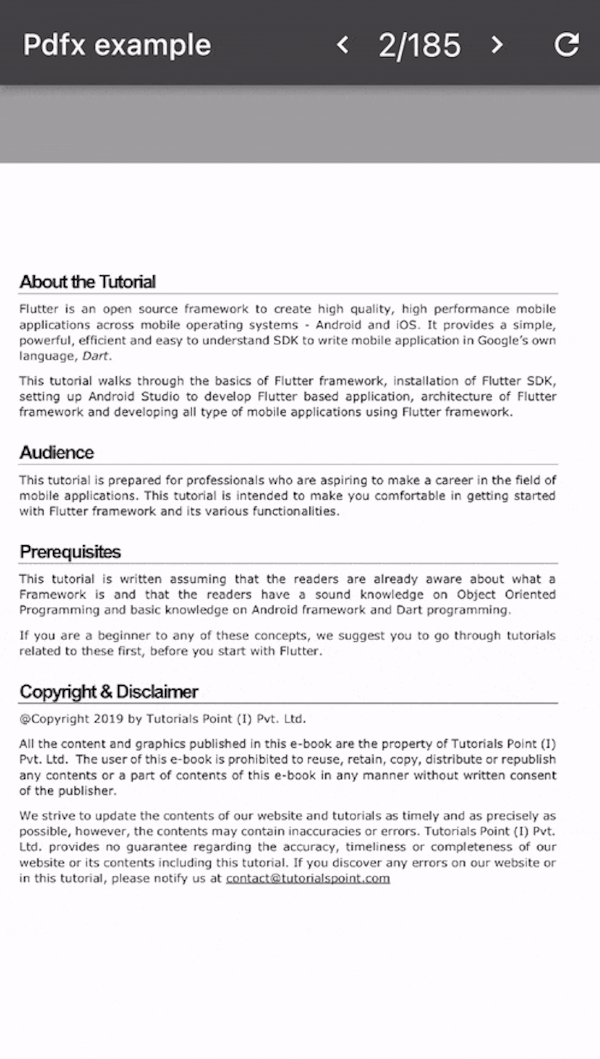
Flutter 插件,可在 Web、MacOS、Windows、Android 和 iOS 上渲染并显示 PDF 页面为图像。
530喜欢 52.9万近 30 天下载160Pub 分数
AndroidiOSWebmacOSWindows
一个基于 Flutter 的开源应用程序,帮助您跟踪您的曲目!

以下为英文项目原文快照,最新内容请访问 GitHub。
🚀 We're launching on the Google Play Store! Join our Alpha Testing Group here.


Download Latest Release | Download Nightly Build | Download from F-Droid
Repertoire is an app designed for musicians, dancers, magicians, or performers to help manage their repertoire, track practice sessions, and organize all related media in one place.
Keep your sheet music, notes, audio recordings, videos, links, and practice logs neatly organized for every piece in your collection.
.zip from the releases section, extract, and run.Once installed, you can:
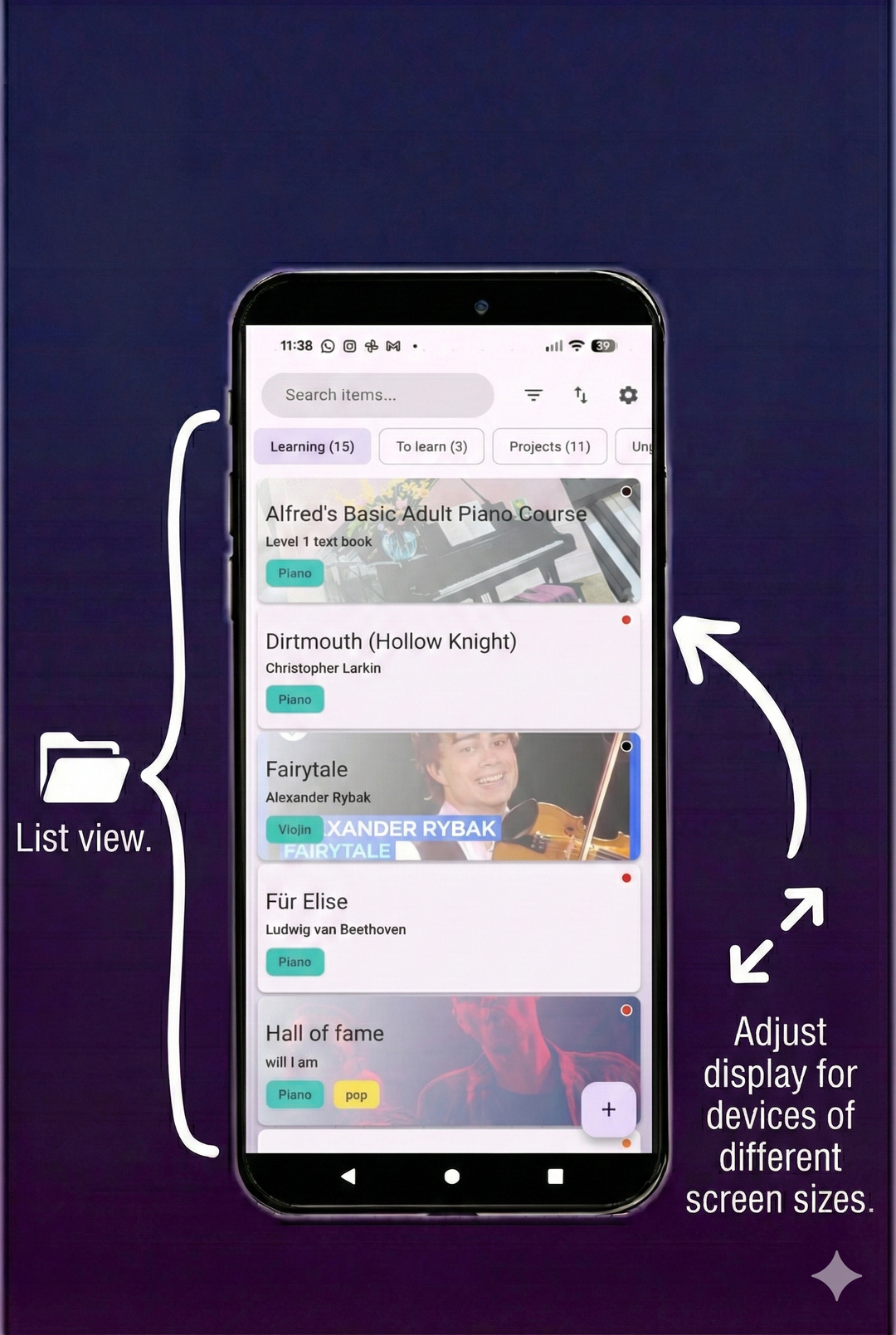
Repertoire Library
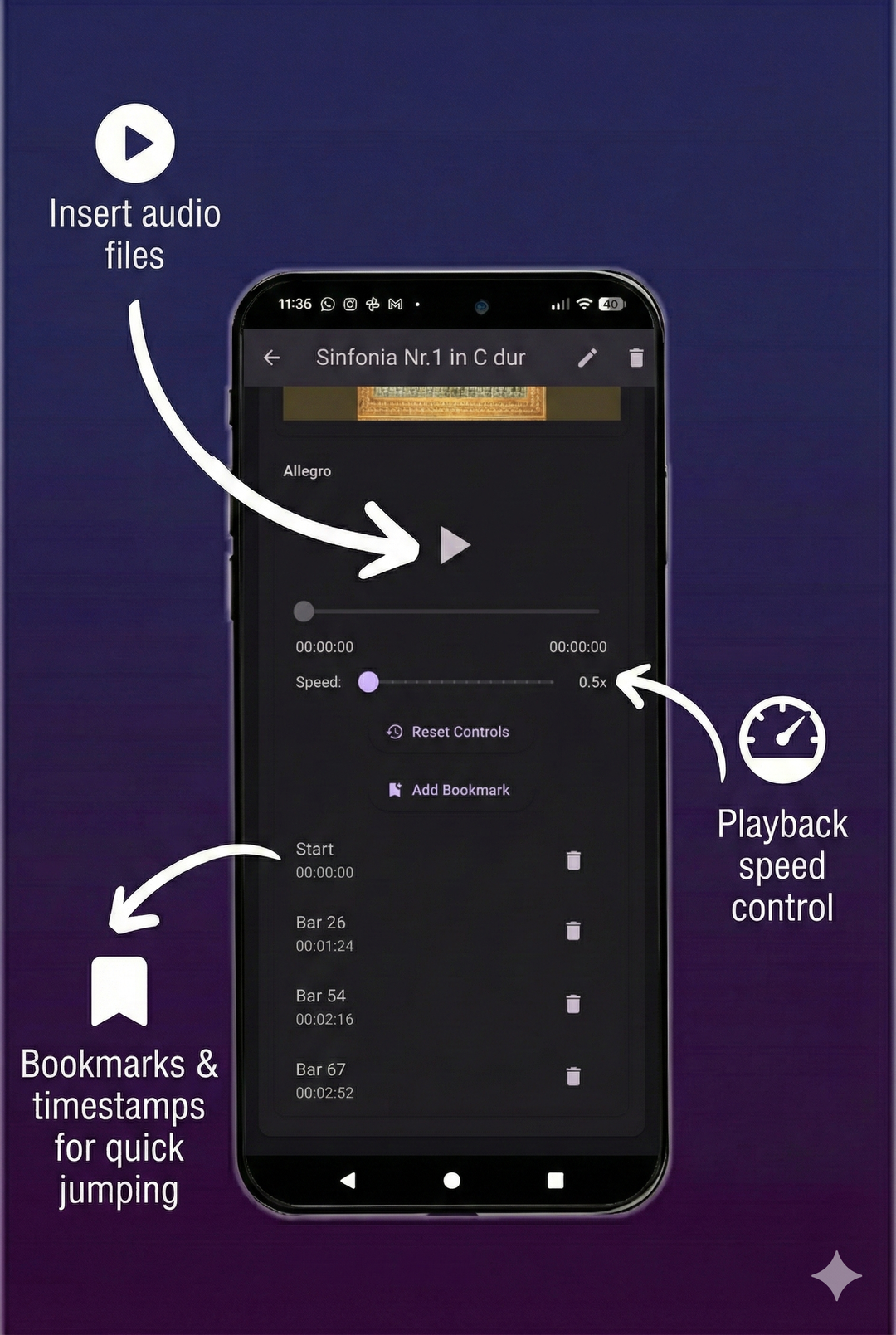
Media Attachments
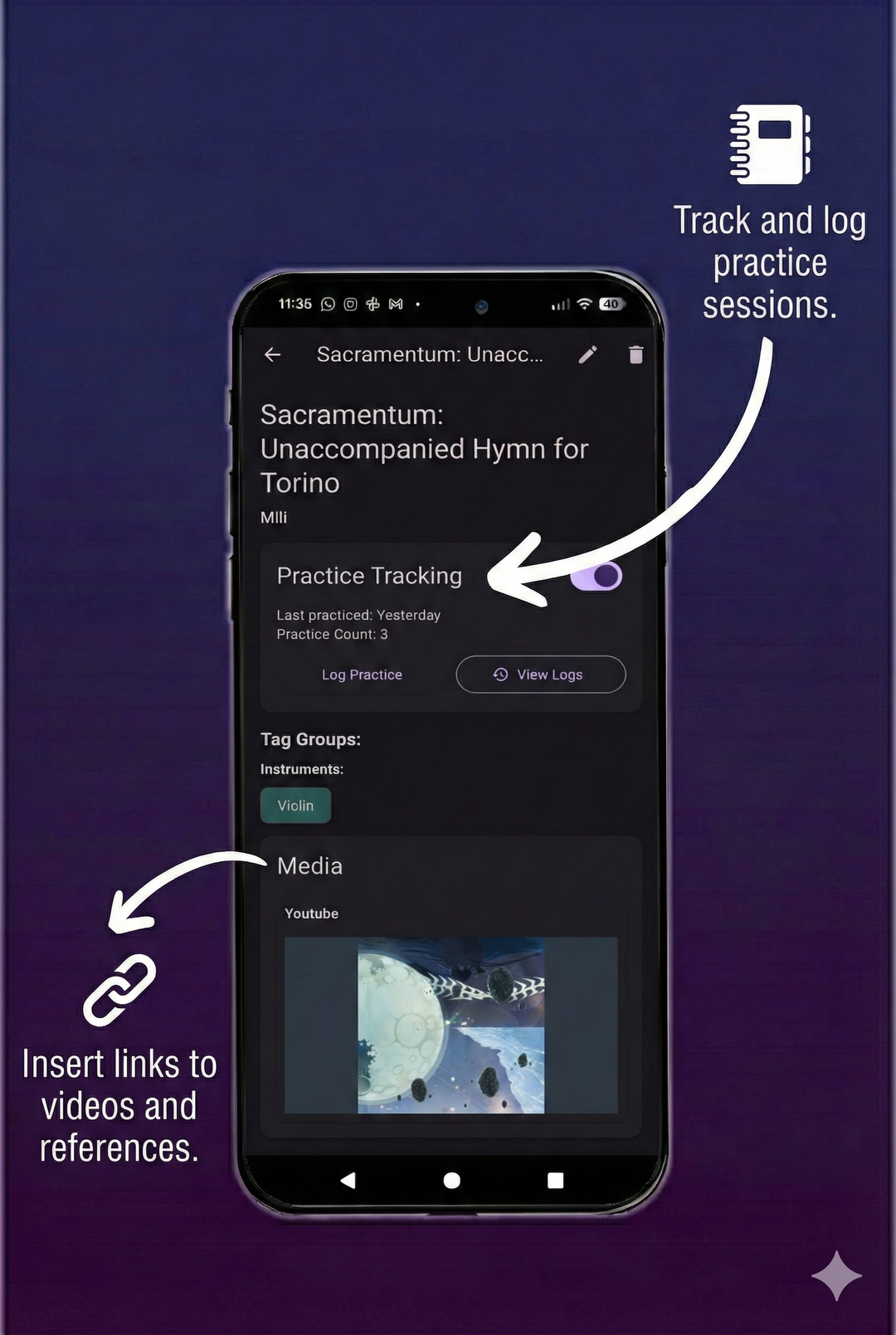
Practice Tracking
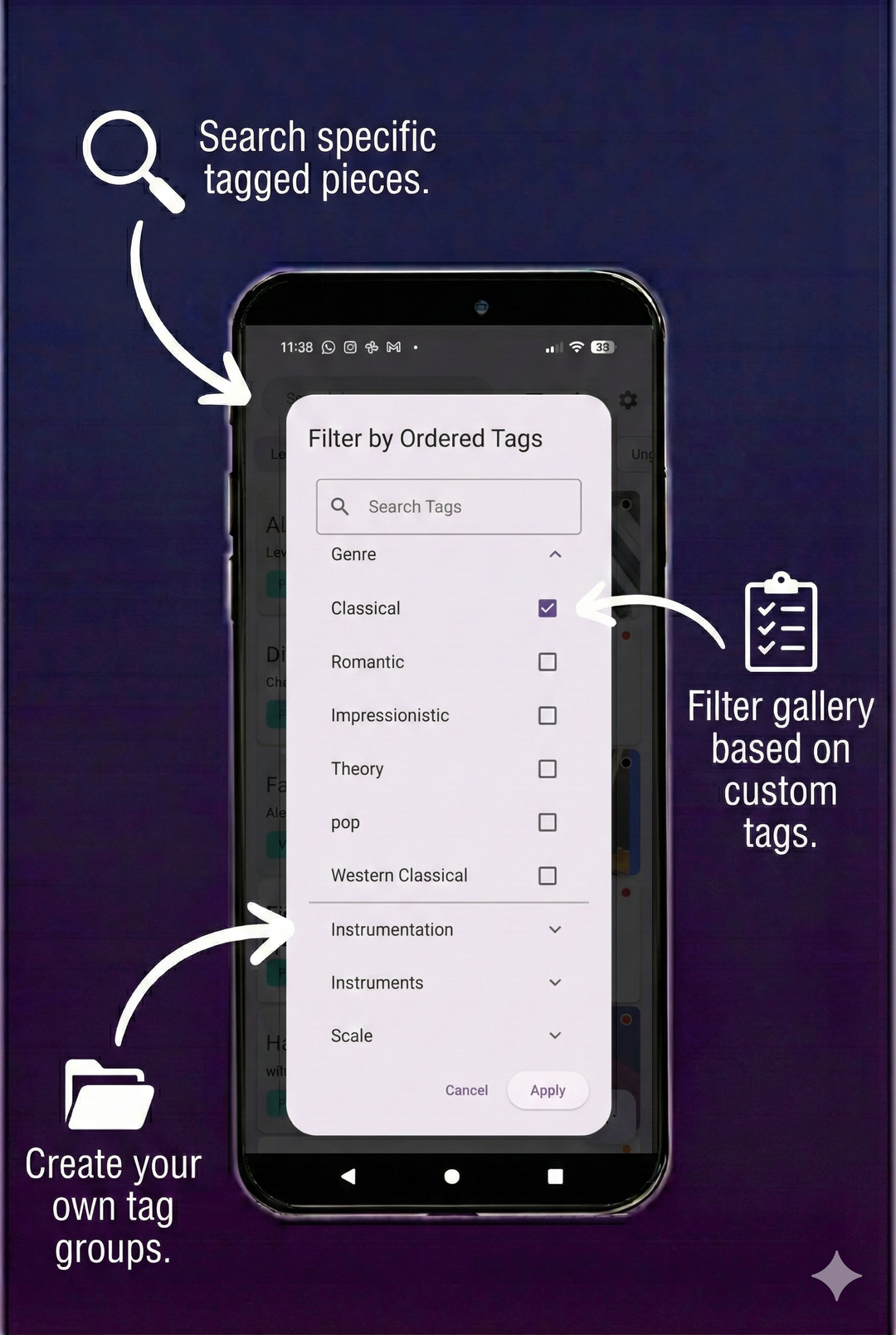
Organization
Backup & Restore
Create a gallery of all your pieces
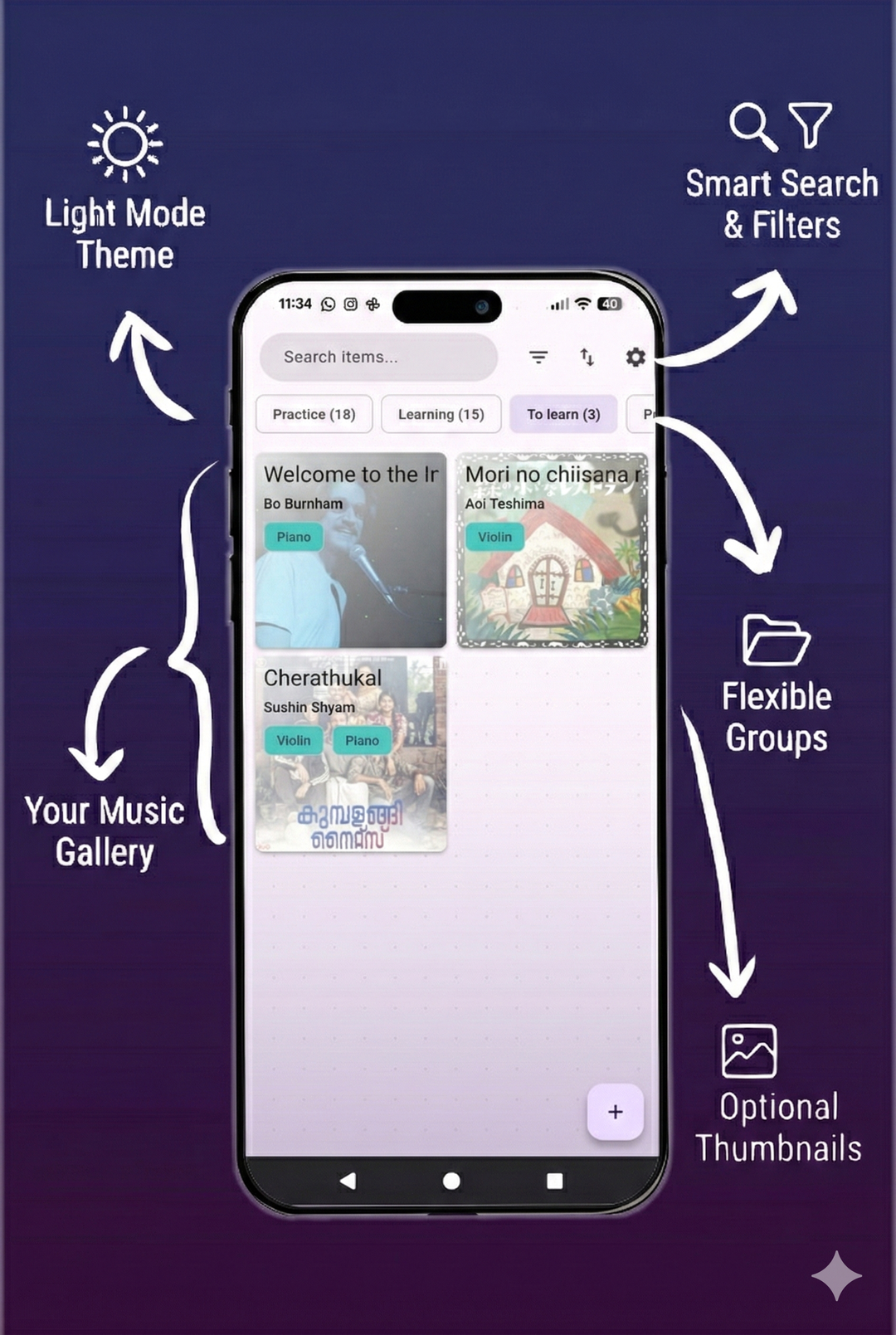
Attach all relevant media and track practice sessions
Group your pieces and tag them as you wish
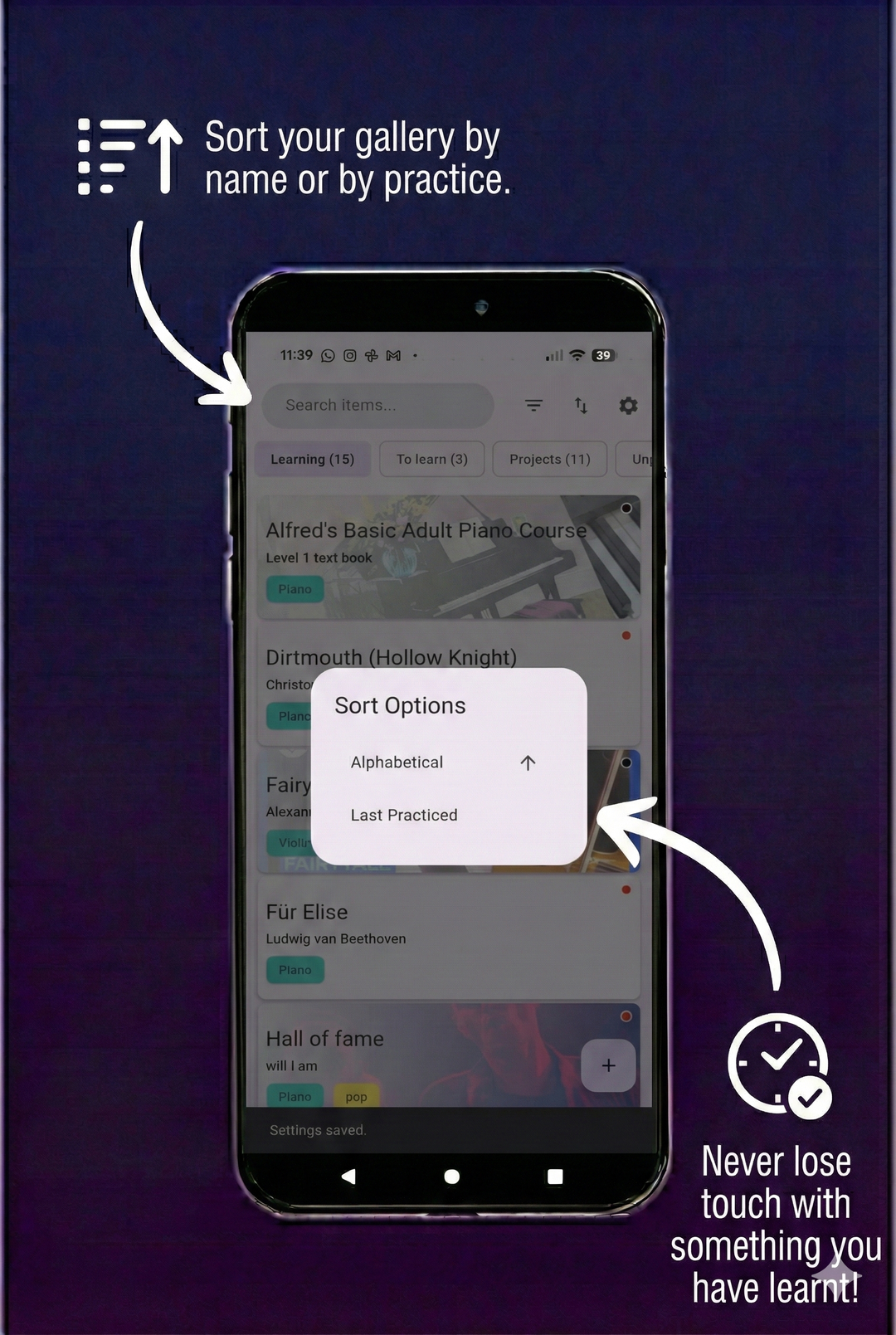
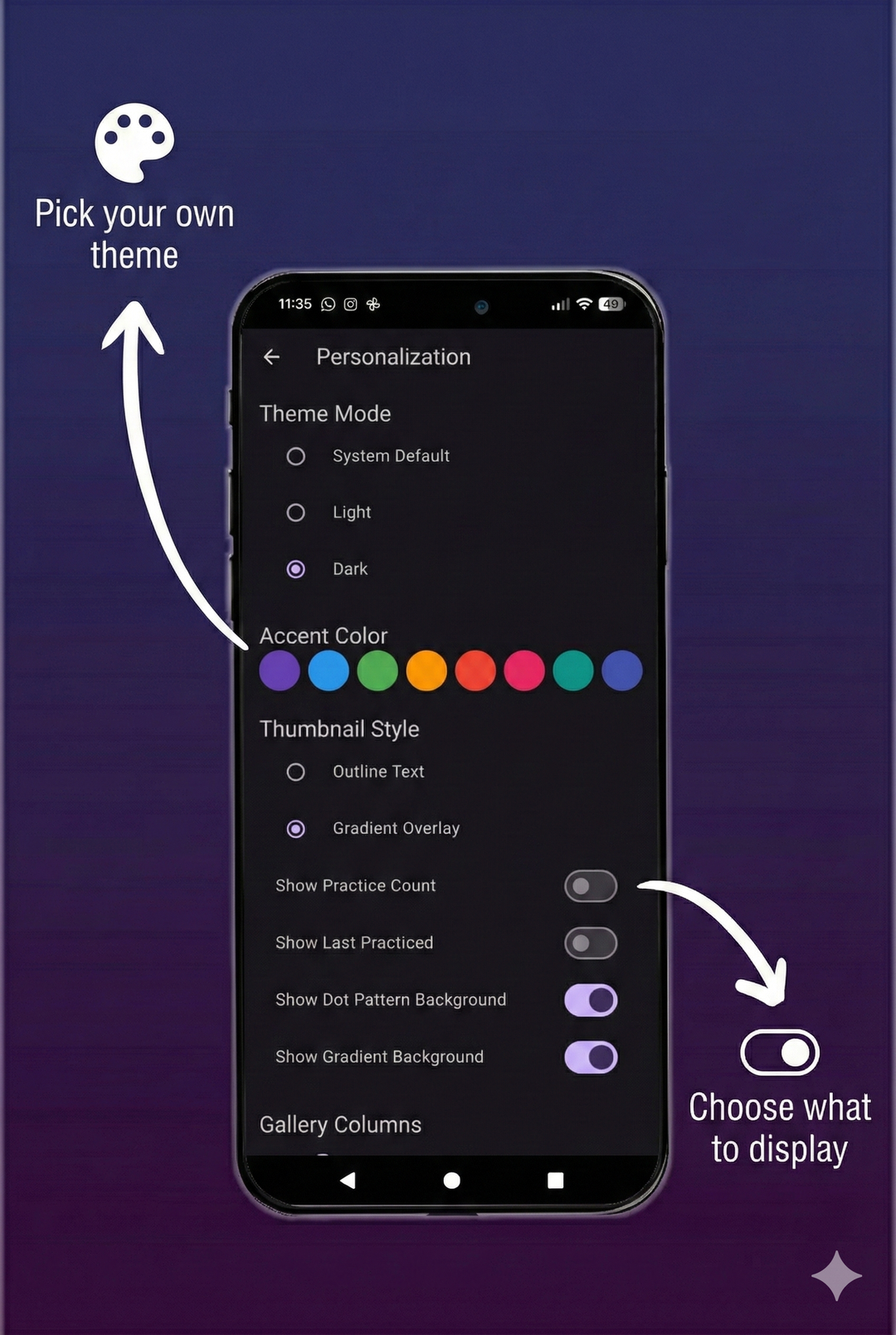
Personalize your experience and keep your data safe
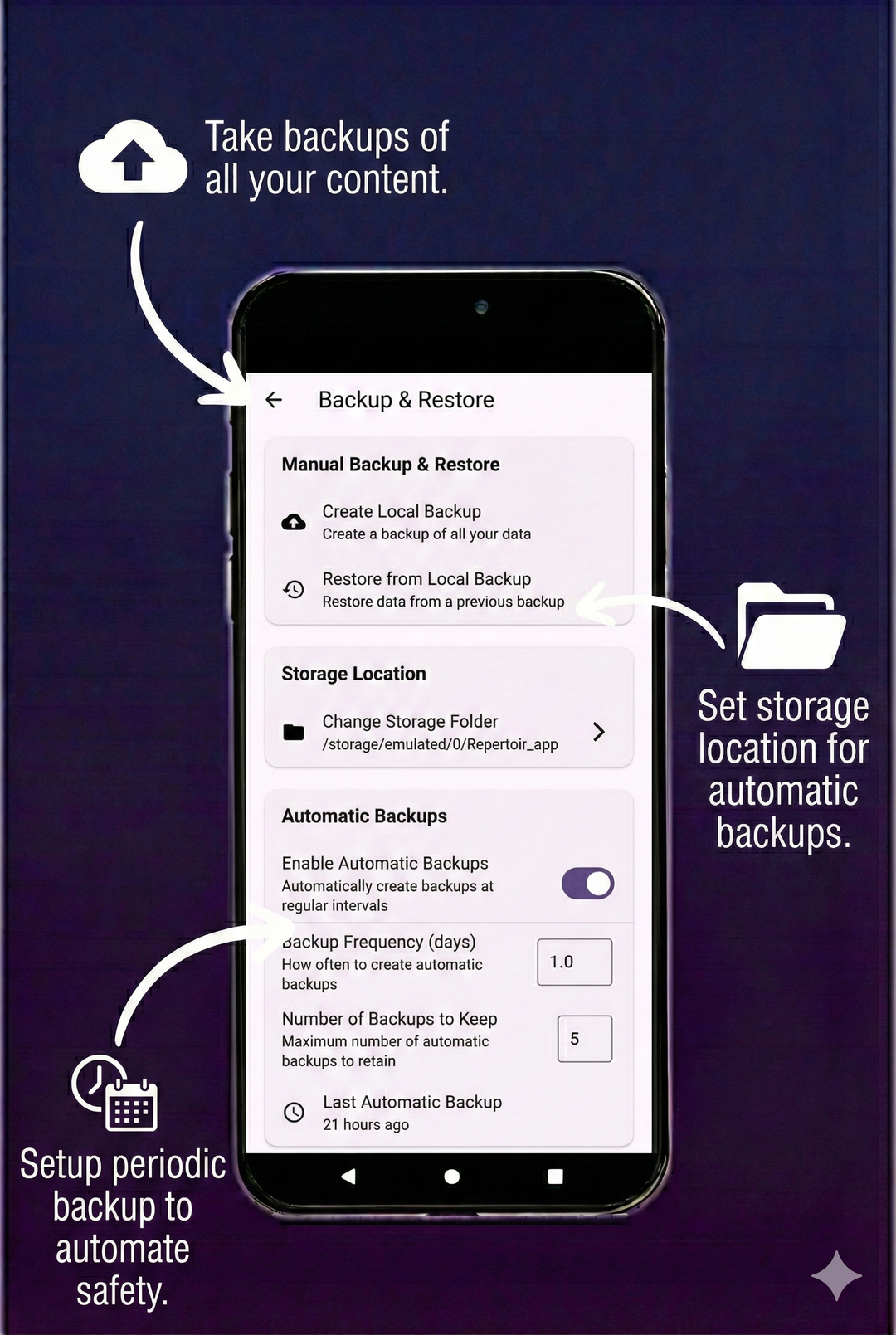
Where is my data stored?
How do I backup or restore my data?
What platforms does the app support?
We welcome contributions from everyone! Whether you're fixing bugs, adding features, or improving documentation, your help is appreciated.
Please read our Contributing Guidelines before getting started. It contains instructions on our dual-flavor setup, project structure, and up-to-date tech stack.
Thank you to all the people who have contributed! (Please contribute to help improve the app 🥺)
Made with contrib.rocks.
For help, bug reports, or feature requests, open an issue.
Distributed under the Apache 2.0 licence. See NOTICE and LICENSE for more information.
Flutter 插件,可在 Web、MacOS、Windows、Android 和 iOS 上渲染并显示 PDF 页面为图像。
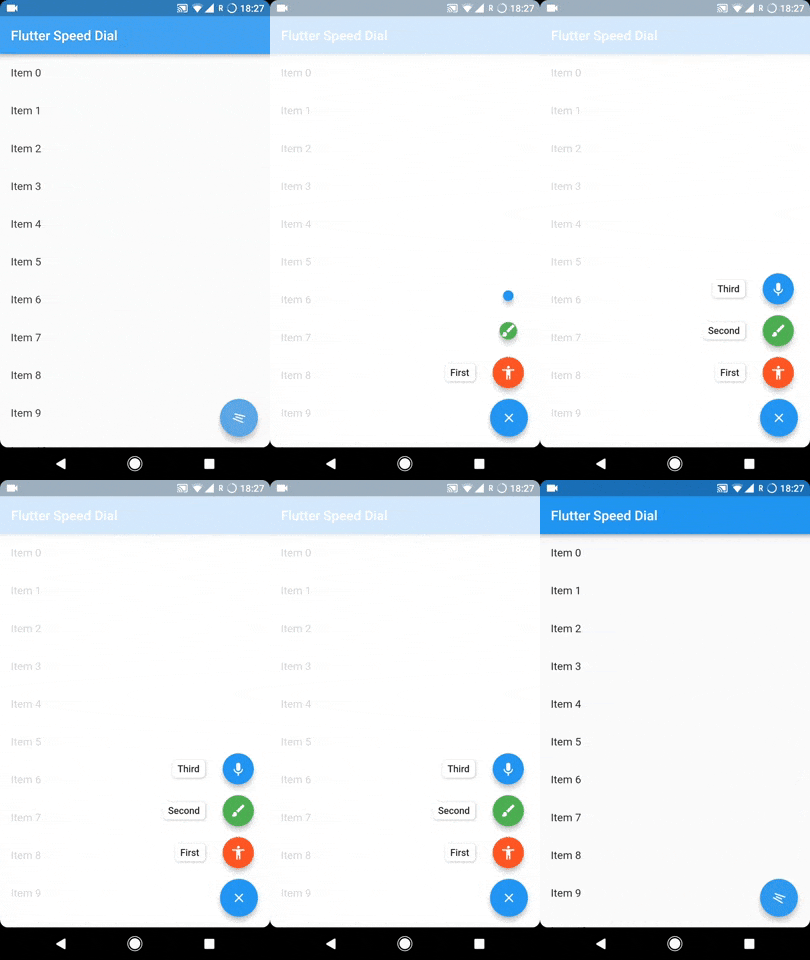
Flutter 插件,用于实现带有标签、动画图标、多方向子项等的精美且动态的 Material Design 速度拨号。
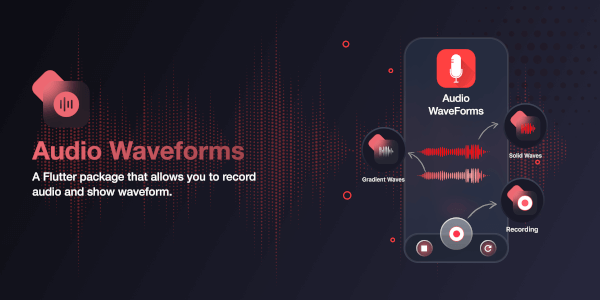
一个 Flutter 包,可在录制音频或从音频文件中生成波形。
video_player 插件和后端 API。支持所有桌面/移动平台,配备硬件解码器,渲染效果最佳。通过 FFmpeg 支持大多数格式。
实现 pub 版本控制策略的版本和版本约束。这与标准的 semver 非常相似,但存在一些特殊情况。
可处理任意大小输入的快速傅里叶变换(FFT)库。包含相关工具,如短时傅里叶变换(STFT)和卷积。
一个用纯 Dart 编写的音色库合成器(即 '.sf2' 播放器)。
一个用于提取网页元数据的 Dart 库,例如 OpenGraph、Meta、Twitter 卡片和结构化数据 (Json-LD)
适用于 Windows 的视频播放器,轻量级,使用 Windows 内置的 Media Foundation API。video_player 插件的 Windows 实现。
将实时PCM音频(16位整数)发送到您的设备扬声器
Windows 平台的 just_audio 实现。使用 WinRT MediaPlayer 实现。
依赖清单 48 项
{"sdk":"flutter"}{"sdk":"flutter"}^2.3.3^2.3.3^2.1.3^4.4.0^1.2.1^10.3.6^2.2.24^1.0.5^0.15.0^0.10.5^4.5.0^0.2.0^0.1.1^6.3.0^2.2.3^2.1.4^1.9.0^7.0.0^6.1.2^1.5.0+1^2.0.0^0.20.2^9.0.0^0.4.1^3.3.1^4.0.7^12.0.1^3.0.7^12.0.1^0.7.1^2.2.0^0.18.18^1.4.01.8.1^2.0.0^1.0.2^1.0.4+2^2.4.0^4.7.0^1.2.6^2.0.1^1.0.7^2.1.2{"sdk":"flutter"}^6.0.0^0.14.4先按使用场景筛选,再比较项目活跃情况,最后到原始仓库核对使用要求。
“A repository is the most basic element of GitHub.”
GitHub Docs — About repositories ↗