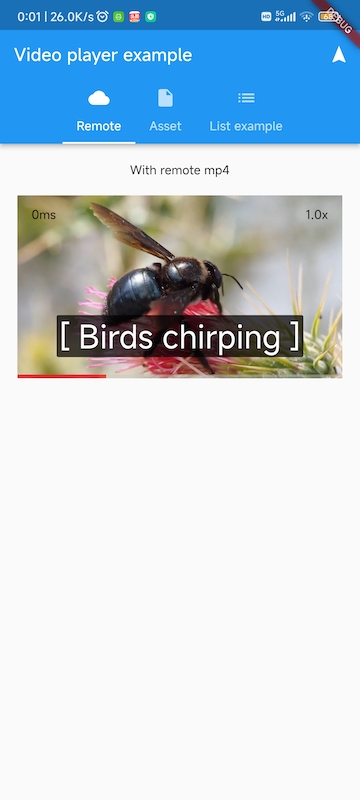
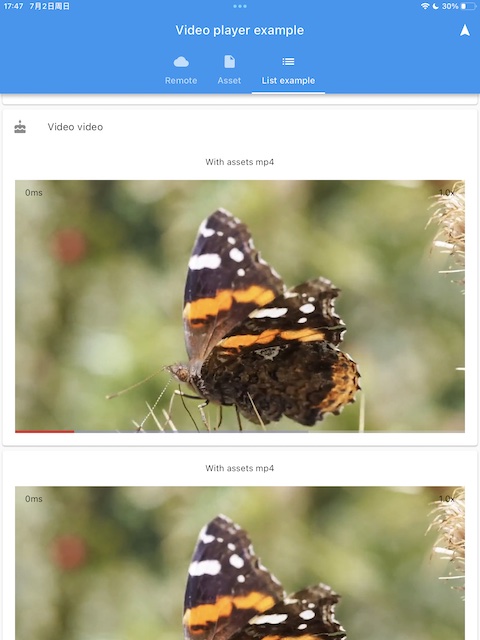
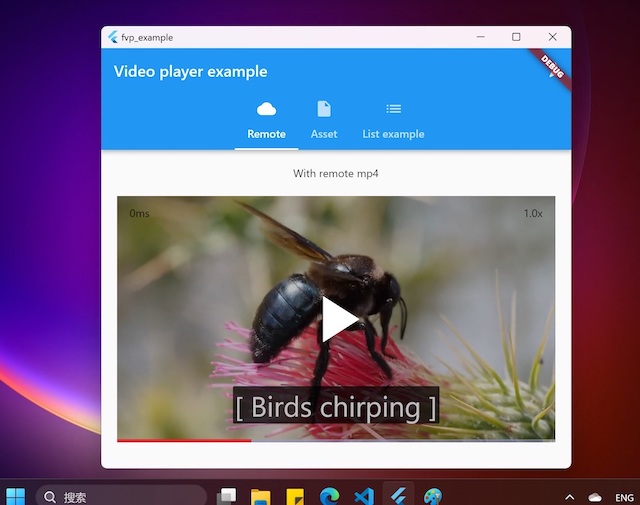
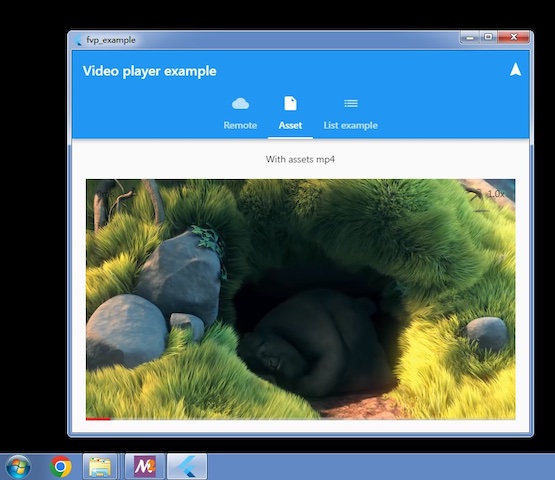
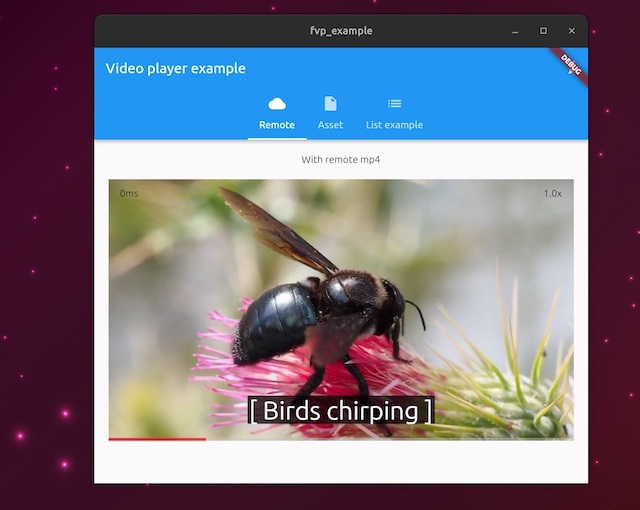
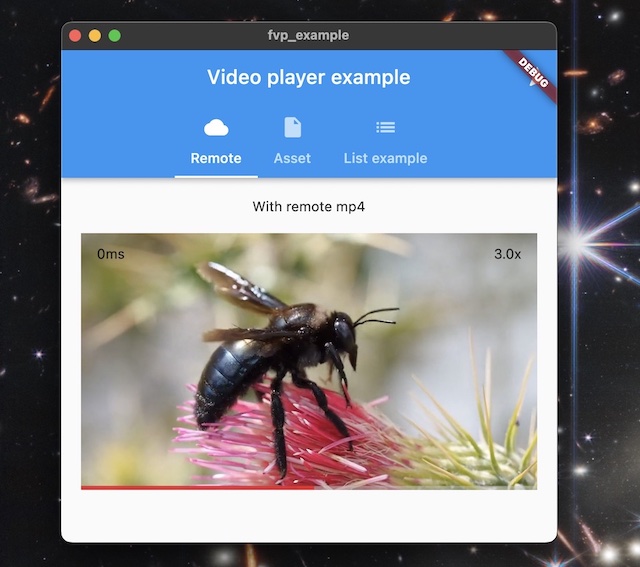
FVP 是一个 Flutter 插件,将 video_player 功能与后端 API 集成,可在 Android、iOS、macOS、Windows 和 Linux 等所有主要平台上实现高性能视频播放。通过利用硬件解码器和优化渲染,它支持通过 FFmpeg 集成的广泛视频格式,提供流畅的播放体验。专为跨平台一致性和高效性设计,FVP 即使在资源受限的设备上也能确保可靠的视频播放。
适合场景
跨平台视频播放
流媒体应用程序
离线视频播放器
带有视频内容的教育类应用程序
媒体丰富的互动体验
主要特点
硬件加速解码
基于 FFmpeg 的格式支持
所有平台上的优化渲染
移动和桌面端的一致 API
内置后端 API 集成
适合对象
开发媒体密集型应用的开发者
需要广泛格式兼容性的应用
针对多个操作系统的项目
高性能视频播放需要
同时使用本地和远程视频源的应用程序
使用建议
需要FFmpeg编译以获得完整的格式支持
由于原生依赖项,可能会增加应用大小
某些高级功能可能需要进行平台特定的设置
与主流插件相比,文档有限
自定义编解码器处理中的潜在复杂性
原始 README
以下为关联源码仓库的 README 原文快照,最新内容请访问源码仓库。
FVP
A plugin for official Flutter Video Player to support all desktop and mobile platforms, with hardware accelerated decoding and optimal rendering. Based on libmdk. You can also create your own players other than official video_player with backend player api
Prebuilt example can be download from artifacts of github actions.
project is create with flutter create -t plugin --platforms=linux,macos,windows,android,ios -i objc -a java fvp
Features
All platforms: Windows x64(including win7) and arm64, Linux x64 and arm64, embedded linux, macOS, iOS, Android(requires flutter > 3.19 because of minSdk 21) and HarmonyOS 5.0+.
You can choose official implementation or this plugin's
Optimal render api: d3d11 for windows, metal for macOS/iOS, OpenGL for Linux, Android(Impeller support) and HarmonyOS.
Hardware decoders are enabled by default
Dolby Vision support on all platforms
Minimal code change for existing Video Player apps
Support most formats via FFmpeg demuxer and software decoders if not supported by gpu. You can use your own ffmpeg 4.0~7.1(or master branch) by removing bundled ffmpeg dynamic library.
High performance. Lower cpu, gpu and memory load than libmpv based players.
Support audio without video
HEVC, VP8 and VP9 transparent video
Small footprint. Only about 10MB size increase per cpu architecture(platform dependent).
How to Use
Add fvp in your pubspec.yaml dependencies: flutter pub add fvp. Since flutter 3.27, fvp must be a direct dependency in your app's pubspec.yaml.
(Optional) Add 2 lines in your video_player examples. Without this step, this plugin will be used for video_player unsupported platforms(windows, linux), official implementation will be used otherwise.
import'package:fvp/fvp.dart'as fvp;
fvp.registerWith(); // in main() or anywhere before creating a player. use fvp for all platforms.
You can also select the platforms to enable fvp implementation
registerWith(options: {'platforms': ['windows', 'macos', 'linux']}); // only these platforms will use this plugin implementation
Now we also expose this backend player api so you can create your own players easily, and gain more features than official video_player, for example, play from a given position, loop in a range, decoder selection, media information detail etc. You can also reuse the Player instance without unconditionally create and dispose, changing the Player.media is enough.
This is an example
VideoPlayerController Extensions
With this extension, we can leverage mature video_player code without rewriting a new one via backend player api, but gain more features, for example snapshot(), record(), fastSeekTo(), setExternalSubtitle().
import'package:fvp/fvp.dart'as fvp;
fvp.registerWith(); // in main() or anywhere before creating a player. use fvp for all platforms.// somewhere after controller is initialized
_controller.record('rtmp://127.0.0.1/live/test');
Upgrade Dependencies Manually
Upgrading binary dependencies can bring new features and backend bug fixes. For macOS and iOS, in your project dir, run
For other platforms, set environment var FVP_DEPS_LATEST=1 and rebuilt, will upgrade to the latest sdk. If fvp is installed from pub.dev, run flutter pub cache clean is another option.
To use an immutable SDK release or mirror, set its base URL and expected SHA-256. The platform archive name, such as mdk-sdk-android.7z, is appended to the URL.
Replace the SHA-256 placeholder with the archive's 64-character digest. Both options can also be set as CMake cache variables. A non-empty CMake value takes precedence over the corresponding environment variable. When FVP_DEPS_SHA256 is set, the downloaded archive is verified and the extracted SDK cache is reused only if its recorded checksum matches. FVP_DEPS_LATEST is ignored in this mode.
Design
Playback control api in dart via ffi
Manage video renderers in platform specific manners. Receive player ptr via MethodChannel to construct player instance and set a renderer target.
Callbacks and events in C++ are notified by ReceivePort
Function with a one time callback is async and returns a future
Enable Hardware Decoders for Embedded Linux
delete libffmpeg.so.* in your app bundle, which is copied from libmdk sdk.
Raspberry Pi: install ffmpeg and system ffmpeg libraries with v4l2 acceleration will be used.
Rockchip: build and install https://github.com/nyanmisaka/ffmpeg-rockchip . You may also need environment var export GL_UBO=1 for arm mali driver on linux 6.x kernel to avoid gl driver bug.
Enable Subtitles
libass is required, and it's added to your app automatically for windows, macOS, ohos and android(remove ass.dll, libass.dylib and libass.so from mdk-sdk if you don't need it). For iOS, download and add ass.framework to your xcode project. For linux, system libass can be used, you may have to install manually via system package manager.
If required subtitle font is not found in the system(e.g. android), you can add assets/subfont.ttf in pubspec.yaml assets as the fallback. Optionally you can also download the font file by fvp like this