v2.6.0
path_provider_foundation
path_provider 插件的 iOS 和 macOS 实现
9喜欢 1020万近 30 天下载160Pub 分数
iOSmacOS
一个简单的新闻阅读器,用于 miniflux 后端(https://miniflux.app)。

以下为英文项目原文快照,最新内容请访问 GitHub。

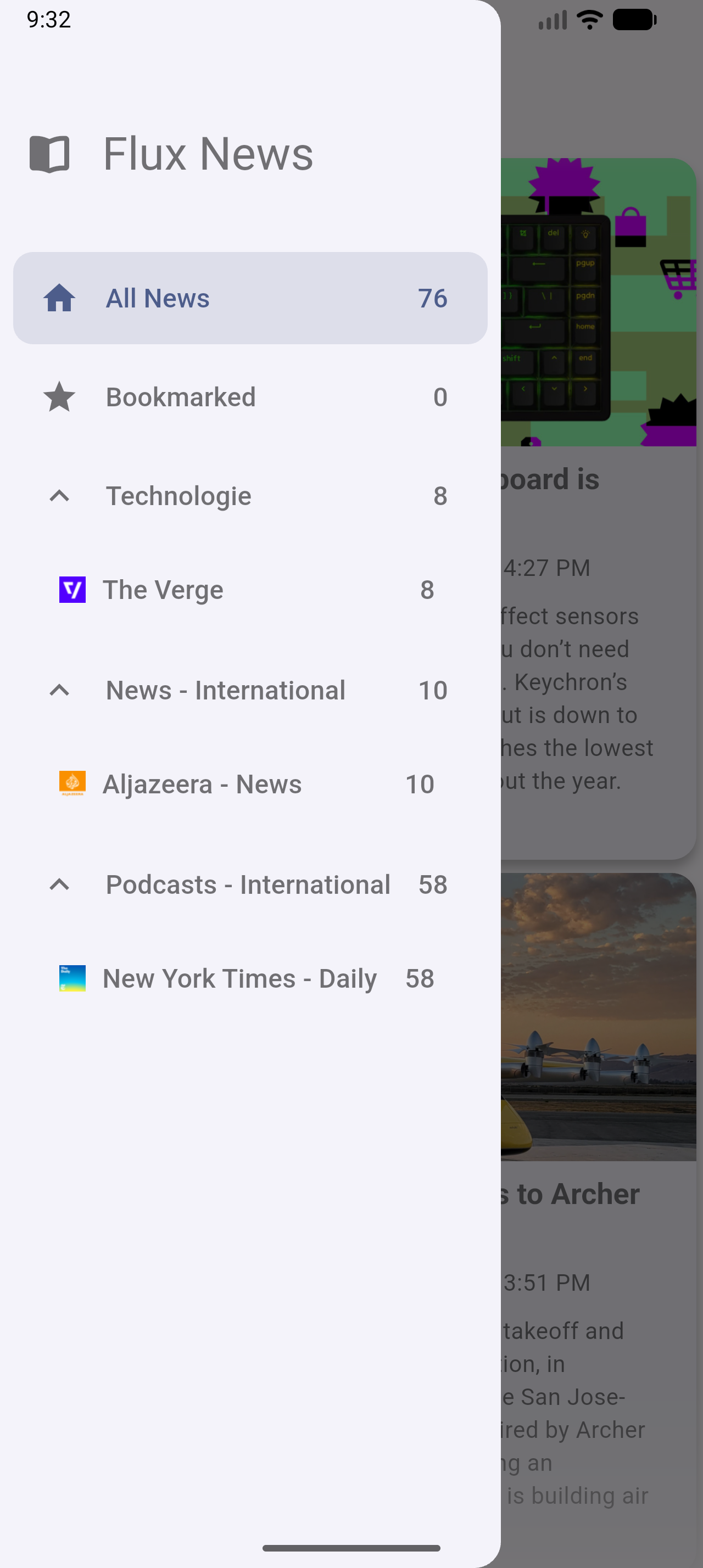
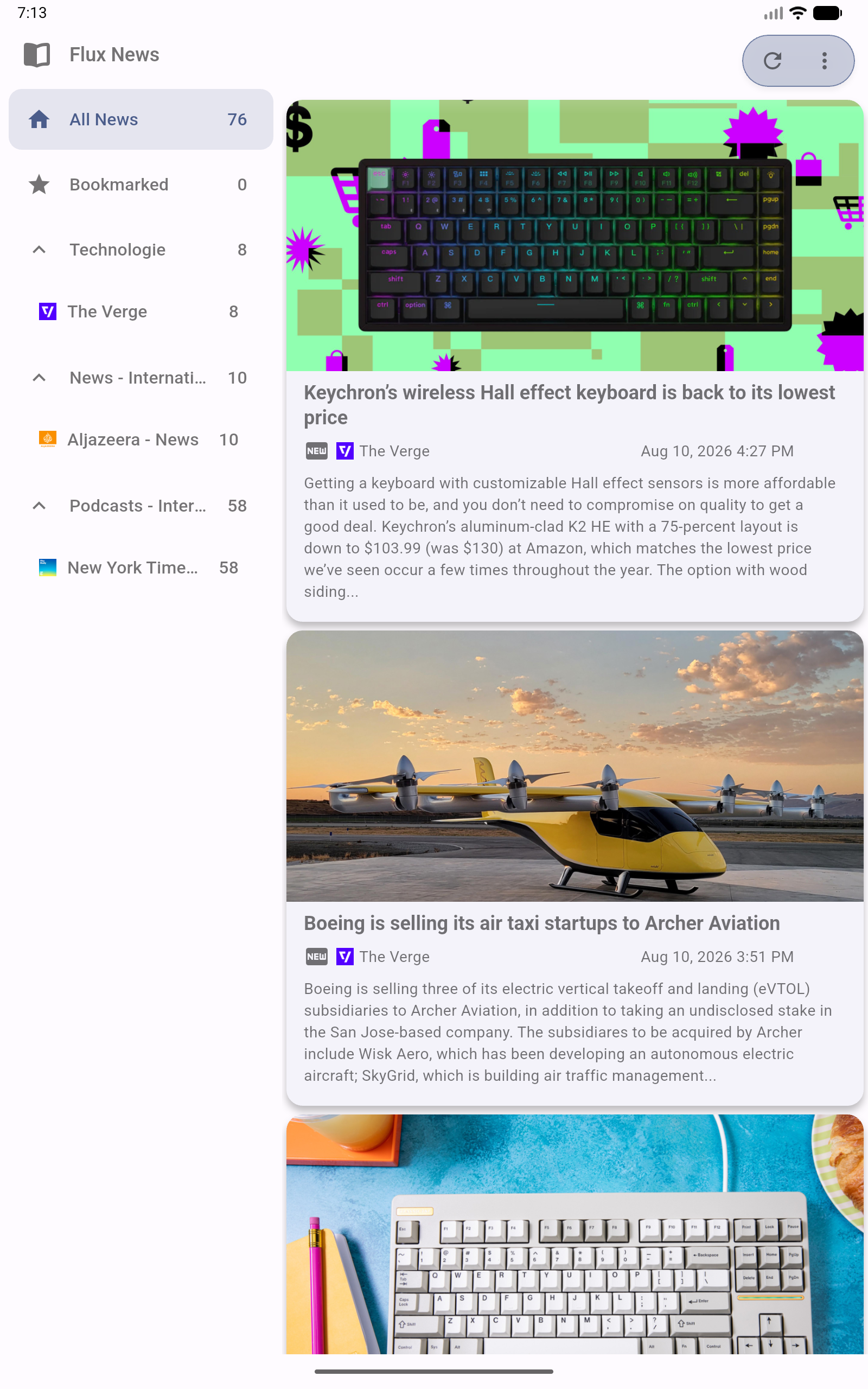
A privacy-first Newsreader and Podcast player for the Miniflux backend (https://miniflux.app).
Flux News synchronizes seamlessly with the Miniflux API to bring your favorite articles and podcasts to all your devices - including your car.
Enjoy full offline support, intuitive gestures, a true OLED black mode, and a powerful new media engine for an uninterrupted listening experience.


Flux News requires Miniflux version >= 2.0.29.
The unread articles should appear in the app.



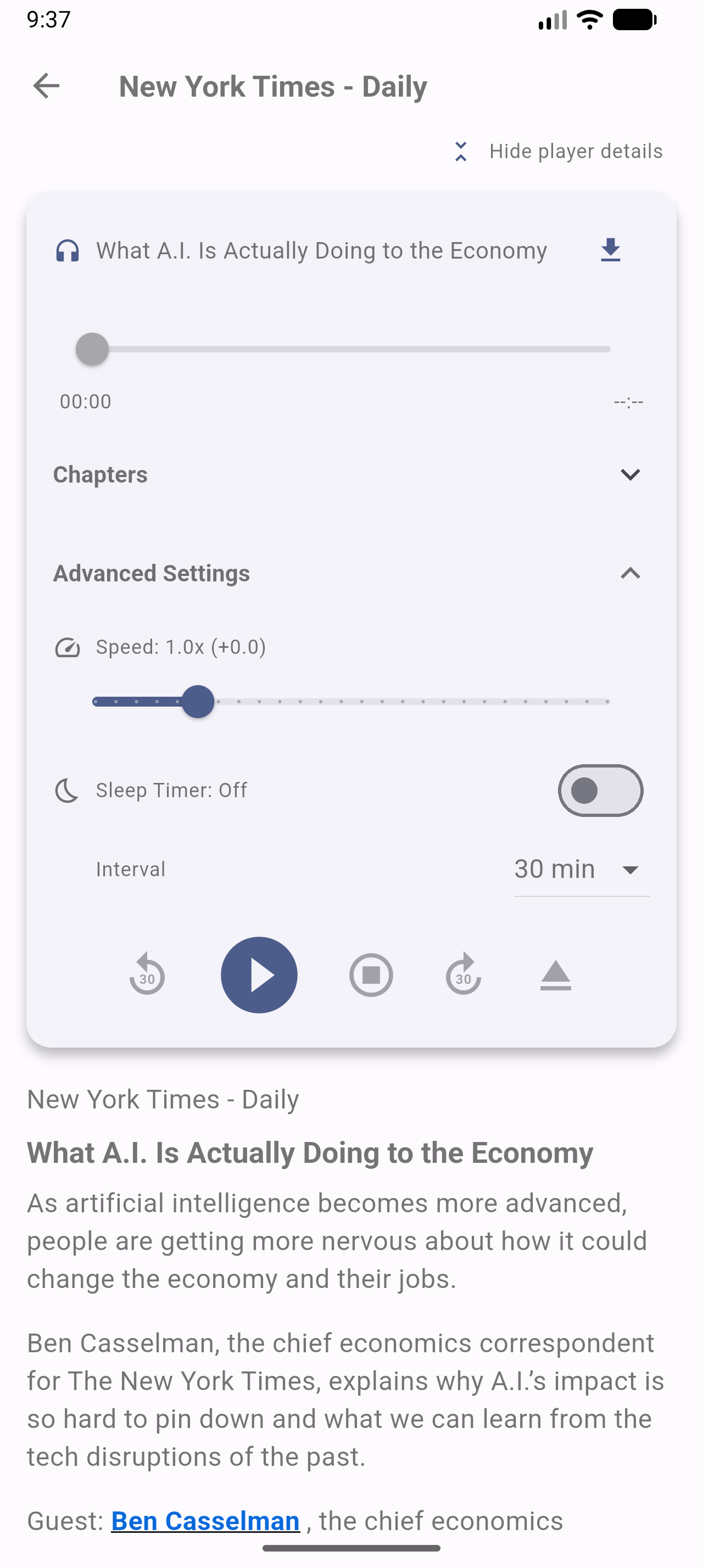
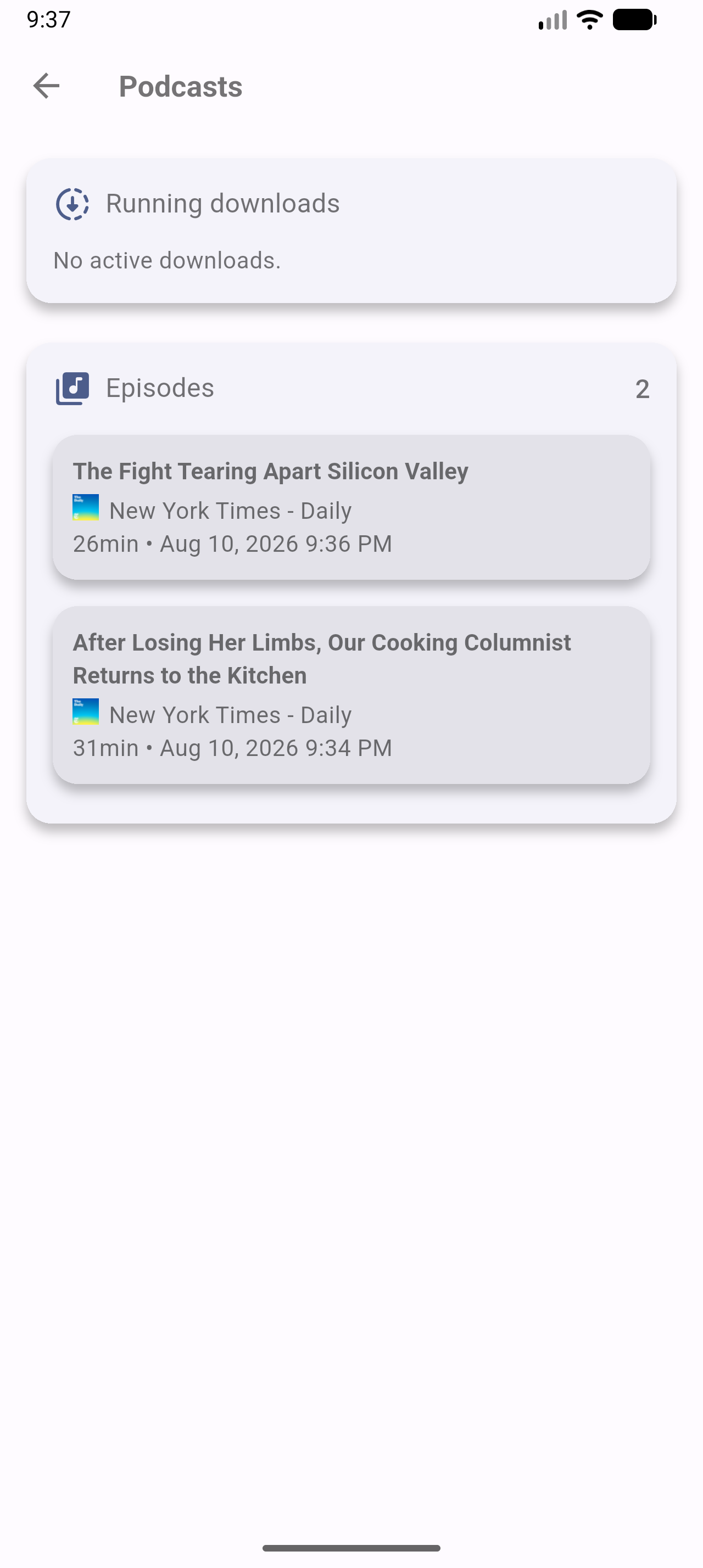


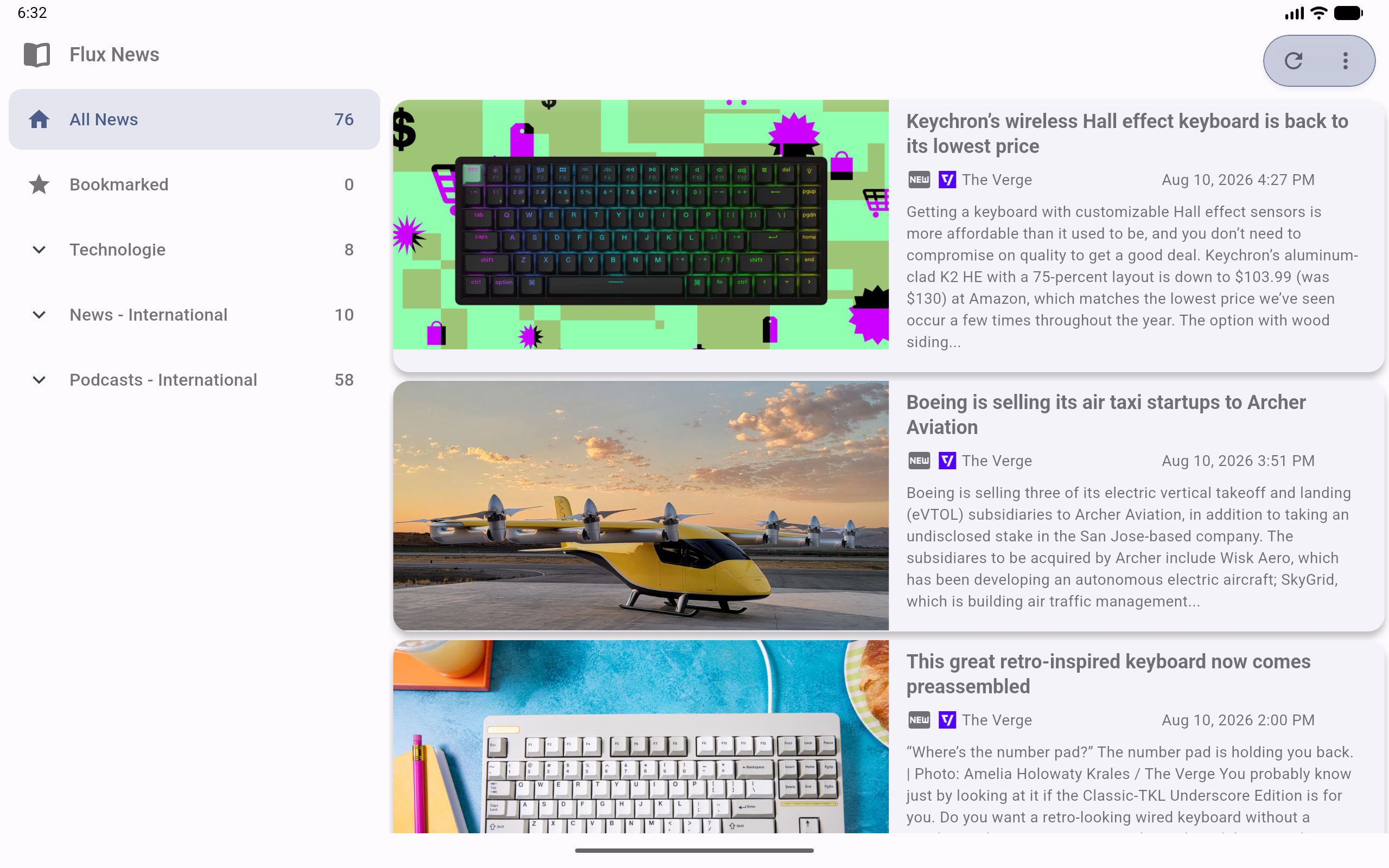
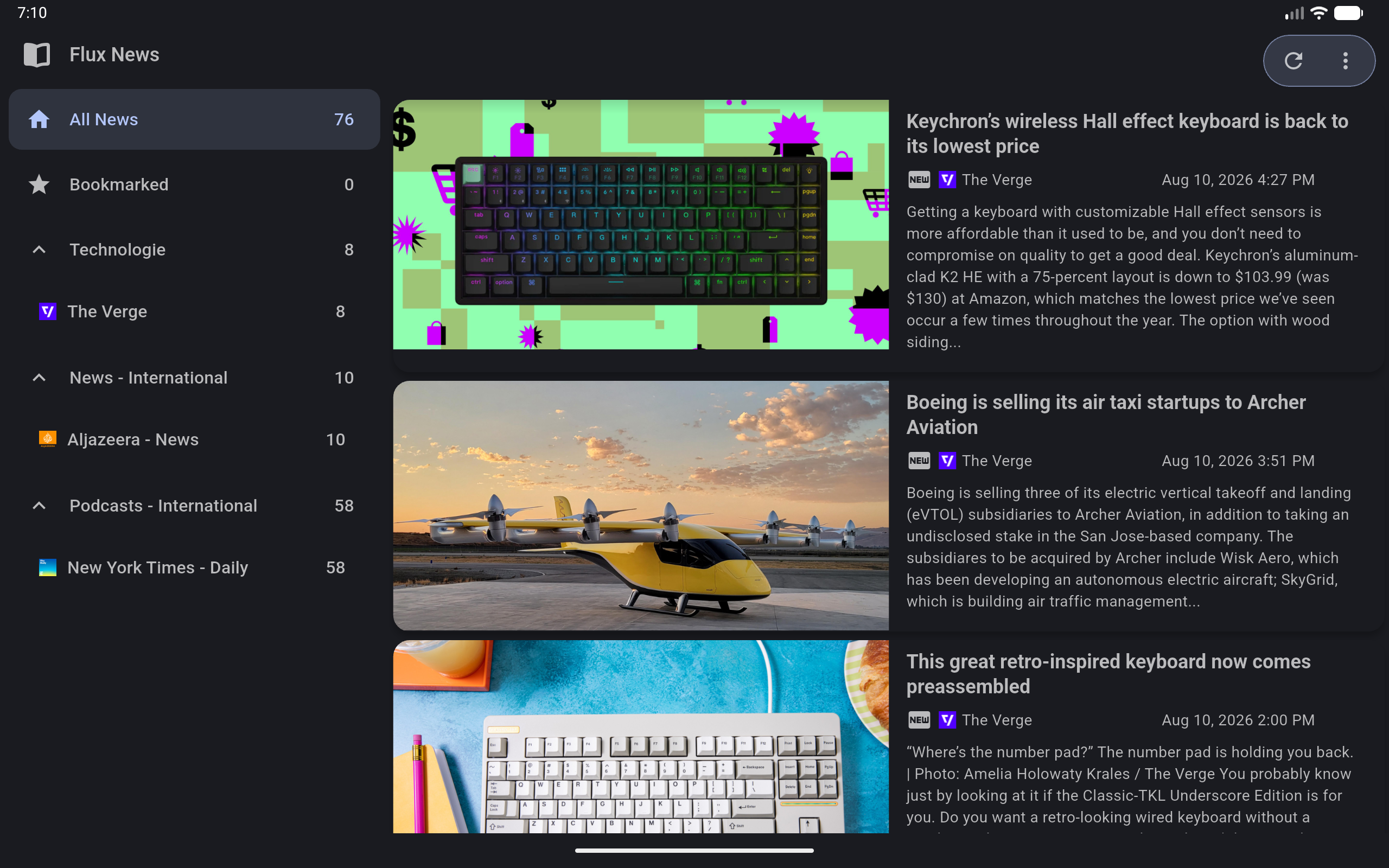
Flux News aims to be accessible to everyone. If you would like to help translate the app into your language, or improve existing translations, you can easily do so via the Hosted Weblate instance.
No coding required! You can contribute directly in your browser:

We deeply appreciate every contribution that helps bring Flux News to a wider audience. If your language is not yet listed on Weblate and you would like to start a new translation, please open an issue or let us know!
This program is free software: you can redistribute it and/or modify it under the terms of the Modified BSD License.
This program is distributed in the hope that it will be useful, but WITHOUT ANY WARRANTY; without even the implied warranty of MERCHANTABILITY or FITNESS FOR A PARTICULAR PURPOSE. See the Modified BSD License for more details.
path_provider 插件的 iOS 和 macOS 实现
官方扩展图像,支持占位符(加载中)/失败状态,缓存网络,缩放/平移,相册视图,滑出页面,编辑器(裁剪、旋转、翻转)、绘画等。
一个为 Android 提供 Cronet HTTP 客户端访问权限的 Flutter 插件。
一个用于观察 ScrollView 中显示的子部件相关数据的部件。
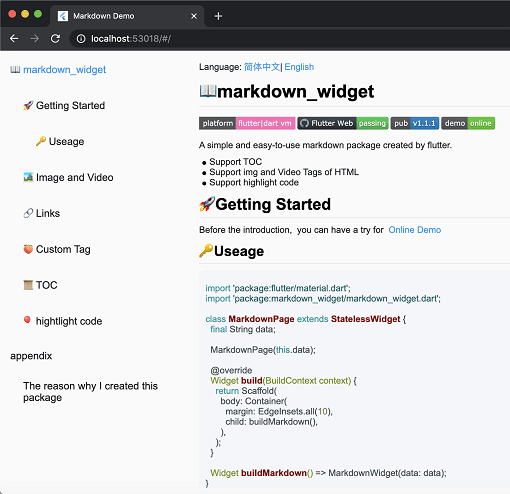
一个新的 markdown 包。它支持目录(TOC)功能、代码高亮,并且支持所有平台。
SliverList 和 ListView 的即插即用替代品,可处理具有可变范围的大列表,并支持跳转/动画到特定项目。
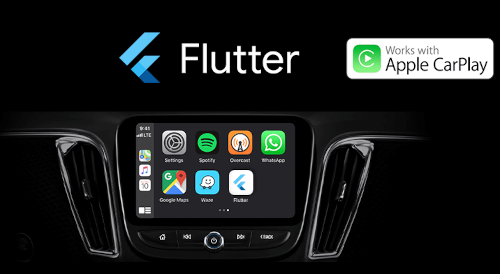
Flutter 应用现已支持 Apple CarPlay 和 Android Auto。此包旨在通过与 CarPlay 或 Android Auto 集成,使使用 Flutter 开发的应用在汽车中使用更加安全。
为您的应用设置 iOS 音频会话类别和 Android 音频属性,并管理应用的音频焦点、混合和音量降低行为。
一个用于将 HTML 转换为 Markdown 的库。它支持 CommonMark、简单表格和自定义转换规则。
一个使用 pubspec.yaml/lock 文件生成详细且更好的开源许可证列表的工具。
适用于 Flutter 应用的全面基于文件的日志框架。(支持 ELK 堆栈)
依赖清单 48 项
{"sdk":"flutter"}{"sdk":"flutter"}^1.0.5^6.0.5^1.8.2^1.1.0^0.15.2^0.20.2^10.3.1^11.0.0^0.14.3^2.2.19^6.1.10^1.2.1^2.0.5^3.0.2^2.0.5^1.9.0^2.6.2^13.1.0^2.5.3^2.0.15^10.2.1^12.0.0-beta.5^1.8.0^1.21.0^0.4.1^4.0.0^2.4.2^1.3.2^2.3.2+8^10.0.1^2.5.1^4.0.9^2.9.0^0.10.5^0.18.18^0.2.3^7.1.1^1.3.0^0.9.1^0.10.7^0.30.2{"sdk":"flutter"}^6.0.0^5.4.0^2.3.3^2.3.5先按使用场景筛选,再比较项目活跃情况,最后到原始仓库核对使用要求。
“A repository is the most basic element of GitHub.”
GitHub Docs — About repositories ↗