
v3.3.1
in_app_purchase
一个用于应用内购买的 Flutter 插件。通过 App Store 和 Google Play 暴露了应用内购买的 API。
2490喜欢 55.9万近 30 天下载160Pub 分数
AndroidiOSmacOS
使用 OBS WebSocket 插件(https://github.com/obsproject/obs-websocket)来控制您的流媒体

一个用于应用内购买的 Flutter 插件。通过 App Store 和 Google Play 暴露了应用内购买的 API。
用纯 Dart 编写的轻量级且速度极快的键值数据库。使用 AES-256 强加密。
Hive 的扩展。使在 Flutter 应用中使用 Hive 更加简单。
Hive 的扩展。自动为任何类生成 TypeAdapters 以存储数据。
MobX 的 Flutter 集成。它提供了一组 Observer 小部件,当跟踪的可观察对象发生变化时会自动重建。
MobX 是一个用于响应式管理应用程序状态的库。使用可观察对象、动作和反应的力量,为您的 Dart 和 Flutter 应用程序赋能。
用于 MobX 的代码生成器,可支持使用 @observable、@computed、@action 注解您的代码,并创建 Store 类。
 v3.0.0
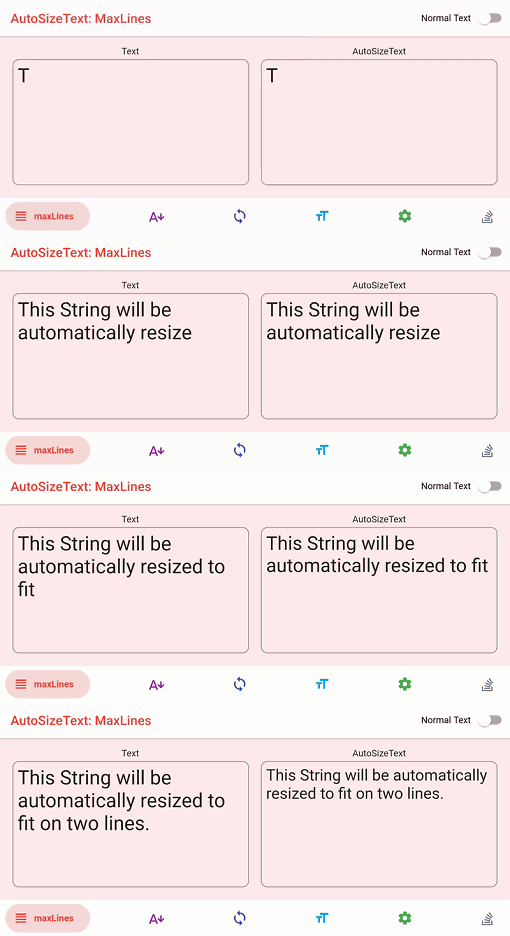
自动调整文本大小以完美适应其边界范围的 Flutter 小部件。
 v3.0.0
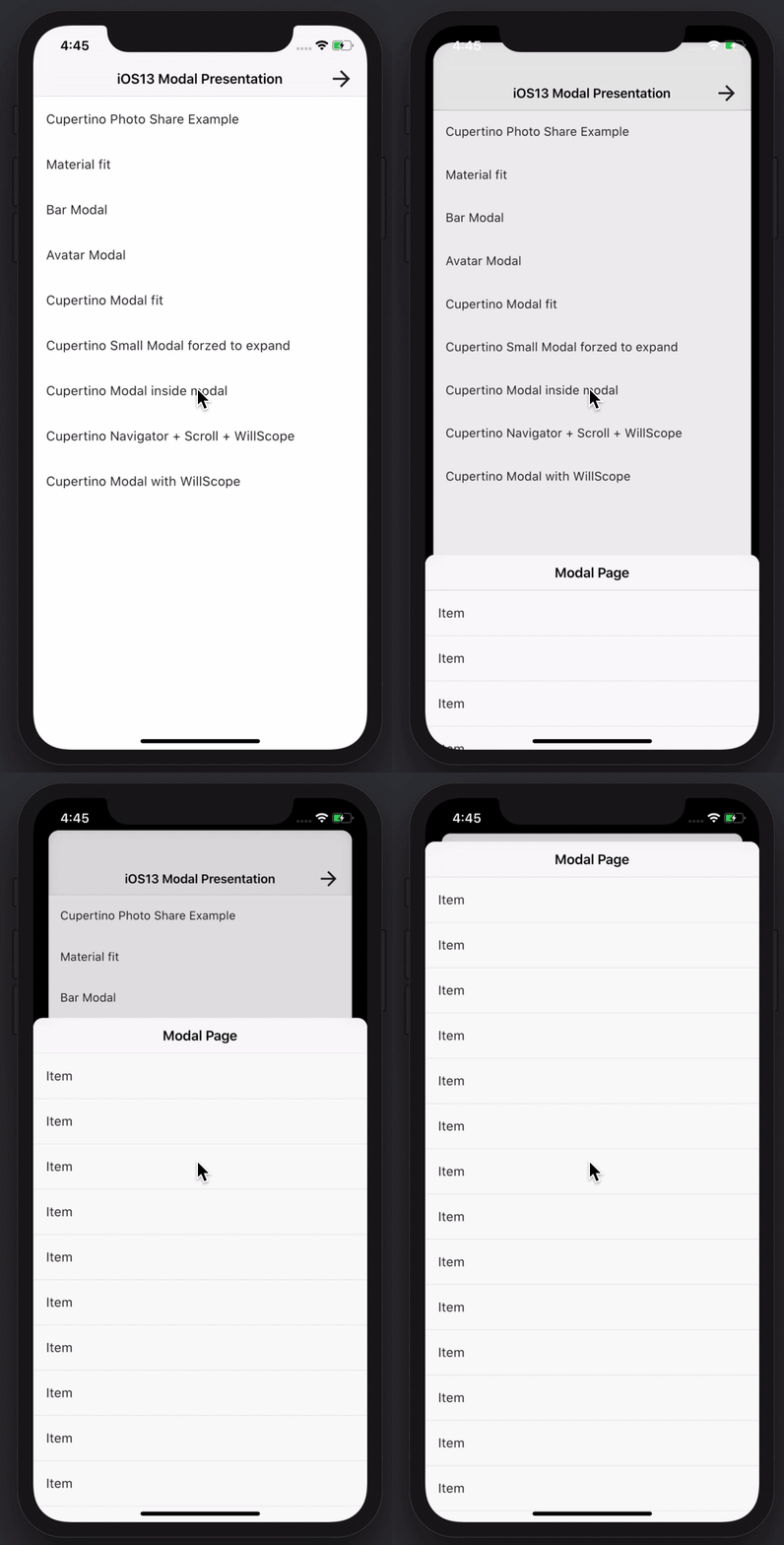
创建令人惊叹且功能强大的模态底部弹窗。支持 Material、Cupertino iOS 13 风格,或自定义样式
用于发现网络信息(例如 WiFi 详细信息)的 Flutter 插件。
一个简单直接的服务定位器,允许将接口与具体实现解耦,并从应用程序的任何位置访问具体实现。
 v3.0.0
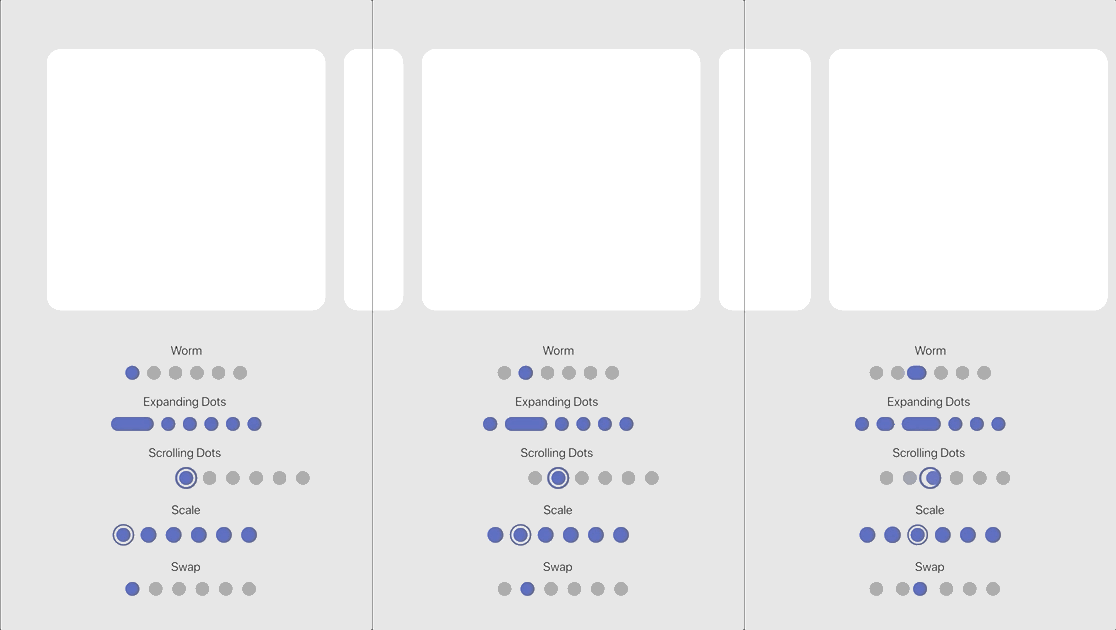
可自定义的动画页面指示器,带有一组内置效果。
{"sdk":"flutter"}^1.0.6^0.20.2^10.0.0^4.13.0^9.0.0^2.3.3^2.3.0^1.8.3^7.0.0^3.0.1^8.0.0^1.3.0^3.0.5^2.19.3^2.3.4^4.5.1^6.2.1^1.3.2^13.0.0^1.2.0^2.1.5^3.2.1^2.2.0^3.0.0^1.0.0^2.0.0^4.2.1^5.0.1^4.0.0^0.8.0^3.0.0^6.5.0^2.4.8^3.1.0^4.12.0^10.11.0{"sdk":"flutter"}{"sdk":"flutter"}^6.0.0^2.5.4^1.11.2^2.2.0^0.14.4^3.2.5^6.7.1以下为英文项目原文快照,最新内容请访问 GitHub。
alt text
DISCLAIMER: This app is not in any way affiliated with OBS (Open Broadcaster Software).
Control and manage your stream and recording while using OBS by making use of the WebSocket Plugin for OBS. This project is build with the Flutter framework and could therefore be compiled and deployed for various platforms. This release is optimized for iOS and Android (Phone as well as Tablet).
Feel free to either create issues if something does not work or you want to add a feature request or pull this repo and make changes and build it on your own!
In order to be able to connect to OBS with OBS Blade, you need to have the OBS WebSocket plugin installed. Depending on the OBS Studio version you have installed, you either have to install it manually or can use it out of the box.
If your OBS Studio version is:
28.0 or higher: you are done 🎉🎉🎉 - since OBS Studio 28.0 the WebSocket plugin is part of OBS Studio out of the box and you can use the app immediately!
Lower than 28.0: you need to install the WebSocket manually (if possible, I recommend upgrading OBS Studio itself). Follow these steps to proceed manually:
The device running OBS Blade needs to be in the same network as the device running OBS itself and the autodiscover feature should find open OBS sessions on its own! You can also enter the local (internal) IP address of the device running OBS (How to find my local IP address) or even enter a domain name!
OBS Blade is designed to be your stream companion and help you to manage your live stream. While using OBS (Open Broadcaster Software) you can connect to the running instance and gain control over important parts of the software. This should help you to manage what your audience can see / hear without the need to switch to OBS on your machine and make such changes. You can keep doing what you do and easily use this app to control OBS!
Currently OBS Blade supports:
OBS Blade also saves statistics of your previous streams and recordings so you can track the overall performance and some nice to know facts!
This app is still in its early stages and will get updated with new features over time - for now the main features which I want to add are:
I hope you have a good time using this app. If you encounter any bugs, have feature requests or anything similar, feel free to get in touch with me!
contact@kounex.com
This App is available in the iOS App Store, Google Play Store, F-Droid and here on GitHub:
This app is build with the Flutter framework. To build it yourself, you need to setup Flutter in your environment: https://docs.flutter.dev/get-started/install. Make sure the platform you want to build for is listed and marked as ready (checkmark) when you run:
flutter doctor -v
If your platform is not listed or is not ready (exclamation mark or 'x'), check back with the install guide listed above and make sure you followed everthing correctly and / or check the output of flutter doctor -v what needs to be done.
Once this has been done, open the project with your preferred IDE (VSCode and Android Studio will get all dependencies automatically, if you are using another IDE or this does not happen automatically, run flutter pub get in the root directory of the project to get the dependencies of this project). After that you should not have any errors left and you can run the app with:
flutter run
How to select the device you want the app to build on and how to run this project with your IDE instead of the CLI, refer to the install guide at the beginning.
I love developing free, high quality applications accessible for everyone, no need for In-App purchases or Ads. No one wants that. It takes a lot of time creating and maintaining my work - if you like using them and want me to continue working on them please consider supporting me!