v2.19.0
google_maps_flutter
一个用于在 iOS 和 Android 应用程序中集成 Google 地图的 Flutter 插件。
4630喜欢 110万近 30 天下载150Pub 分数
AndroidiOSWeb
使用 Flutter 的消费者应用程序

以下为英文项目原文快照,最新内容请访问 GitHub。

This app is an open source quick commerce app in flutter. Feel free to go to the issues list and comment on them to get assigned.
This project uses the concept of Clean Architecture which will divide the project into theses layers.

LaCoro uses back4app as backend as service. You need to have a back4app account or create a new one to configure your instance of the LaCoro backend. Then, you need to go to LaCoro Issues and create an issue requesting transfer a clone of the Back4App app into your back4app account. For the request you need to share the email that you're using with your Back4App account. It should take some hours to be done.
After that, you will be able to get the keys to establishing a connection for the Consumer App and Admin App with your brand new backend.
LaCoro uses flutter_dotenv package in order to set the environment variables.
Once you get the back4app credentials you need to add a development.env file.
Follow the structure defined in mock-development.env


Thanks goes to these wonderful people (emoji key):
 William Alvis P 💻 🖋 🐛 |
 Juan Gabriel Gutierrez 💼 💻 🚇 |
 Ana Marin 🎨 💡 🚧 |
 Diego Alvis 📆 👀 🚧 |
This project follows the all-contributors specification. Contributions of any kind welcome!
一个用于在 iOS 和 Android 应用程序中集成 Google 地图的 Flutter 插件。
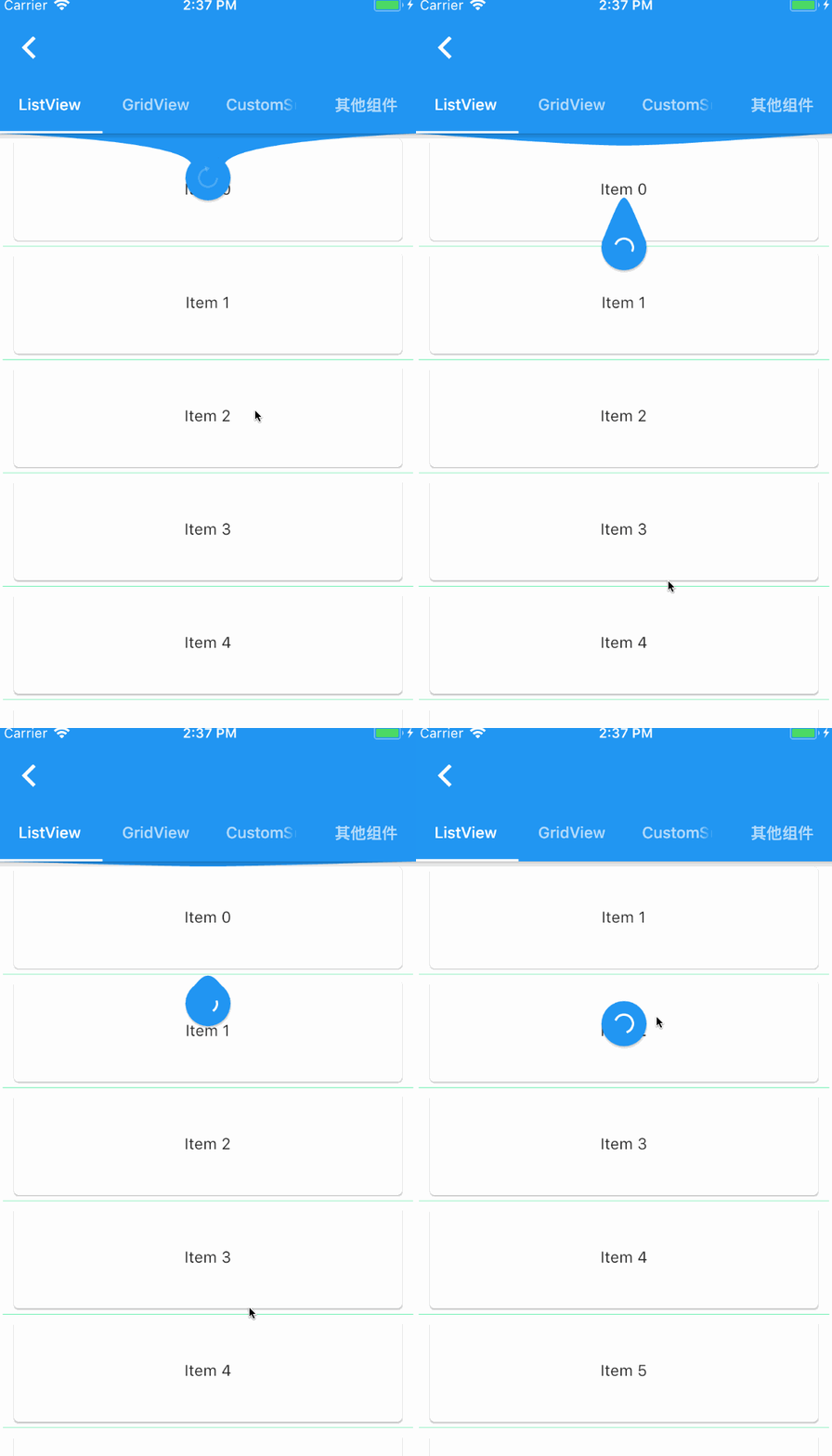
一个提供给 Flutter 滚动组件下拉刷新和上拉加载的控件。
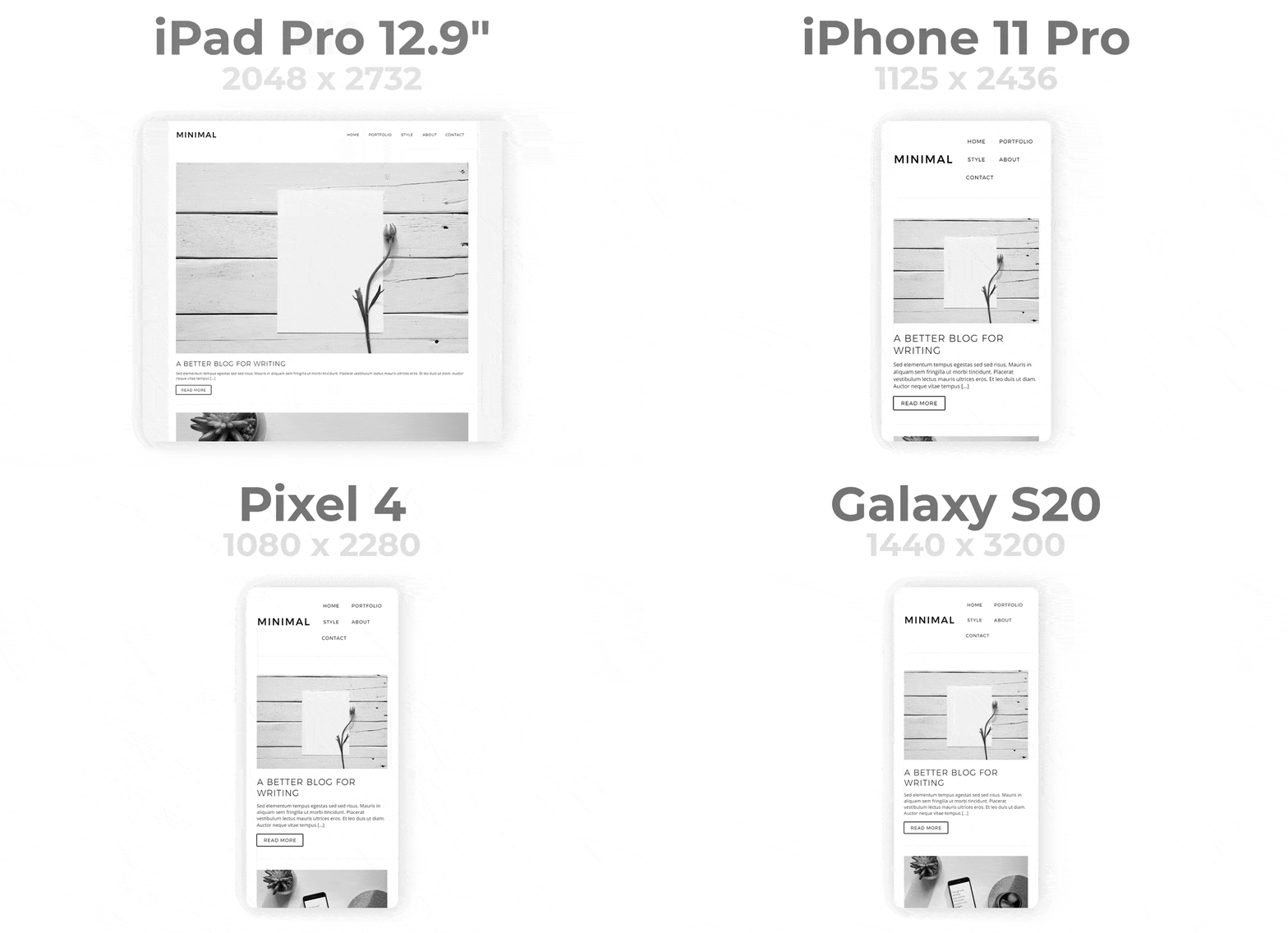
轻松创建响应式 Flutter 应用。自动适应不同屏幕尺寸。让响应式设计变得简单。
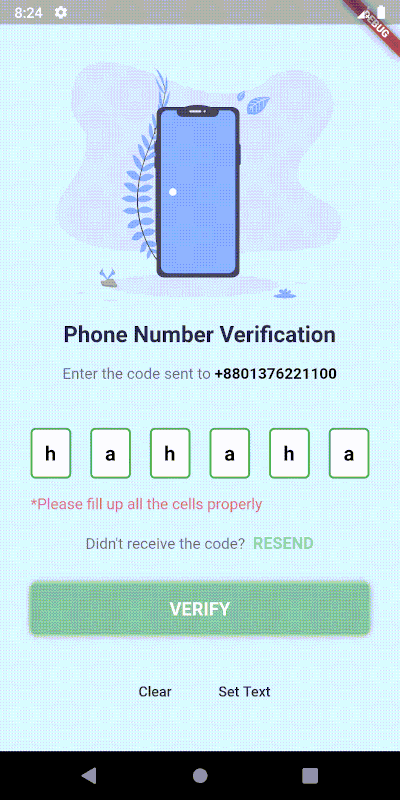
一个高度可定制的 PIN/OTP 输入字段,支持 Material Design,并具有用于自定义 UI 的无头核心。
在 Flutter 中滚动到任何可滚动控件的特定子项
使用 .env 文件轻松配置任何 Flutter 应用程序的全局变量。
一个简单且可自定义的 Flutter 包,用于输入国际格式的电话号码,使用 Google 的 libphonenumber。
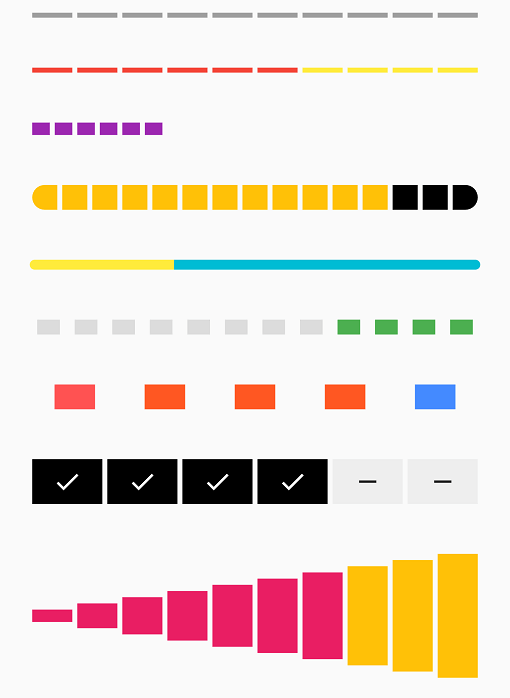
由一系列选中和未选中步骤组成的条形指示器
一个 ScrollView 的包装器,当到达页面底部时会触发回调
一个超简单的 Flutter 依赖注入实现,行为类似于任何正常的 IOC 容器,且不依赖于 mirrors。
适用于 Dart 语言(含 Flutter 支持)的 PubNub SDK v6,可让您创建实时应用程序
一个时间与空间效率高的数据结构和算法集合,用于处理 Dart 中的数据。
依赖清单 27 项
{"sdk":"flutter"}{"sdk":"flutter"}{"path":"./data"}{"path":"./domain"}^1.4.0^1.0.2^2.0.0^5.1.0^2.0.0^7.1.0^6.2.1^8.0.1^3.0.1^2.6.0^11.0.0^2.2.2^1.1.0^3.0.7^4.3.2^0.7.4^2.0.2^2.27.2^4.18.0^1.0.6{"sdk":"flutter"}^2.4.8^0.13.1先按使用场景筛选,再比较项目活跃情况,最后到原始仓库核对使用要求。
“A repository is the most basic element of GitHub.”
GitHub Docs — About repositories ↗