 v0.14.11
rive
Rive Flutter 运行时。此包为使用 Rive 编辑器(可在 https://rive.app 获取)创建的 Rive 图形提供运行时功能。
1950喜欢 51万近 30 天下载140Pub 分数
AndroidiOSWebmacOSWindowsLinux
选择随机电视节目集数的应用程序 - 使用 #Flutter 制作

以下为英文项目原文快照,最新内容请访问 GitHub。
After many years of developing this project and trying to maintain it, I’ve decided to stop and archive it. It was my first app, from the initial idea all the way to its release in app stores. I’m proud to see how I’ve grown and that it has been useful as a learning experience or tool, both for me and for others. Unfortunately, in recent years I haven’t been able to maintain the app as I’d like, and in the last few months I’ve realized that I won’t be able to do so again. Life changes, and at certain times you have to make decisions that, although they may seem simple, carry great weight for the person making them.
With that in mind, I’ve decided to stop maintaining this project. It will remain public, like all the personal projects I work on, but it will be read-only.




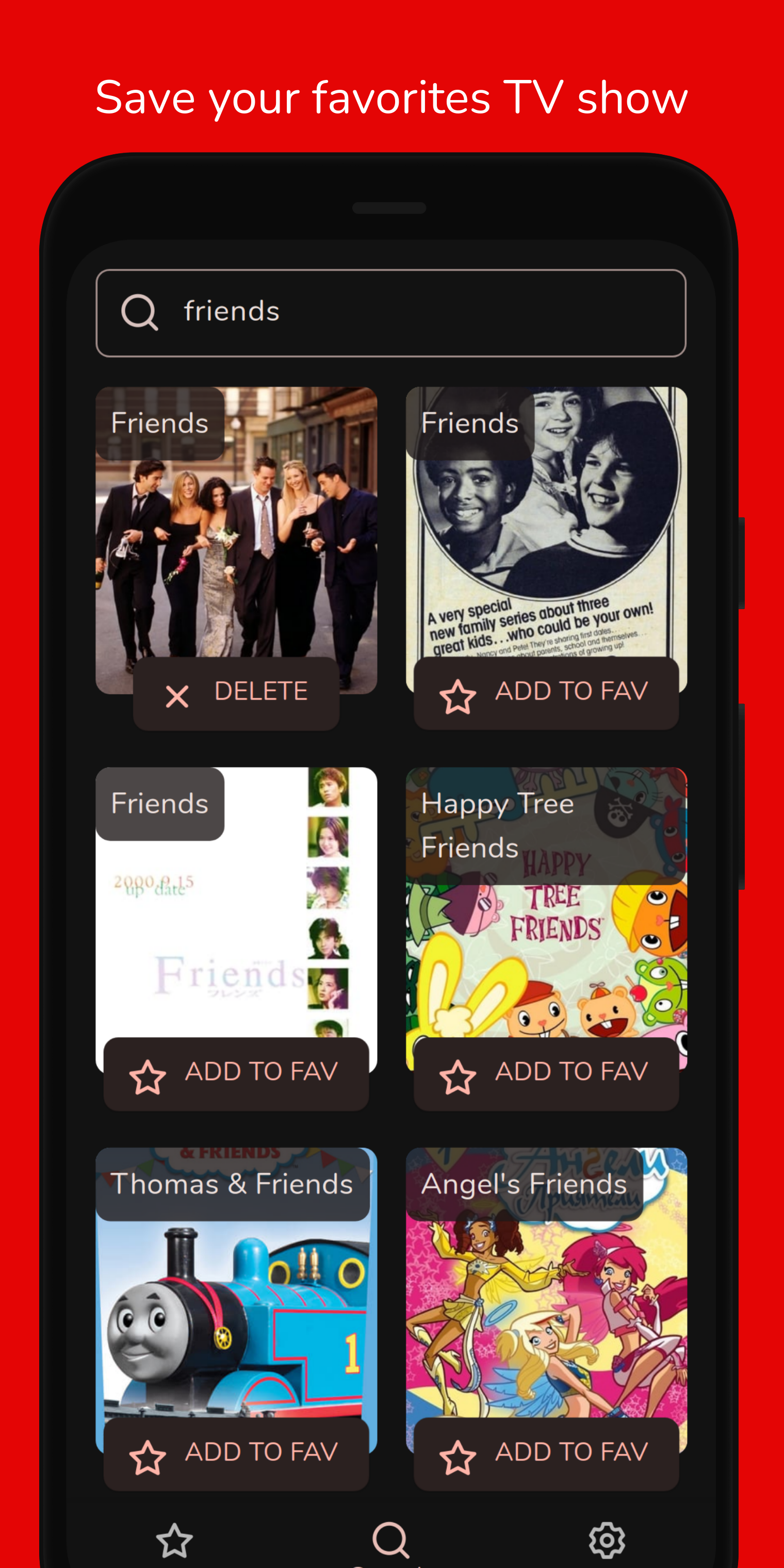
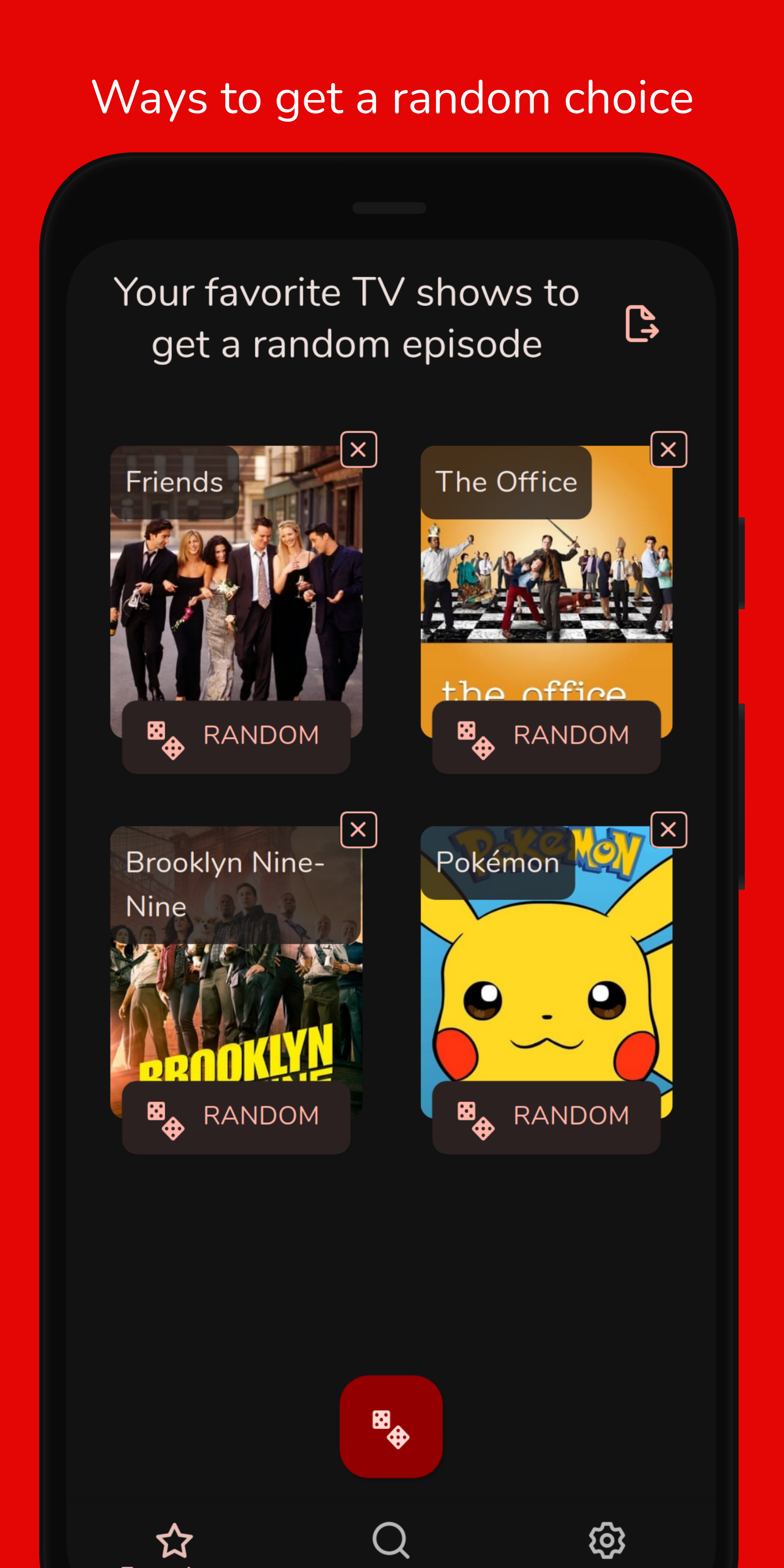
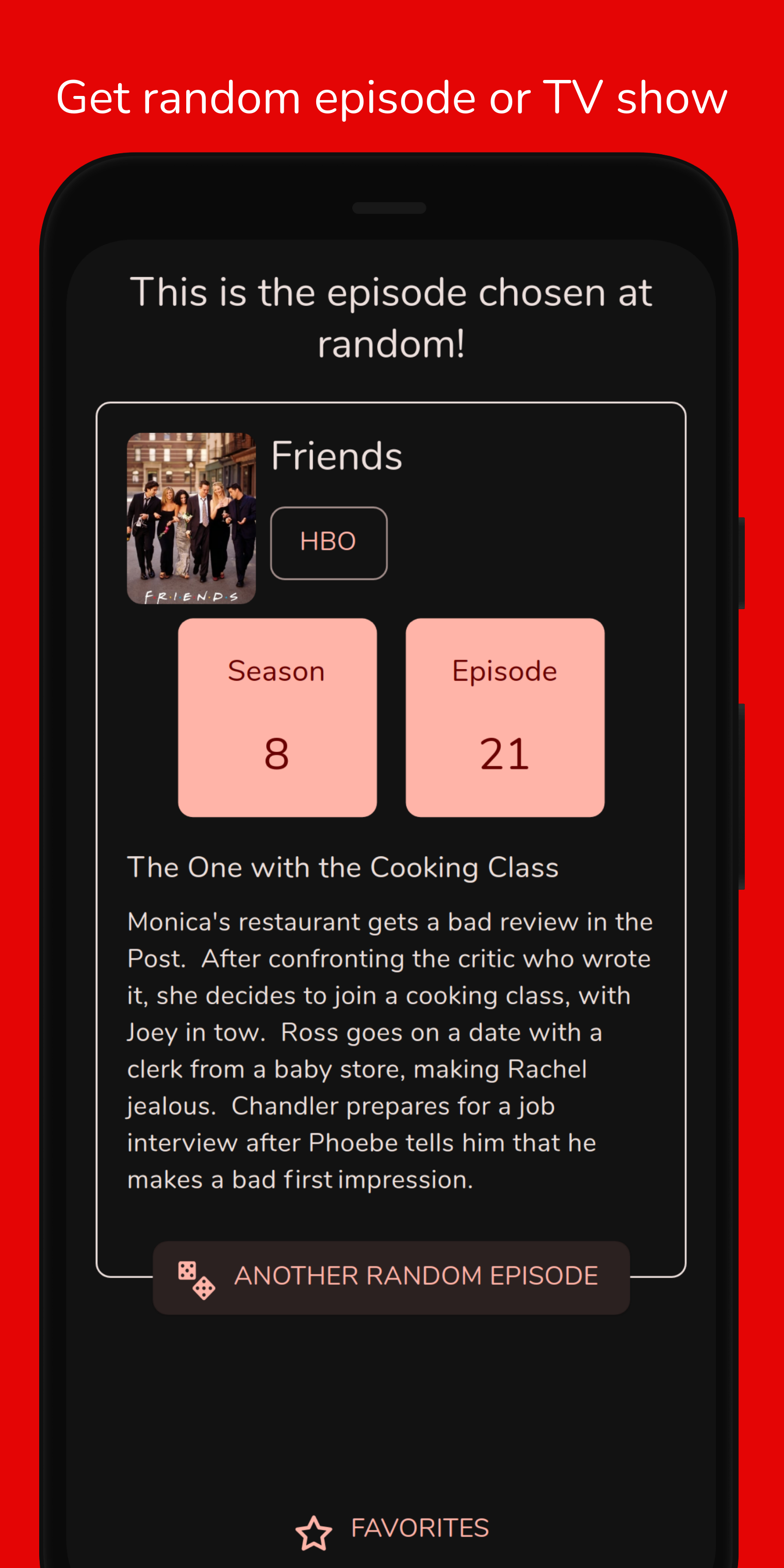
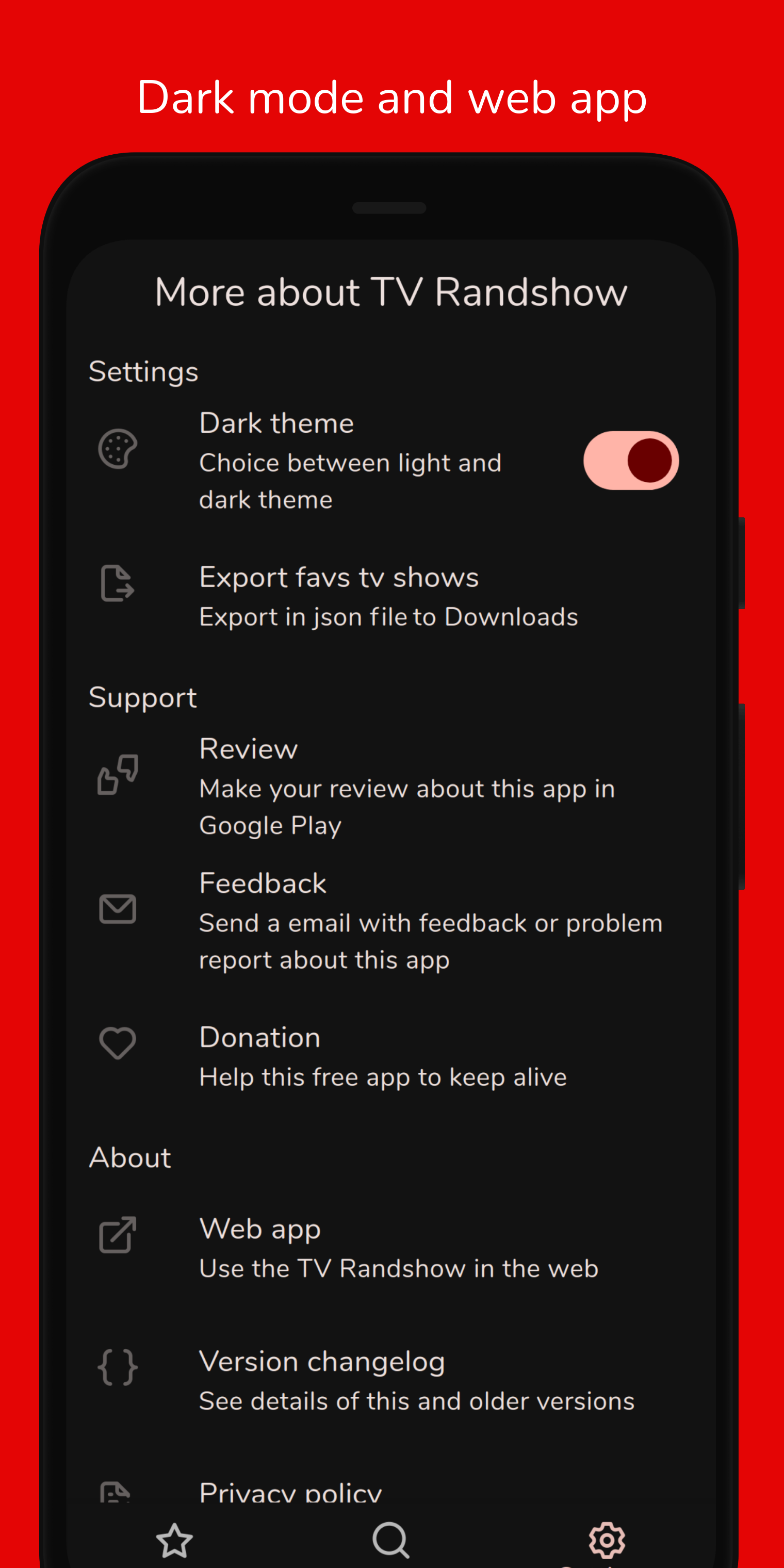
TV Randshow was created to help choose a random episode from your favorites TV shows. The TV shows database comes from the TMDB and the app saves them in a database on the device. With the list of favorites, you can roll the dice of a TV show to get a random episode.
This project has been built using the Flutter framework, which allows to build an multiplatform app from a single codebase.
git clone git@github.com:deandreamatias/tv-randshow.git.fvmrc). Use FVM 3.0 to install Flutter versionssh tool/setup.shflutter pub get from the project root (see using packages documentation for details and how to do this in the editor).flutter pub run build_runner buildRun sh tool/run.sh dev command or copy the command from tool/run.sh.
sh tool/integration-test.sh command or copy the command from tool/integration-test.sh.sh tool/unit-test.sh unit command or copy the command from tool/unit-test.sh.sh tool/build-android.sh apk command or copy the command from tool/build-android.sh.If you want to take the time to make this project better, please read the contributing guides first. Then, you can open an new issue, of a pull request.

TV information and images are provided by TMDb, but we are not endorsed or certified by TMDb.com or its affiliates.
Rive Flutter 运行时。此包为使用 Rive 编辑器(可在 https://rive.app 获取)创建的 Rive 图形提供运行时功能。
轻松快速地为您的 Flutter 应用程序进行国际化和本地化,此包简化了国际化过程。
Injectable 是一个方便的代码生成器,用于 get_it。它受到 Angular DI、Guice DI 和 inject.dart 的启发。
Injectable 是一个方便的代码生成器,用于 get_it。它受到 Angular DI、Guice DI 和 inject.dart 的启发。
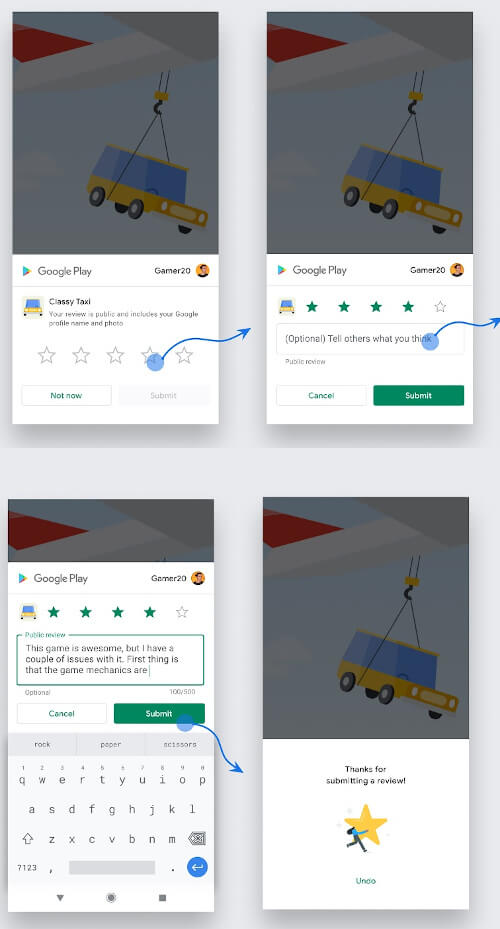
Flutter 插件,用于在 Android、iOS 和 MacOS 上显示应用内评分/系统评分弹窗。它可让用户轻松为您的应用评分。
Hive 社区版 - Hive v2 的精神延续
Hive 的扩展。使在 Flutter 应用中使用 Hive 更加简单。
Hive 的扩展。自动为任何类生成 TypeAdapters 以存储数据。
一个用于生成虚假数据的库。faker 受到 Python 包 faker 和 Ruby 包 ffaker 的启发。
基于 JS 互操作构建的轻量级浏览器 API 绑定。
易于使用且可自定义的主题提供者。此小部件可用于轻松地在整个小部件树中提供主题控制器。
一个用于操作堆栈跟踪并以可读方式打印它们的包。
依赖清单 36 项
^3.4.1^1.19.1^5.9.0^3.0.8^0.3.1{"sdk":"flutter"}{"sdk":"flutter"}^0.7.7^2.6.1^9.1.0^2.15.1^2.3.3^2.0.11^2.6.0^4.9.0^9.0.0^1.9.1^2.1.5^0.14.2^2.5.3^2.4.2^1.12.1^0.6.0^3.0.0^6.3.2^1.1.1^2.10.4^2.2.0^0.14.4^6.0.0{"sdk":"flutter"}^1.10.0^2.9.1{"sdk":"flutter"}^6.10.0^5.4.6先按使用场景筛选,再比较项目活跃情况,最后到原始仓库核对使用要求。
“A repository is the most basic element of GitHub.”
GitHub Docs — About repositories ↗